Ready-made, one-time
$3,999
Triller Clone
Live in 6 working days from kickoff
- Full source code
- White-label under your brand
- 60 days of technical support
- 1 year of free updates
- App publishing support
Music-first video app
A short video app where the song leads every clip
Launch a music-driven video network under your own brand. Creators pick a track, cut the clip to it, add effects and post, while fans watch, remix and gift. The package covers Android, iOS, web and admin, ships with full source code and goes live in six days.
The facts a buyer checks first, in one place. Everything on this page is the product as it ships.
| Product type | Music-led short video app with live shows, gifts and a shop |
|---|---|
| Surfaces | Android app, iOS app, web app with optional PWA, and admin panel |
| Platform price | $3,999 one-time, running on your own cloud account |
| Launch time | 6 working days for the ready-made build |
| Music tools | Categorized sound library, reusable original sounds, admin track import with preview |
| Source code | Full source code with complete white-labeling and no revenue share |
| Stack | Flutter apps, PHP and Laravel web and API, MySQL or MariaDB |
| Live and media | Agora, Wowza, WebRTC and FFmpeg, served through Cloudflare or Akamai |
| Payment gateways | Your own merchant accounts via the API layer; no processor is fixed |
| Support and updates | 60 days technical support, 1 year free updates, app publishing support |
A Triller clone is a ready-built short video platform tuned for music-led content. People record or upload clips, attach a track from the sound library, edit to the rhythm and publish to a feed that rewards what they watch. Search for this term usually means a music-video network rather than a general video app, so this page treats sound as the center of the product.
Underneath is the same production codebase that powers our short video app: Flutter mobile apps, a Laravel web app and API, and a web admin panel. You get all of it as source code, rebrand it as your own network, and host it on AWS, GCP or DigitalOcean under your own account.
Because the product is modular, you decide which parts to emphasize. A label might lean on challenges and gifting, an artist community on live sessions and fan clubs, a regional entertainment app on local music and language. Further behavior can be set up around your plan, with scope confirmed with us at kickoff.
Triller is best known as a music video app. People pick a song, perform to it, and the app helps turn the footage into a polished clip, including tools that cut and sequence takes to the rhythm. It is closely tied to artists, rappers, dancers and celebrities, and its feed leans toward performance rather than everyday talking clips. In that sense it overlaps with TikTok but puts the song, and the people who make songs, at the center.
A Triller clone is a ready-made music video platform you run under your own brand. It does not include Triller, its audience or any music catalog. What you receive is the product around the track: a sound library, editing to a song, duets, challenges, live sessions, gifting and an admin panel. The songs themselves, and the permission to use them, are your responsibility as the operator.
Each role works in its own side of the same product. The screens come from the working demo.
A performer starts from the song, not from a blank camera roll. They choose a track, record to it, cut the take to the rhythm, dress it with effects and publish. Duets and challenges then carry the performance to other people who want to answer it.
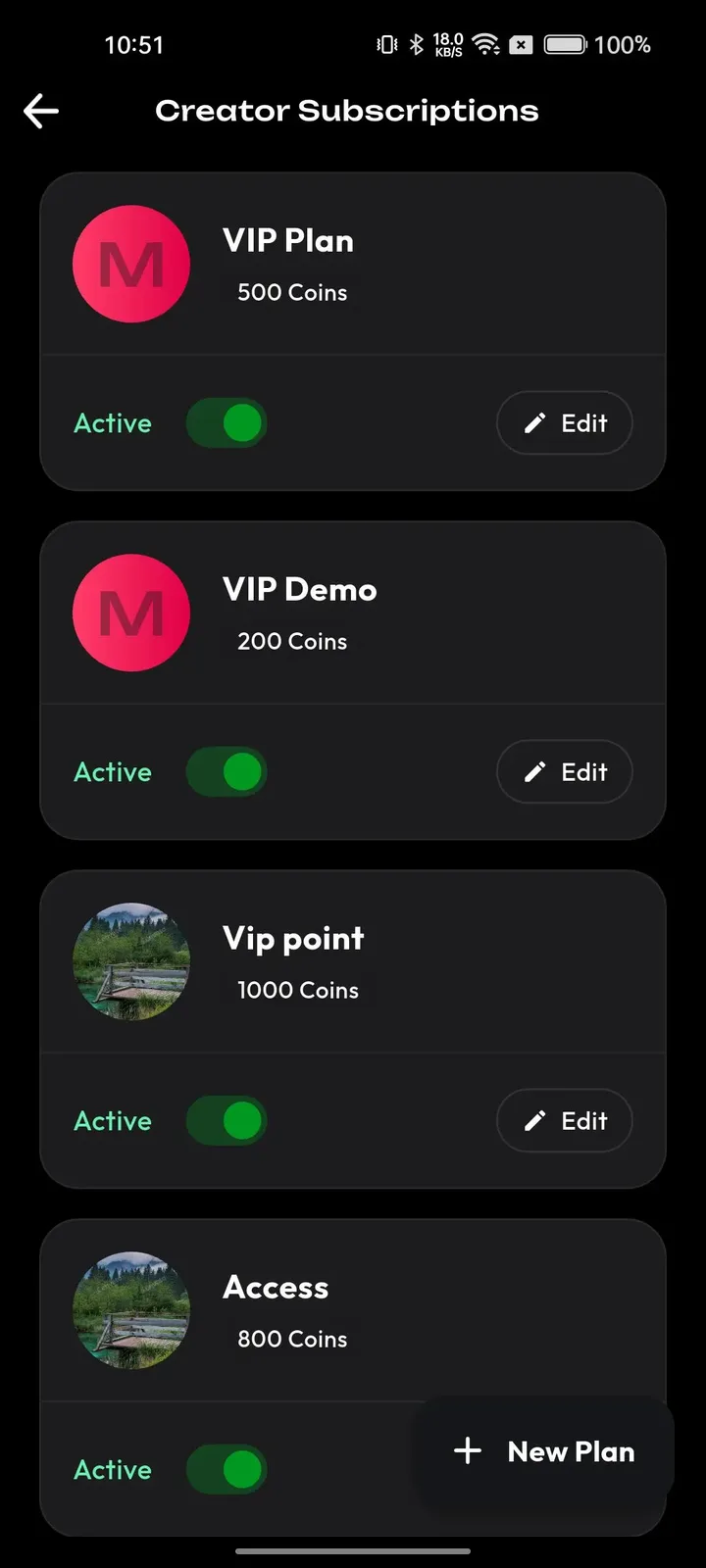
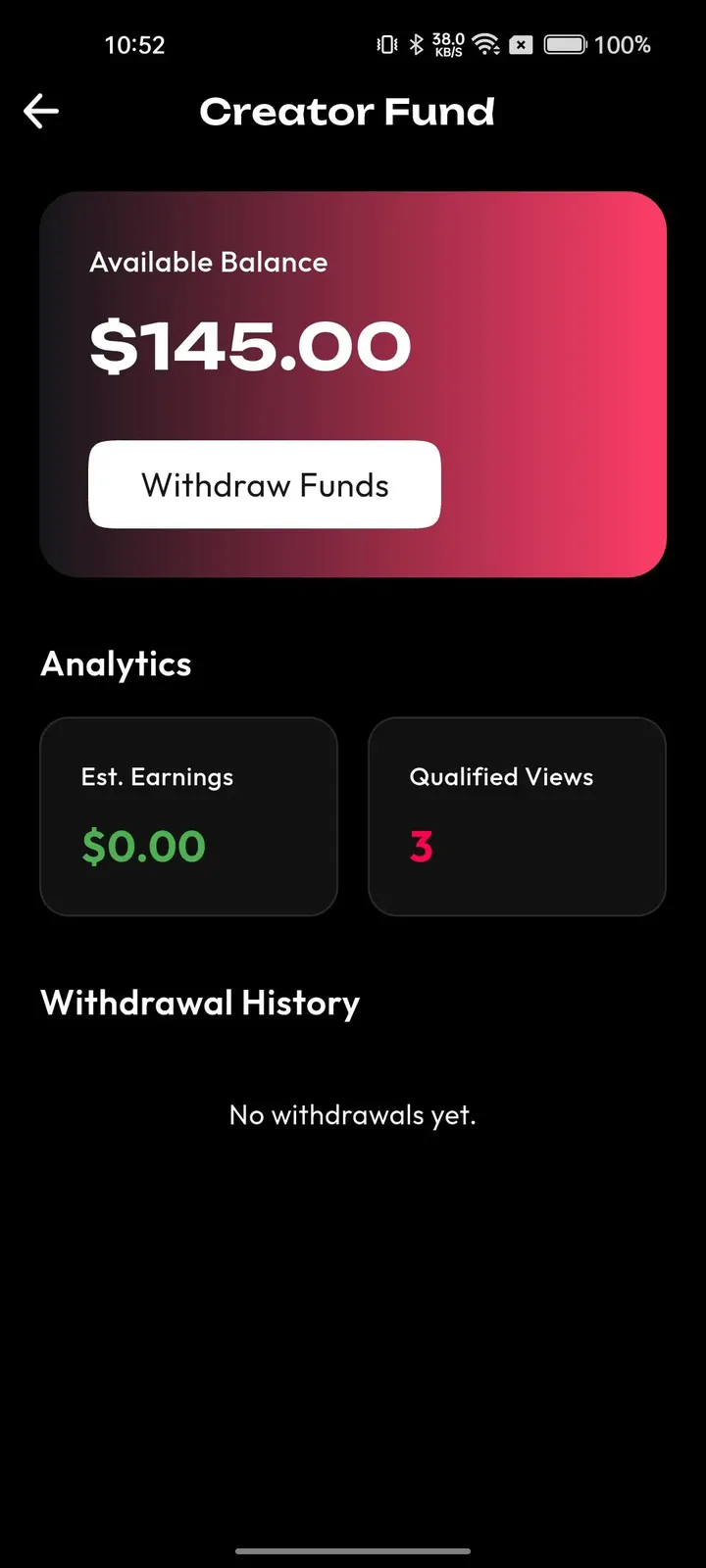
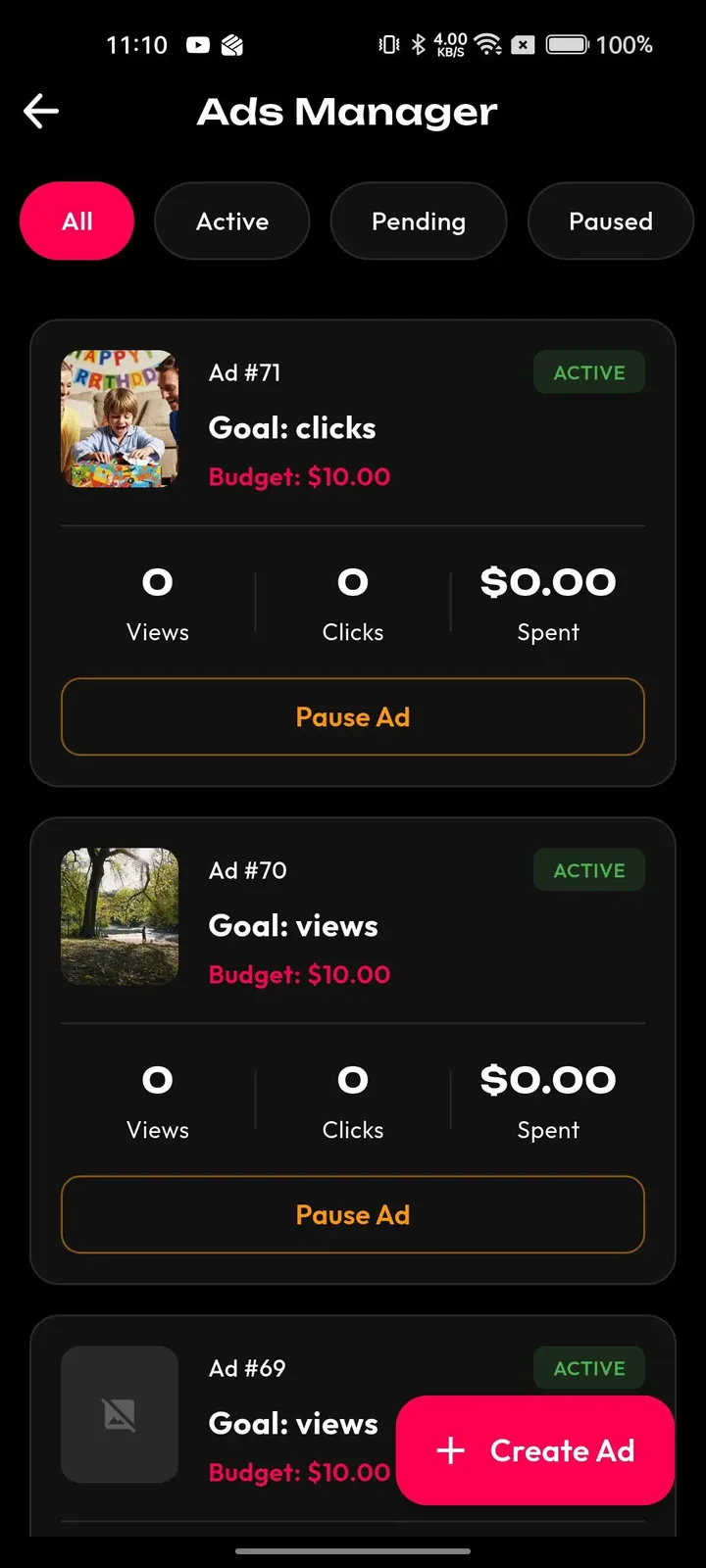
Fans arrive for a sound and stay for the people behind it. A feed that follows their taste, an explore tab for tracks and categories, and a gift button on every live show give them several ways to show support.
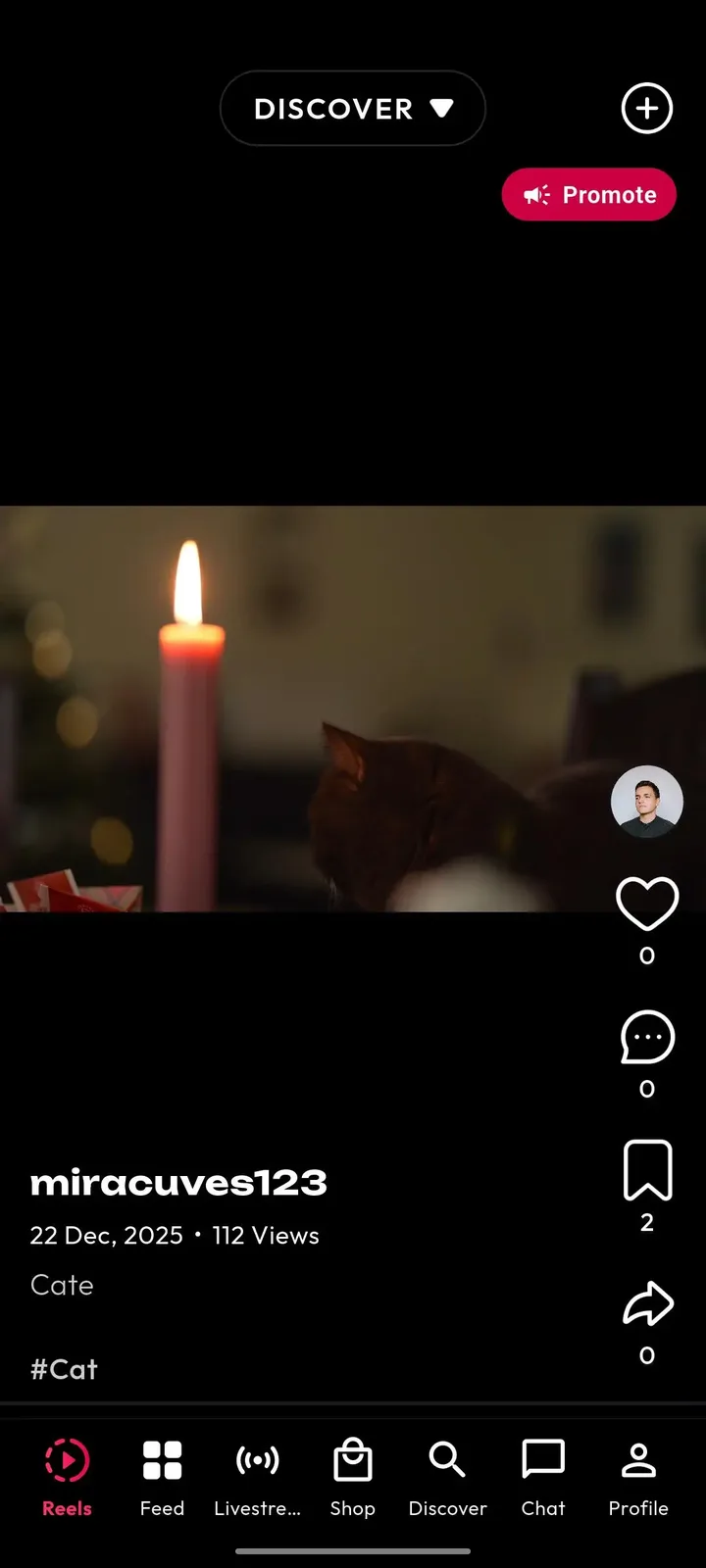
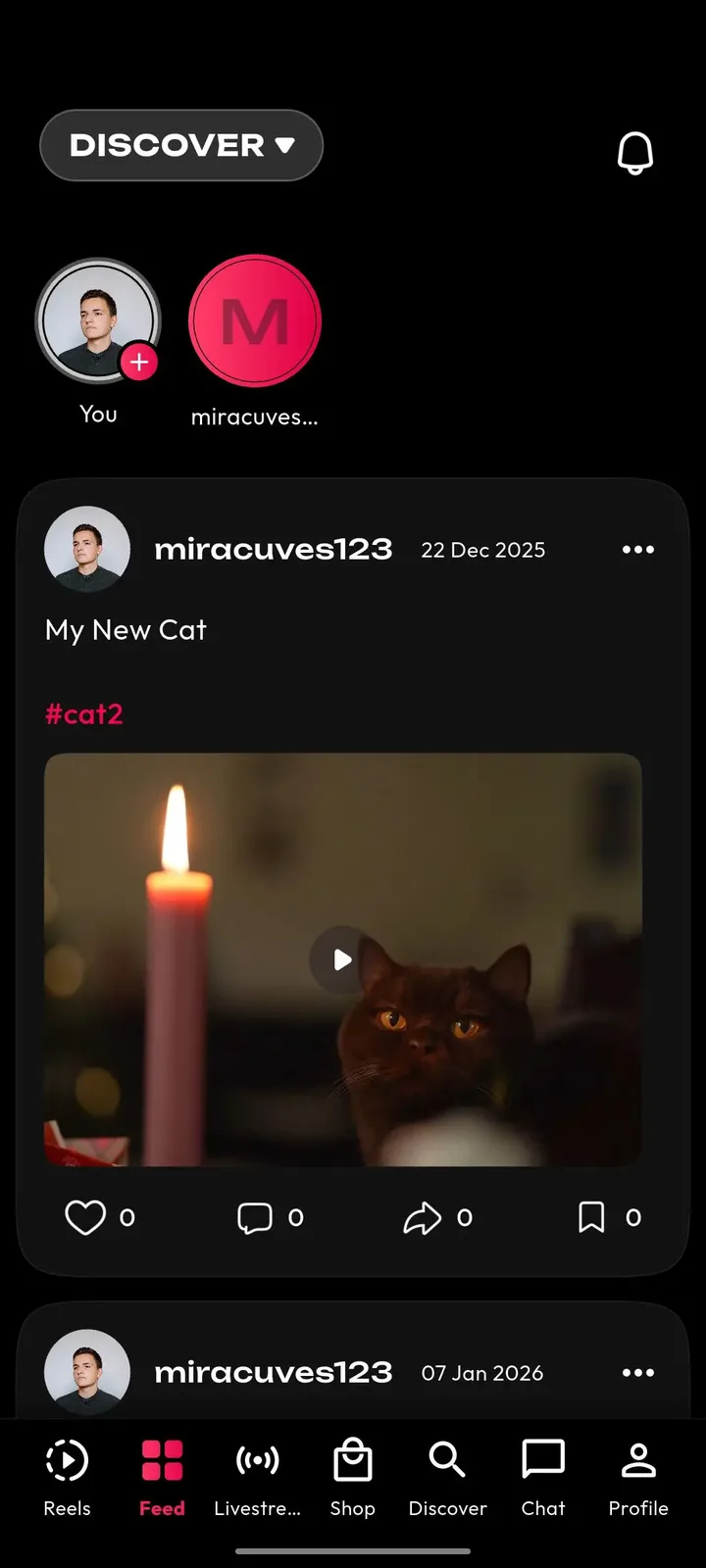
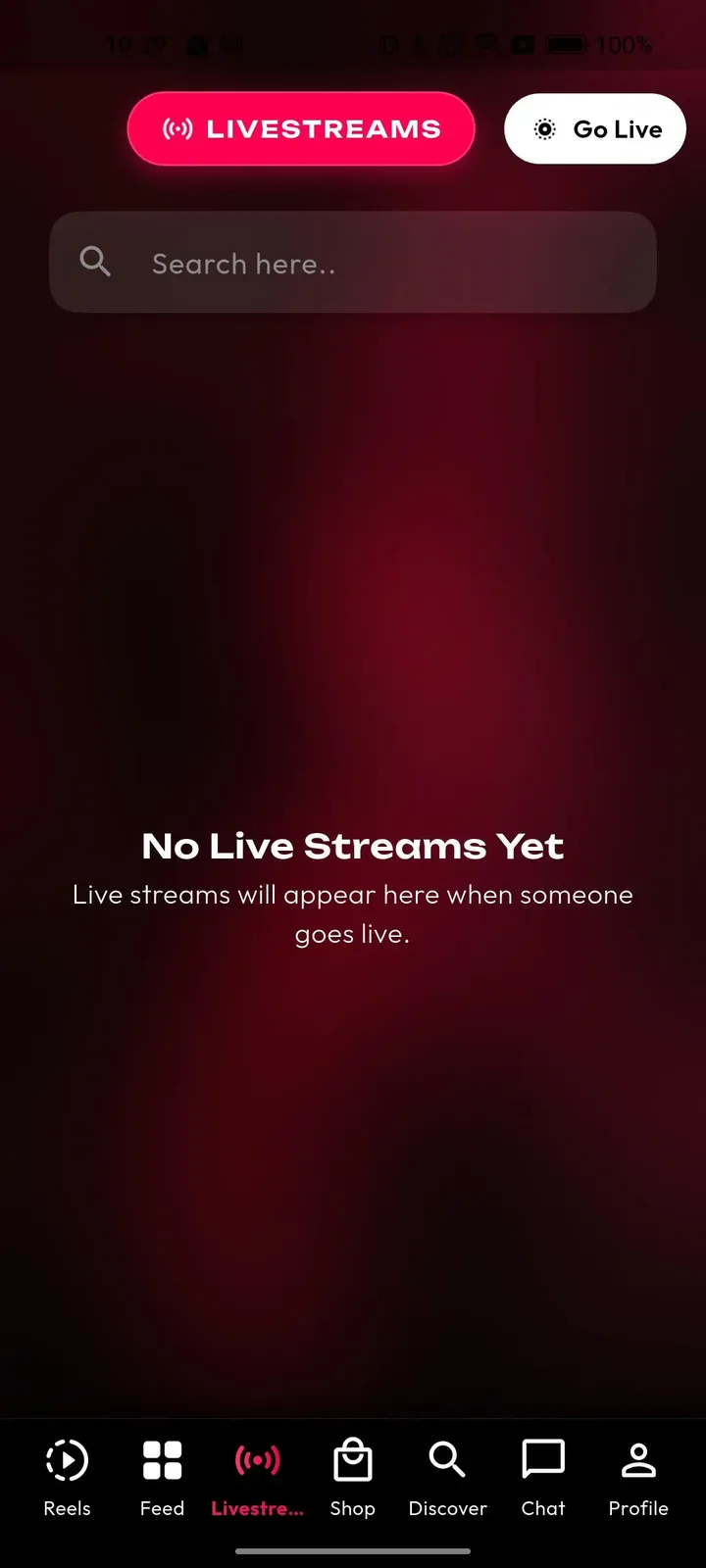
Operators control the catalog and the community from one web panel. They decide which tracks appear, which challenges are featured, who gets verified and how reports are handled, while finance and analytics sit behind separate permissions.
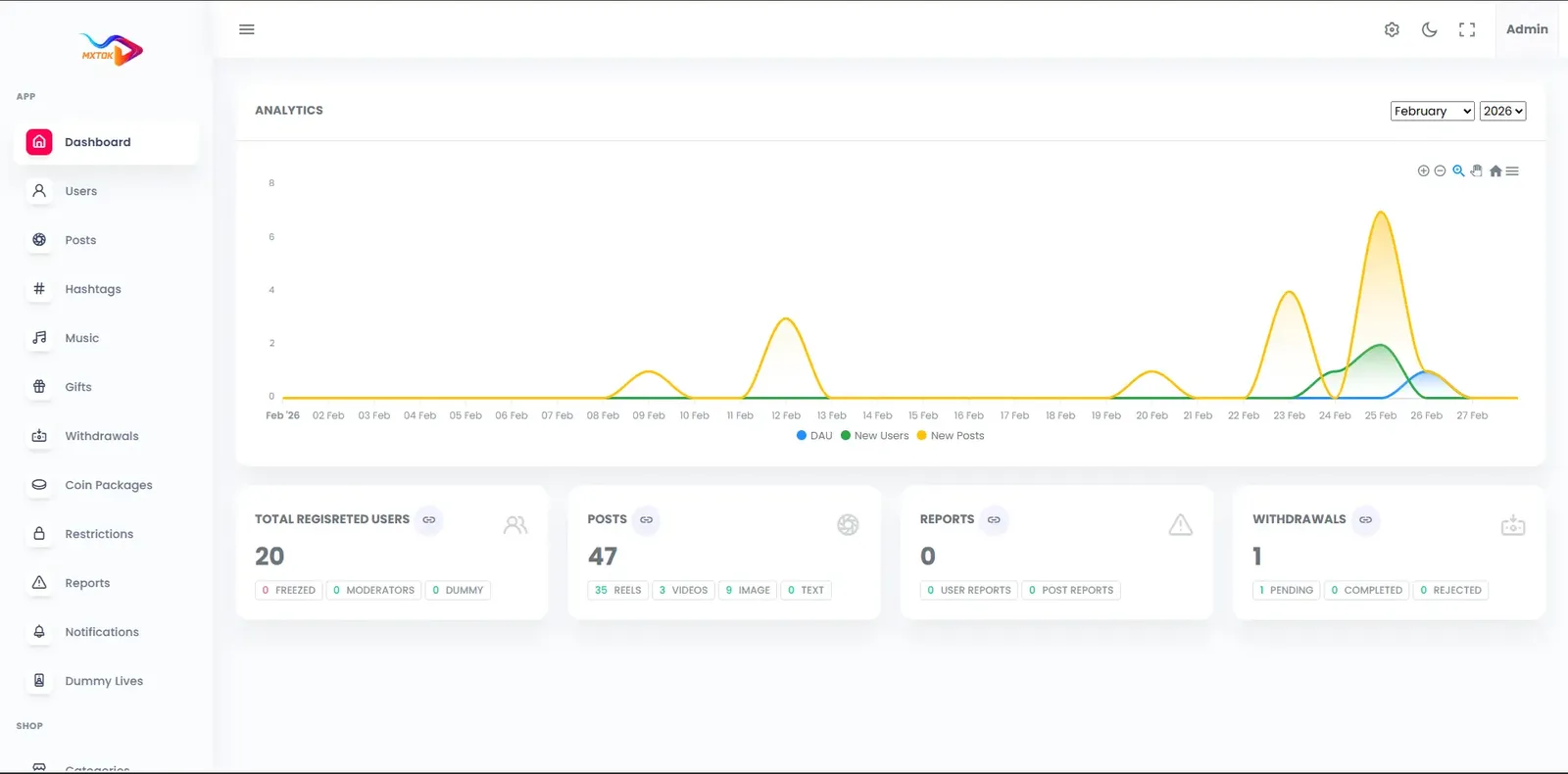
18 screens from the working demo, grouped by where they live. Your platform ships rebranded with your name, logo and colors.
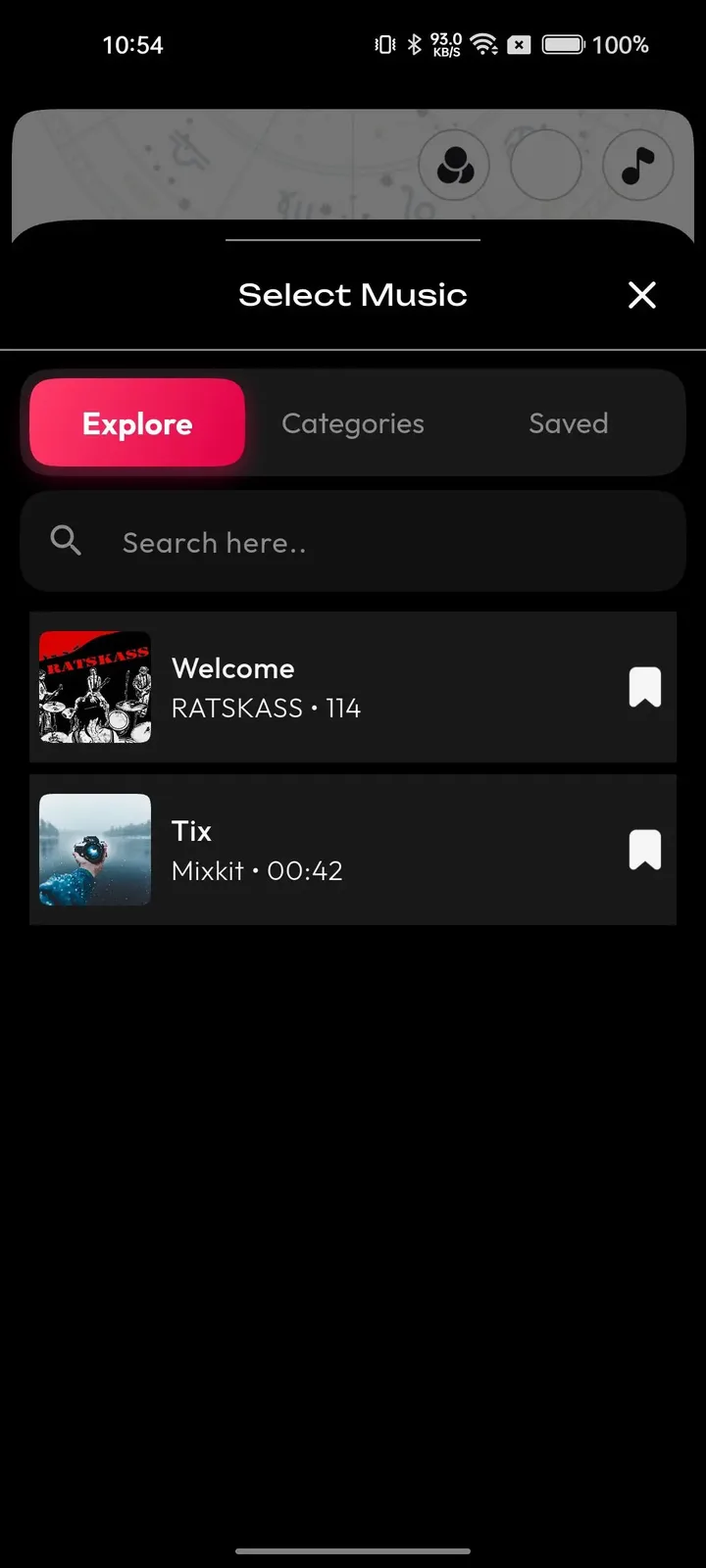
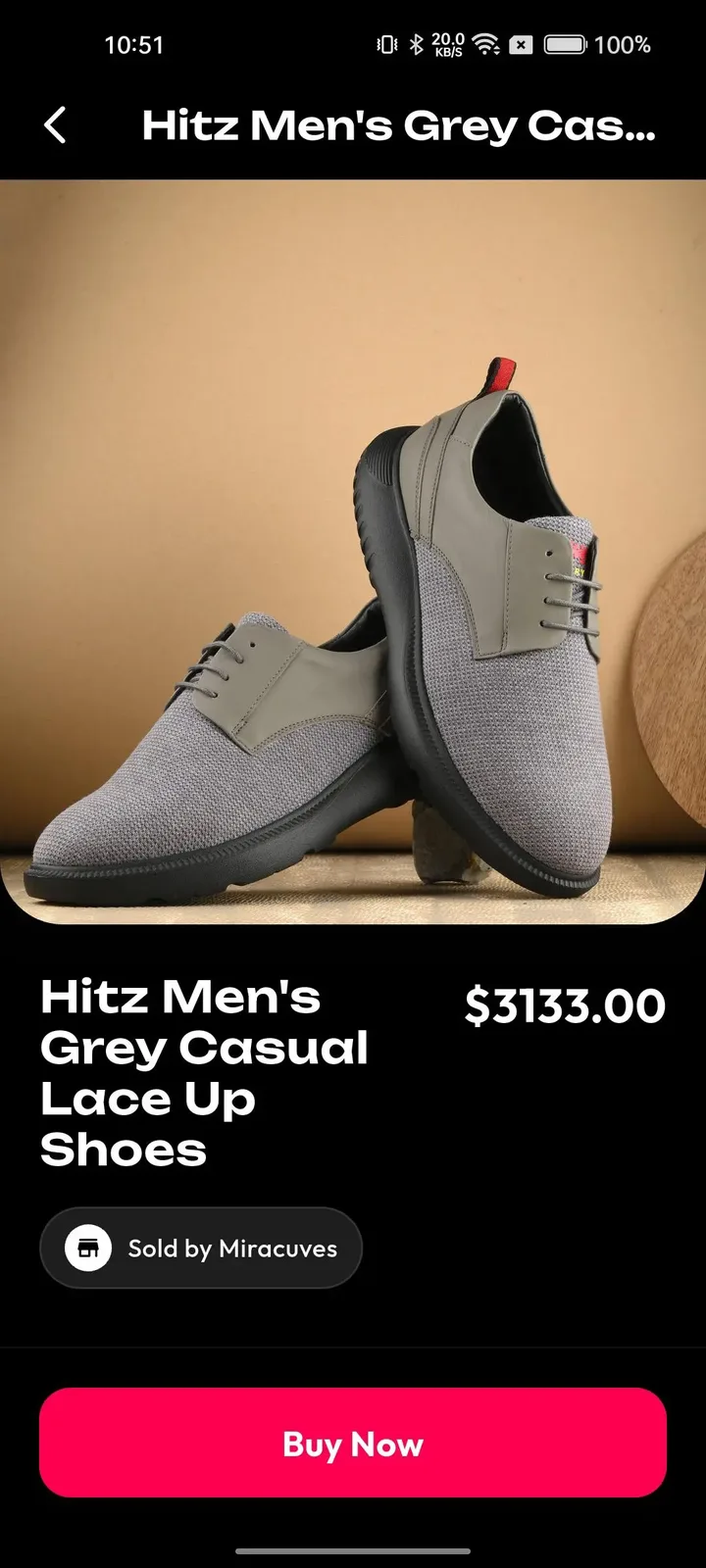
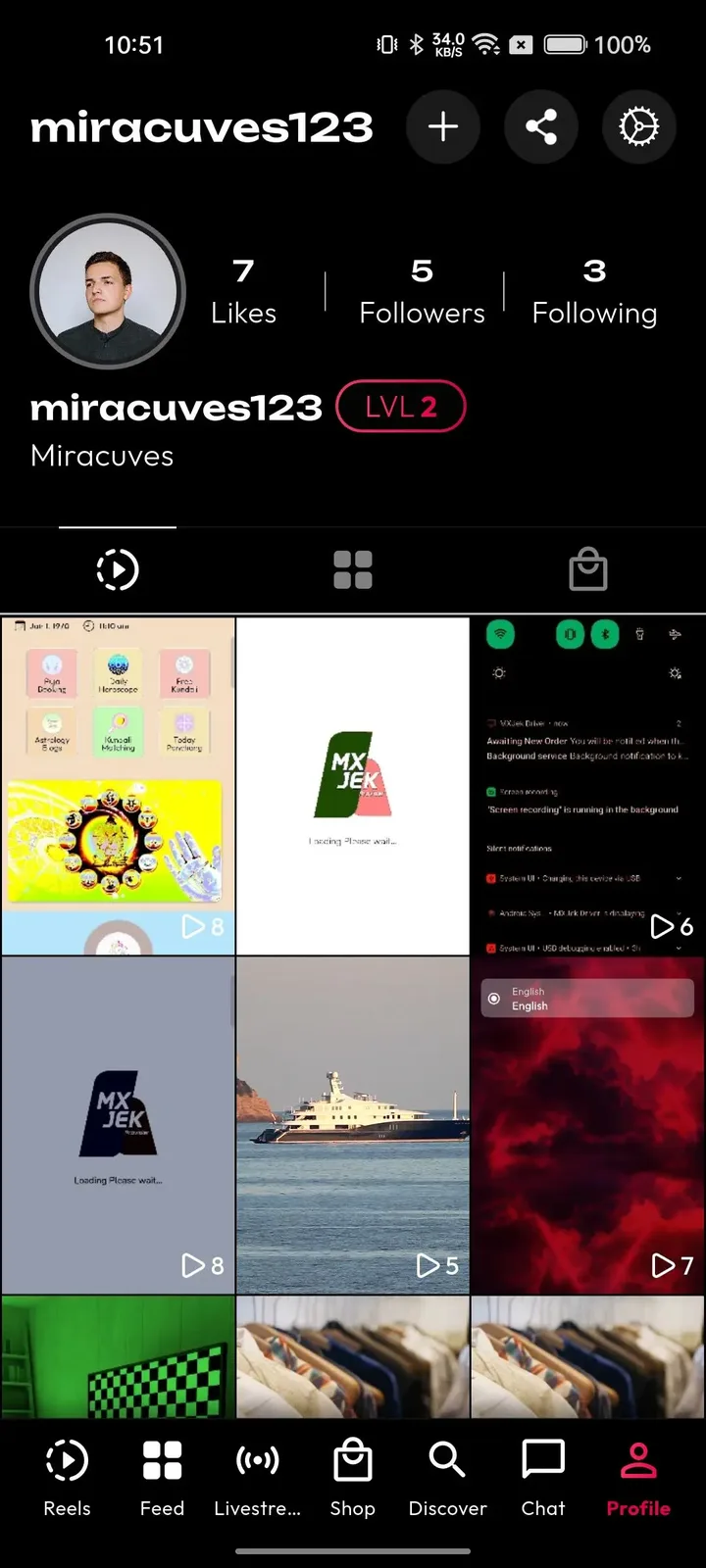
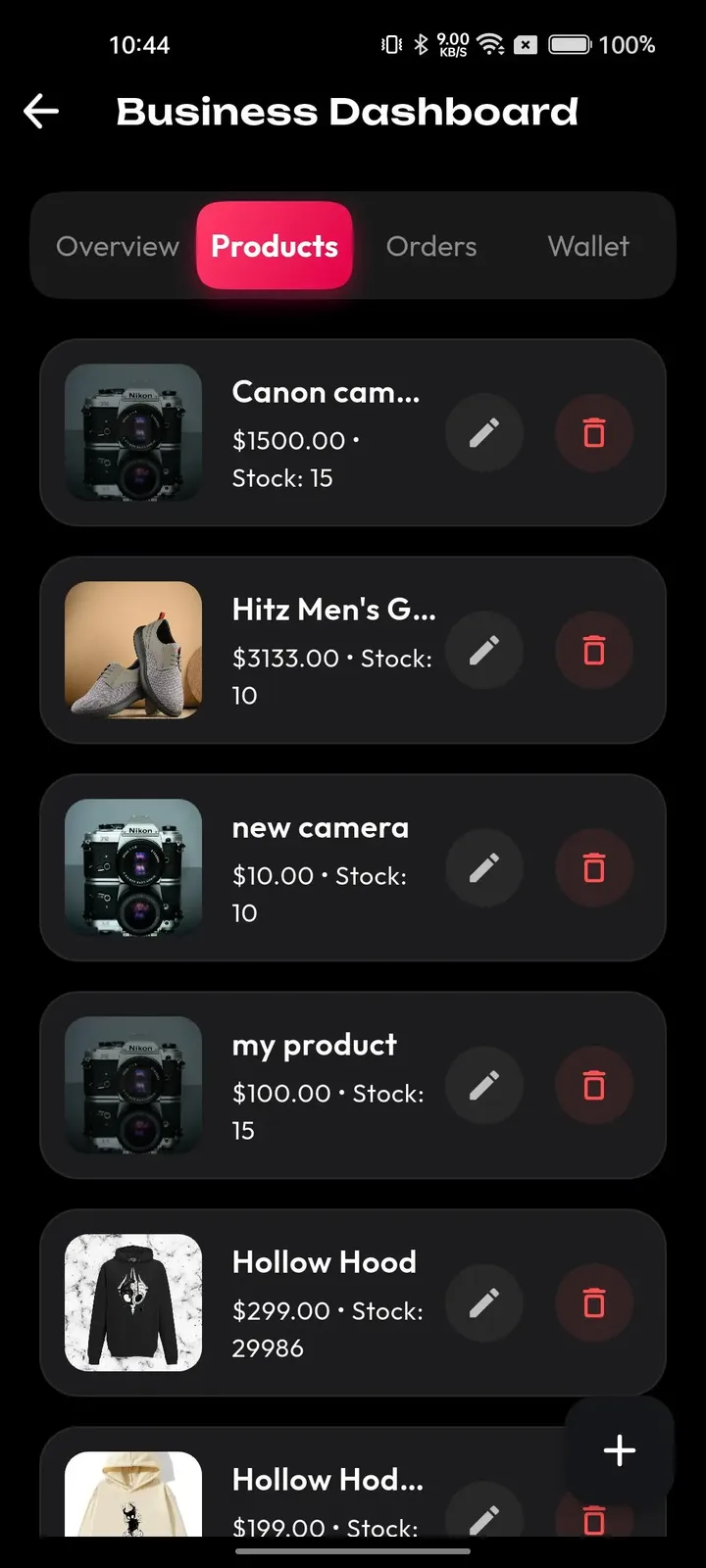
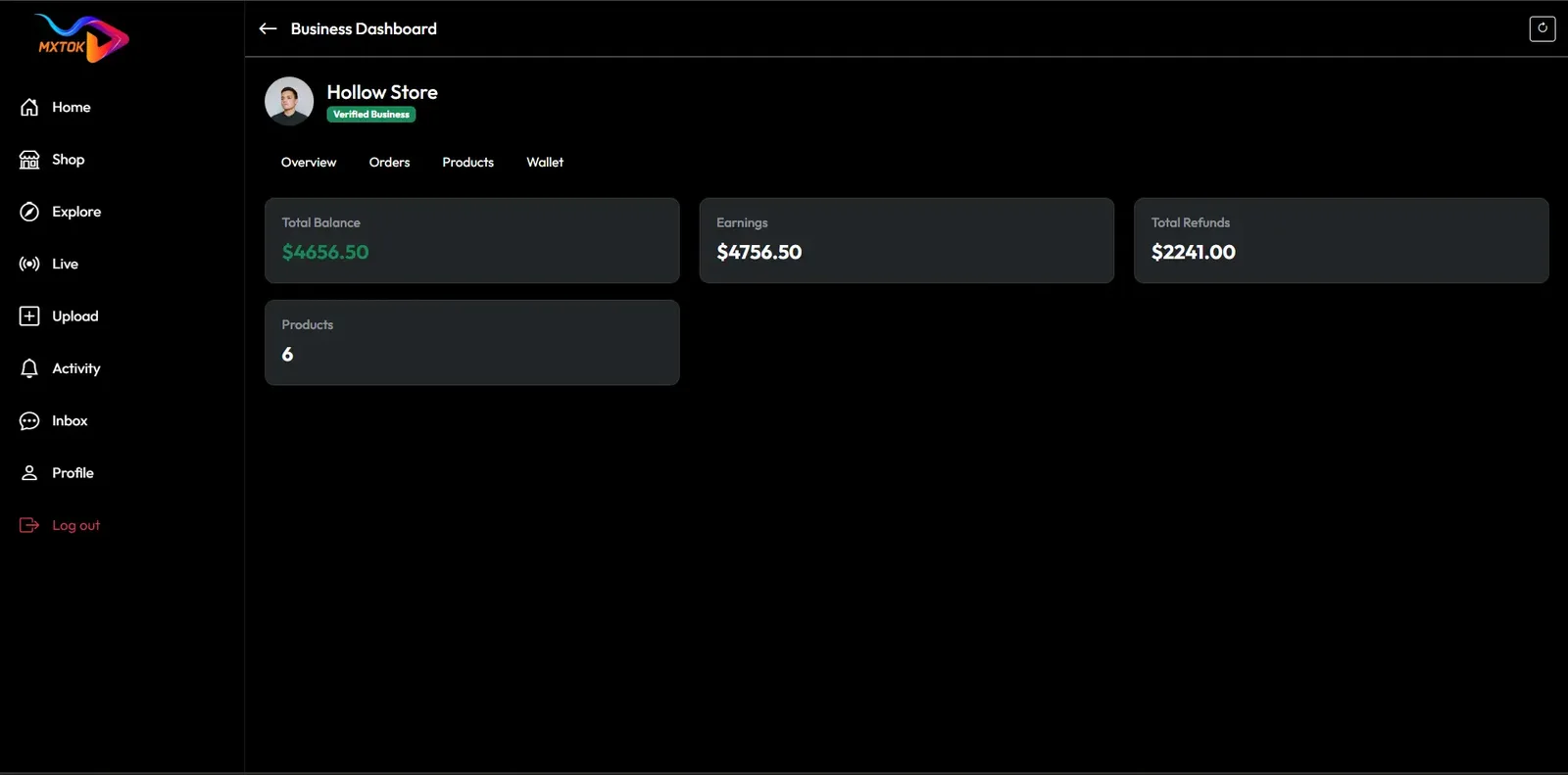
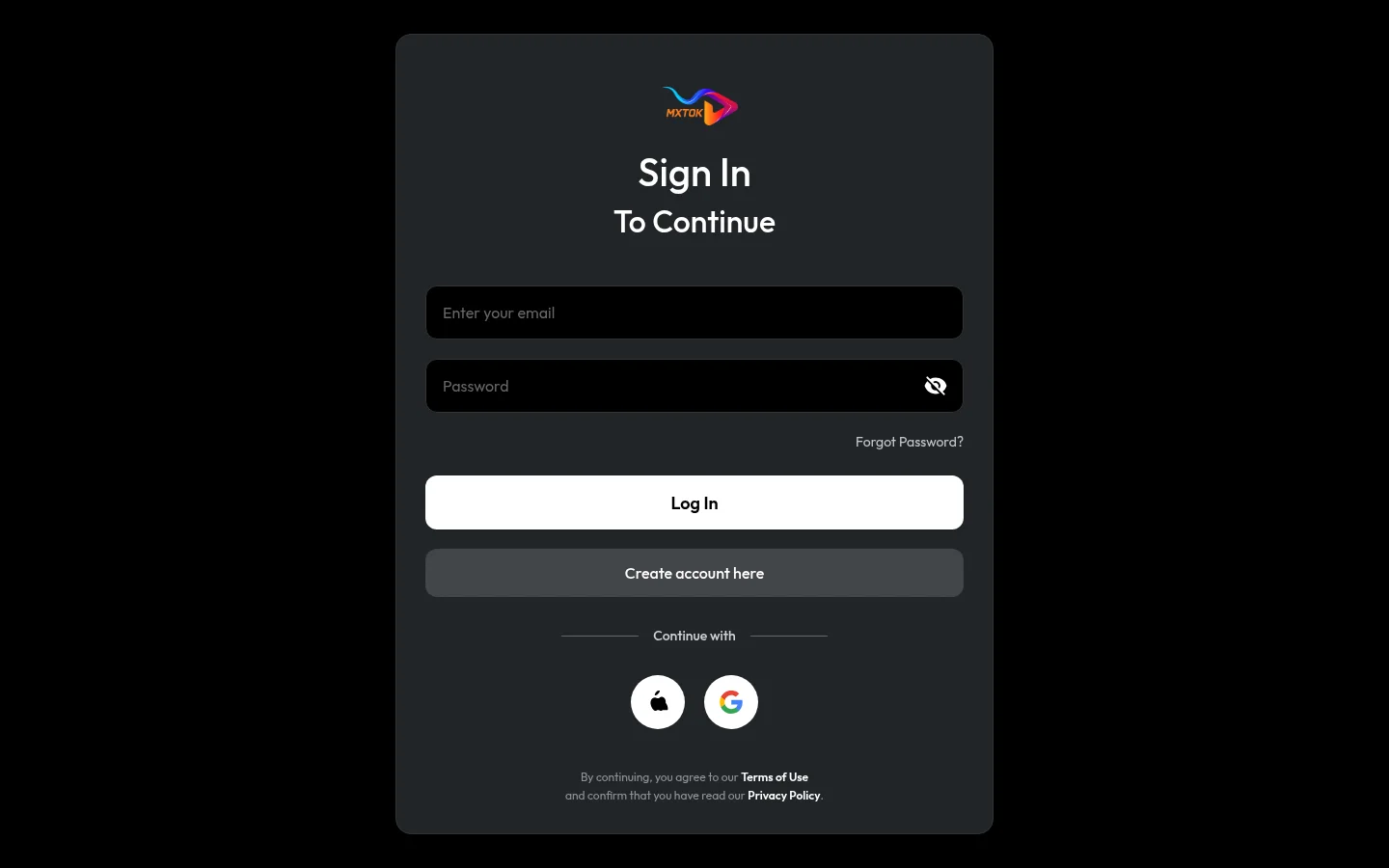
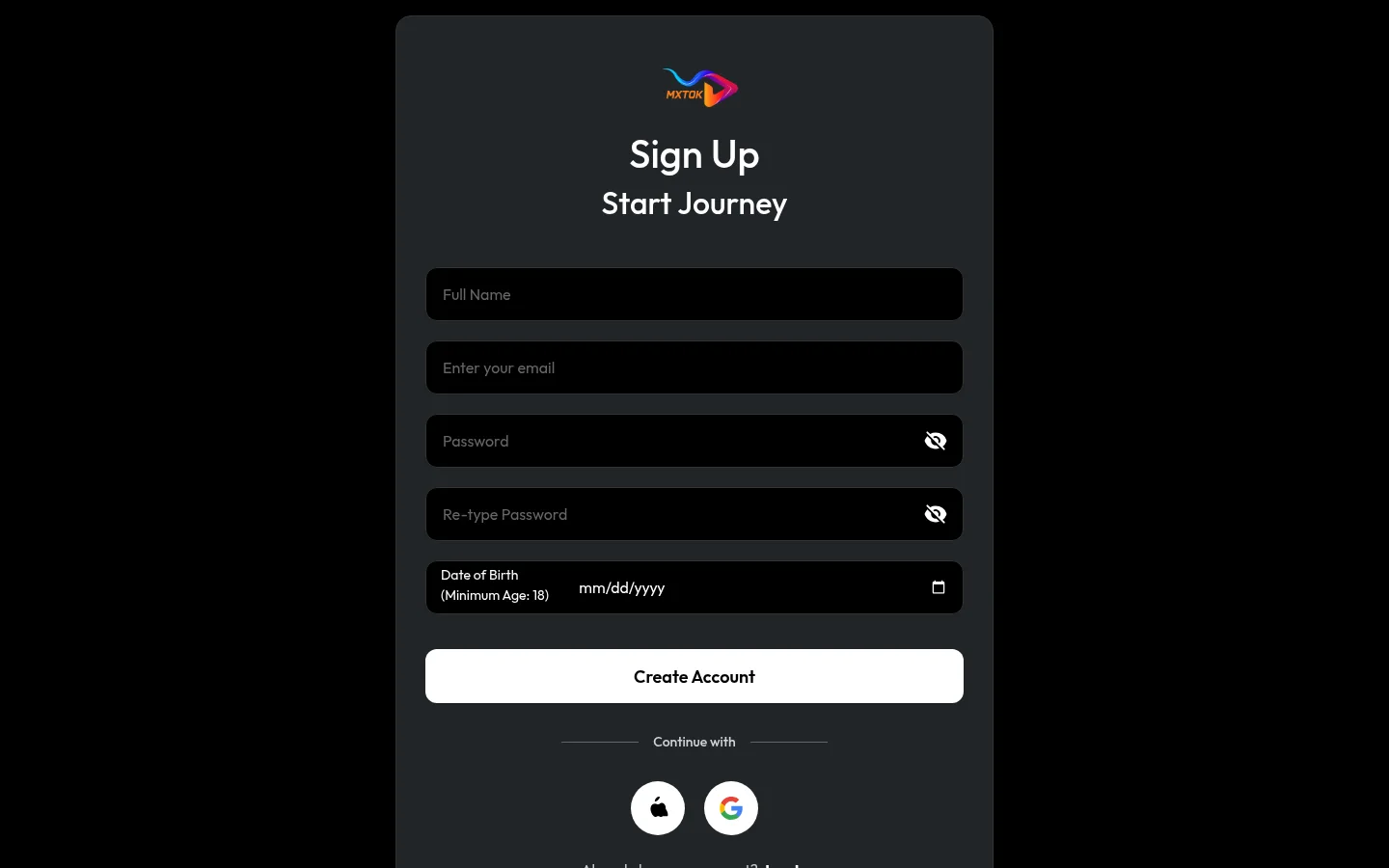
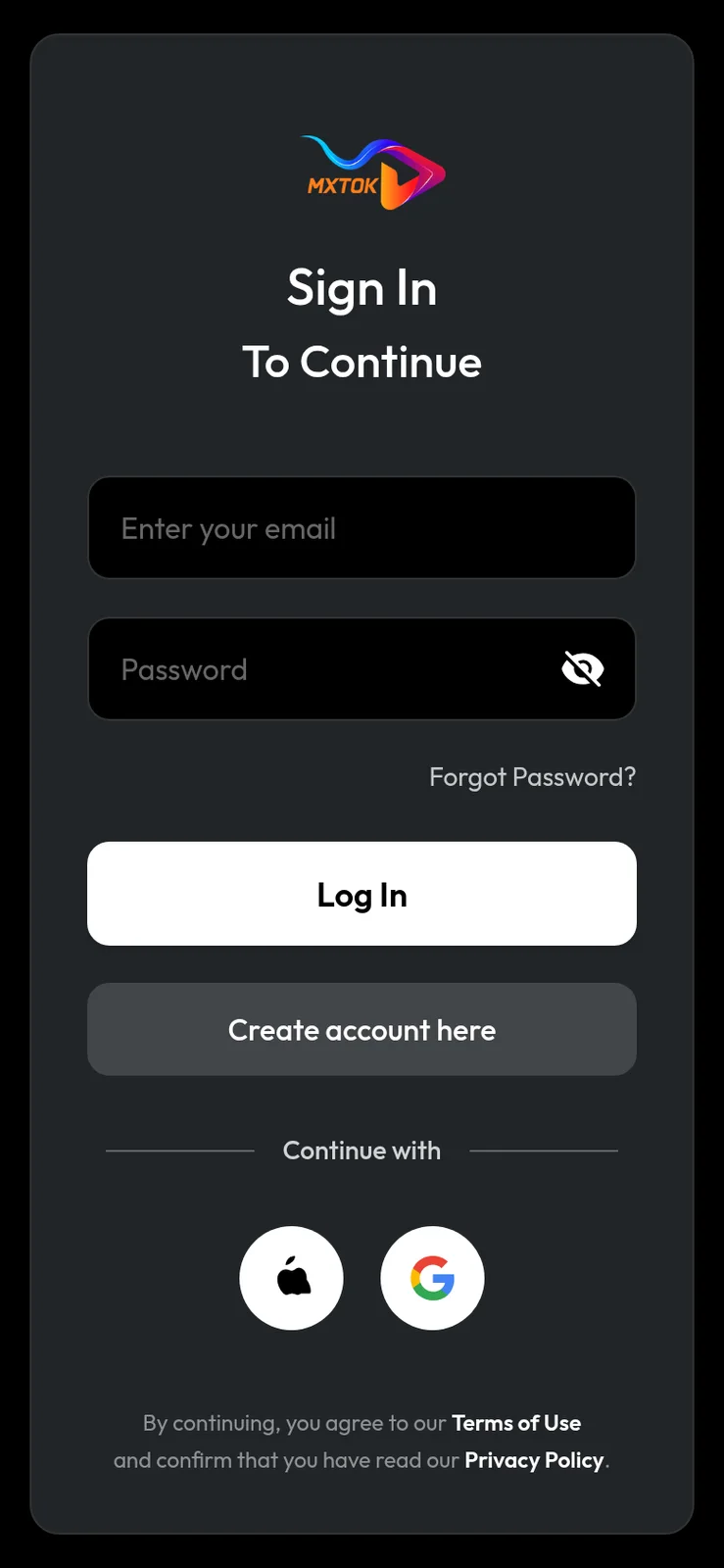
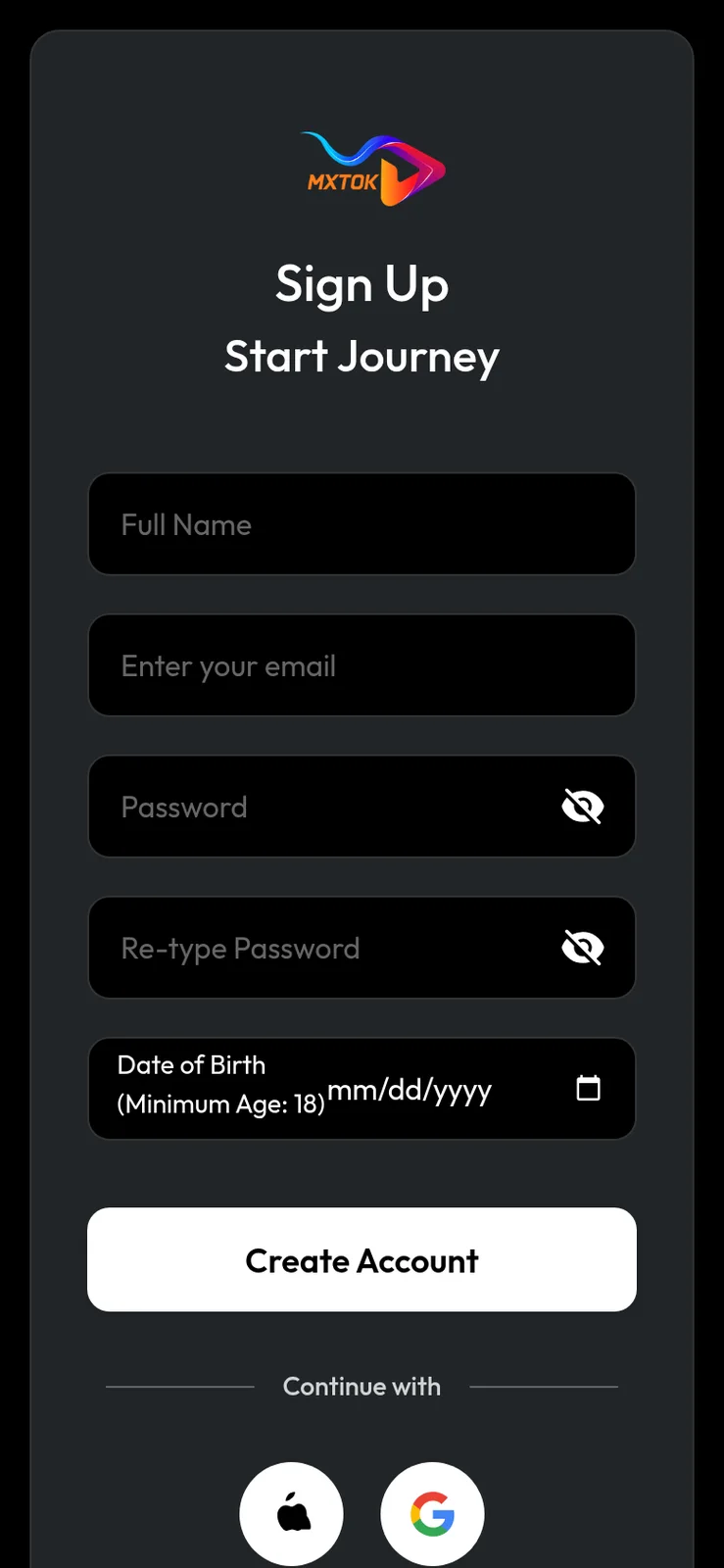
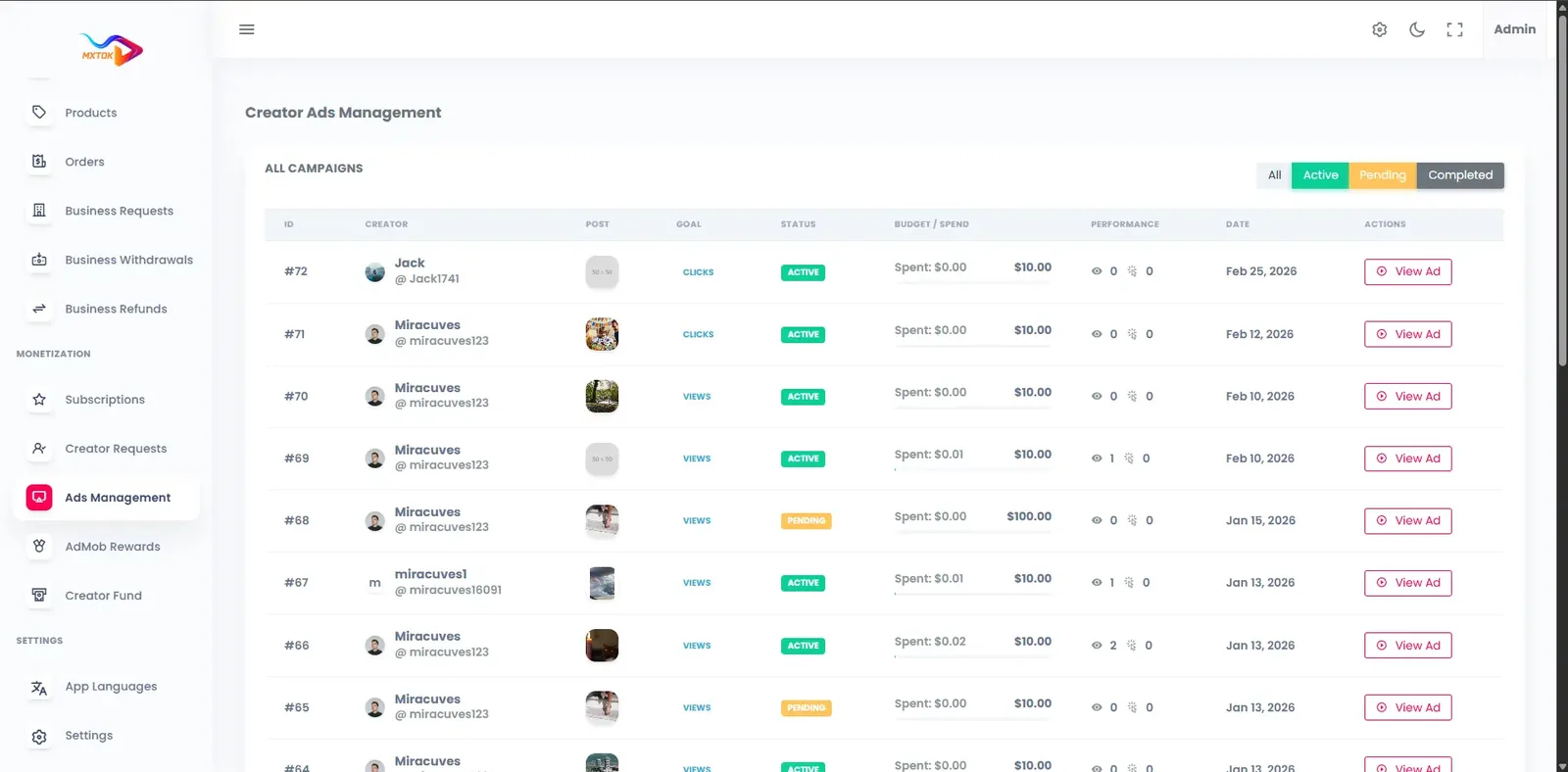
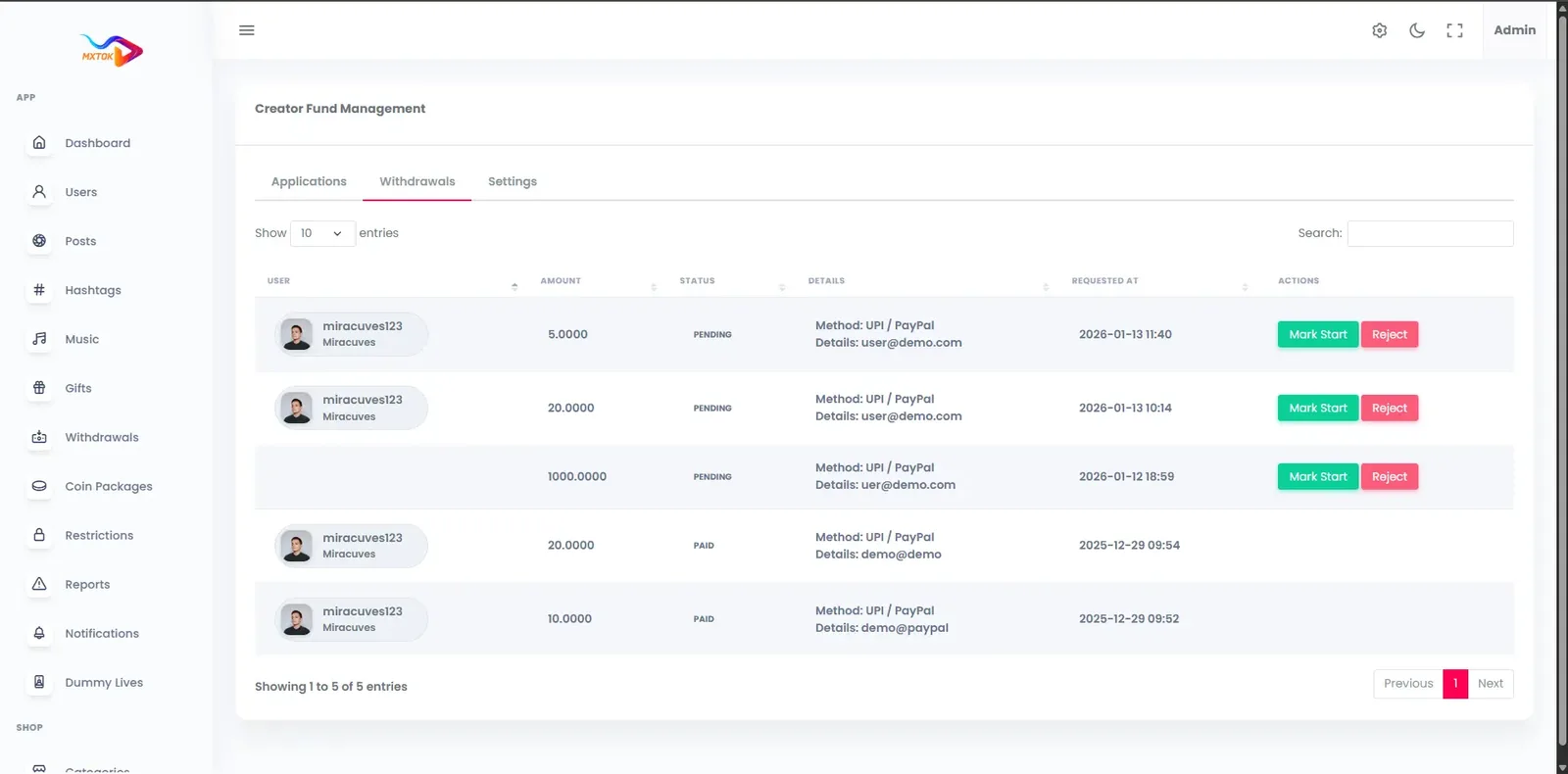
Triller-style music clips run on the same short video platform as our TikTok product, so the live demo below is that shared build, shown with our demo branding. Open the web app, the admin panel or the Android build, sign in with the public demo accounts, and look at the sound picker, the feed and the operator tools.
miracuves@yopmail.comUser_321miracuves@yopmail.comUser_321adminAdmin_$32147 features across 4 roles. The first six of each role are here and the full list is one click away. Nothing is held back for a sales call.
Sounds are grouped by trend, mood and genre, so a performer can find a fitting track in a few taps.
The library can draw on international and regional music sources, which matters when your audience listens to local artists.
A royalty-free option lets creators publish with music that does not depend on a separate rights arrangement.
Audio recorded in one clip can be picked by anyone else, which is how a new sound starts to trend.
Viewers and creators can browse sounds that are rising, rather than searching for each track by name.
Tracks are selected inside the recording screen, so there is no jump to another app to find a song.
4 more Music and sound features are in the full list.
Switch cameras while recording, which suits both solo lip-syncs and shots of a band or crowd.
Several takes can be combined into one video, giving a performer room to rehearse moves and keep the best parts.
Takes are merged on a timeline, and drafts can be reopened for another pass before publishing.
A deep filter set and beauty modes give performers a polished look without a separate editing tool.
Lenses ship with the app, and customized packs can be built around a tour, an album or a festival.
A duet plays another clip next to a new take, so a verse or a dance can be answered side by side.
8 more Performers and creators features are in the full list.
The For You feed learns from what a fan finishes and replays, mixing familiar creators with new performers.
The explore tab groups clips by category, hashtag and creator, so fans can look for a genre directly.
Standard engagement tools double as ranking signals and let fans keep favorites for later.
Following a creator feeds their new clips and live starts into notifications and the feed.
A comment can be answered with a clip, which suits musical call-and-response between performers and fans.
Fans watch live sessions with chat and reactions and can join as they would a small gig.
6 more Fans features are in the full list.
Uploads are screened for likely nudity, violence and copyright matches, and flagged clips wait in a review queue.
Reports on clips, comments, profiles and live sessions arrive in one place for review.
Enforcement ranges from a warning to a ban, with each action recorded against the account.
An optional KYC and badge workflow lets you mark real artists, labels and sellers apart from fan accounts.
Feature challenges, categories and hashtags so a new release or event is promoted where fans already look.
Gift and wallet activity and withdrawal requests are visible to finance staff, with approval before payout.
5 more Operators features are in the full list.
The path through the product, in the order it happens for the people using it.
A creator opens the camera, chooses a track from the library or reuses another clip's audio, and sets the clip to it.
They record takes, trim and adjust speed, apply filters and AR effects, and save a draft if needed.
After captions, hashtags and privacy are set, the upload is transcoded to several resolutions and delivered through a CDN.
The feed surfaces the clip to listeners, who duet, react, join the challenge or reuse the sound.
Gifts and subscriptions settle into the wallet, and the creator reads views and watch-time analytics.
Every earning route built into the product you receive: how it works, who pays and where the operator earns.
| Revenue model | How it works | Who pays | How you earn |
|---|---|---|---|
| Gifts during performances | Fans buy coins and send gifts on clips and live shows. The commission is taken before the performer wallet is credited. | Fan | Platform commission on every gift |
| Fan clubs | Supporters pay a recurring fee in coins for closer access to a performer, such as exclusive clips or members-only live rooms. | Fan | Your share of each renewal |
| Paid live sessions | A performer runs a ticketed show or sells premium replays of a concert-style session. | Fan | Share of ticket and replay revenue |
| Sponsored challenges | A brand, artist or event sponsors a sound-based challenge with rewards and a featured banner on the feed. | Sponsor | Sponsorship fee per campaign |
| Advertising | Creator ad campaigns, in-app placements and rewarded mobile ads are configured in the admin panel. | Advertiser | Ad fees as the audience grows |
| Merchandise and commerce | Performers tag merchandise or sell products in the marketplace and on live streams. | Buyer | Commission on shop sales |
| Creator fund | Qualified views feed a fund dashboard, and withdrawals wait in a queue you control. | Platform budget | A managed incentive that keeps performers posting |
The flow of money, the gateways you can connect and how payouts are handled.
Support for a performer travels through a wallet. A fan buys coins, spends them as gifts on a clip or live show, and the value moves into the performer wallet after your commission. The performer then requests a withdrawal, which an admin approves. Purchases and gifts run through secure APIs, balances update immediately and payouts are logged. The source names no payment gateway, so you connect your own merchant account.
| Gateway | What it covers |
|---|---|
| Other | |
| Gateway of your choice | Connects through the API layer using your own merchant account, so you pick a processor that accepts your market. |
| Apple and Google store billing | Both stores take a share of in-app purchase revenue, which affects how you price coin bundles. |
You operate the platform, so legal compliance in each market you serve is yours. This is the tooling that ships in the product. It is not legal advice.
A music-led platform lives or dies on rights. The product flags likely copyright matches for review and supports a royalty-free option, but it does not grant licenses to commercial catalogs. Deals with labels and publishers are negotiated separately. You are responsible for holding the rights your catalog needs and for acting on takedown requests quickly.
Reports on clips, comments, profiles and live sessions go to a queue, and AI-assisted filters pre-flag likely nudity and violence. Performance content raises context questions, such as costumes or suggestive dance. Write specific guidelines and train moderators with examples, because the tool flags but does not decide.
Warnings, removals, restrictions, strikes and bans are applied from one screen, and each decision is logged. This record helps with appeals and with rights holders who ask what you did about a repeat infringer. Define your repeat-infringement policy in advance so the strike system reflects it.
The build is GDPR-ready, with consent at signup, data export, account deletion and configurable retention. Performers often share personal details and location, so keep your privacy notice clear. Publishing the notice and following local law remain your duty as operator.
Roles separate content review, payments and analytics, with JWT and OAuth2 sessions and optional two-factor sign-in for admins. Catalog managers need to import tracks but not touch the wallet. Assign the narrowest role that fits each person.
Age and region selection are part of onboarding. Stricter age-gating and parental controls are available, tailored to your plan. Gift and wallet actions are authenticated and logged. The operator is responsible for legal compliance in each market, including minors, payments and music law. We provide tooling, not legal advice.
The layers of the product as delivered. You receive the full source code for every one of them.
| Layer | Built with | Hosting note |
|---|---|---|
| Mobile apps | Flutter (Android and iOS) | Flutter builds for Android and iOS share one codebase and are prepared for store submission with your branding. |
| Web app | PHP and Laravel, with optional PWA | PHP and Laravel power the web app, optional PWA and the API that the apps and admin panel call. |
| Backend and API | Laravel | |
| Database | MySQL or MariaDB | MySQL or MariaDB holds profiles, clips, sound metadata, wallets and transactions. |
| Live and media | Agora, Wowza, WebRTC and FFmpeg | FFmpeg transcodes uploads to several resolutions, generates thumbnails and stores files in secure buckets.Cloudflare or Akamai serve video from edge locations with DDoS protection and token-based stream URLs.Agora, Wowza and WebRTC deliver one-to-many sessions with low latency for chat and gifts. |
| Cloud hosting | AWS, GCP or DigitalOcean | AWS, GCP or DigitalOcean run the stack, with auto-scaling, CI/CD pipelines and backup and recovery plans. |
| CDN and protection | Cloudflare or Akamai | |
Music video is heavy on bandwidth and storage, so plan hosting early. The ready-made build is deployed to your own cloud account, which keeps costs visible and the stack portable. These are the layers behind the app.
A recorded song usually carries two separate sets of rights: the recording itself and the composition behind it, often held by different parties. An app that lets people attach songs to video touches both. This table is general orientation, not legal advice, and shows where permission is needed so you can ask the right questions.
| Situation in the app | Rights usually involved | Question to settle before launch |
|---|---|---|
| Attaching a catalog track to a clip | Recording and composition | Does your catalog agreement cover in-app sync with user video? |
| Performing a cover of a song | Composition, plus any rights in a backing track | Who licenses covers in each market, and who pays for them? |
| Singing live in a session | Composition performance rights | Do collecting societies in your markets expect a license for live streams? |
| Artist uploads their own release | Whatever the artist or label controls | How do you confirm the uploader really controls those rights? |
| Royalty-free library track | Governed by the library terms | Do those terms allow commercial use and user-generated video? |
| Sponsored challenge with a song | Recording, composition and the sponsor use | Has the sponsor cleared advertising use of the track? |
Triller-style apps succeed on small details that make a performance feel good to make and good to watch. These points map each detail to what the product does today, so you can see where it already helps and where we would tailor more for you.
The software cannot grant a music license, and neither can the company that sells it to you. Anyone who tells you a clone script includes licensed commercial music is describing something other than software. What the product gives you is a place to manage sound sources, flag likely copyright matches and respond to complaints with a record of what happened.
Treat that as your promise to artists and labels. Publish a contact route for rights holders, state your repeat-infringer policy, respond to reports promptly and start with the safest sources: royalty-free tracks and audio your creators own. Open to licensed catalogs once you have agreements in hand and can show usage and moderation practices that a rights holder would respect.
One fixed price for the ready-made platform, published here so you can plan before you talk to us.
Ready-made, one-time
$3,999
Live in 6 working days from kickoff
The engineers who deploy your platform stay with it once it is live.
Need more? We tailor the platform to your plan, typically in 2-8 weeks, and confirm the scope with you before work starts. App store review times are set by Apple and Google.
Everything here is available around the ready-made Triller clone. We confirm the scope with you before any price is agreed.
Speech-to-text captions with multi-language subtitles, helpful when lyrics and spoken intros reach listeners in several languages.
Confirm with usFace-tracking filters and themed lens packs built around an album, a festival or a brand campaign.
Confirm with usSeveral performers share one live room, which suits duets, battles, interviews and collaborative shows.
Confirm with usOn-screen gift animations, streaks, top-supporter badges and leaderboards that give fans a reason to compete.
Confirm with usReferral codes and links that reward members for inviting friends or bringing in new performers.
Confirm with usTrending sections by country, city or region, so local scenes and regional releases surface where they belong.
Confirm with usAutomatic cutting of clips to the rhythm of a track. We build it for you as tailored work.
Confirm with usRun separate branded apps for labels, events or regions on one shared core.
Confirm with usPeople searching for a Triller clone expect music-first mechanics, but a feature list rarely says which parts are ready and which are set up around your plan. Most of the platform ships ready, and the rest is set up for you. This matrix is written for a music video launch, so the sound tools come first and the music-law items are labeled plainly.
Browse by trending, mood and genre, with global and local catalog integration.
Explore, category and saved tabs with search, preview, duration and bookmarks.
Operators search a music catalog in the admin panel, assign categories and import tracks.
Any creator audio becomes a reusable sound others can build clips on.
The library supports royalty-free sources alongside any catalog you import.
Manual tools to fit a clip to the length and tempo of a track.
A filter library plus face effects for polished performance clips.
Fans can answer a performance with a split-screen duet or an overlaid reaction.
Branded challenges with contest uploads, reward logic and feed banners.
Behavior-based recommendations with tunable weighting and explore by category.
One host, a live audience, chat, reactions, coins and gifts.
Recurring support priced in the app, with creator-led community tiers.
Optional verification workflows for artists, brands and sellers.
Likely matches go to a review queue; admins remove content and apply strikes.
Several performers on screen together, useful for duets, interviews and shows. We set it up for your build.
Full-screen gift animations and top-supporter rankings in live sessions. We set them up for you.
Themed face effects for a release, tour or campaign. We design and set them up.
Automatic cutting of takes to a track. We build it, with scope confirmed with us.
A dashboard where artists schedule drops and view results. We build it, with scope confirmed with us.
Plays mapped to individual songs for a society or label. We build it, with scope confirmed with us.
You negotiate these directly with the rights holders; they sit outside the software.
Four pages go deeper on the questions buyers ask most about the Triller Clone. This page stays the overview.
A music video app lives or dies on how easily a clip can be fitted to a track.
See the full breakdownA music video app has two kinds of cost that are easy to blur together: the price of the software and the price of operating a catalog and a media service.
See exact pricingA music video app earns because a song gives people a reason to perform, watch and pay.
See the playbookHiring a team for a music video app means judging both software and rights awareness.
Compare optionsFrom kickoff to a live Triller clone under your brand: what we do each day, and what we need from you.
1Day 1
2Day 2
3Day 3
4Day 4
5Day 5
6Day 6
A music-first video app costs more than a plain video app in two places: media bandwidth, because clips are watched repeatedly with sound, and rights management, because music brings legal obligations. The software itself is the smaller part of the budget. Building from scratch means paying a team to deliver recording, editing, a sound library, a ranking feed, live shows and a wallet. A ready-made platform removes that engineering line and leaves you with hosting, music arrangements, moderation and growth to fund.
| Factor | Build from scratch | Rent a SaaS | Own it with GetFame |
|---|---|---|---|
| Time to first release | Many months before a public beta | Quick, within a vendor product | 6 working days for the ready-made build |
| Sound library | Needs a catalog source, search and category design | Vendor catalog, vendor rules | Categorized library with admin import and original sounds |
| Editing and effects | Camera, trimming, filters and lenses to build | Limited or absent | Included, with room for custom lens packs |
| Music licensing | Negotiated by you | Handled by the vendor, on its terms | Royalty-free option included; label deals negotiated by you |
| Factor | Build from scratch | Rent a SaaS | Own it with GetFame |
|---|---|---|---|
| Ownership | You own the code once finished | You own nothing but your content | Full source code and data |
| Live performance | Real-time stack built separately | Depends on the vendor plan | Included, with multi-host rooms available |
| Ongoing flexibility | High but slow to change | Locked to vendor roadmap | Extend modules yourself or have us build more |
Running costs. Budget outside the platform price for cloud hosting, storage and CDN bandwidth, live streaming usage, payment gateway fees, music licensing, moderation staff or a paid AI service, third-party service fees, and developer accounts for both app stores. Music licensing in particular is a separate negotiation and can change your plan, so settle your catalog approach before you spend on marketing.
A music video app has the same hidden machinery as any short video network, plus a layer that only music apps need. Below, each part is compared by what building it means and what you start with, using effort words instead of figures so the comparison stays honest.
Build it yourselfA catalog connection, categories, search, previews and bookmarks designed for mobile and the admin side.
Ready-madePicker with explore, category and saved tabs and an admin import screen already works.
Build it yourselfExtracting audio from uploads, naming it, and letting others reuse it with attribution.
Ready-madeCreator audio becomes a reusable sound automatically.
Build it yourselfA timeline editor with trim, merge and speed, tested across many phone models.
Ready-madeTrim, cut, merge and speed tools ship in the Flutter app.
Build it yourselfAudio analysis and clip sequencing that is a specialist research project, not a weekend task.
Ready-madeAvailable; we build it as a tailored module around the product.
Build it yourselfRanking logic, signal collection and tuning by a data team over many months.
Ready-madeA working feed from day one, with weighting you can adjust.
Build it yourselfVideo compositing and a campaign system for contests, banners and rewards.
Ready-madeDuets, reactions, stitching and branded challenges are included.
Build it yourselfA real-time media layer with chat and gifting, built and load tested as its own project.
Ready-madeLive sessions with chat, reactions, coins and gifts run on Agora, Wowza and WebRTC.
Build it yourselfDetection, a review queue, strike rules and records an artist or label can inspect.
Ready-madeFlagging, a review queue, strikes and logged decisions are included.
Build it yourselfA ledger, settlement, commission logic and withdrawal approvals where errors cost money.
Ready-madeCoins, gifts, a creator wallet and a withdrawal queue are wired together.
Build it yourselfA back office for users, tracks, campaigns, payments and reports, usually left until late.
Ready-madeA role-based admin panel covers those areas at launch.
Triller is widely known as a music-video app. A white-label platform that serves the same search intent differs mainly in who owns the catalog relationships, the creator terms and the audience data. These points are general model differences, not statements about any company results.
| Aspect | The Triller model | This platform |
|---|---|---|
| Music catalog | Built around licensed music agreed by the owning company | Your own mix of royalty-free, imported and original sounds, with licensing arranged by you |
| Core content | Performances, lip-syncs and edits set to songs | The same formats, plus any niche you choose to host |
| Creator terms | Set by the platform | Set by you, including gift commission and withdrawal rules |
| Brand and domain | Runs under its own name | Ships under your name, logo and domain |
| Audience data | Held by the company | Held in your database |
| Promotion of releases | Negotiated through the company | You feature challenges, banners and categories directly |
| Source access | Closed | Full source code you can extend |
The founders and teams this product fits most directly, one line each. The launch ideas that follow turn these audiences into a first-week plan.
A home for independent artists to post performances, release snippets and fan challenges.
Sponsored challenges and featured sounds to push a release, with campaign banners on the feed.
Fans upload moments and reactions, and live streams plus highlight reels keep the app active year-round.
A local-language video network built around regional tracks, creators and festivals.
Instructors share routines, fans duet them, and live classes run alongside the clip feed.
A song is a good reason to make a video, but a general music app is a crowded idea. These launch ideas narrow the audience and name the setting to configure first, so the app starts with a purpose instead of an empty feed.
Singers and rappers post original songs as clips, and fans discover them through challenges and the For You feed. Artists earn from gifts in live sets and subscriptions. Configure creator original sounds, verification for confirmed artists and a weekly challenge so new names rotate through the explore tab.
Performers act out audio from songs, films or their own scripts. Revenue comes from gifts and sponsored challenges. Because audio rights are sensitive here, start with royalty-free tracks and creator audio, and set the report and strike flow in the admin panel before opening to the public.
Players and vocalists post covers and invite replies through duets. Fans subscribe to cover artists they follow. Configure duets and reactions first, and write a clear policy about covers and rights holders so creators know what is allowed and how takedown requests are handled.
A label or manager runs a branded challenge around a new single, with themed filters and a leaderboard. Sponsors or the artist fund prizes. Configure the challenge banner and a themed lens pack, and check that the track rights cover the campaign before the first post goes live.
A network for one language or region, where regional genres have little space on global apps. Revenue is gifting, local sponsorship and fan clubs. Configure language, region-specific trending and a catalog of local royalty-free or licensed tracks before recruiting performers.
Instructors post routines, students post practice clips and duet to learn. Income is subscriptions to a teacher and paid live classes. Configure playlists, verified teacher status and speed controls in the editor, since slowing a track helps people learn choreography.
Music-led clips live in several kinds of app, and each serves a slightly different crowd. Buyers who search for a Triller alternative are usually choosing between a big open network, a feature inside a larger app and a niche of their own. These are neutral descriptions, not rankings.
Music video network
Artists and fans who want performance clips with polished editing tools.
Rules, catalog and audience are controlled by its owner, not by you.
General short video network
Anyone seeking the broadest audience for sounds, trends and every kind of clip.
Music is one topic among many, and discovery is governed by one proprietary feed.
Short video inside a social app
Artists who already hold followers there and want to add short clips.
Reels sits beside photos and stories, so music is not the organizing idea.
Short clips tied to a video site
Musicians who want short clips to point toward full videos and channels.
You publish into a large library and recommendation system someone else runs.
Social singing app
People who want to sing, duet and collaborate on vocals rather than make clips.
It centers on singing, so dance, comedy and other performance has less room.
A white-label music video platform fits operators who want a specific scene to call home: a genre, a city, a label roster or a festival. You choose the sound sources, write the rules, set gift prices and keep the audience. What you give up is a ready crowd, so success depends on bringing artists in, clearing rights and offering them a better reason to stay than a bigger network can.
Longer answers to the questions buyers of this model ask before they commit.
Begin with a scene, not a catalog. Music apps succeed when a specific group has a reason to gather: dancers in one city, bedroom producers, a genre with few homes, a fan base around a label. Pick that group first and shape the app around what they already do together.
Recruit performers in small waves. Ask each to post on a schedule, give them early access to the sound library and invite them to start duets with each other. Fans follow activity, so the feed should show movement from the first week, even if the audience is small.
Keep the first release focused. The sound library, recording tools, duets and challenges are the core. Live shows and gifts can follow once a few performers have an audience that wants to support them. Add the shop and advertising later, when you have stories and numbers to show sellers and sponsors.
Music rights decide what your app can offer on day one. There are three common routes: royalty-free tracks, original sounds recorded by your creators and licensed catalogs from labels or publishers. This product supports the first two directly and lets you import from an external catalog through the admin panel. Large label deals sit outside the software.
Start with the simplest route that works. A royalty-free library and creator original sounds let you open the app and learn what people use. If you later negotiate with rights holders, you will have data on listening and uploads to support the conversation.
Whatever route you take, build the process around takedowns. Flagged uploads reach a review queue, and strikes let you act on repeat infringers. Write a policy, publish a contact route for rights holders and respond promptly. This guide is general information, so take advice from a lawyer in your market.
A good challenge has a sound, a simple action and a reason to join. The sound should be easy to perform to, the action should take one or two takes and the reason can be a reward, a feature slot or recognition. Hashtags tie entries together, and the featured banner tells everyone where to look.
Use duets and stitches to turn entries into conversation. When one performer's clip can be answered side by side, each answer reaches that person's followers. Encourage the first dozen entries to use duets deliberately and the pattern spreads without further effort from you.
Review results by sound rather than by clip. Watch which tracks appear in repeat uploads, which categories grow and which creators start the sound. Promote those creators in the next round. Over time you will learn which genres suit challenges on your platform and which suit live shows.
Live shows give a music community its most direct way to support artists. Fans watch, chat and send gifts, and the performer sees the response right away. Start with a few scheduled sessions from performers who already have followers, and announce them through push notifications and the featured area.
Decide how generous the economics feel. A visible commission, clear withdrawal rules and quick approvals build trust with performers. Fans respond to recognition, so consider the animated gifts and leaderboards we can set up once your live rooms have regulars.
Collaboration drives live growth, and multi-host rooms, which we set up for you, support duets, battles and interviews with several performers at once. Treat it as a second step. Prove that single-host sessions attract fans, then add multi-host formats for events and special guests.
The ready-made white-label package is $3,999 one time, self-hosted on your own cloud account. A standard launch takes 6 working days. Tailored work, such as a bespoke editing tool or extra integrations, is available too, with scope confirmed with us, and typically runs 2 to 8 weeks.
The product includes a categorized sound library with global and local music integration, reusable creator sounds and an admin tool for importing tracks. You supply and license the catalogue you want to use, and royalty-free sources are supported. Music rights in your market remain your responsibility.
Creators can trim, cut, merge and change speed so a clip fits a track, and add filters, AR effects and stickers. Automatic beat-matched editing is available too. We set it up as a tailored module if your concept depends on it.
Yes. Duets, reaction videos with picture-in-picture, multi-clip stitching and branded hashtag challenges with contest uploads are all included. Featured challenge banners appear on the feed and explore tab, which makes them useful for sponsored song promotions. Challenges carry reward logic, and fans can answer a performance with side-by-side duets.
Yes. Creators host one-to-many live sessions with chat and reactions, and fans send gifts, coins and stickers. Earnings go to a creator wallet, and withdrawals are approved from the admin payout queue. Multi-host live rooms are available too, and we set them up for your build.
Yes. You receive the full source for the Flutter apps, Laravel web app and API, and the admin panel, with no revenue share and no per-seat fee. You can modify any module, integrate your own services or move to another cloud provider whenever you choose.
Android and iOS apps are built in Flutter from one codebase, with a Laravel web app and a web admin panel. The web app has SEO-friendly video and profile pages and an optional PWA install. All four surfaces are branded with your name, logo and colors.
No. We are an independent software company, and Triller is a separate brand. The name is used as a search term for the type of product. Your app launches under your own name, design and assets, and nothing inside it references another company.
It depends on the catalog you offer. A royalty-free library and creator original sounds avoid label negotiations, while commercial catalogs need agreements with rights holders. The product flags likely copyright matches and supports takedowns, but it does not grant licenses. Take legal advice for your market before you open the app.
Creators can publish clips with their own audio, and that audio becomes a reusable original sound. Operators can also import tracks from a catalog through the admin panel. A dedicated artist portal with release scheduling and royalty reporting is available, and we scope it with you.
Manual tools ship in the product: trim, cut, merge and speed control. Automatic beat detection and beat-matched edits are available too. We build them as a tailored module, typically in a window of 2 to 8 weeks depending on the exact behavior you want.
Uploads pass AI-assisted filters that flag likely copyright matches, and flagged clips wait in a review queue. User reports add a manual route. Admins can remove content and apply strikes or bans, and decisions are logged. You define the repeat-infringer policy and respond to rights holders.
Yes, in two ways. The multi-tenant setup we provide runs separate branded apps on one core, each with its own domain and store listing. Within one app, sponsored challenges with featured banners give labels and events a managed way to promote releases to your audience.
No single gateway is fixed. The API layer connects to payment, SMS, email and analytics services using your own accounts, so you choose a processor that accepts your business. Coin bundles sold inside mobile apps may also be subject to Apple and Google billing rules.
Usage reporting for royalty distribution is available, set up around your plan. Analytics show views, watch time and top creators, and the logs record moderation and wallet activity. A report that maps plays to specific tracks for a collecting society or label is tailored work, with scope confirmed with us.
Beyond the platform price, expect cloud hosting, storage and CDN bandwidth, live streaming usage, payment gateway fees, music licensing, moderation and store developer accounts. Bandwidth grows with viewing time, and music apps tend to be watched repeatedly, so review these costs monthly after launch.
They share a codebase and many features, but the emphasis differs. A Triller-style build puts the song at the center: sound library, picker, trimming to a track, duets and challenges around music. A TikTok-style build treats sound as one feature among many. This page treats music as the product.
Both are short video apps with feeds, effects and live. Triller is widely known for music performance clips and editing tools that tie takes to a song, along with its links to artists and celebrities. TikTok covers every topic, with music as one thread. Neither description is a quality judgment; they simply aim at different crowds.
Creators can trim, cut, merge and change speed by hand to fit a track. Automatic cutting of takes to a rhythm is available as tailored work, scoped with us after a short call, and the price depends on how polished you want the result.
Collaboration is covered by duets, reactions and stitching. A scored battle, with votes or a leaderboard, is something operators usually build by combining challenges, duets and gifting, and we can tailor more for your plan. Multi-host live rooms are available for performing together live.
Uploads are screened and likely matches go to a review queue. Admins can remove the clip, warn the user or apply a strike or ban, and every decision is logged. Responsibility for the content on your app remains yours, so publish a policy and a contact route for rights holders.
Only with permission from the rights holders, which means agreements with labels and publishers in the markets you serve. The software does not include or grant those rights. Many operators begin with royalty-free libraries and creator audio, then negotiate catalog access once the app has an audience and records to show.
Building a similar product is ordinary software work, provided you use your own name, assets and code and do not imitate another brand. The legal risk sits in what users post, especially music, so take advice about licenses and takedown duties in each market. This is general information, not legal advice.
Yes. Modules can be switched on, off or extended, so a music-only launch can disable commerce or advertising and focus on sounds, challenges, live and gifting. You can enable the rest later as the audience and your revenue plan grow.
Open general networks such as TikTok, Instagram Reels and YouTube Shorts, plus singing-focused apps. They are best when you want an existing audience and accept rules set by someone else. A platform of your own is better when you want to define the scene, the revenue split and the artist relationships.
Not by default. Artists earn through gifts, subscriptions, fan clubs, sponsored challenges and the creator fund, all of which you configure. Payment per stream or per play with royalty reporting is available as tailored work, with scope confirmed with us, along with the agreements behind it that you arrange.
→Start here
Share the platform and your market. You get a walkthrough of the live demo, the exact scope of what ships, and a fixed price in writing. First response in under 2 hours, Monday to Saturday, 10:00 to 19:00 IST.
This page uses the name Triller to describe a type of platform. The product sold here is separate software, built independently, and Triller has no part in it.
"Triller clone" is industry shorthand that founders use when searching for software with a comparable business model. It names a category of product, not a copy of Triller.
The platform is an original product designed and written by Miracuves. It contains no code, design, graphics or content originating from the Triller website or applications, and it ships under your own brand.
Triller and its logos are trademarks of their respective owner and are named here for reference only. GetFame is not affiliated with, sponsored by or endorsed by Triller. Rights holders can write to legal@miracuves.com.
Operator responsibility. The operator of a launched platform is responsible for legal compliance in the markets it serves. Nothing on this page is legal advice.Read the full disclaimer
First response under 2 hours, Mon-Sat 10:00-19:00 IST
India+91 98300 09649 United States+1 516 202 3950