Ready-made, one-time
$3,999
Likee Clone
Live in 6 working days from kickoff
- Full source code
- White-label under your brand
- 60 days of technical support
- 1 year of free updates
- App publishing support

Effects-led short video and live app
Short video where the effect is the hook
Build a Likee clone app for people who open the camera before they open the feed. Creators dress a clip in filters, face effects and AR lenses, publish it, then go live and collect gifts from the audience it earns. Android, iOS, web and admin apps arrive with the full source code.
| Product type | Short video and live app where the camera and its effects lead |
|---|---|
| Surfaces | Two mobile apps, an installable web version and a staff control room |
| Platform price | $3,999 paid once; you host it on your own cloud |
| Launch time | Packaged build goes live about 6 working days after kickoff |
| Effects library | Fifty-plus filters, face effects, stickers, beauty modes and AR lenses |
| Live tools | Broadcast rooms with chat, reactions, plus gifts, coins and stickers |
| Source code | Full source, complete white-labeling, no revenue share |
| Stack | Flutter apps, Laravel web and API, MySQL or MariaDB |
| Hosting | AWS, GCP or DigitalOcean, billed to your own account |
| Support and updates | 60 days technical support, 6 months bug fixes (separate), 12 months updates |
A Likee clone is a packaged video network whose recording tools do the heavy lifting. A member opens the camera, picks a face effect or a lens, adds a sticker, trims the take and posts. Viewers like, comment and share, and the best creators go live to be gifted. Founders buy it to launch an app like Likee for an audience that wants to play with the camera.
Underneath sits the codebase that already powers our short video app. Two Flutter mobile apps, one Laravel site with its API and a browser-based control room come as readable source, and you swap every name and color for yours before hosting the lot in a cloud account of your choosing.
Modules switch on, switch off or grow. A beauty and fashion community would stress beauty modes, a youth entertainment app would stress stickers and challenges, and a festival or sports brand would stress themed lens packs. Many buyers treat it as a platform like Likee for one theme. Anything beyond the standard library is scoped with us after a short call.
Likee is a short video creation and sharing app for Android and iOS. Public sources say it began as LIKE and was renamed and redesigned in mid-2019. It is best known for its creation toolbox, with visual effects, dynamic stickers and augmented reality looks, and it also offers live streaming where viewers send virtual gifts. Its availability has varied by country, and India banned it in June 2020.
A Likee clone is a packaged short video and live product built around the same idea and opened under your own name. The original service, its users and its terms are not part of the package. We supply the camera tools, the feed, live rooms, gifts and a control room, and you choose the look, recruit creators and write the rules.
A creator on an effects app works with the camera open. They test a look on their own face, record a few takes, trim the best one and post it under a trending challenge. Once a following builds, they go live and let the audience gift them. The app puts tools first and earnings second.
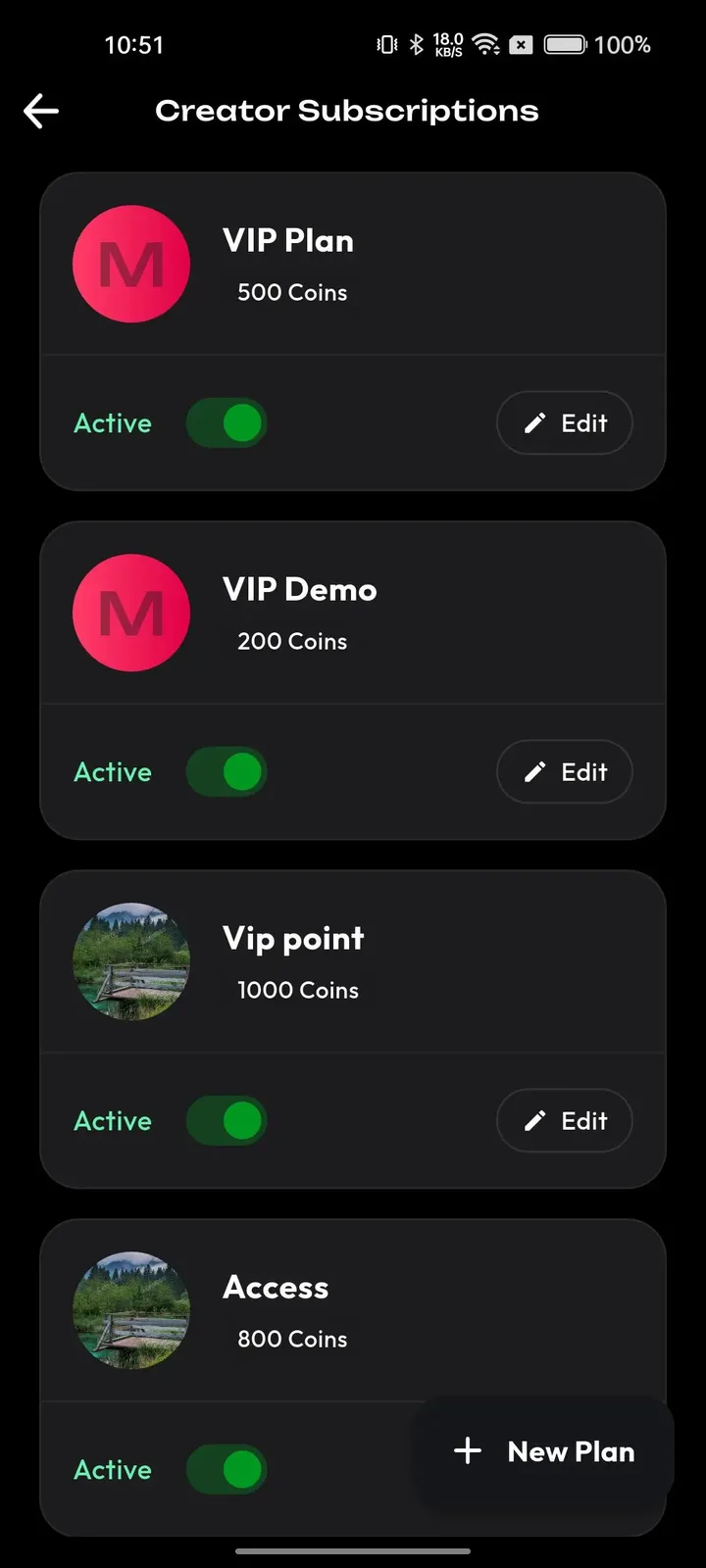
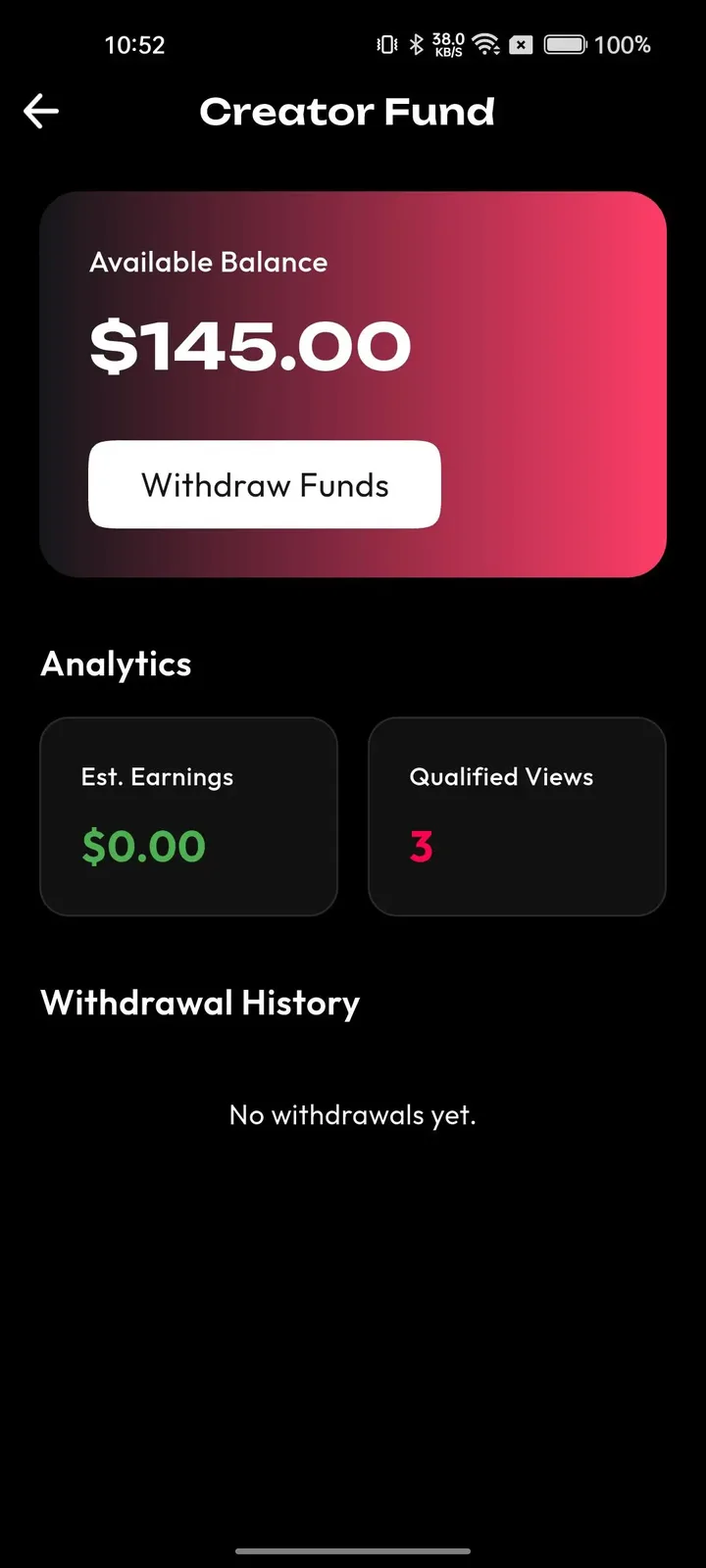
Viewers come for the look of a clip as much as the person in it. They scroll a personal feed, notice a lens they like, and try it themselves. When a creator goes live, the same viewers can talk, react and send gifts without leaving the video.
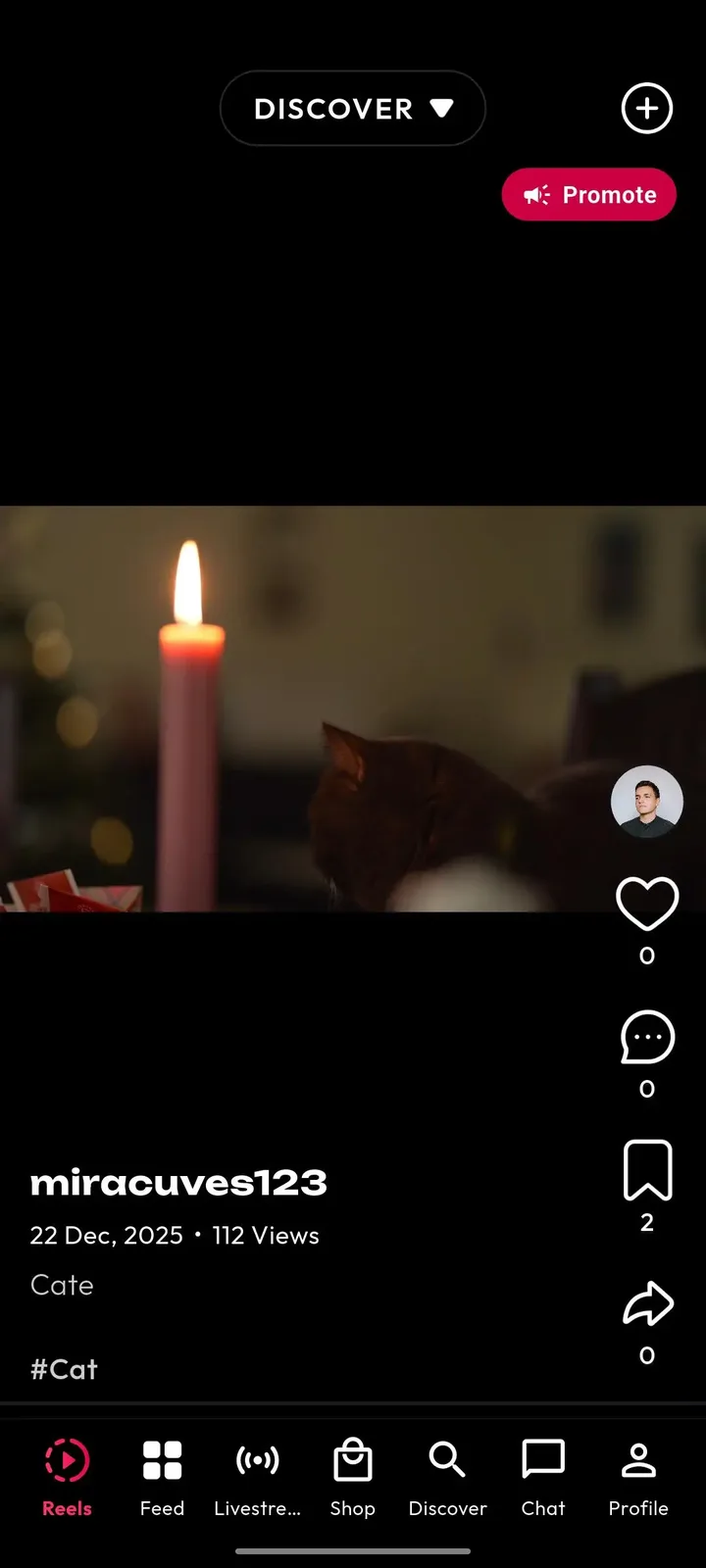
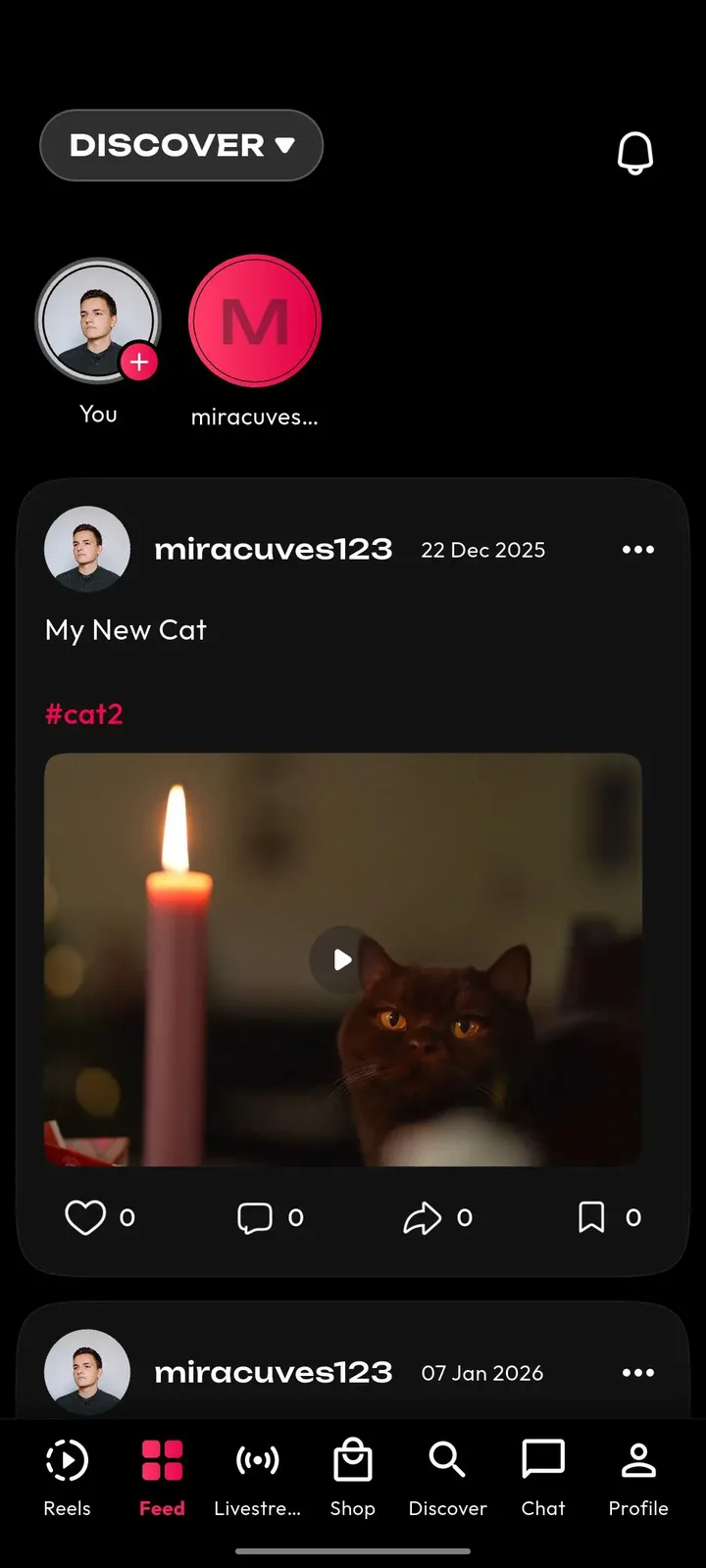
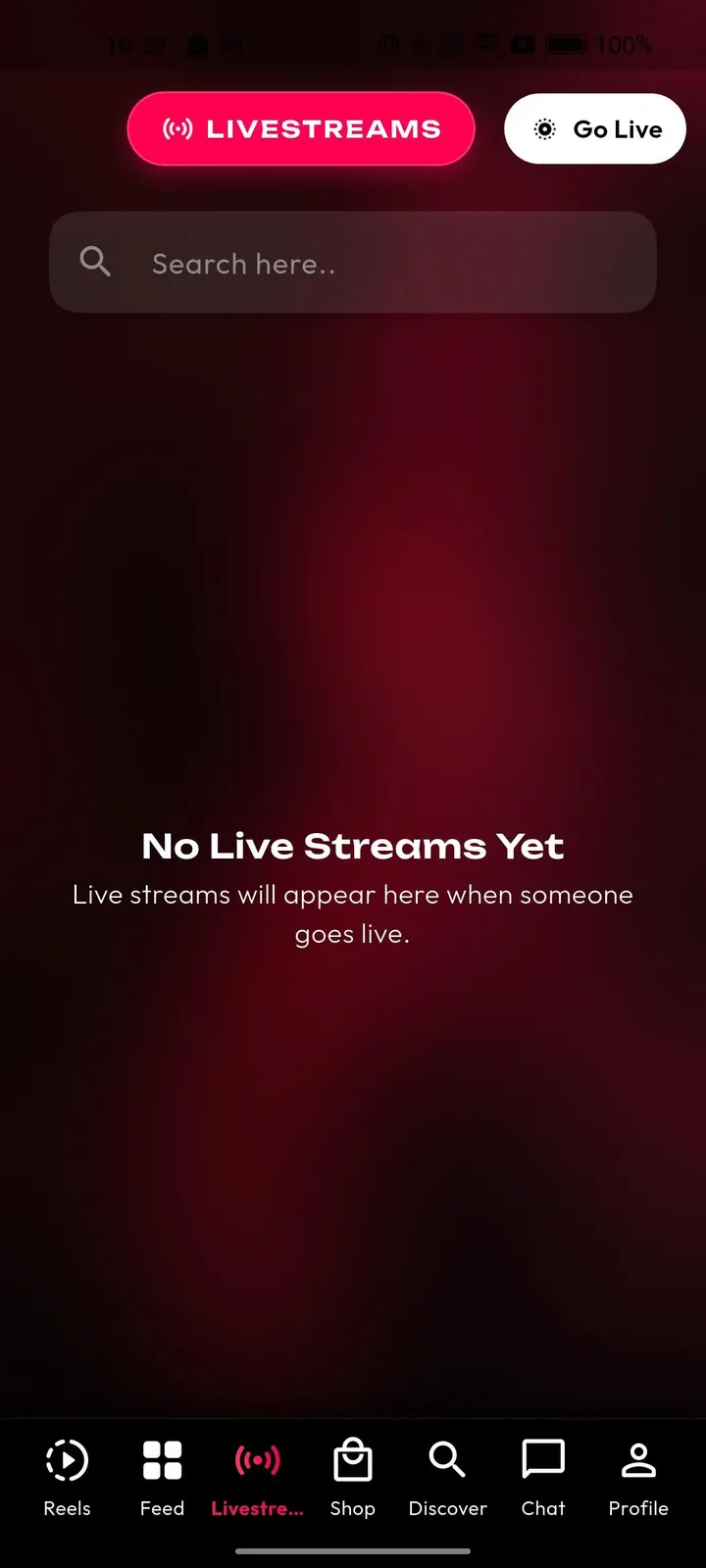
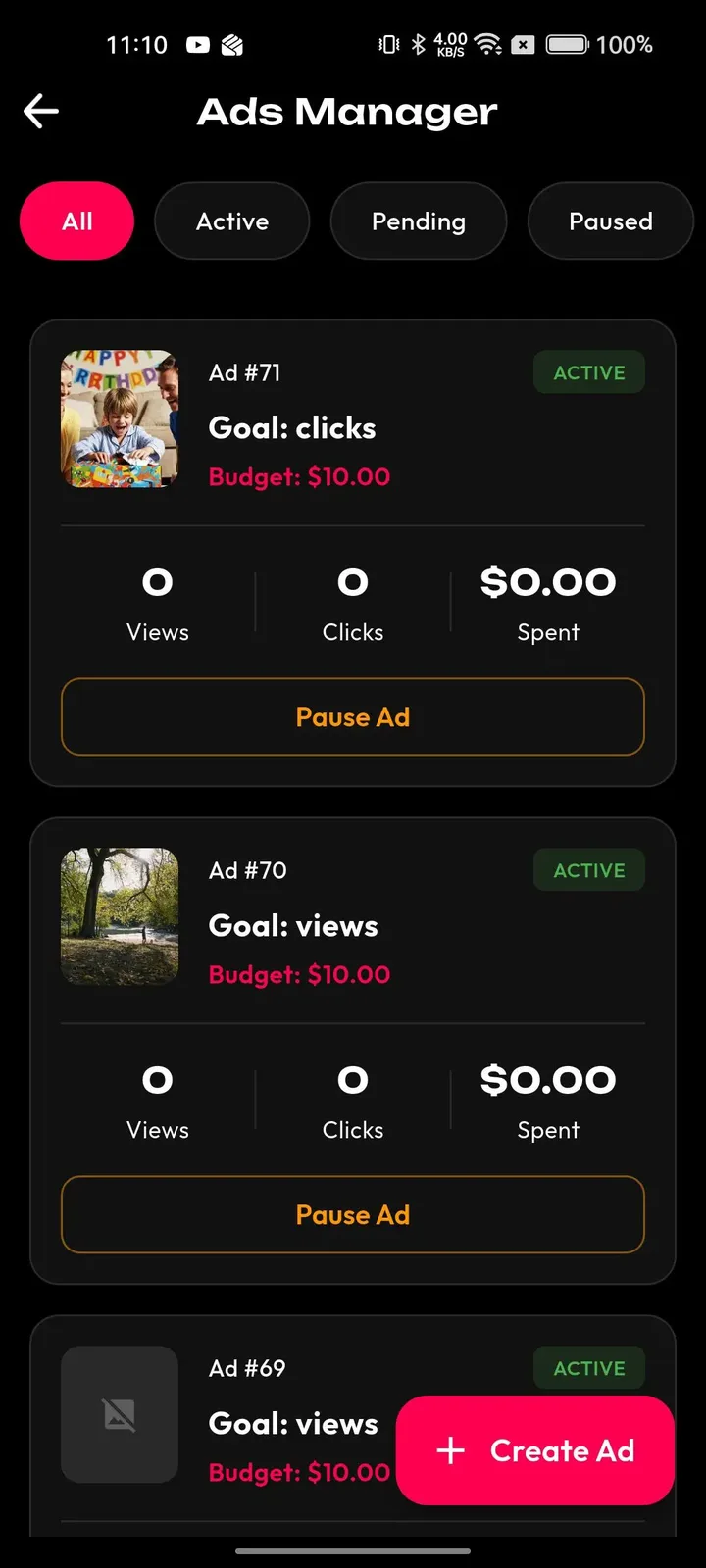
An operator of this kind of app watches two things: what the effects library looks like this month, and what the upload stream contains. The admin panel gives control of both, along with payouts, campaigns and the people who work the report queue.
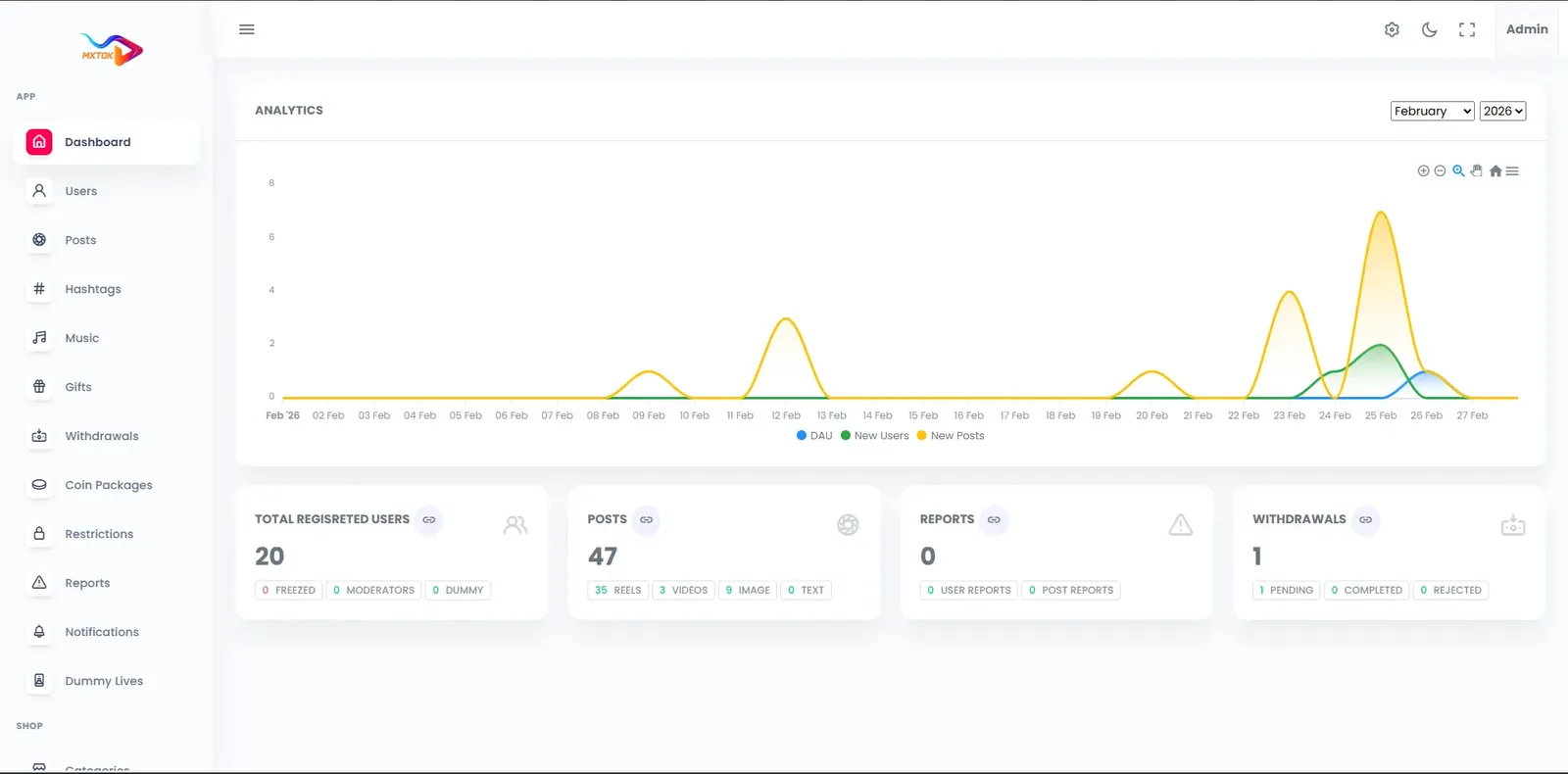
Shared core preview. These screenshots show the shared tiktok platform foundation used for this solution family. Product-specific branding and any additional modules are configured in the build scope.
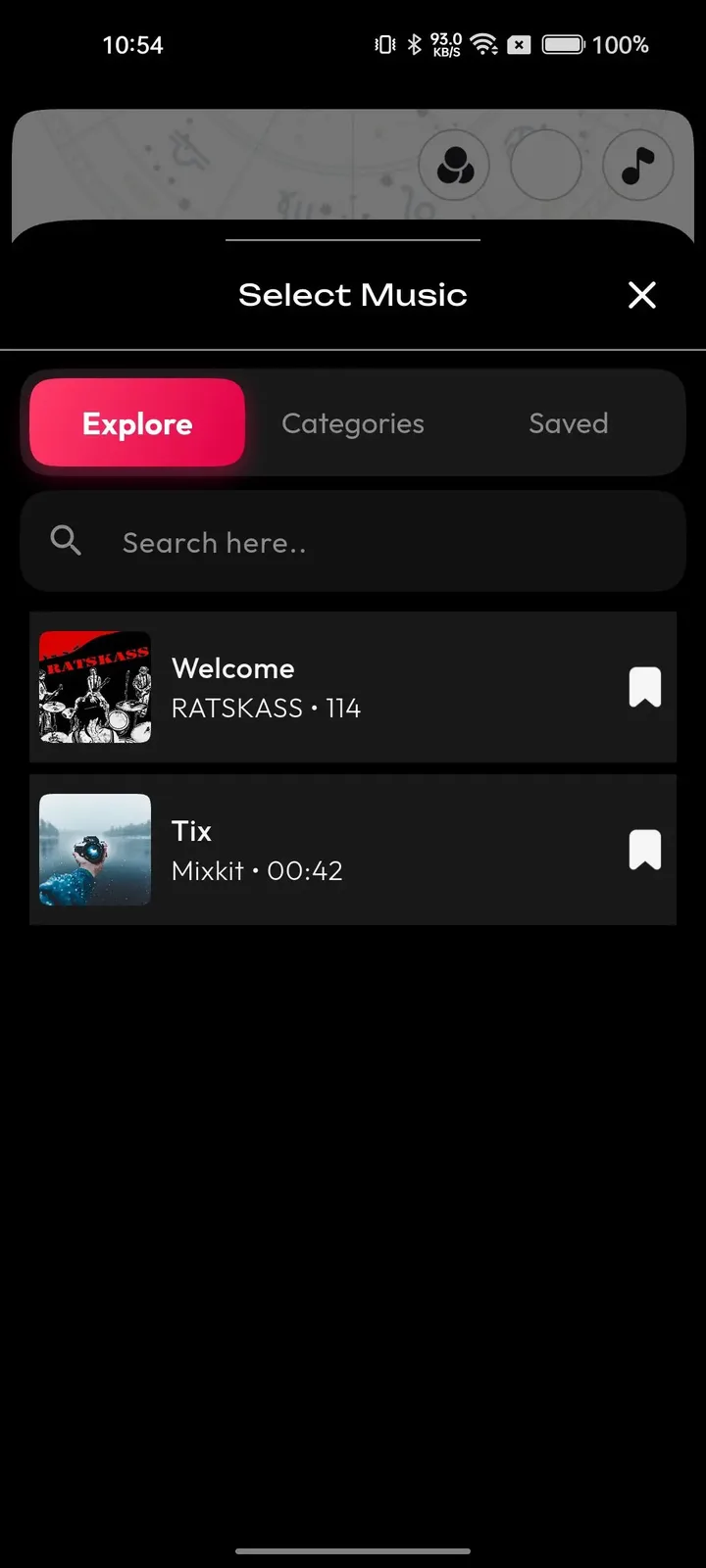
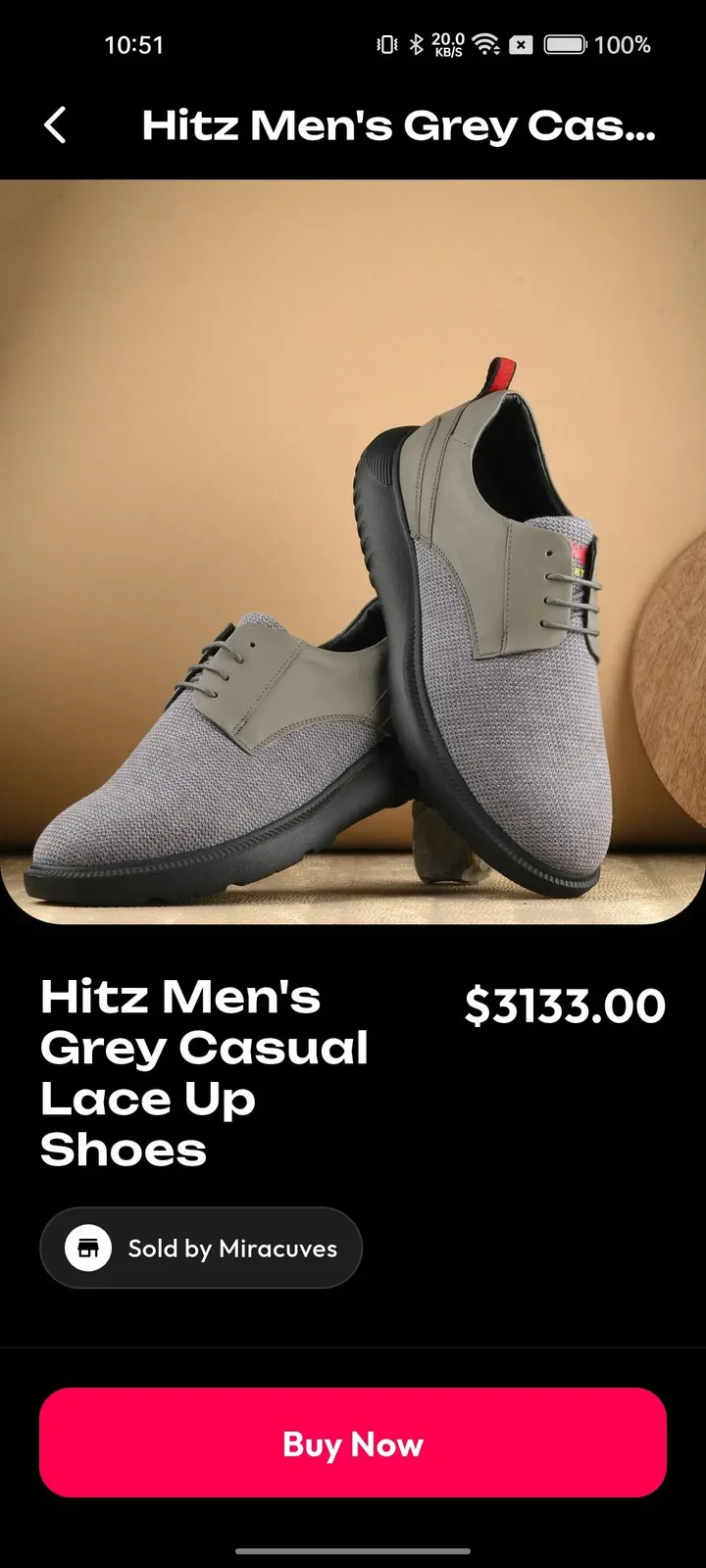
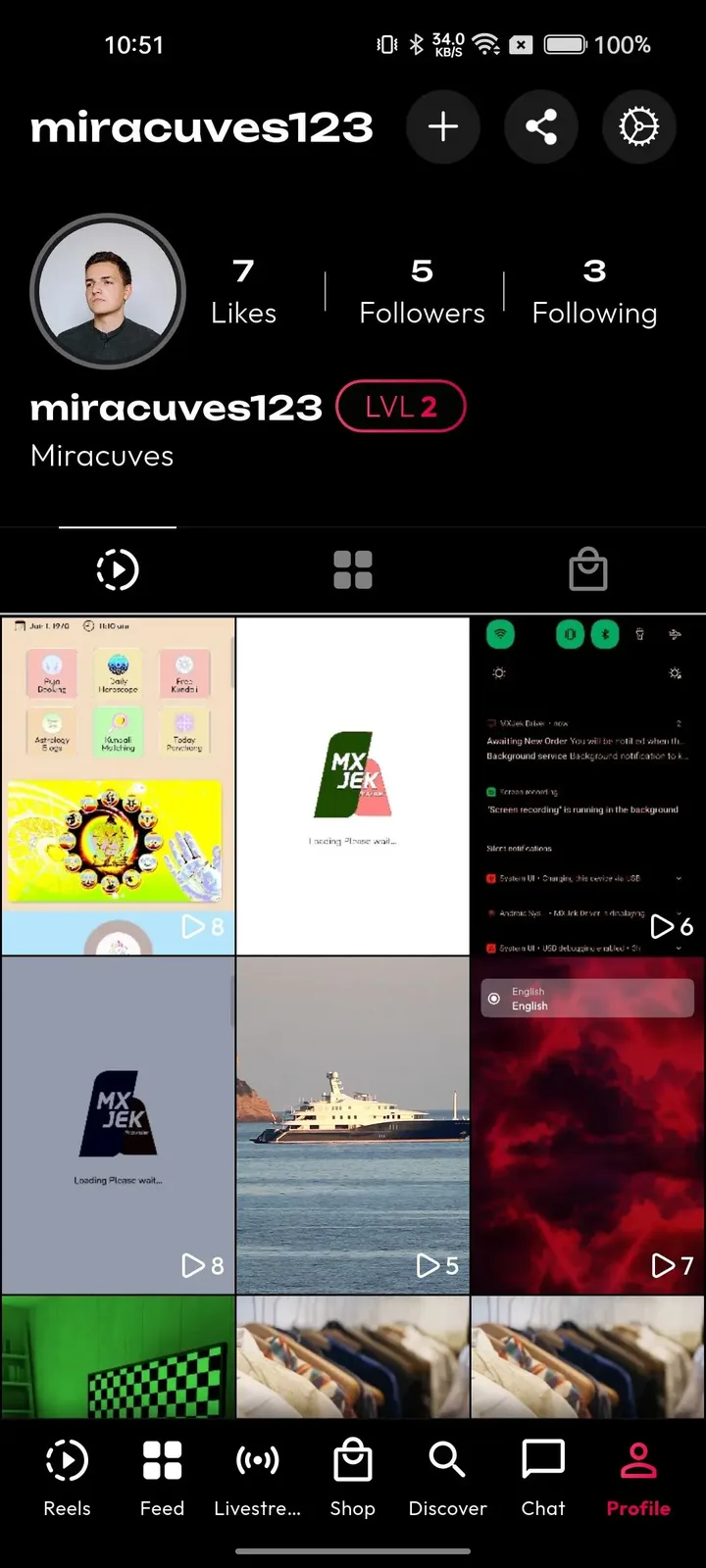
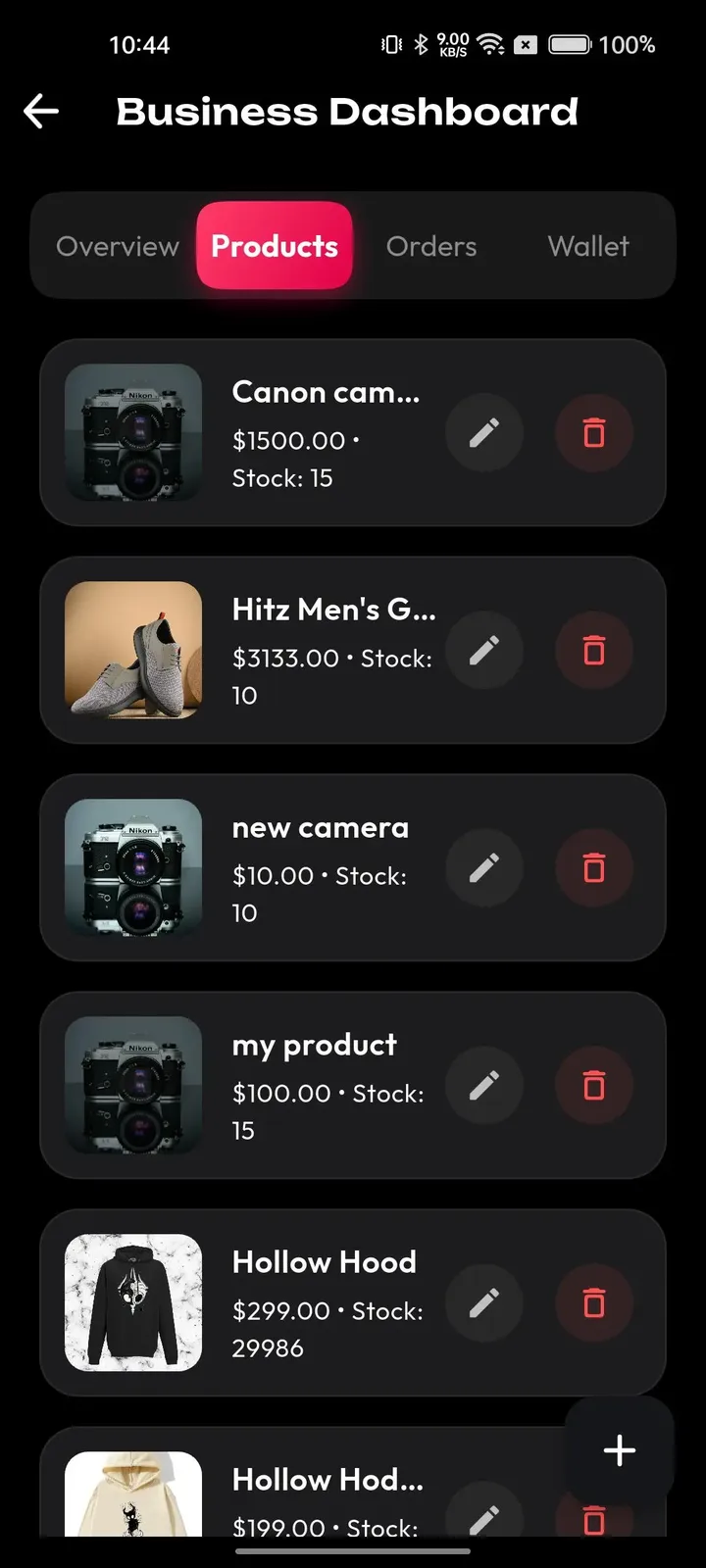
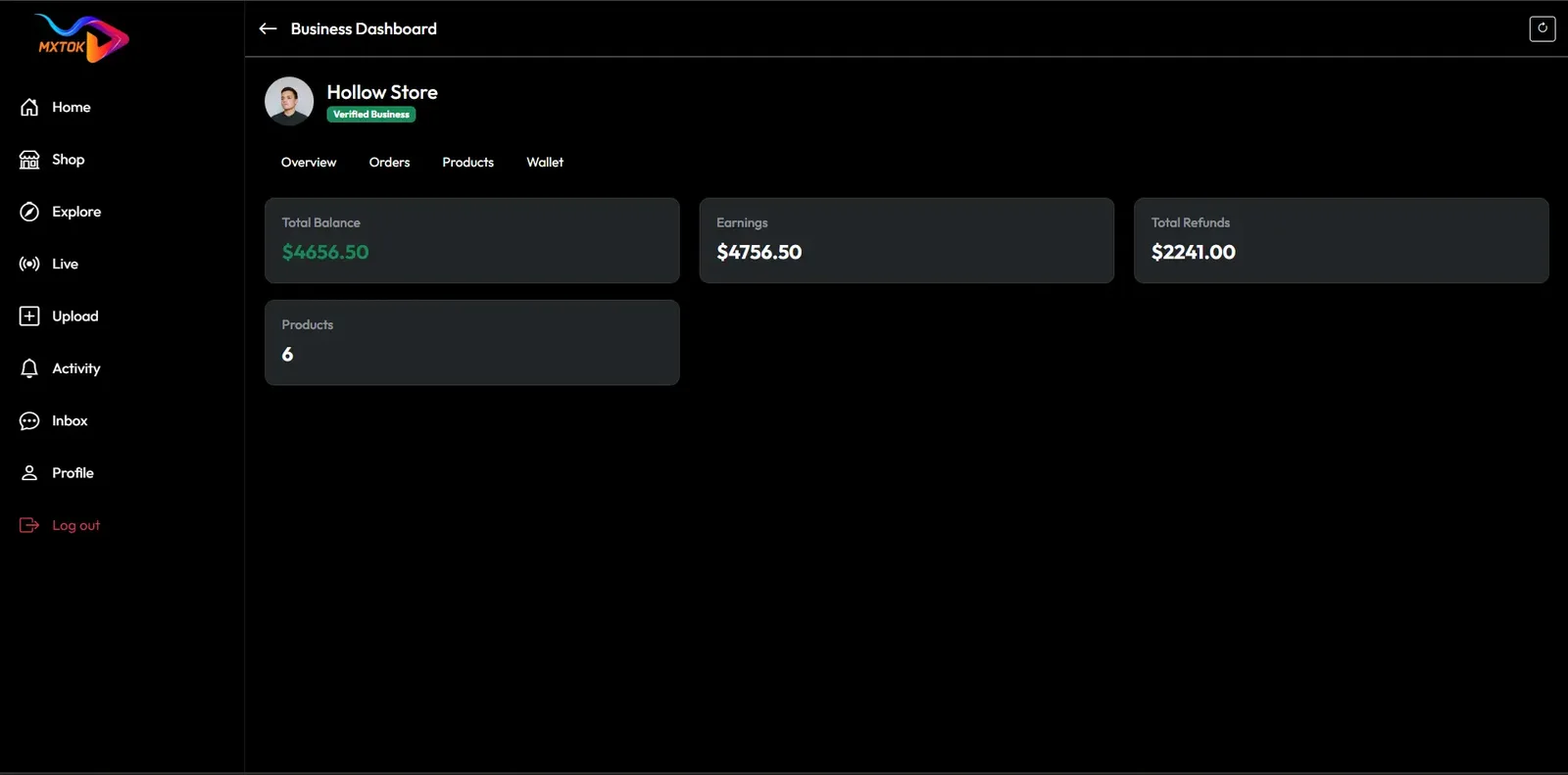
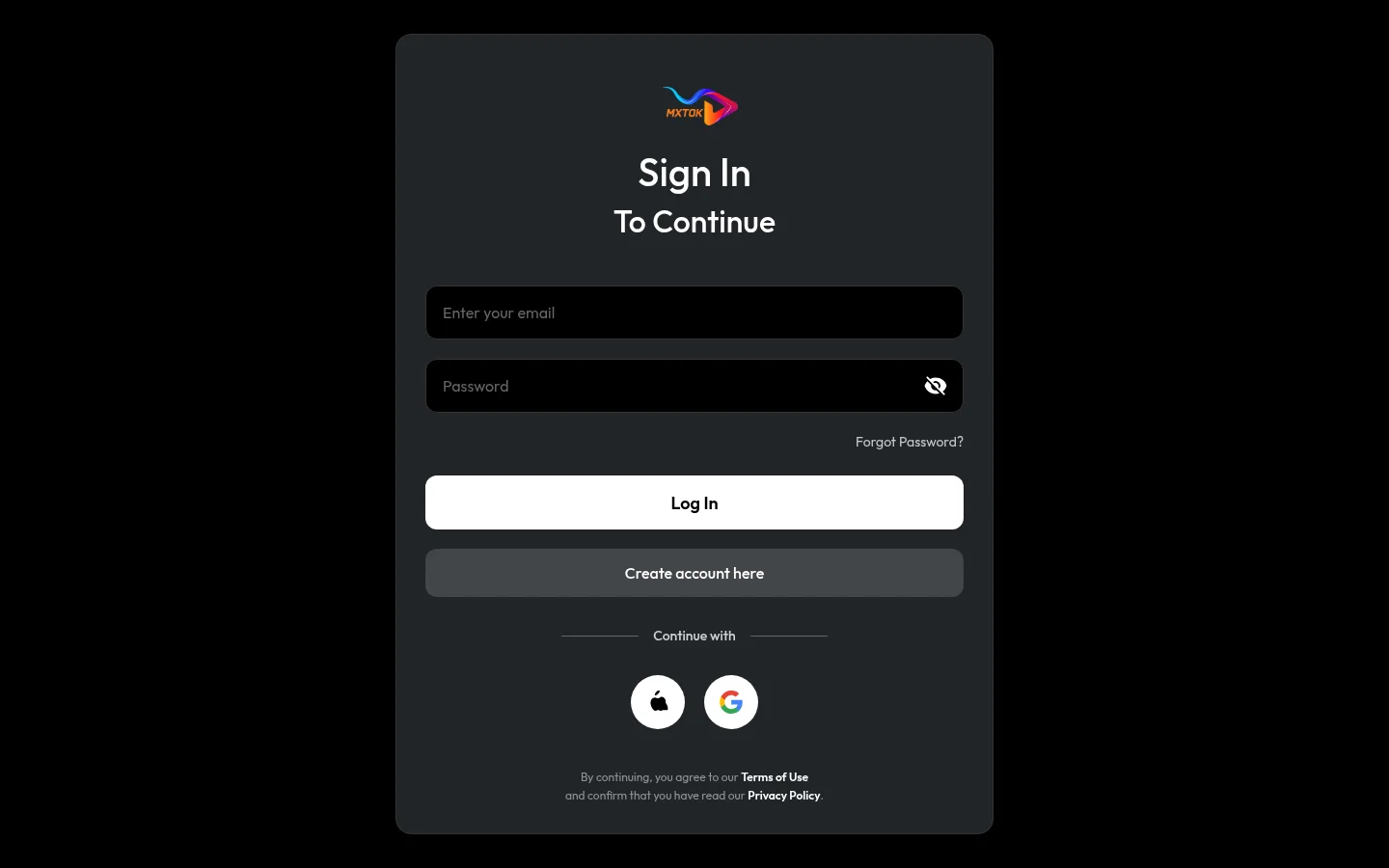
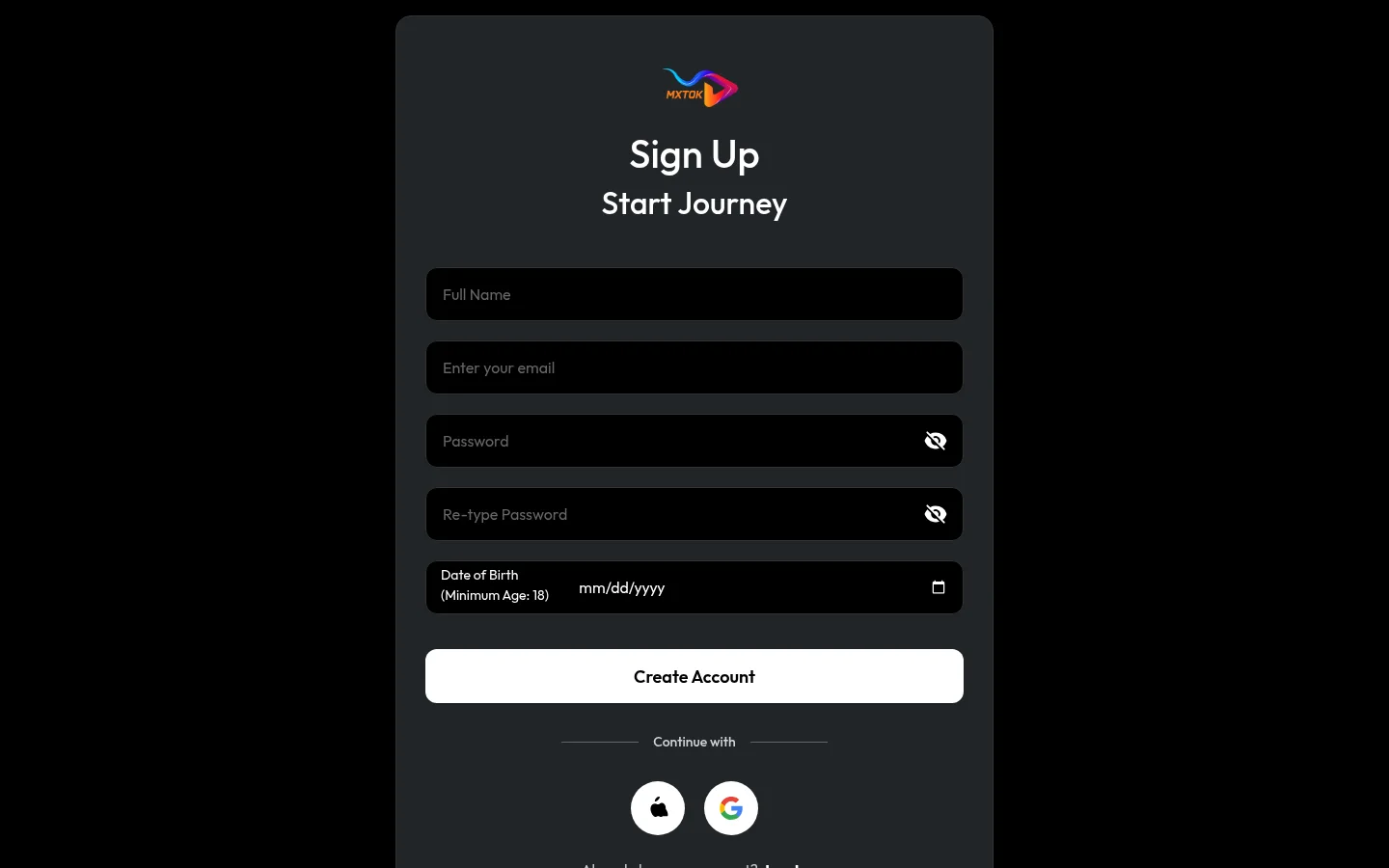
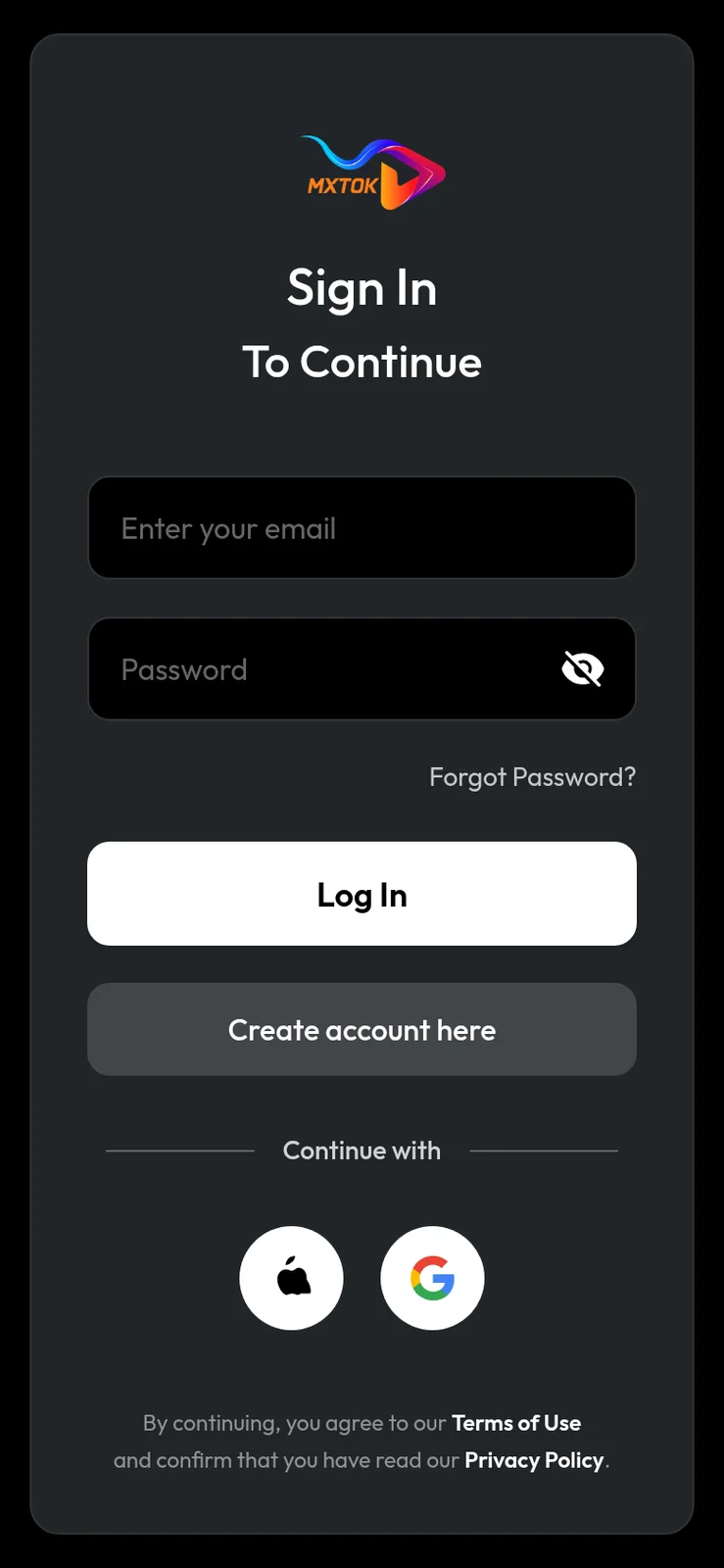
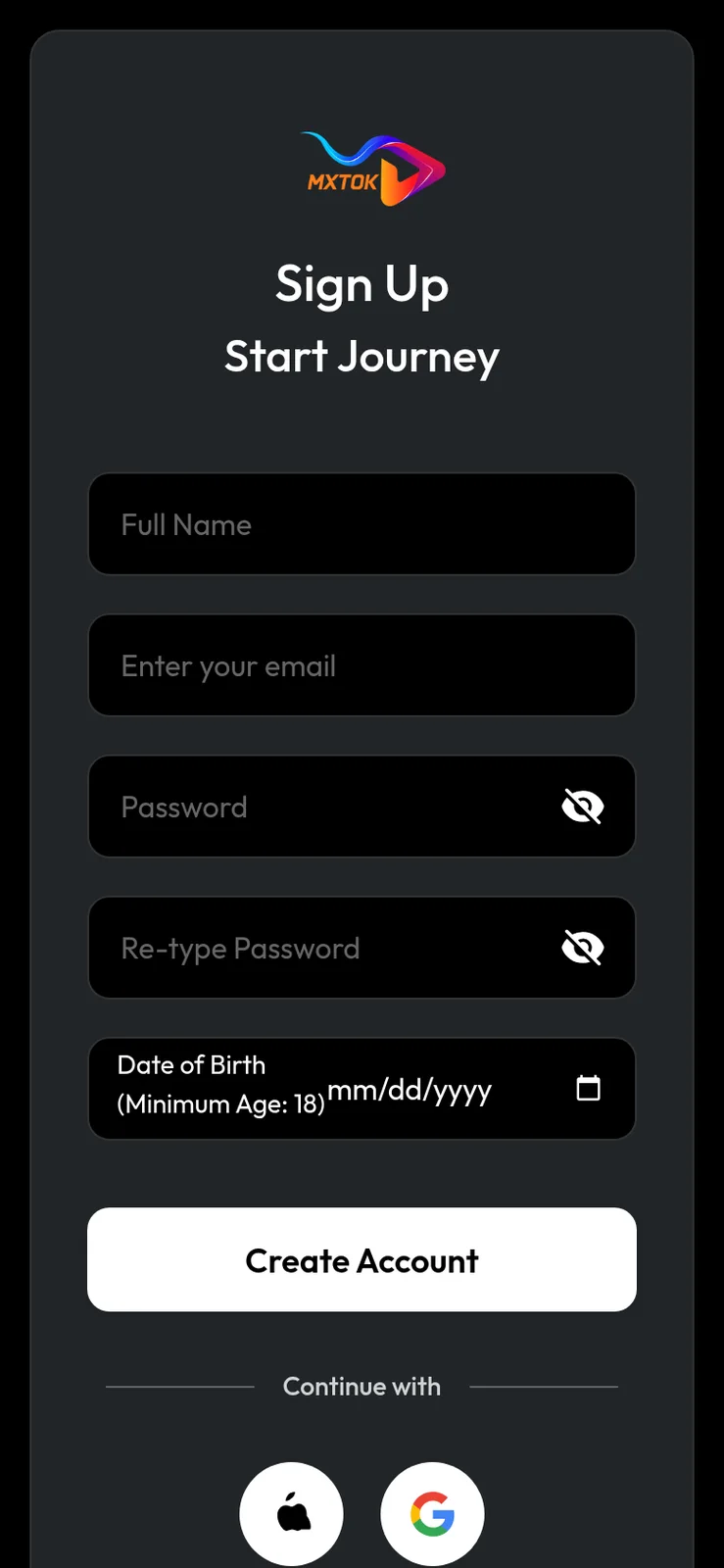
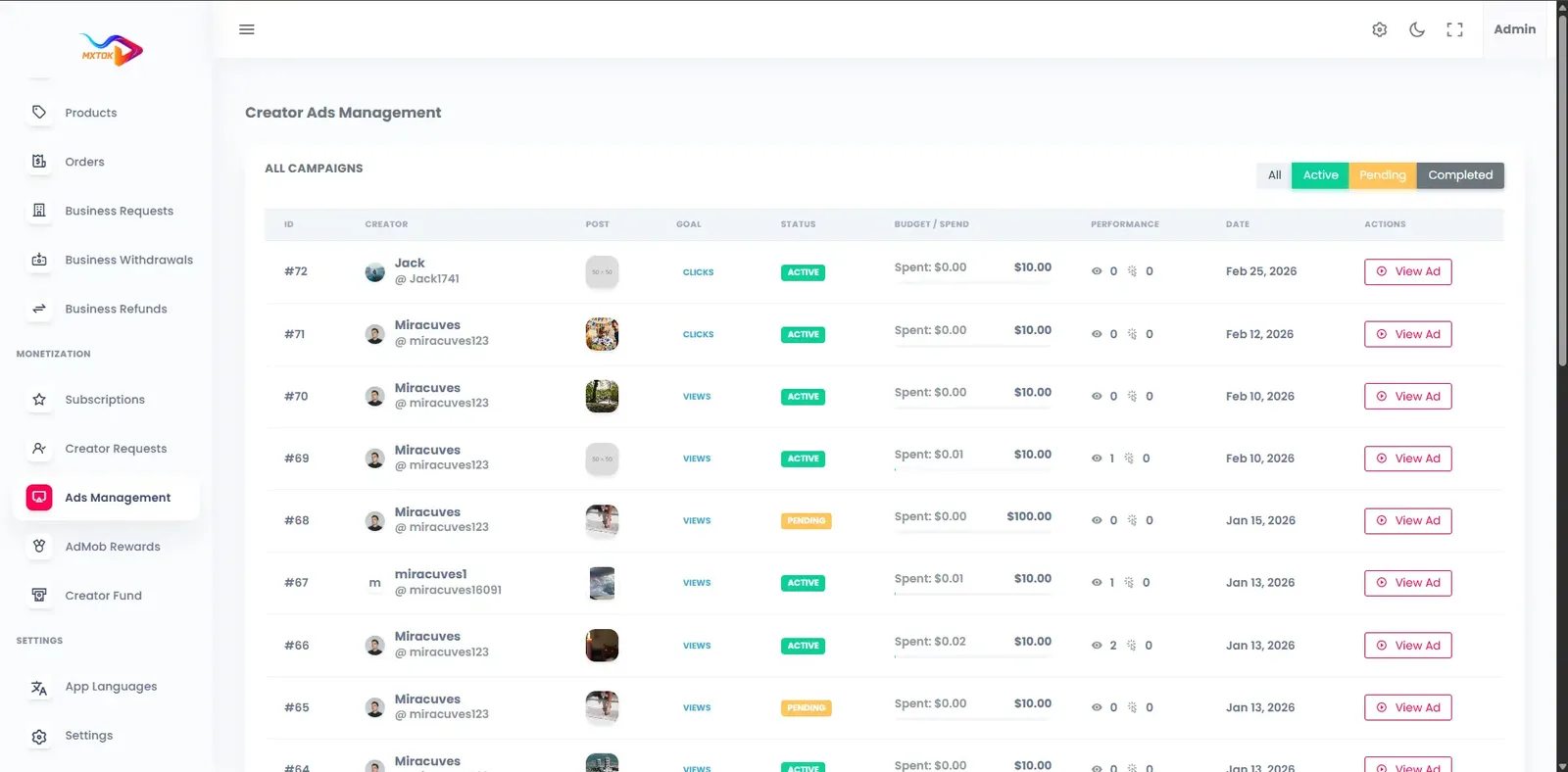
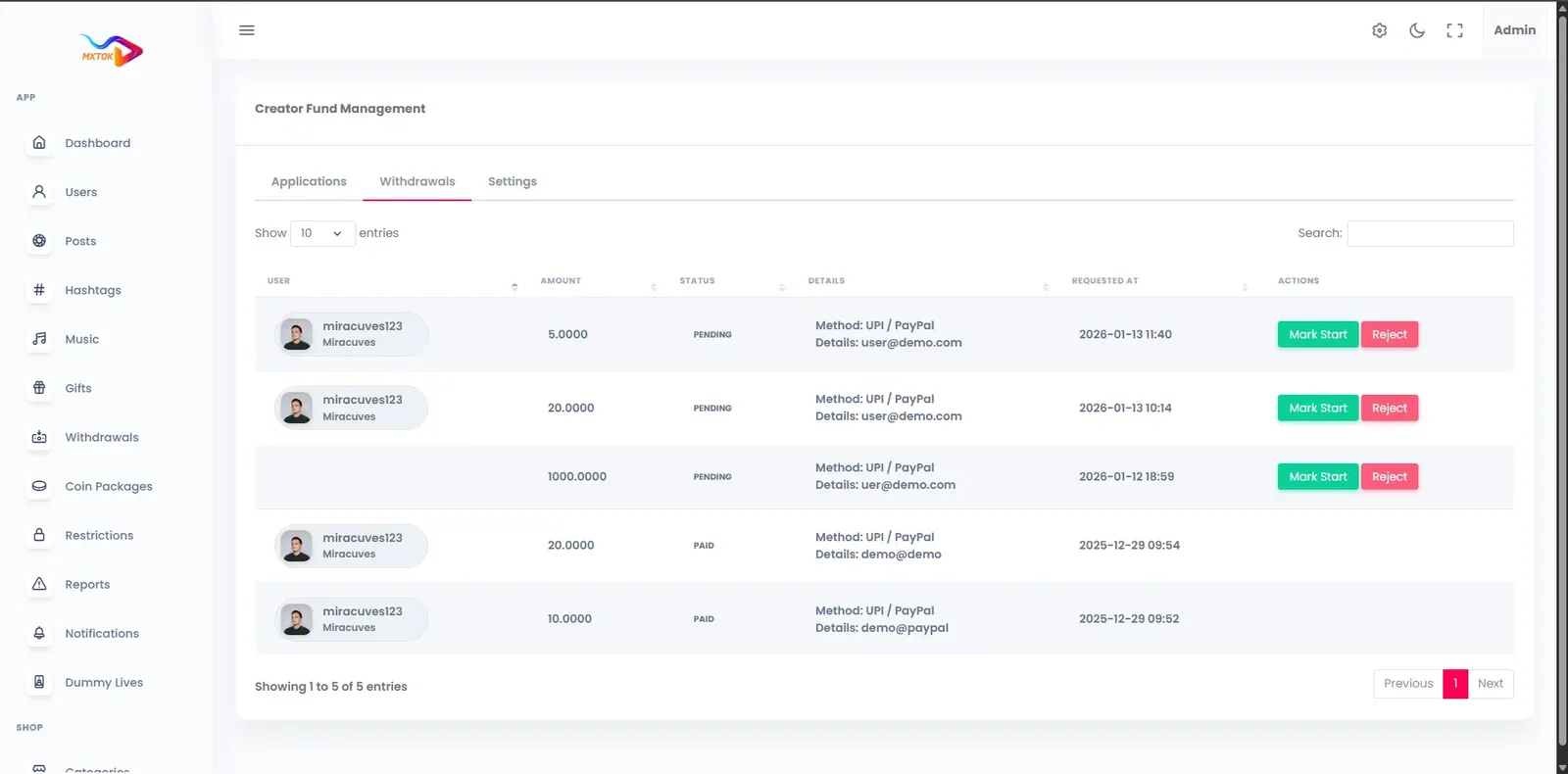
Likee-style apps share one engine with our TikTok product, which means the demo here is that common build in our demo colors. Try the website and control room from any browser, install the Android app, sign in with the public demo logins and test the camera, the feed and live gifting.
miracuves@yopmail.comUser_321miracuves@yopmail.comUser_321adminAdmin_$32148 features across 4 roles.
Effects apply on the camera feed while recording, so a creator judges the result before pressing the button.
A broad set of looks, from soft color grades to bold stylized finishes, ships with the app.
Effects that follow the face give clips a recognizable, shareable character.
Smoothing and retouching options keep creators comfortable on camera.
Trending lenses are included, and themed packs can be designed around a campaign.
Place stickers over the picture and animate them across a clip.
Slow a moment down or speed it up so an effect lands on the right beat.
Remove dead air and keep only the frames that show off the look.
Join several recordings into one clip with the effects intact.
Unfinished clips wait in drafts so a creator can return and polish.
Pick from categorized sounds or reuse another creator's audio.
Choose a cover frame and decide who can see the clip before publishing.
Recommendations adapt to what each member watches, likes and follows.
Browse by category, hashtag, creator or featured effect.
Hashtag challenges invite members to film with the same look.
Pair a reaction with an original clip, or chain clips into a story.
Threaded discussion under every clip, with mentions.
Members follow creators and see their new posts first.
Keep clips for later or send them out of the app.
Members message each other, and reports flow into the same queue.
Alerts for new followers, replies and live starts, with campaign nudges.
Language and interest picks shape early recommendations.
Translated labels, plus a light and a dark appearance.
Clips and profiles have crawlable pages so search engines can find them.
Quick-response streaming through Agora, Wowza, WebRTC and FFmpeg.
Viewers talk to the creator and to each other during the show.
Quick reactions float over the stream in real time.
Viewers send gifts and stickers that credit the creator wallet.
Members buy coin bundles inside the app.
Gifts, subscriptions and withdrawals appear in one balance.
Creators request a payout and an admin approves it.
Recurring premium access for loyal fans.
Followers are notified the moment a stream begins.
Sessions can be kept as replays, free or premium.
Revenue by clip, show and period, with top supporters.
The platform share on gifts and subscriptions is set by you.
Clips, comments, profiles and live sessions can be reported to one queue.
Probable explicit, violent or copied material is marked for a human look.
Warnings, removals, strikes and bans, each logged.
Search accounts, change status and assign roles.
Separate review, payments and analytics permissions.
Optional 2FA for administrators.
Optional checks for creators and brand accounts.
Review withdrawals and keep a payout log.
Schedule challenges, featured hashtags and branded placements.
Control in-app and rewarded ad placements.
Top creators, watch time and active users in a dashboard.
Consent prompts, removal on request, data downloads and retention timers.
Newcomers join with a phone number, email, Google login or Apple login, then pick a language and some interests.
They pick a filter, face effect or lens, record or upload, and trim the take.
The clip enters the feed, often under an effect challenge, and gathers likes and comments.
Creators with a following stream, receive gifts and see earnings in the wallet.
Admins review reports, approve withdrawals and read engagement and revenue numbers.
| Revenue model | How it works | Who pays | How you earn |
|---|---|---|---|
| Live gifts | Viewers spend coins on gifts and stickers while a creator streams, and the value moves to the creator wallet. | Viewer | Your commission on every gift |
| Coin bundles | Fans top up coins inside the app and use them on gifts, creator plans and chosen effects. | Member | The sale price of each bundle, less store and gateway fees |
| Subscriptions | Fans pay a recurring amount for closer access to one creator, such as premium clips or private streams. | Fan | A share of each recurring payment |
| Sponsored lenses | A brand pays for a themed lens and challenge, then members film with it and spread the campaign. | Brand | A campaign fee agreed per sponsor |
| Advertising | In-app and rewarded ads sit in the feed and around live rooms, managed from the admin panel. | Advertiser | Ad revenue from placements you control |
| Premium effect packs | Selected looks and lens packs are reserved for subscribers or unlocked with coins. | Member | Coins spent on exclusive looks |
| Premium replays | A creator keeps a live session as a replay that costs coins or a subscription to watch. | Viewer | Your share of each replay sale |
Income in a camera-led app arrives as many small payments. A fan buys a coin bundle, sends gifts while a creator streams, and the creator's balance grows once your cut is taken. A cash-out request then waits for an admin decision. Subscriptions flow through the same balance, which gives each creator one place to read their income and gives you one report to reconcile.
| Gateway | What it covers |
|---|---|
| Other | |
| Gateway of your choice | Plugged in via the API layer to a merchant account you open yourself, so you choose the processor. |
| Apple and Google store billing | In-app coin purchases pass through store billing, and the stores retain a fee, so build that into bundle prices. |
An effects app puts faces on screen, often young ones. Decide who may appear, what your policy says about filming other people, and how a person can ask for a clip to be taken down. The report queue gives members a route, and reviewers can remove a clip and warn the poster. Rules about likeness differ by country and remain your responsibility.
Effects and challenges attract a young audience. Signup can ask for age and region, and harder checks plus parental tools are available, with scope confirmed with us. Write down your minimum age, what you will do when an account looks underage, and who handles those reports. Live features deserve the strictest rules, because live content cannot be reviewed beforehand.
Automated screening marks probable explicit, violent or copied clips, which then queue for a reviewer. Automatic flags are a starting point, not a verdict, so staff still decide. Schedule reviewers for peak posting hours, and log every action so repeat offenders and coordinated abuse become visible over time.
The build covers GDPR groundwork: a consent step at signup, deletion on request, data download and retention timers. Camera apps handle sensitive material, so keep your privacy notice specific about what is stored and for how long. Make deletion easy to find, and test the flow before you submit to the stores.
Coin and gift movements go through protected APIs and leave a payout record. Fraud shows up as stolen cards buying coins, fake accounts farming gifts and withdrawal abuse. Limit payout approval to a handful of finance staff, watch for odd wallet activity, and publish a plain refund and coin policy.
Logins rely on JWT and OAuth2, administrators can turn on two-step sign-in, and throttling shields signups, uploads, replies and complaints. CDN protection helps absorb hostile traffic. Role-based access means a reviewer sees the queue but not the wallet, which limits damage if one account is compromised.
| Layer | Built with | Hosting note |
|---|---|---|
| Mobile apps | Flutter (Android and iOS) | One Flutter codebase yields the Android and iPhone apps, prepared for store review. |
| Web app | PHP and Laravel, with optional PWA | PHP and Laravel power the website, the optional installable version and the API that feeds both phone apps. |
| Backend and API | Laravel | |
| Database | MySQL or MariaDB | MySQL or MariaDB hold profiles, clips, wallets and transactions. |
| Live and media | Agora, Wowza, WebRTC and FFmpeg | FFmpeg turns each upload into several sizes with cover frames, kept in protected storage buckets.Broadcasts travel over Agora, Wowza and WebRTC with little delay.Cloudflare or Akamai deliver video from a server near the viewer and absorb flood attacks. |
| Cloud hosting | AWS, GCP or DigitalOcean | AWS, GCP or DigitalOcean with auto-scaling, backup and recovery planning. |
| CDN and protection | Cloudflare or Akamai | |
Effects are processed on the phone, but everything they produce is stored, transcoded and delivered by your servers. Live shows add real-time delivery on top. Because the packaged build sits in a cloud account you own, each cost appears on your own bill and grows only as fast as your audience.
People often assume effects are a server feature. They are mostly a phone feature, and the split decides both your build effort and your running cost. This table shows each stage of a clip and who does the work.
| Stage | Where it happens | What it means for you |
|---|---|---|
| Preview | On the creator's phone | Phone quality decides how smooth a look feels, so test on modest devices. |
| Recording with effect | On the creator's phone | The effect is baked in, so the server receives a finished video. |
| Upload | Phone to your servers | File size drives bandwidth cost and the wait before a clip appears. |
| Transcoding | Your servers with FFmpeg | Several resolutions and thumbnails are produced for each upload. |
| Safety screening | Your servers, then reviewers | AI-assisted filters flag risky clips, and staff decide what happens. |
| Delivery | CDN edge locations | Viewers stream from the nearest location, which keeps playback quick. |
| Live streaming | Streaming layer and CDN | Spend rises with show length and audience, so cap it monthly. |
Camera apps invite people to share their appearance, which brings duties that a plain video app can avoid. These points cover the main risks, along with the choices you should settle on paper well before launch day.
Most clips on an effects app carry music, and music has owners. The product ships a sound library and lets creators reuse each other's audio, but the licenses behind commercial tracks are a separate matter that belongs to you. Decide early whether your library holds only tracks you are entitled to use, or whether you will license a catalog, and write that choice into your terms of service.
Sponsored lenses raise the same question in a different form. A brand lens with a famous song attached needs its own permission. Put sound terms into every sponsor agreement and let reviewers remove clips that carry unlicensed audio. Automated screening helps surface likely copyright matches, though staff must still decide, and you should keep a clear route for rights holders to send a notice.
Ready-made, one-time
$3,999
Live in 6 working days from kickoff
Face-tracking looks and themed lenses designed around your brand, a season or a sponsor.
Scope confirmed with usEffects beyond the shipped library, such as morphing or transformation looks, shaped to your brief.
Scope confirmed with usSeveral creators share one live room for collaborations and effect battles.
Scope confirmed with usGifts that fill the screen, giving streaks and a ranked list of top fans.
Scope confirmed with usCaptions from speech with subtitles in other languages for mixed audiences.
Scope confirmed with usTougher gates than the optional age question, drawn up for your market.
Scope confirmed with usInvite links and codes that pay members when friends join.
Scope confirmed with usLocal trend lists per country or city, plus levers to boost or restrict content by place.
Scope confirmed with usAn effects app is judged in the first ten seconds with the camera. This matrix starts with the mechanics people expect from the name, then moves to the supporting modules. Each row says plainly whether it ships in the ready-made build or is shaped around your plan with us.
More than fifty looks apply live on the camera feed.
Effects that follow the face, plus beauty modes for smoothing.
Trending lenses ship with the app and appear in the camera.
Place stickers over a clip; the same stickers can be sent as gifts.
Edit takes in the app and keep drafts until publishing.
Categorized sounds, and reuse of another creator's audio.
Side-by-side reactions and chained multi-clip stories for creators.
Challenges featured on the feed and the explore tab for everyone.
Behavior-based recommendations with endless scrolling for viewers.
A single host broadcasts while viewers chat and react.
Viewers spend coins on gifts and stickers during a show.
Gifts, subscriptions and withdrawals in a single balance.
Complaints about posts, replies, accounts and streams.
Likely nudity, violence and copyright matches go to review.
Review, payments and analytics permissions are separate.
Themed face-tracking looks designed for you; scope confirmed with us.
Looks beyond the shipped library, shaped to your brief.
Several creators on screen together, set up by us for your build.
Full-screen gift animations and supporter rankings, set up for you.
Speech captions and translated subtitles, configured for your languages.
Optional age selection ships; stricter checks are scoped with us.
In an effects app, the cost sits in the camera layer. Real-time face tracking, lens rendering and a polished editing flow take specialists a long time to build and tune across many phone models, long before the first clip is shared. Live streaming and a wallet add more, and the admin side comes last. A ready-made platform turns most of that into a product you configure rather than a project you staff. What remains is brand design, moderation people and the effects you want beyond the shipped library.
| Factor | Scratch build | SaaS | GetFame |
|---|---|---|---|
| Time to first clip | Many months of camera work | Fast, in the vendor's format | Packaged build goes live about 6 working days after kickoff |
| Camera and effects | Specialist rendering to build and tune | Vendor-defined library | Filters, face effects and AR lenses shipped |
| Live streaming | Real-time infrastructure built separately | Bundled with vendor limits | Included on Agora, Wowza and WebRTC |
| Gifts and wallet | Ledger and payout logic to test | Vendor payout rules | Coin wallet with admin-approved withdrawals |
| Moderation | Queue and roles to build | Vendor policy and tools | Report queue and logs included |
| Brand control | Complete, after the build | Limited by the vendor | Complete, with source and data |
| Lock-in | None | High, audience tied to vendor | None; change providers any time |
Running costs. Plan a separate budget for what sits outside the platform price: servers, storage that swells with every uploaded clip, delivery bandwidth, streaming minutes, payment processor charges, app store memberships, reviewer wages and any paid screening service. A video library keeps growing, so fix a monthly ceiling early and revisit it after each campaign.
A camera-led app hides its cost in rendering and tuning rather than in the feed. Each row sets a from-scratch build beside what you begin with here, in effort words only, showing where your engineers would spend their first months.
Build it yourselfNative recording that behaves across many phone models and operating system versions.
Ready-madeA Flutter camera flow for Android and iOS, ready to rebrand.
Build it yourselfDesigning and tuning a library of looks so they run smoothly on modest phones.
Ready-madeMore than fifty filters apply live during recording.
Build it yourselfFace tracking, mask design and testing across skin tones and lighting.
Ready-madeFace effects and beauty modes ship in the camera.
Build it yourselfA lens format, authoring pipeline and a way to publish new packs.
Ready-madeTrending lenses are included, and themed packs can be designed.
Build it yourselfTrim, merge, speed and a reliable export that keeps effects intact.
Ready-madeTrim, cut, merge, speed and drafts are part of the app.
Build it yourselfTranscoding, thumbnails and delivery that cope with weak networks.
Ready-madeClips are converted with FFmpeg and served from a CDN, both set up when we deploy.
Build it yourselfRanking logic that rewards new creators without burying established ones.
Ready-madeA recommendation feed with explore by category and hashtag.
Build it yourselfStreaming infrastructure plus chat and gifting, load-tested before any big show.
Ready-madeBroadcast rooms using Agora, Wowza and WebRTC, with gifts.
Build it yourselfBalance tracking, a gift menu, settlement and cash-outs, where every defect costs real money.
Ready-madeCoin sales, gifts, creator balances and a cash-out queue come wired together.
Build it yourselfReport intake, flagging, enforcement and records, often built last.
Ready-madeA report queue, AI-assisted flags and a role-based admin panel.
Likee is widely known as a short video app with a strong effects toolbox and live streaming. A white-label product answering the same search differs on ownership, house rules and who keeps revenue. The rows describe the model only, not how any company performs or behaves.
| Aspect | The Likee model | This platform |
|---|---|---|
| Core hook | Magic effects and editing tools on short clips | Filters, face effects and AR lenses, with themed packs designed for you |
| Live and gifts | Live streaming with virtual gifts | Live rooms with gifts, coins and stickers under your commission |
| Who sets the rules | The owning company | You, with your own moderation team |
| Creator earnings | Under the platform terms | Under terms you write, including withdrawals |
| Branding | Runs as its own brand | Ships under your name, logo and domain |
| Data | Held by the company | Held in your own database |
| Availability | Differs by country and has changed over time | Yours to publish wherever you hold store accounts |
| Extensibility | Closed | Source code you can modify and extend |
Makeup looks, outfit reveals and before-and-after clips built on beauty modes and face effects.
Playful stickers, lenses and challenges for an audience that treats the camera as a toy.
Themed lens packs for a holiday, tournament or tour, with a feed full of fans in the same look.
A sponsor owns a lens and a hashtag for a season while members create the content.
Local creators, local languages and live rooms where fans gift their favorites.
A camera app works best when a group already likes playing with its own image. Each idea below names the audience, what it pays for, and what to set up before you open the doors.
Makeup artists, hair stylists and fashion fans post transformations and look tests. They pay for gifts when a creator reveals a result live. Configure beauty modes and a small set of flattering color filters first, then recruit a dozen verified creators.
Fans of a tournament, tour or holiday want to wear the team colors and share the moment. Sponsors pay for a themed lens, and fans send gifts during live coverage. Prepare a lens pack and a challenge hashtag before the first date.
Parents and schools may want a gentler app with filters and stickers but tighter controls. This needs stricter age checks, parental features and careful moderation, scoped with us. Settle the audience rules before choosing any effects.
A consumer brand runs a season-long challenge where members film with a lens built around a product. The brand pays for the placement, and members compete for features. Prepare the lens, the challenge name and the schedule with the sponsor.
Creators from one city or language community, with live rooms where neighbors gift their favorites. Income comes from coin bundles and gifts. Set the language, region trends and a first batch of hosts, then pick a payout route your creators trust.
Performers use exaggerated face effects and stickers for sketches and characters. Fans reward them with gifts, and subscriptions follow once regulars appear. Start with a tight set of comic effects, refresh them on a regular rhythm, and let the funniest creators teach newcomers what works.
Apps like Likee fall into a few camps. People searching for a Likee alternative usually pick between a large general network, a camera app that doubles as a social feed, or a platform they own. The descriptions below are neutral summaries of the trade-offs, not rankings.
Effects-led video and live app
Members who want creative tools, short clips and live gifting in one app.
Its owner decides rules, features and where it is offered.
General short video network
Creators chasing the biggest audience and a seasoned entertainment feed.
One company steers discovery and policy, so a niche culture has little space.
Camera-first messaging app
People who share lenses privately with friends before posting publicly.
It centers on private chat, so a public short video feed is secondary.
Short video inside a photo network
Creators who already hold an audience on the parent app.
You borrow someone else's audience, tools and policy.
Video editing app
Creators who edit with templates and effects, then post elsewhere.
It is a tool, not a community, so no feed or audience comes with it.
Owning a white-label app suits operators after a distinct look and total say over house rules: a beauty community, a fan base for one event, a regional creator scene. You do not inherit a crowd, so you must recruit creators and give members a visual reason to return. In exchange, you hold the data, the revenue and the brand.
Begin with the look, not the feature list. Decide what a clip from your app should look like at a glance, then pick the filters, lenses and stickers that produce it. A narrow, recognizable style spreads faster than a catalog of everything, because viewers can tell where a clip came from.
Next, give members a reason to open the camera today. A weekly challenge tied to one lens works well: it hands people an idea, a deadline and a hashtag. Feature the best entries on explore so every participant sees a route to being noticed.
Hold live for the second month. Once a few hundred clips exist and a handful of creators have followers, live rooms and gifts have something to build on. Starting live on an empty app only shows viewers an empty room.
An effects library is a living menu. Members try everything in the first week, then settle on a few favorites, so new looks are what bring them back. Plan a rotation: retire weak effects, promote popular ones and add something fresh on a schedule your community can predict.
Match effects to your audience. A beauty community wants flattering retouching and subtle color grades. A comedy audience wants exaggerated face effects. A sports or festival brand wants themed lenses with team colors. Look at which effects creators use in completed posts, not only which ones they tap while browsing.
Use sponsors with care. A branded lens can pay well, but if it dominates the menu, members stop trusting the app. Limit sponsored looks to a section and label them, so the main library stays the creators' own.
Gifting grows from recognition, not pressure. Viewers gift when a creator notices them by name, reacts on camera and thanks them in the chat. Coach your first creators on that habit, and show them the supporters view so they can see who is giving.
Keep the coin store simple at the start: a few bundles, clear prices and a visible balance. Add animated gifts and leaderboards later, once the base behavior exists. Complex gift catalogs on a young app give viewers choices they do not yet care about.
Watch the repeat givers. A small number of regulars usually produces most of the gift income, and they leave when they feel ignored. A subscription for those fans gives them a steadier relationship and gives the creator income that does not depend on a single good night.
Open the demo and use the camera. Judge the effects on a mid-range phone, not a flagship, because that is what most of your audience will hold. Check how fast a lens loads, whether recording stutters and how long an export takes.
Ask what ships and what is tailored. Shipped filters, face effects, stickers and AR lenses are different from new effect types or brand packs, which are scoped with the seller. Have that boundary written down, with a time estimate for anything outside the shipped library.
Check the operator side as well. Look at the report queue, the payout screen and the role settings. A strong camera on top of a weak admin panel gives you an app that is fun to use and hard to run. Confirm that the source code is yours and that there is no revenue share.
You pay $3,999 once for the white-label package, and it runs on infrastructure you own. The standard schedule is 6 working days to go live. Extra effect work, like lens packs drawn around your brand, is agreed with us up front; how big it is determines whether it adds 2 weeks or 8.
More than fifty filters, face effects, stickers, beauty modes and AR lenses ship with the build, applied live while recording. Themed lens packs for a festival or campaign are available and scoped with us. New effect types can be tailored once we know the look you want.
Yes. A creator can broadcast to a large audience who chat, react and send gifts, coins or stickers, using the Agora, Wowza, WebRTC and FFmpeg stack. Followers are pinged the moment a show begins, and rooms shared by several creators can be arranged for your build.
From live gifts and coins, subscriptions, sponsored challenges and ads. Income collects in each creator's balance, and cash-out requests wait for an admin to approve them. You choose the commission and the payout rules, and every payout is recorded.
Signup can collect age and region if you switch that on, and the control room offers verification flows. Harder age gates and parental tools are available and set up by us after scope is confirmed. What the law requires where you operate is your call to meet.
Yes. Both Flutter apps, the Laravel website plus API, and the control room are delivered as complete source. We take nothing from your income and charge nothing per user, so your own developers may rewrite modules, connect services or switch cloud host at will.
Yes. Icons, typefaces, colors, launch screens, logo and the app name all become yours, together with language and region choices. Nobody inside the app sees our name. You can host it with AWS, GCP or DigitalOcean, billed to you.
No. We are a software company with no tie to Likee, which is a different brand. Its name appears here purely as the phrase buyers type into search. Your app carries your own name and design, and carries nothing of the original app, its audience or its terms.
It is lawful to operate a service modeled on this idea. Taking Likee's logo, videos or code is not, and the product contains none of that. Your launch uses your own name and house rules (see /disclaimer/). Compliance where you operate, including rules about faces and minors, stays with you. We supply tooling, not legal advice.
Pick ready-made when time matters. A free open source Likee clone still makes you build and polish the camera tools, the live rooms, the wallet, moderation and the admin side. The packaged option hands over finished apps and source code you fully own, with 60 days of technical support.
Public sources say the app launched as LIKE and was renamed and redesigned as Likee in mid-2019. Our clone is a separate product, built from our own codebase. We mention it simply because that is the term buyers search for when they want an effects-led video app of their own.
Availability has varied by country. India banned the app along with dozens of others in June 2020, for example. Check current store listings in the markets you care about. A platform you own is published by you, under your own store accounts and policies, so another company's status does not change your launch.
Yes. The shipped library of filters, face effects, stickers and AR lenses is the starting point. Themed lens packs and new effect types are available, shaped to your brief, with the scope settled together before any work starts. Bigger sets take longer than small ones.
Effects render on the device while the creator records, so the preview is immediate. The server stores, transcodes and delivers the finished clip. That is why storage and bandwidth, not effects processing, are the hosting costs that grow with your audience.
Yes. A brand can own a themed lens and a challenge for a period, and members film with it. You agree the fee with the sponsor. We can design the lens pack for you, with scope confirmed with us, and the admin panel schedules the challenge and featured placement.
It can, with care. Onboarding offers optional age selection, and stricter age checks and parental controls are available, scoped with us. Your legal duties for young users depend on each country and stay with you, so speak to a local lawyer before you open the doors.
There is no published ceiling. What a room can hold depends on your streaming plan, server sizing and delivery settings, and the stack grows on AWS, GCP or DigitalOcean. Ahead of a very large event, book an infrastructure check.
Yes. Menus and labels support several languages, and recommendations can follow region settings. Hosts add written captions to recordings. Spoken-word captions with translated subtitles can be added and configured for your build.
It puts the camera first. Creators preview filters, face effects and AR lenses live while recording, then publish a finished clip to the feed. A plain video app may focus on uploads and discovery instead. Both approaches share the same feed, live and wallet layers underneath.
The shipped library is a shared starting point that you rebrand like the rest of the app. Lens packs built around your brand, a season or a sponsor are available, designed with scope confirmed with us. That is how you make the look distinctly yours.
It depends on the size and the complexity of the looks. For a pack like that, plan on a window of 2 to 8 weeks that starts once you approve the scope. A small themed pack sits at the short end, while a larger set of new effect types takes longer.
The camera tools apply to recorded clips, and live rooms support gifts, stickers, chat and reactions. Applying face effects during a live broadcast is something we can scope with you. Tell us at kickoff if live effects matter, so we plan it into the build.
Mainly through gifts, coin bundles, subscriptions and sponsored lenses. A brand can pay to own a lens and a challenge for a period. Premium looks can also be reserved for subscribers. Advertising remains an option you can switch on later from the admin panel.
It is a ready codebase for a short video and live app in the Likee mold, sold so you skip the blank page. Ours comes with Android, iPhone, website and control-room apps plus the complete source. You rebrand it, host it yourself and run it under your own rules.
Some projects on code hosting sites cover pieces of a video app. They rarely include a live layer, a coin wallet, moderation and an admin panel in one tested package. Using them means building and maintaining the missing parts yourself, which is usually the larger share of the work.
You publish under your own store accounts and are bound by each country's laws and store policies. The original service's status in a market does not decide yours, but local rules on content, minors and data do. Take local legal advice for each market you enter.
Both phone apps are written in Flutter. We do not publish a list of supported models. Effects depend on hardware, so test the demo on the oldest and cheapest phones your audience uses, and tell us if you need to support particular devices.
On top of the $3,999 platform price, expect cloud servers, storage that grows with every clip, CDN bandwidth, live streaming usage, payment fees and store accounts. A video library only grows, so fix a monthly ceiling and check it after every campaign.
→Start here
Share the platform and your market. You get a walkthrough of the live demo, the exact scope of what ships, and a fixed price in writing. First response in under 2 hours, Monday to Saturday, 10:00 to 19:00 IST.
This page uses the name Likee to describe a type of platform. The product sold here is separate software, built independently, and Likee has no part in it.
"Likee clone" is industry shorthand that founders use when searching for software with a comparable business model. It names a category of product, not a copy of Likee.
The platform is an original product designed and written by Miracuves. It contains no code, design, graphics or content originating from the Likee website or applications, and it ships under your own brand.
Likee and its logos are trademarks of their respective owner and are named here for reference only. GetFame is not affiliated with, sponsored by or endorsed by Likee. Rights holders can write to legal@miracuves.com.
Operator responsibility. The operator of a launched platform is responsible for legal compliance in the markets it serves. Nothing on this page is legal advice.Read the full disclaimer
First response under 2 hours, Mon-Sat 10:00-19:00 IST
India+91 98300 09649 United States+1 516 202 3950