Ready-made, one-time
$3,999
MX TakaTak Clone
Live in 6 working days from kickoff
- Full source code
- White-label under your brand
- 60 days of technical support
- 1 year of free updates
- App publishing support

Short video app for media brands
Short video for an audience you already have
Build an MX TakaTak clone app and open a short video feed inside the world your viewers already visit: a streaming service, a broadcaster, a music or sports brand. Clips, challenges, gifts and live rooms come built in. You receive phone apps, a website and a control panel, plus every line of source.
| Product type | Short video app built to launch beside an existing media or streaming audience |
|---|---|
| Surfaces | Phone apps for Android and iOS, a website that can install as a PWA, and a control panel |
| Platform price | A single $3,999 payment; the servers sit in an account you own |
| Launch time | Finished build running after 6 working days |
| Audience tools | Shareable web pages, push campaigns, hashtag challenges and sponsor slots |
| Source code | Full source code, complete white-labeling and no revenue share |
| Stack | Flutter in the apps, Laravel for site and API, MariaDB or MySQL for storage |
| Streaming | Live video through Agora, Wowza, WebRTC and FFmpeg, served via Cloudflare or Akamai |
| Payment gateways | Plugged into your own merchant accounts via the API |
| Support and updates | Support lasts 60 days (technical), bug fixes last 6 months, and updates last 12 months |
An MX TakaTak clone is a finished vertical video product, meant to open next to something you already run, such as an on-demand video library, a TV network, a music channel or a sports property. Members watch vertical clips in a personalized feed, record their own, join challenges, send gifts and follow creators. Your existing viewers become the first wave of members, which is the part a standalone start-up cannot buy.
Underneath is the codebase that runs our short video product: Flutter phone apps, a Laravel website with its API, and a browser control panel. All source is handed over, every name, color and logo becomes yours, and the servers live in a cloud account you control. The original service, its members and its content are not part of it.
Connections to your main app, such as one shared sign-in, links that open a clip from inside your player, or clips tied to specific titles, are available and scoped with us once we know how your current product works. Founders typically use this build as an app like MX TakaTak for one brand, one language or one region.
MX TakaTak is a short video app that MX Player launched in July 2020. MX Player is known as a video player and on-demand streaming service, so the short video app came from a company that already had people watching video on their phones. In February 2022, ShareChat, the owner of Moj, and MX Media announced that Moj and MX TakaTak would combine, and later accounts describe it as merged with Moj. We could not confirm whether it still runs as a separate app.
An MX TakaTak clone is a complete short video product that you open next to an audience of your own, such as a streaming catalog, a broadcaster, a label or a sports brand. The original service, its audience and its rulebook are absent. The software supplies clips, challenges, gifts, live rooms and moderation. The audience, the programming calendar and the sponsor relationships are what you bring.
Most members of a media-led short video app already know your brand. They arrive from a link, a promotion or a store search, sign in quickly and expect to be shown something relevant at once. The product is designed for that short path from curiosity to the first clip they like.
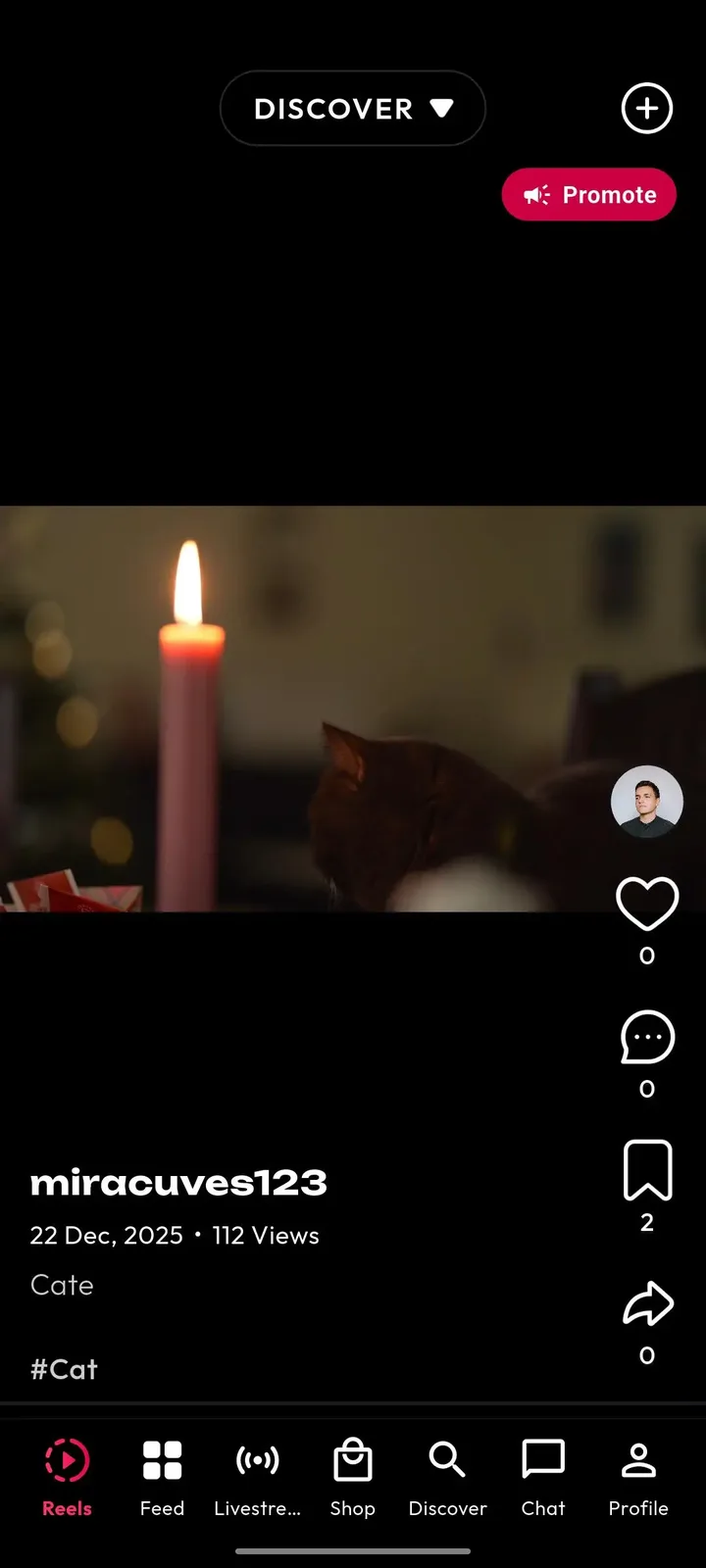
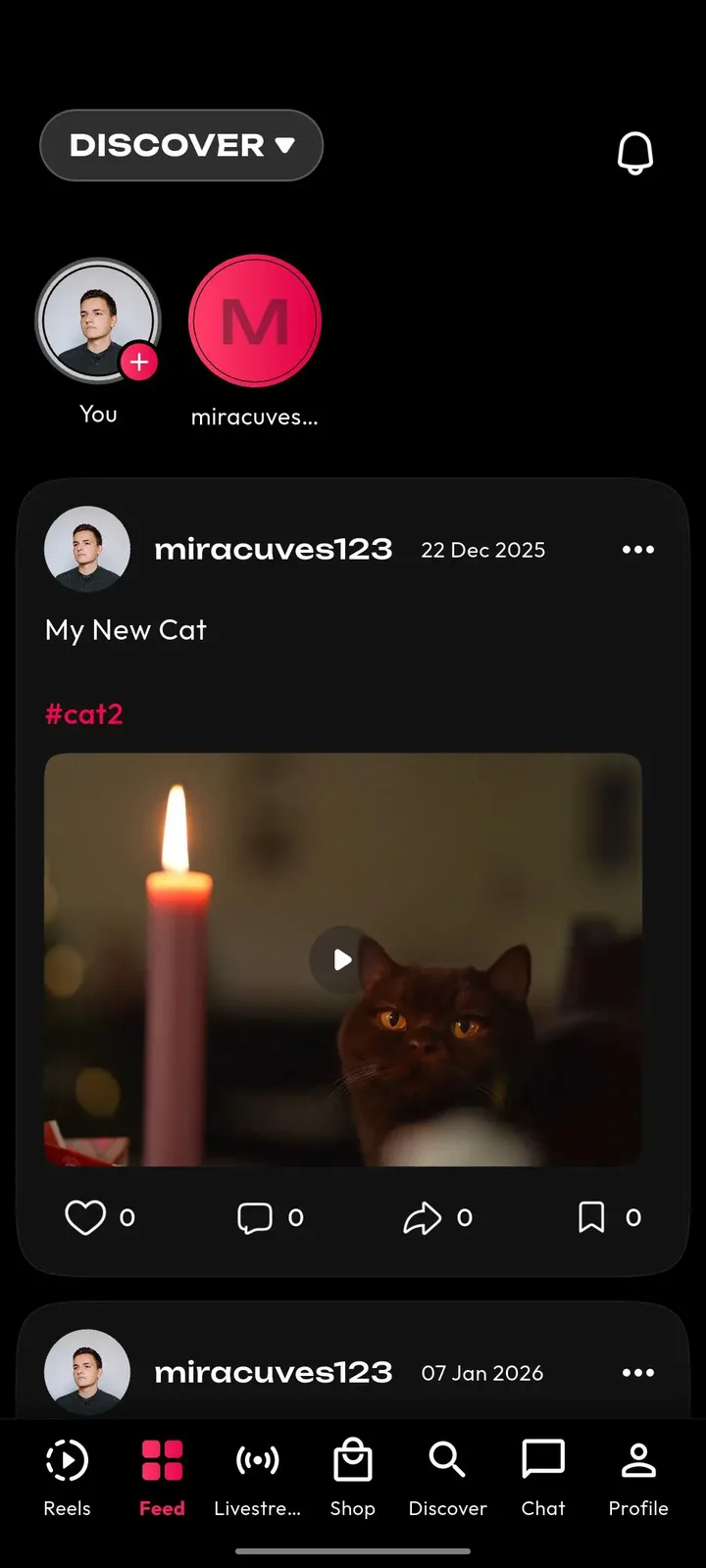
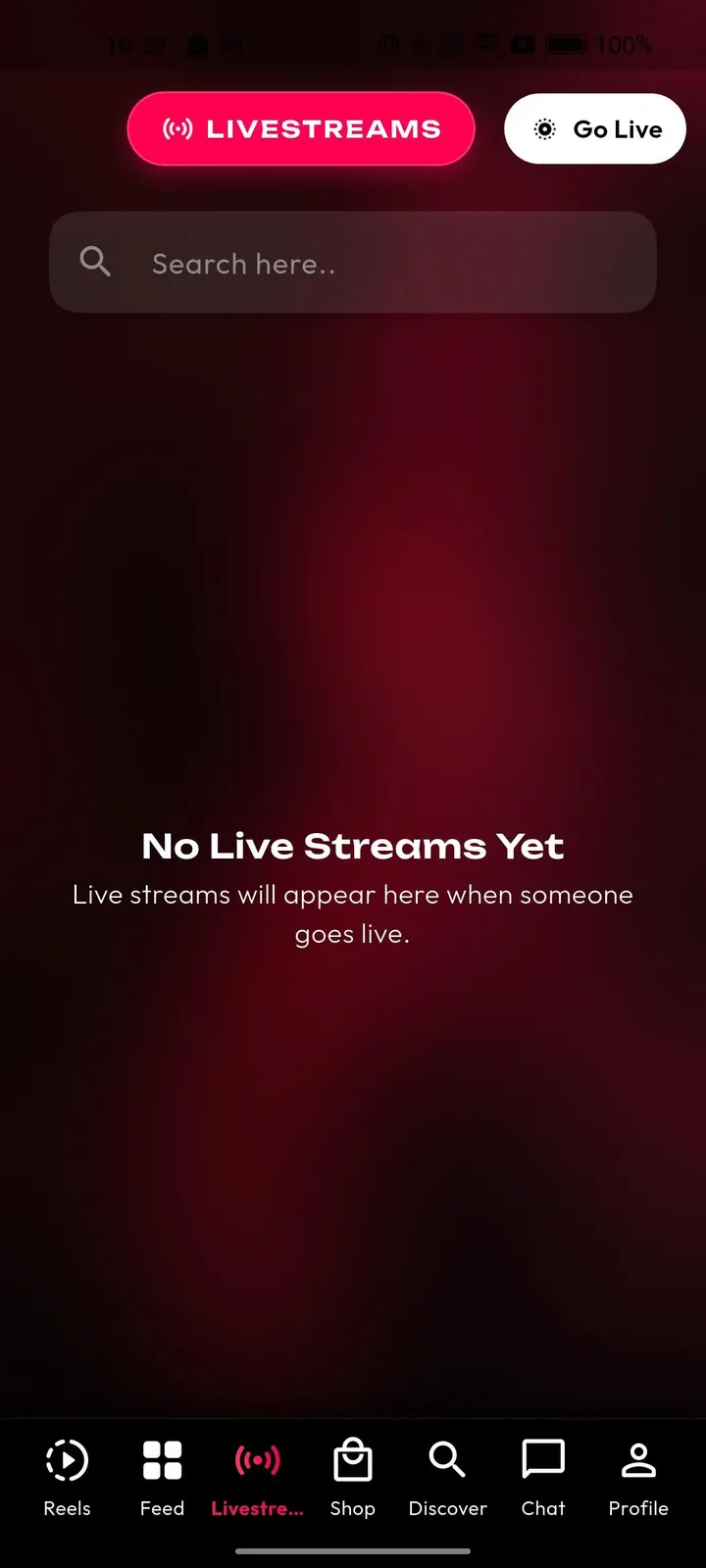
Presenters, artists, athletes and ordinary fans all post in the same place. The recorder, editor and sound tools are inside the app, so a clip can go from idea to published in a few minutes, and the wallet shows what the audience gave back.
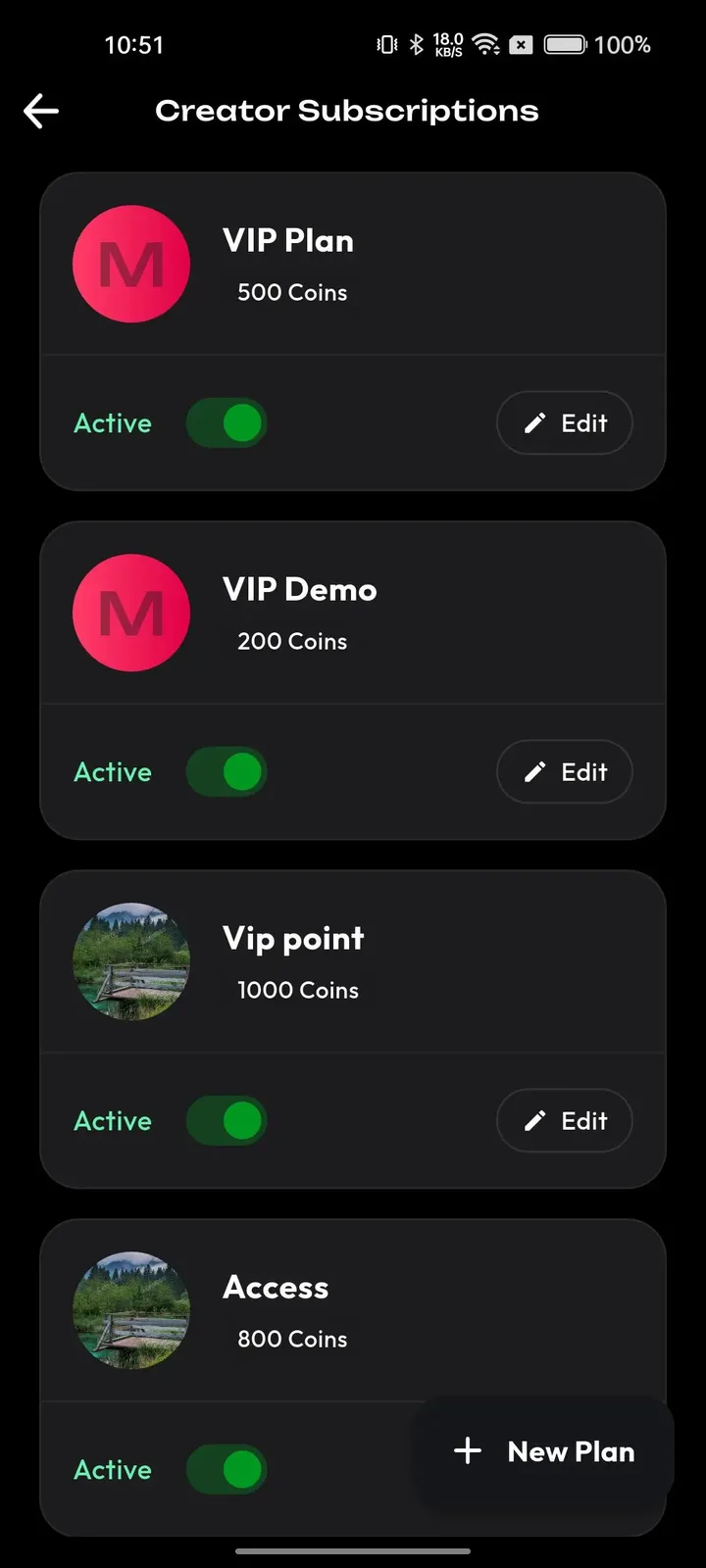
Editors and partnership managers decide what the audience sees first. The admin panel gives them trend controls, campaign tools and reports, so promoting a premiere or a sponsor looks like a normal working day rather than an engineering request.
A large audience brings reports, disputes and payouts. Operators work in one panel with roles, so reviewers see the queue, finance sees the wallets and nobody needs access to more than their own job requires.
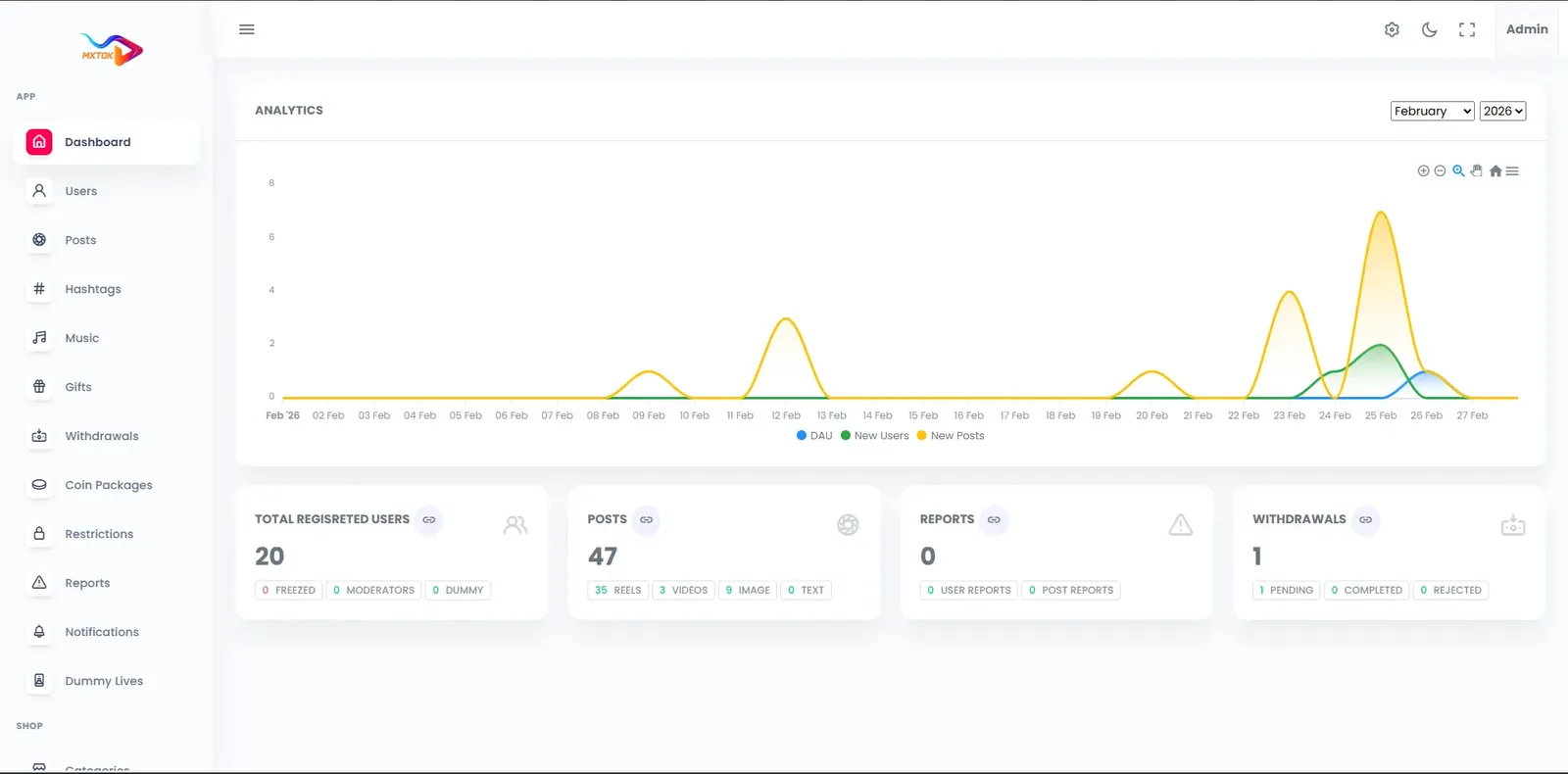
Shared core preview. These screenshots show the shared tiktok platform foundation used for this solution family. Product-specific branding and any additional modules are configured in the build scope.
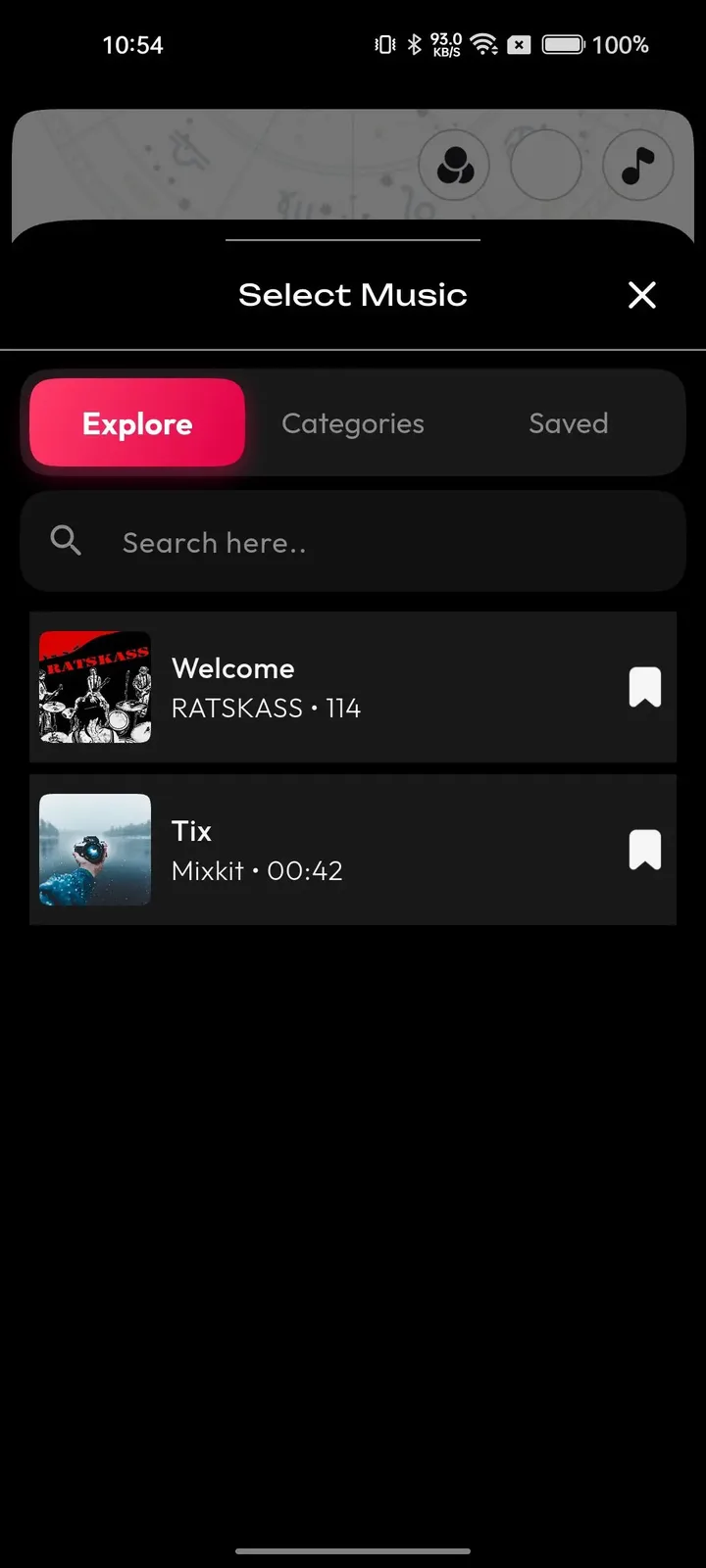
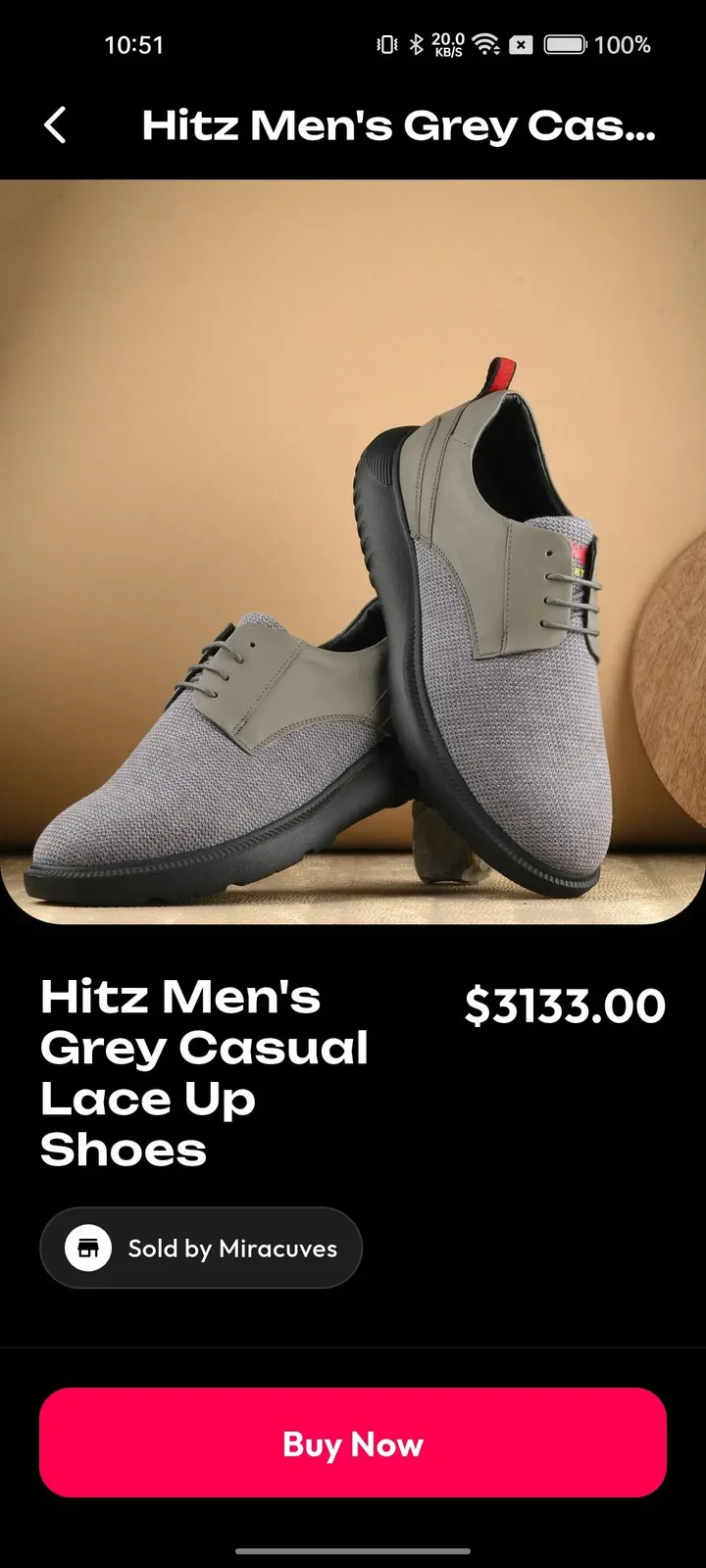
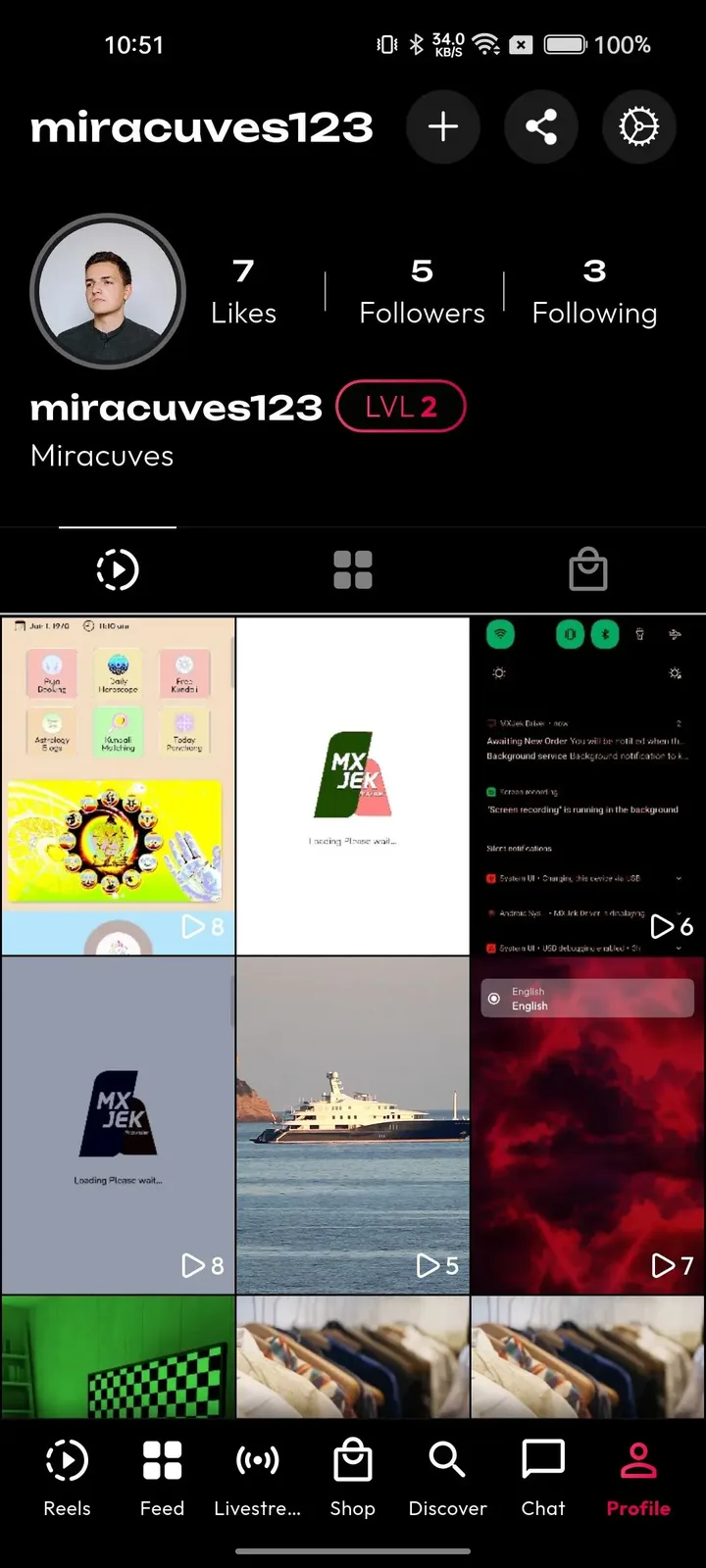
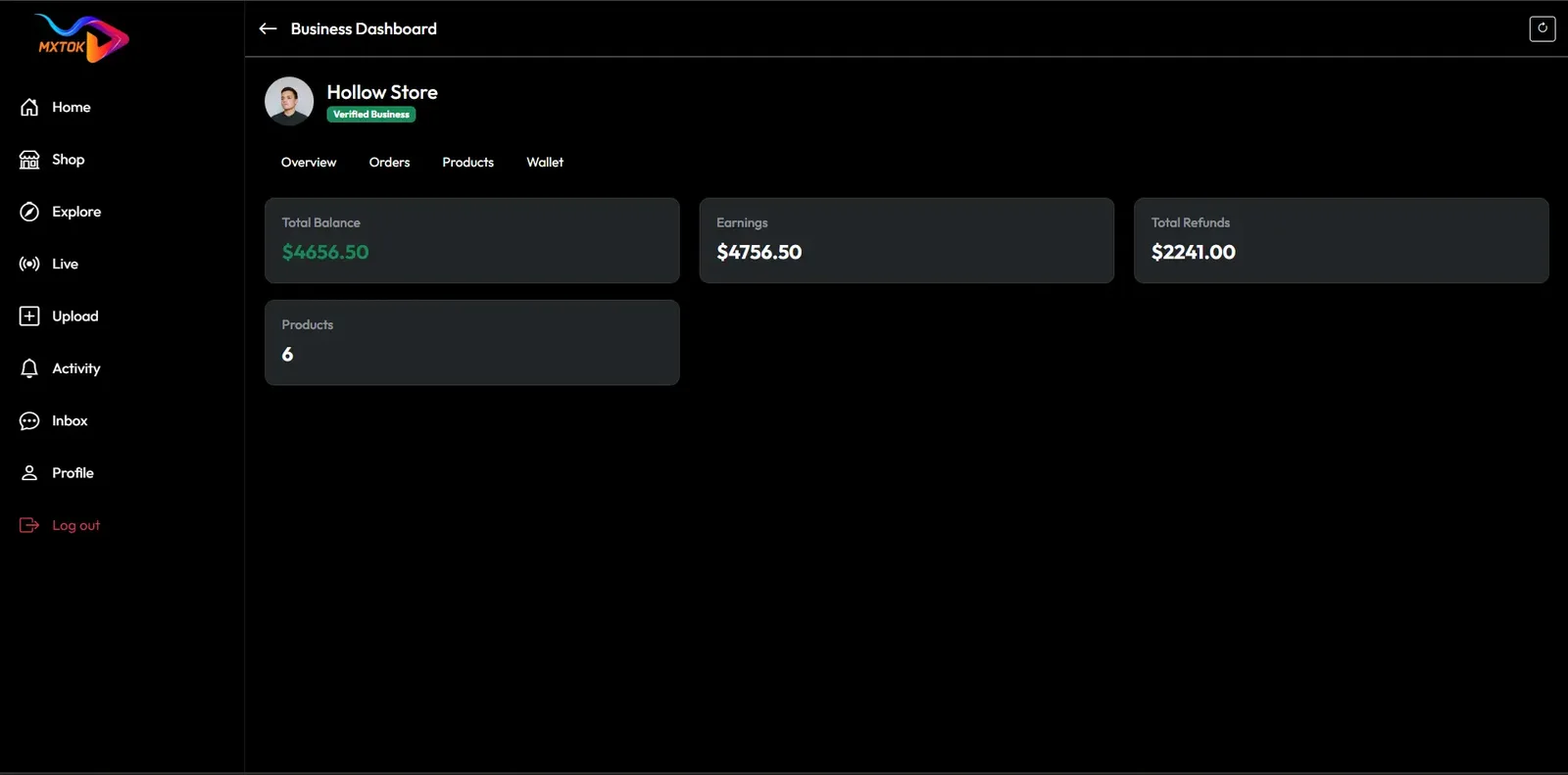
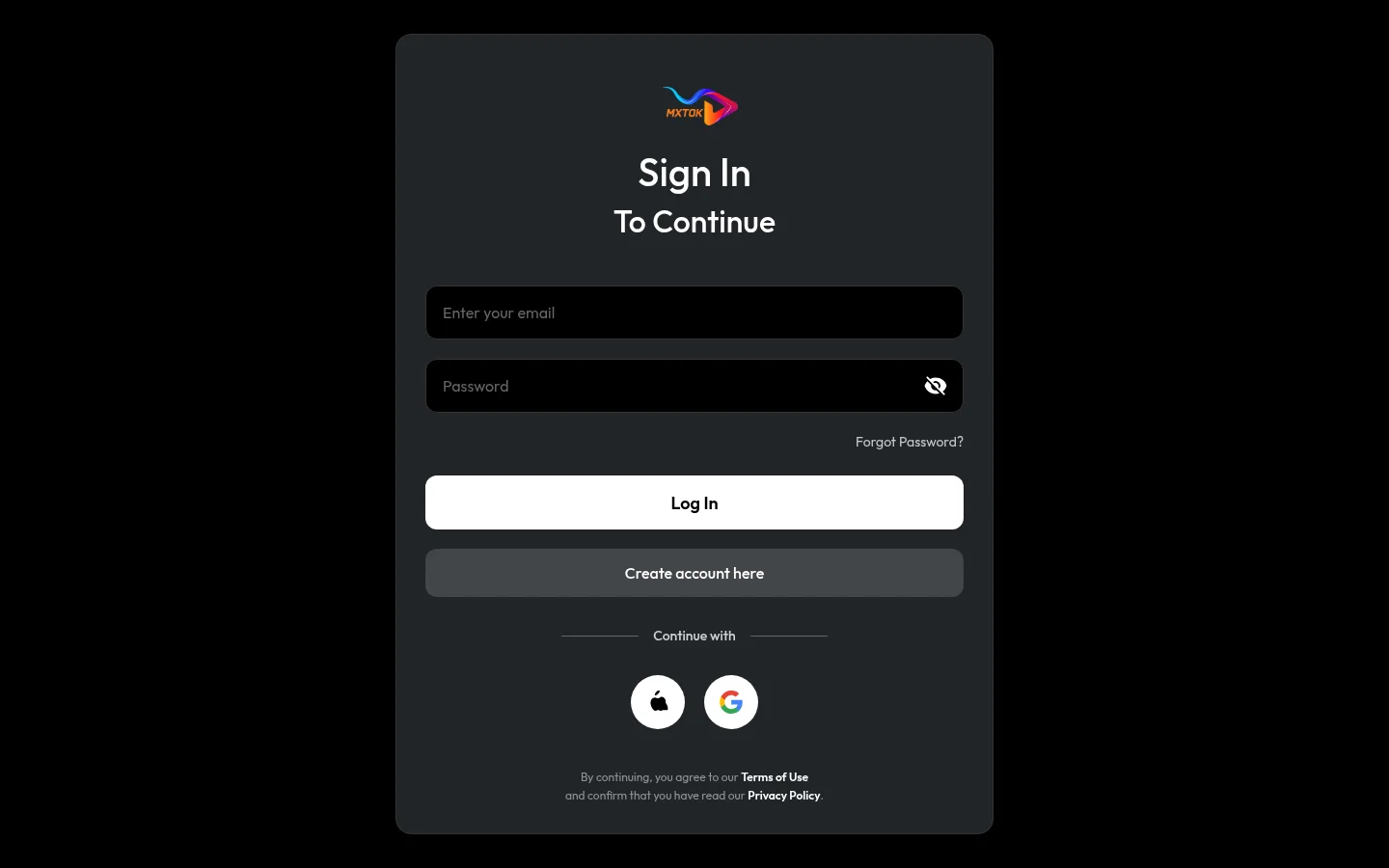
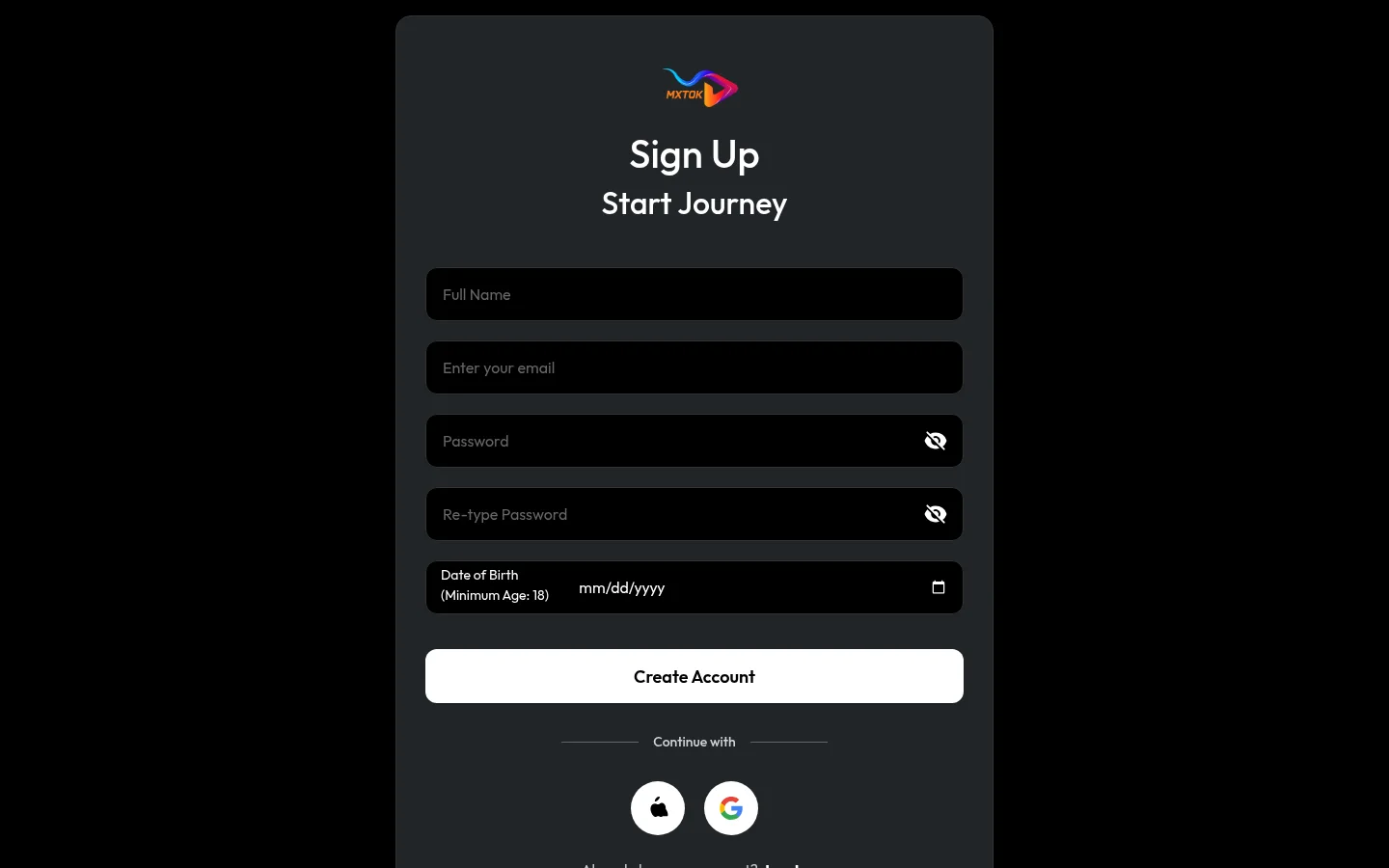
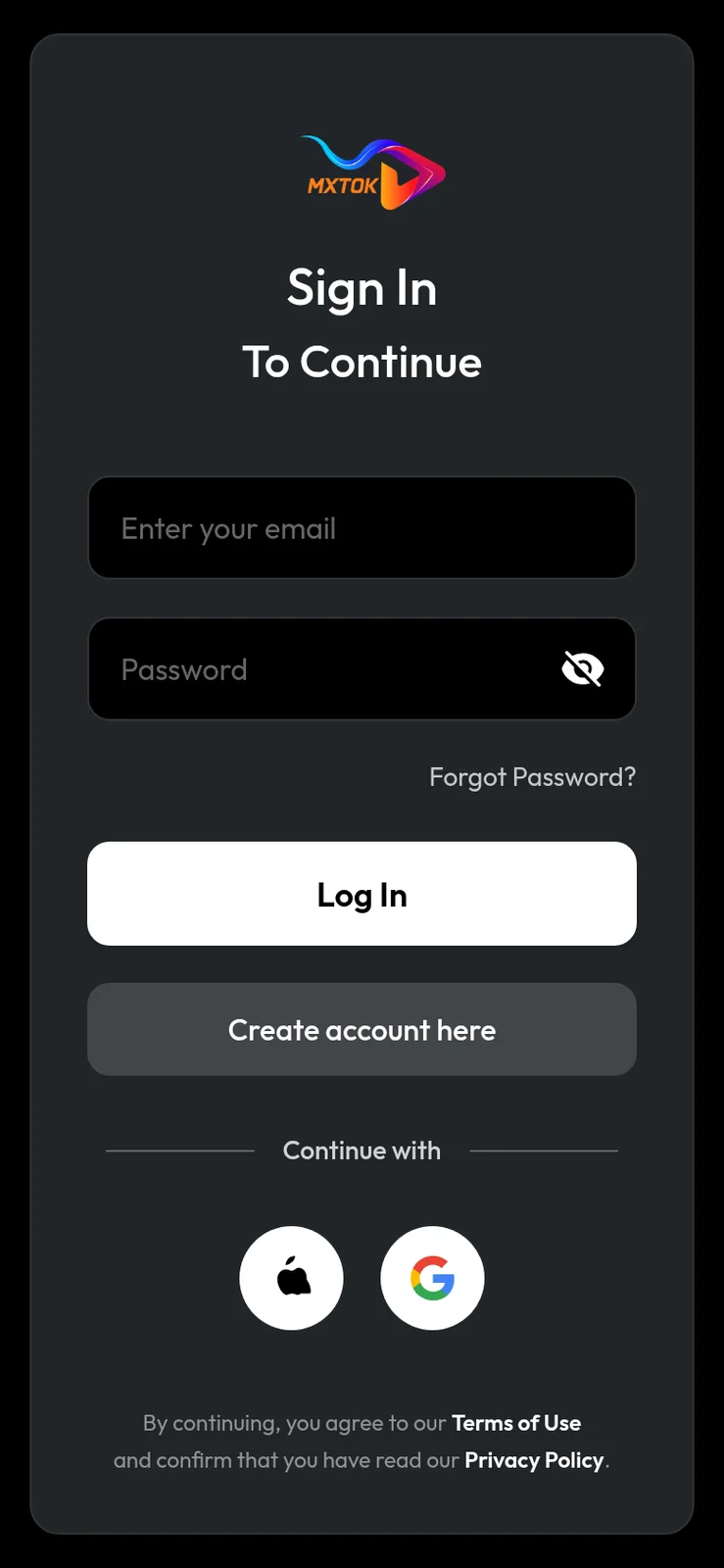
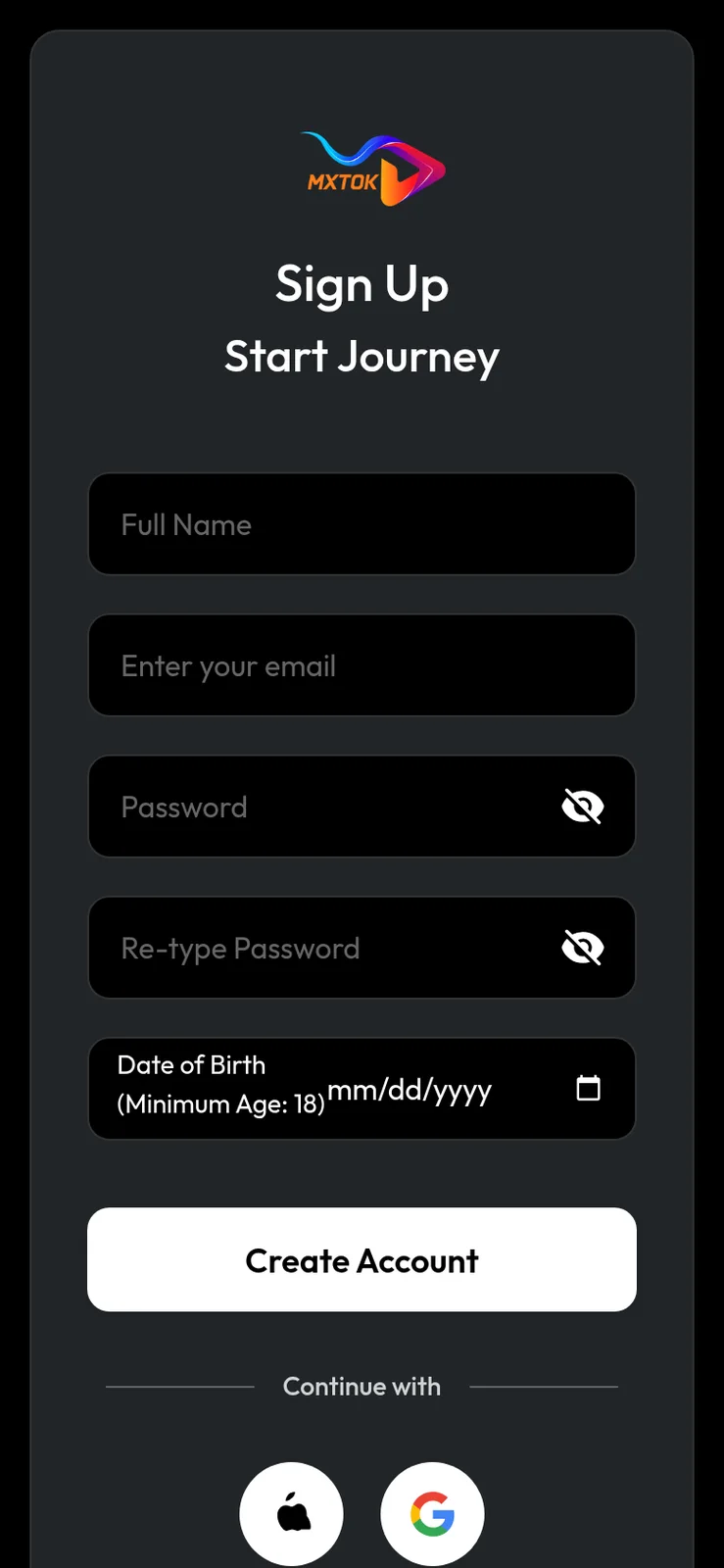
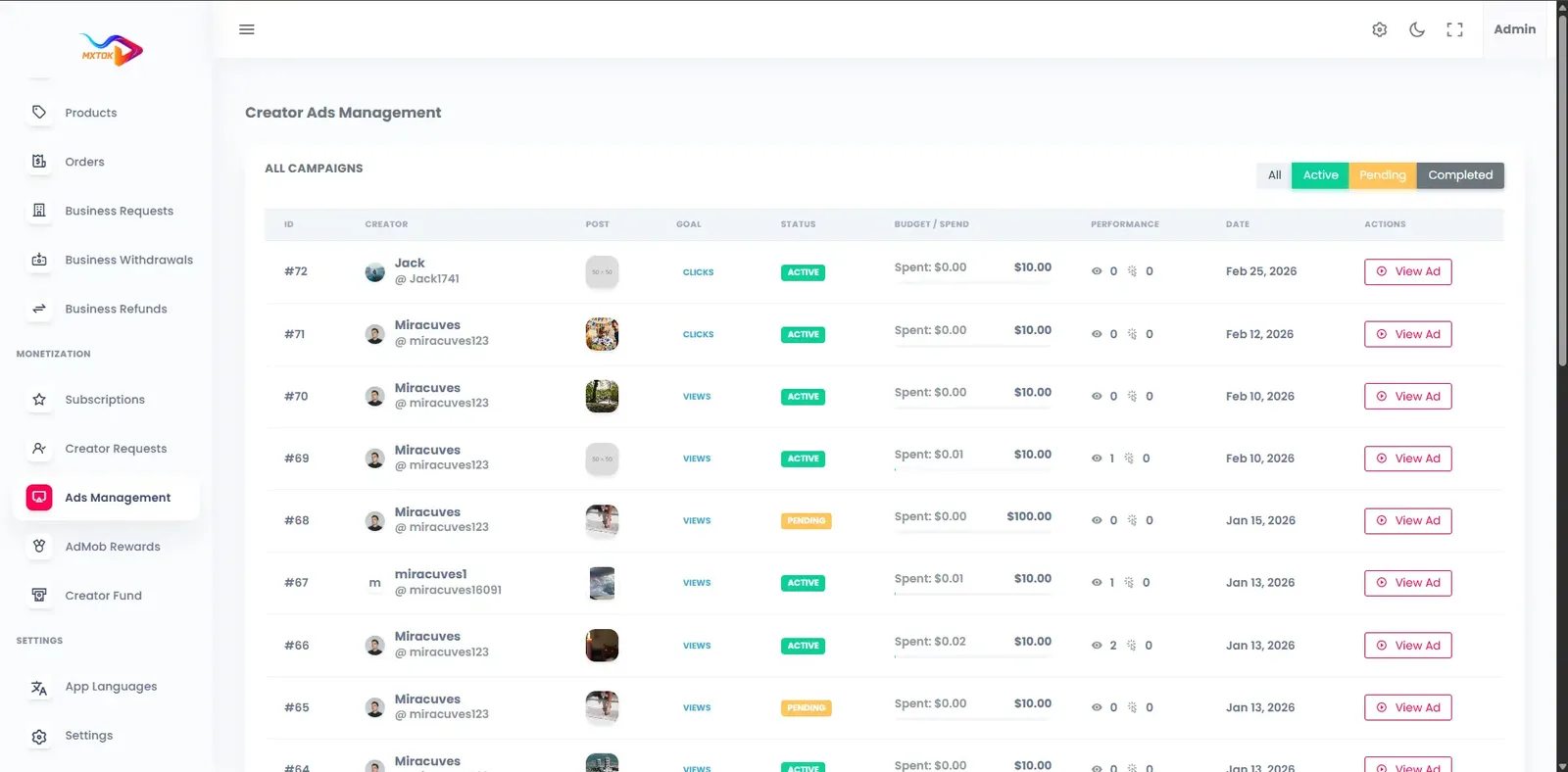
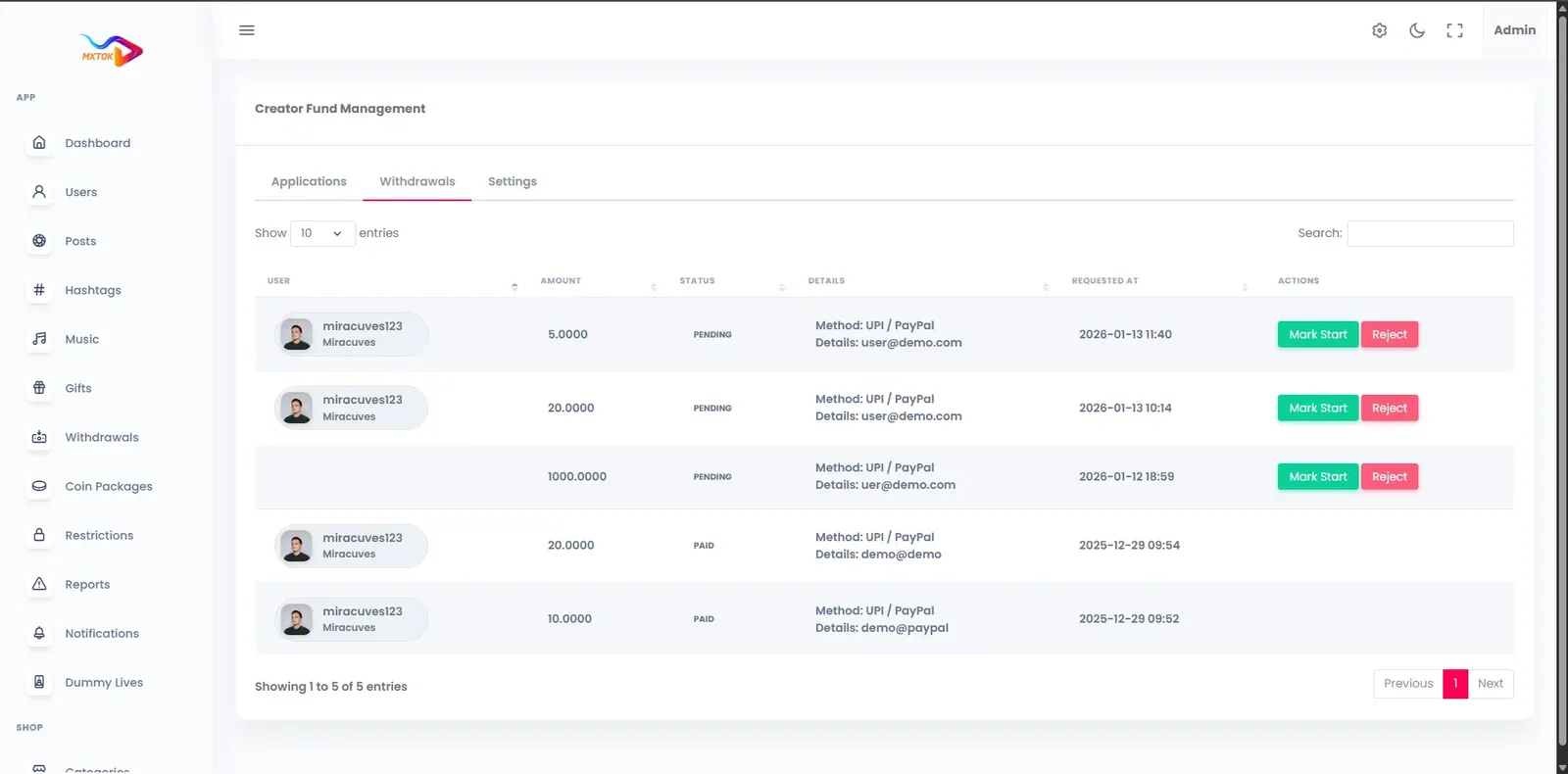
An MX TakaTak-style app for a media brand shares its short video engine with our TikTok product. What you can open here is that engine under placeholder demo branding. Load the browser version or the operator console, put the Android build on a phone and use the public test accounts to judge how clips, challenges and the editor tools would sit beside your own catalog.
miracuves@yopmail.comUser_321miracuves@yopmail.comUser_321adminAdmin_$32151 features across 4 roles.
Every clip fills the screen and the next one is a swipe away, so newcomers need no instructions.
Ranking starts from interests chosen at signup, then follows watch time, replays, likes and shares.
A browse tab grouped by category, hashtag and creator lets people look for a genre or a theme on purpose.
Clips, profiles and hashtags open on the web with preview tags, which suits links shared from other channels.
Standard actions plus follows and shares feed the ranking and give each viewer a personal library.
Reply to a comment by posting a fresh clip, and tag members to bring them into the discussion.
Viewers respond beside the original clip or in a small picture-in-picture window.
Members enter themed contests that surface on the feed and explore tab.
Join a broadcast with many viewers, type in the chat, react and tip with gifts or stickers.
Coins are bought once and spent on gifts across clips and live sessions.
Captions help people watching on mute, and translated menus help those who read another language.
Light and dark themes and region-specific text adapt the app to a local audience.
Alerts announce new followers, likes, comments and live starts, and campaign reminders reach people who drifted away.
Phone, email, Google or Apple sign-in keeps the first minute short.
Front and rear cameras, several takes per video and playback speed control are built in.
Simple editing stays inside the app, so nobody needs a separate editor to finish a clip.
Unfinished clips are saved and can be reopened before anything goes public.
Over fifty filters, face effects, stickers and skin-smoothing choices can be applied during recording.
Popular lenses come packaged, and seasonal sets for a premiere or festival can be prepared.
Songs are sorted by what is trending, the mood and the genre, using catalogs you connect.
Any clip's audio can be offered as a sound for others, so a trend can start from one upload.
A story can be told in parts, each linked back to its source.
At posting time creators add a caption and hashtags, select a cover frame and decide who may watch: everyone, followers or only themselves.
Contest entries are tied to a hashtag challenge, and the operator may attach a prize.
The public profile page holds a bio, links, a grid of clips, playlists and running counts of followers, views and likes.
Numbers for views, viewing time and retention, with earnings split by clip, campaign and time period.
Coin, gift, subscription and cash-out activity is shown together, and cash-out requests go to the operator.
Approved creators can open a broadcast to a crowd, with chat, reactions and tipping alongside.
Recurring membership gives regular followers closer access, priced in coins.
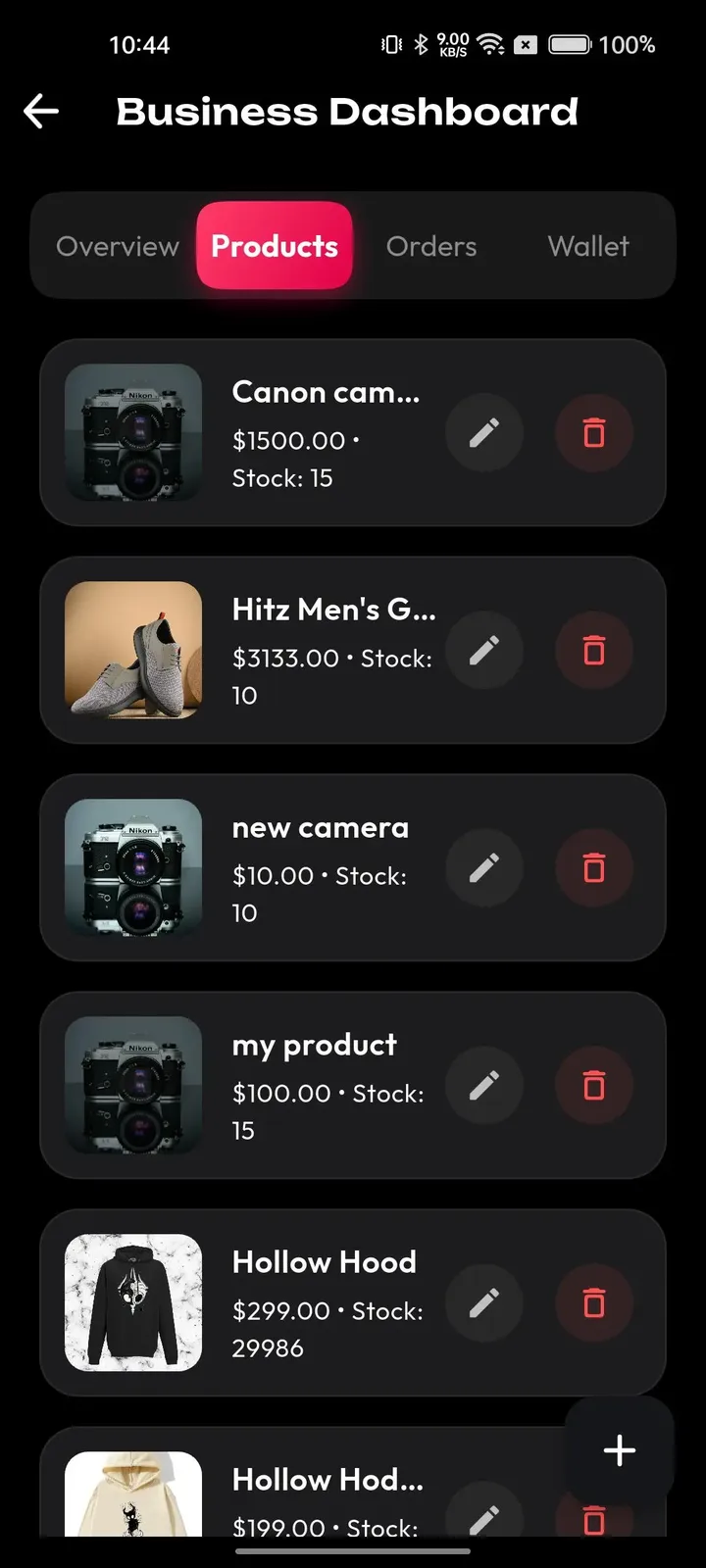
A store tab with category search and highlighted items lets people shop without leaving the app.
Each listing shows photos, a price, remaining stock, reviews and a route to the seller's store.
Sellers run their listings and orders from a business dashboard opened through the settings.
A product link or offer can sit on a clip, so watching turns into buying within two taps.
Hosts demonstrate items on camera and announce offers that expire.
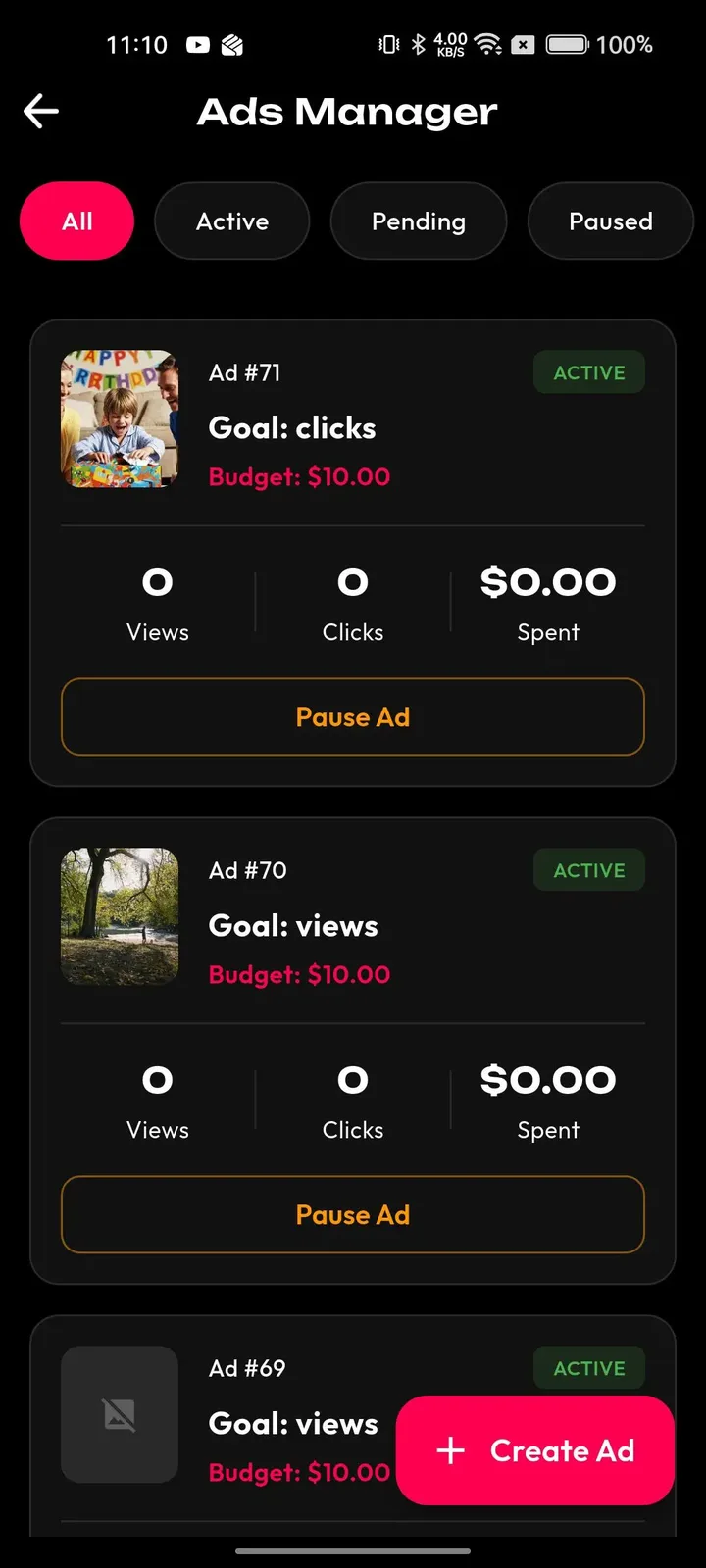
Each campaign has a goal and a budget, reports views, clicks and spend, and may be paused whenever needed.
A brand backs a hashtag challenge and gets a prominent banner in the feed and the explore tab.
Fixed sponsorship slots offer brands and creators an organized path to paid deals.
Reach, completion and click-through figures for each campaign let you compare placements side by side.
A brand can exclude categories and target safer moderation tiers, keeping its ads clear of content it dislikes.
Look up users and creators, edit their roles and change an account's status on one screen.
Probable nudity, violence and copyright matches are marked for a person to check before the clip spreads.
Flags raised on videos, comments, profiles and live sessions gather in a single queue.
Staff issue warnings, remove content, restrict accounts, add strikes or ban, all from the same place.
Each moderation ruling and each sensitive admin change is saved so it can be checked later.
Optional KYC and badge review keeps a verified tier trustworthy.
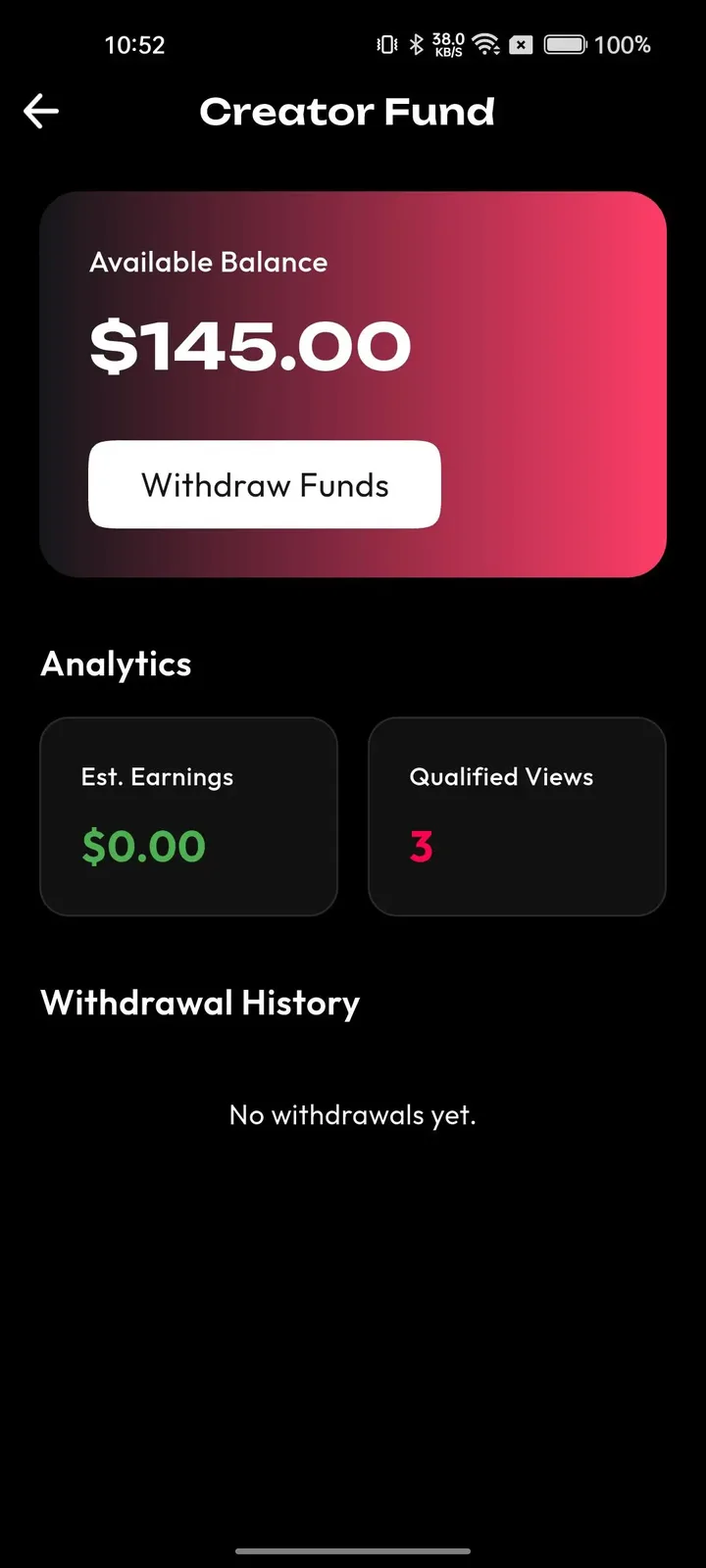
Follow gifts, coin balances and cash-out requests, creator fund payouts among them.
Orders, stores, amounts and reasons are listed so refunds are handled centrally.
Query a licensed music source, audition songs and import them tagged with a category.
Choose which hashtags, categories and trends are promoted to guide what people discover.
One screen reports earnings, the best creators, viewing time and the number of people active each day and month.
Publish version notices, require or suggest upgrades, toggle feature flags and decide what is available in each region.
Existing viewers find the app through your promotion, a shared link or a store page, then register with a phone number, an e-mail, or an existing Google or Apple login.
New members choose a language and interests, and optionally age and region, so the first scroll already looks relevant.
They swipe through clips, follow creators, comment, duet and join challenges tied to your programming.
Fans and talent record, edit and post, while gifts and subscriptions credit the creator wallet.
Your editors curate trends, moderators work the report queue and finance approves withdrawals.
| Revenue model | How it works | Who pays | How you earn |
|---|---|---|---|
| Sponsored challenges | A studio, label or advertiser pays for a themed challenge with a featured banner and a set period. | Brand | Fee per sponsored challenge |
| Advertising | Rewarded mobile ads, banners inside the app and creator-run campaigns are all set up in the control panel. | Advertiser | Ad fees once the audience justifies inventory |
| Coin purchases | Members buy bundles of coins, and every paid action in the app starts from that balance. | Member | What remains of coin sales after gateway and store fees |
| Gifts | Coins turn into gifts on clips and live rooms, and a commission is kept before the creator is credited. | Member | Commission on every gift |
| Subscriptions and fan clubs | Regular viewers pay for ongoing access to a creator or presenter. | Member | Share of each renewal |
| Creator fund | Qualified views are tallied in a fund dashboard, and admins approve the withdrawals. | Operator | Retention of strong creators, a cost to budget for |
| Marketplace sales | Sellers list products in the shop and tag them inside clips. | Buyer | Commission on products sold |
| Live selling | Hosts present items live and offer deals that run for a limited time. | Buyer | Commission on products sold in the stream |
Money in a media-led app travels in small steps. Members purchase coins, give them away as gifts under a clip or inside a live room, and the value arrives in the creator wallet once your commission is taken. Brand money arrives separately, through sponsored challenges and ad campaigns you invoice yourself. Creators ask to withdraw, and an admin approves each request from a queue. Protected APIs carry purchases, balances refresh instantly and each payout leaves a record.
| Gateway | What it covers |
|---|---|
| Other | |
| Gateway of your choice | Linked to your own merchant account through the API, so you are never tied to a single processor. |
| Apple and Google store billing | Both stores take a portion of in-app purchases, which should shape how you price coin bundles. |
A media brand has more to lose from a rights dispute than a start-up. Decide in advance whether members may post excerpts of your titles, third-party films or commercial songs. The review queue, copyright-flagged items and removal controls let you act on a notice quickly, but the licences themselves, and the policy that explains them to members, are yours to arrange.
An audience brought over from a larger app can post faster than a small team can read. Viewers report clips, comments, profiles and live sessions, reviewers apply warnings, strikes or bans, and AI flags surface likely problems before wide distribution. Plan staffing around launch week and any premiere, and publish rules that match your brand.
Signup includes an optional choice of age and region. A broadcaster or streaming brand that already knows its audience may want stricter checks, and these are tailored work, scoped with us for your market. Responsibility for age rules, advertising standards and content law in each country you serve stays with the operator.
The build includes consent prompts, account removal, data export and adjustable retention. If you connect the short video app to your main product, decide which data moves between them and say so plainly in your privacy notice. The scope of any data sharing is confirmed with us before it is built.
Staff roles split reviewing, payments and reporting. Logins rely on JWT and OAuth2, and admins may add two-factor authentication. Let campaign managers use sponsorship tools without touching wallets, and leave payout sign-off to a small finance team.
Rate limits protect sign-in, uploads, comments, flags and engagement actions, and the CDN absorbs a share of hostile traffic. A promotion that sends a flood of new members is also the moment spam accounts arrive, so watch new sign-ups closely in the first days.
| Layer | Built with | Hosting note |
|---|---|---|
| Mobile apps | Flutter (Android and iOS) | One Flutter codebase produces both the Android and iOS apps, dressed in your icon and splash screen for the stores. |
| Web app | PHP and Laravel, with optional PWA | The Laravel layer serves the website, the installable PWA and the API behind the phone apps and control panel. |
| Backend and API | Laravel | |
| Database | MySQL or MariaDB | MySQL or MariaDB holds profiles, clips, comments, wallets and transactions. |
| Live and media | Agora, Wowza, WebRTC and FFmpeg | Each upload is converted by FFmpeg into a ladder of resolutions, given a poster frame and saved to private object storage.Agora, Wowza and WebRTC deliver broadcasts to many viewers with delay low enough for chat and gifts. |
| Cloud hosting | AWS, GCP or DigitalOcean | Servers on AWS, GCP or DigitalOcean can grow for busy periods, and backup and recovery plans are in place. |
| CDN and protection | Cloudflare or Akamai | Cloudflare or Akamai delivers video from nearby edge servers, adding DDoS shielding and tokenized stream links. |
A short video app adds a second set of media workloads next to whatever you already stream. Because it sits in your own cloud account, storage, delivery and live usage costs are visible to you, and capacity can be arranged before a launch campaign.
Media brands face a question that start-ups skip: how much of your own library may appear in the feed. Rights vary by title, territory and contract, so write the answers down before launch. This table pairs each decision with the tool that supports it and the part that stays with you and your counsel.
| Decision | Tool in the product | What you still decide |
|---|---|---|
| Which excerpts of your titles may appear | A verified catalog account that others can duet and stitch | Which titles, which lengths and which territories you clear. |
| Which songs are available | Sound library and admin music import with categories | Which licences you hold and for how long. |
| What members may upload themselves | Report queue, AI flags and removal controls | The written rule and who explains it at signup. |
| How a rights notice is handled | Removal controls and logged decisions | A contact route, response targets and escalation to counsel. |
| Which sponsors may appear | Brand-safety category exclusions on campaigns | Your advertising standards and approval process. |
| Where sponsored content shows | Sponsored slots and featured challenge banners | Disclosure wording that fits local advertising rules. |
A short video app begins with an advantage and an obvious risk. People know your name, but they have little reason to download a second app. These points describe how operators usually turn recognition into habit, and which product settings support each step.
The public record is short and clear. MX Player launched MX TakaTak in July 2020, and in February 2022 the owners of Moj and MX TakaTak announced that the two apps would combine, with reports saying the two would run separately for a while. Later accounts describe MX TakaTak as merged with Moj. Whether the original app still operates independently is something we could not verify.
For someone launching today, the lesson is about position rather than prediction. A short video app tied to a media brand gets an audience early, but it competes with every other video app for attention and for creators. Staying small and specific, with a clear audience and clear sponsors, is easier to defend than copying a general entertainment feed.
Ready-made, one-time
$3,999
Live in 6 working days from kickoff
Let people use their existing account from your streaming or media product, so crossing over takes one tap.
Confirm with usOpen a specific clip or challenge from inside your own app, and send members back to a title afterward.
Confirm with usAttach a clip or challenge to a show or film page, so discovery runs in both directions.
Confirm with usCaptions generated from speech with subtitles in several languages for a mixed audience.
Confirm with usInvite codes and links that pay members back for bringing in friends or productive creators.
Confirm with usSeparate trending lists for each country, city or area, plus controls that boost or restrict content by place.
Confirm with usSeveral hosts share one room for premieres, panels and interviews.
Confirm with usOperate multiple branded apps from a common core, each with a separate domain and store page.
Confirm with usA media-led short video app depends on a few mechanics: a feed people enjoy, a way to join challenges, sponsor space and tools to keep order. This matrix starts with those and then covers connections to your main product. Each row says whether it arrives on day one or is arranged around your plan.
Full-screen clips with a swipe and a feed that adapts to watch behavior.
Two cameras, takes, speed, trim, merge and drafts before publishing.
Face filters, stickers, beauty modes and lens packs ship with the app.
Categorized music plus original sounds that other creators can reuse.
Answer a clip beside it or combine several clips into one story.
Themed contests, each promoted by a banner high in the feed.
Clips, profiles and hashtags each have a web address with a preview card.
Structured placements and brand collaborations managed as campaigns.
Goal, budget, views, clicks and spend per campaign, with pause controls.
A single host broadcasts while viewers chat, react and tip.
Members buy coins, spend them as gifts and creators withdraw through a queue.
Recurring access to a creator, priced in coins.
Shop tab, product tags, seller dashboard and timed offers in streams.
Warnings, strikes and bans with logged reasons, plus AI-flagged items.
Optional KYC and badge review for talent, studios and partners.
Active users, watch time, revenue and permission layers for staff.
Captions from speech with multi-language subtitles, which we set up for you.
Payback for members who recruit friends or productive creators.
Trending sections by country, city or region, set up for your build.
Several hosts in one room for premieres, panels and interviews.
One account across your main product and the short video app; scope confirmed with us.
Open a specific clip or challenge from inside your own app.
Connect a clip or challenge to a show or film page in your catalog.
The cost of a short video product has two halves: building it and filling it. A media brand has an advantage on the second half, because an audience already exists, but the first half still needs an upload pipeline, a recommendation feed, live video, a wallet and an admin console. A finished platform converts that effort into one purchase, and later spending is operational, covering hosting, moderators, promotion and creator rewards. Estimate each against the size of the audience you plan to invite, not the audience you hope for.
| Factor | Scratch build | SaaS | GetFame |
|---|---|---|---|
| Time to launch | Many months before the first clip | Fast, within vendor limits | Finished build running after 6 working days |
| Feed and discovery | Ranking logic to design and tune | Vendor-defined ranking | Behavior-based feed with trend and category controls |
| Sponsor tools | Campaign and reporting screens to build | Depends on vendor plan | Sponsored challenges, ad campaigns and reports included |
| Link to your main app | Part of the build | Often limited to embeds | Tailored work, scope confirmed with us |
| Wallet and payouts | Ledger and payment logic to test | Vendor payout rules | Coin wallet with admin-approved withdrawals |
| Moderation | Queue, roles and logs to build | Vendor policy and tools | Report queue, enforcement and logs included |
| Data and brand control | Complete, after the build | Limited, on vendor terms | Complete, with source code and your own database |
| Lock-in | None | High, audience tied to the vendor | None; you host and can change providers |
Running costs. Budget on top of the platform price for cloud hosting, CDN bandwidth, live streaming usage, gateway fees, text and email services, store developer accounts, moderator hours, creator rewards and any paid promotion that carries your first members over.
A media brand can usually find a design team and a marketing plan. The harder pieces are the video pipeline, the wallet and the safety tools, which are slow to build and expensive to get wrong. This table compares each module for a custom build with what you start with, using effort words only.
Build it yourselfResizing videos, making cover images and streaming smoothly on poor networks and cheap phones.
Ready-madeVideo conversion and edge delivery are already set up when we deploy.
Build it yourselfA recommendation system to design, measure and tune over many weeks.
Ready-madeA behavior-based feed with trend and category controls from day one.
Build it yourselfCamera, editor, effects and sound features written for two mobile platforms.
Ready-madeRecorder, editor, filters, lenses and sounds are included in the Flutter apps.
Build it yourselfContest rules, entry tracking and featured placement to design and test.
Ready-madeHashtag challenges with entries, rewards and banners are included.
Build it yourselfCampaign setup, targeting and reporting built after the public app.
Ready-madeSponsored slots and campaigns with goals, budgets and reports are included.
Build it yourselfA ledger, gift catalog and settlement where bugs cost real money.
Ready-madeCoin balances, gifts, creator wallets and payout requests arrive already connected.
Build it yourselfReal-time media with chat, tested for many viewers and weak connections.
Ready-madeOne-to-many live on Agora, Wowza and WebRTC with chat and gifting.
Build it yourselfComplaint handling, a triage list, sanctions and an evidence log, coded in house or licensed.
Ready-madeA report queue, AI flags, strikes, bans and logs are included.
Build it yourselfScreens for people, posts, money, campaigns and reports, normally left until last.
Ready-madeA permissioned control panel handles all of that on opening day.
Build it yourselfTwo apps to sign, list and push through store review by your own staff.
Ready-madeReady Flutter apps for both phone platforms, plus help to publish.
MX TakaTak is known as a short video app launched by the company behind MX Player, later combined with Moj under ShareChat. A white-label product that answers this search differs in who holds the audience, the rules and the data. The points below describe the model, not company figures.
| Aspect | The MX TakaTak model | This platform |
|---|---|---|
| Where it started | Launched by a streaming and player brand | Launched by you, next to your own audience |
| Who sets the rules | The owning company | You, with your own moderation team |
| Ownership | Held by its owner, now part of a larger group | Yours, with full source code |
| Branding | Runs under its own name | Ships under your name, logo and domain |
| Creator earnings | Under the platform terms | Under terms you write, including commission and withdrawals |
| Data | Held by the company | Held in your own database |
| Extensibility | Closed product | Source your own developers can change and grow |
| Focus | A general entertainment feed | Can be narrowed to a brand, language or region |
A catalog owner adds a clip feed where fans react to scenes, run challenges around a premiere and send people back to the main app.
Presenters post behind-the-scenes clips, and viewers answer a show with duets and live rooms.
Artists and fans share short performances, with sponsor-backed challenges around a tour or a release.
Fans post match-day clips, and sponsors pay for featured challenges during a season.
A single-language network with local presenters, local moderators and trending by region.
The best launch ideas start from people who already follow you. Each one below names the audience, the way money arrives and the first thing to configure, so that opening day has a purpose and a plan.
Subscribers of an on-demand service react to scenes, share favorite moments and join challenges around a premiere. Income comes from studio sponsors and ad campaigns. Configure a verified catalog account, a sound library you have licensed and a challenge calendar before inviting subscribers.
A television or radio network lets presenters post behind-the-scenes clips and answer viewers on video. Revenue is advertising and sponsored segments. Configure presenter profiles, live rooms for show nights and a small moderation team that works the same hours as your broadcasts.
Artists and fans share short performances, and sponsors back challenges around a tour or a release. Fans pay through gifts and fan clubs. Configure the sound library first, agree rules for fan-made clips and mark official artist accounts with verification.
Supporters post match-day clips and go live around fixtures, while sponsors pay for featured challenges during a season. Configure region and language settings, trending by team and a clear policy for footage taken at events, since broadcast rights may restrict it.
A publisher with a loyal local readership launches a single-language network with local creators and local sponsors. Revenue comes from advertising and a creator fund. Configure language, region-based recommendations and local moderators who understand dialect and context.
A learning brand cuts lessons into short clips and holds live question sessions, with subscribers paying for a fan club. Configure playlists for courses, verified teachers and a plain notice about what a short clip does and does not replace.
People searching for an MX TakaTak alternative usually weigh a large short video network, the short video tab of a big platform or software they host themselves. What follows is a plain description of each option. It is no recommendation, and it says nothing on how any of them treats a given issue.
Short video app from a streaming brand
Viewers who wanted entertainment clips from a familiar video brand.
Its owners set the rules, and its status after the merger is unclear.
Short video app from ShareChat
Creators and viewers in India who want a regional short video network.
Reach and policy belong to its owner, not to you.
Short video format inside a large platform
Creators who already publish longer videos on the same channel.
The format lives inside someone else's platform and audience rules.
Short video format inside a social app
Brands that already keep a following on the same social network.
Your audience relationship stays with the host platform.
Open-source federated video software
Engineers wanting to run their own video servers and link with others.
You build the feed, wallet, challenges and moderation yourself.
A white-label platform you own suits a media brand that wants the audience relationship, the data and the sponsor income to stay in house. You do not inherit an existing crowd of strangers, so you must invite your own viewers and give them reasons to return. In exchange you set policy, choose revenue splits, keep the database and extend the code yourself.
Start with the reason your viewers would open a second app. A clip feed is not a copy of your catalog. It is the place where people react, remix and talk about it, so decide what members can do here that a viewing app does not let them do.
Introduce the app where your audience already is: your player, your newsletters, your social channels and your broadcasts. A link that opens a clip on the web means a visitor can see a real page before deciding to install, which lowers the cost of every promotion.
Seed the feed before opening the doors. Ask presenters, artists or staff to post a week of clips, set up two or three categories and run one small challenge. A new member should land in a feed that already has life in it.
The biggest risk for a media brand is not technical. Clips cut from films, series or songs may involve several rights holders, and permission to stream a title does not always include permission to chop it into shareable pieces.
Write a short rule for what members may post and what only your team may post. Official excerpts can live on a verified catalog account that members duet and stitch, which keeps the supply under your control. Tracks come from a library you license, imported through the admin panel.
Keep a clear route for notices. The review queue and removal controls let staff act quickly, and logs show what was done. Licences and legal advice are matters for you and your counsel.
A sponsored challenge works when it asks members to do something easy and enjoyable. A short prompt tied to a premiere or a season, a clear hashtag and a reward members care about will outperform a long brief written for the sponsor.
Agree on measures before the challenge starts. The admin panel reports reach, completion and clicks per campaign, so tell the sponsor which of those you will share and when. Keep the banner time limited so the next sponsor has room.
Look for the sponsor who already fits your audience. A brand that advertises around your programming is the easiest first customer, and a successful challenge becomes the case you show the next one.
The story of MX TakaTak is a reminder that short video is expensive to run and easy to copy. Two apps owned by different groups announced in February 2022 that they would combine, which suggests that scale and a loyal audience matter more than the existence of a feed.
For a new operator, that means choosing a defensible position. Own a niche audience, a language or a brand relationship, and keep your costs matched to the revenue the audience can produce. Source code ownership matters here, because you can change providers, merge services or sell the product later.
Treat the first year as a test of habit. Watch how many members return in a week, which clips earn replays and which sponsors renew, and change the programming before you spend more on promotion.
The finished white-label package is a single $3,999 payment, and it runs in your own cloud account. The usual launch needs 6 working days. Links into your main app or clips tied to titles are tailored work, planned with you first, and they usually add 2 to 8 weeks.
MX Player launched it in July 2020. In February 2022, ShareChat, the owner of Moj, and MX Media announced a deal to combine Moj and MX TakaTak, and later accounts describe it as merged with Moj. We could not verify whether the app still runs on its own, so this page describes building that kind of app today.
Yes, with scoped work. The standard build offers phone, email, Google and Apple sign-in and open links for every clip. A shared account, links that open from inside your player and clips tied to particular titles are all possible. Once we learn how your app is built, we agree the scope together.
Yes. Creators broadcast to many viewers while chat, reactions and gifts run beside the video, using Agora, Wowza, WebRTC and FFmpeg. Followers receive a notification as soon as a session starts. Rooms with several hosts, handy for premieres or panels, are set up by us.
Brands can sponsor a hashtag challenge, buy a structured sponsorship slot or run a campaign with a goal and budget. The admin panel shows views, clicks and spend. You set pricing and approvals, and you decide which categories you refuse.
Yes. Source for the Flutter apps, the Laravel website with its API and the control panel all comes to you. No revenue share is taken and no per-seat fee applies. Your developers are free to rework modules, plug in more services or move to another cloud vendor.
Yes. Your name, logo, icons, fonts, colors, splash screens and banners take over, together with language and region choices. Members open a short video platform that is entirely yours and never meet our name.
No. We are an independent software firm, and MX TakaTak belongs to someone else. We use the name only so buyers can find this kind of product. Your app opens under a name and look of your own, and it carries over nothing from the real service, whether people, material or policy.
Yes, running a service built on this model is lawful. Borrowing the MX TakaTak name, material or code is not, and you will find none of it in this product. Your launch uses a name and a content code that are yours alone (see /disclaimer/). Following content and rights law where you operate stays with you. We provide software, not legal advice.
Pick the finished product if time matters. Open source code costs nothing to fetch, but your team then has to build, host and polish the feed, wallet, moderation and control panel. The finished product brings every app complete, 60 days of technical support and source code that is yours outright.
The platform supports it technically, but rights come first. A common setup is a verified catalog account that posts official excerpts, which members duet and stitch. You decide who may post what, and the review queue and removal tools help you act on a rights notice quickly.
It helps a great deal, since the feed needs people to feel alive. If you have viewers, subscribers or listeners elsewhere, invite them in waves. Without one, start with a narrow niche or region and recruit a small group of creators first.
Yes. Menus and labels come in multiple languages, members choose a language at signup and recommendations can follow region. Captions created from speech, with translated subtitles, are a module we set up in your build.
Yes. Editors can curate featured hashtags, categories and trends in the admin panel, so a premiere or campaign can lead the explore tab. The personal feed still adapts to each member, and a strictly editorial feed is tailored work.
Sponsorship fees and ad budgets are agreed between you and the brand, and you invoice them yourself. The platform shows views, clicks and spend for each campaign, so you can report results, but it does not fix a billing process for brands.
Yes. You open developer accounts in your company name, and we prepare builds with your icon, splash screen and listing assets and support submission. Store review is outside our control, so leave time for rounds of feedback.
Hosting is on AWS, GCP or DigitalOcean with automatic scaling, and a CDN delivers the video. We publish no fixed capacity figure, because it depends on your plan and settings. Before a large promotion, review capacity with your team and set a spending ceiling.
Yes. The source code and database are yours, and the app is hosted in your own cloud account. You can change cloud providers, add services or hand the system to another team without asking us for permission.
MX Player launched it in July 2020, and in February 2022 its owners announced a deal to combine it with Moj. Later accounts describe it as merged with Moj. We could not confirm whether it still runs as a separate app, so check the current store listings if that matters. Our platform is a new product that you launch under your own name.
It came from MX Media, the company behind MX Player, which was owned by Times Internet when the 2022 deal was announced. The deal brought MX TakaTak together with Moj, the short video app of ShareChat. MX Player itself was later acquired by Amazon, according to public reports. None of these companies is connected to us.
Yes, and it is a natural fit. Your subscribers are the first audience, your catalog supplies the themes and your sponsors already know you. The ready-made build gives you the feed, challenges, wallet and admin panel. Links into your streaming app are tailored work that we scope with you.
It is a hashtag contest paid for by a brand, promoted by a banner at the top of discovery for a fixed period. Members upload entries, the sponsor gets reach, and you charge a fee that you agree directly. The admin panel then reports views and clicks for the campaign.
The sound library holds categorized music and original sounds, and the admin panel can import tracks from an external catalog. Which tracks you may offer depends on the licences you hold, which are your responsibility. Keep records of what is licensed, for how long and in which countries.
Yes, plan for one. A promotion to an existing audience can bring a burst of posts and reports within days. Reviewers work a single queue with AI flags, and strikes and bans are logged. Staff the hours when your audience is most active, and give a lead the authority to escalate.
The standard build supports region-wise availability and region-specific recommendations. Trending sections by country, city or region are available as a module that we set up for your build. Rights often vary by territory, so decide your rules before you widen a launch.
Yes. The control panel includes optional identity checks and badge review, so official accounts for presenters, artists and studios stand apart. Set a clear internal rule for who qualifies, and review the list from time to time as people leave or change roles.
The ready-made build is live in 6 working days, and sponsored challenges are part of it. The real timeline depends on your content: seed clips, a challenge theme, a sponsor and a rule set. Most of the work lies in arranging those pieces, not in the software.
Nothing changes. You hold the source code, the database and the cloud account, and we collect no revenue share or seat charges. If you want to move to another team or another provider, you can do so directly, and the documentation and credentials we hand over make that easier.
→Start here
Share the platform and your market. You get a walkthrough of the live demo, the exact scope of what ships, and a fixed price in writing. First response in under 2 hours, Monday to Saturday, 10:00 to 19:00 IST.
This page uses the name MX TakaTak to describe a type of platform. The product sold here is separate software, built independently, and MX TakaTak has no part in it.
"MX TakaTak clone" is industry shorthand that founders use when searching for software with a comparable business model. It names a category of product, not a copy of MX TakaTak.
The platform is an original product designed and written by Miracuves. It contains no code, design, graphics or content originating from the MX TakaTak website or applications, and it ships under your own brand.
MX TakaTak and its logos are trademarks of their respective owner and are named here for reference only. GetFame is not affiliated with, sponsored by or endorsed by MX TakaTak. Rights holders can write to legal@miracuves.com.
Operator responsibility. The operator of a launched platform is responsible for legal compliance in the markets it serves. Nothing on this page is legal advice.Read the full disclaimer
First response under 2 hours, Mon-Sat 10:00-19:00 IST
India+91 98300 09649 United States+1 516 202 3950