Streaming and OTT
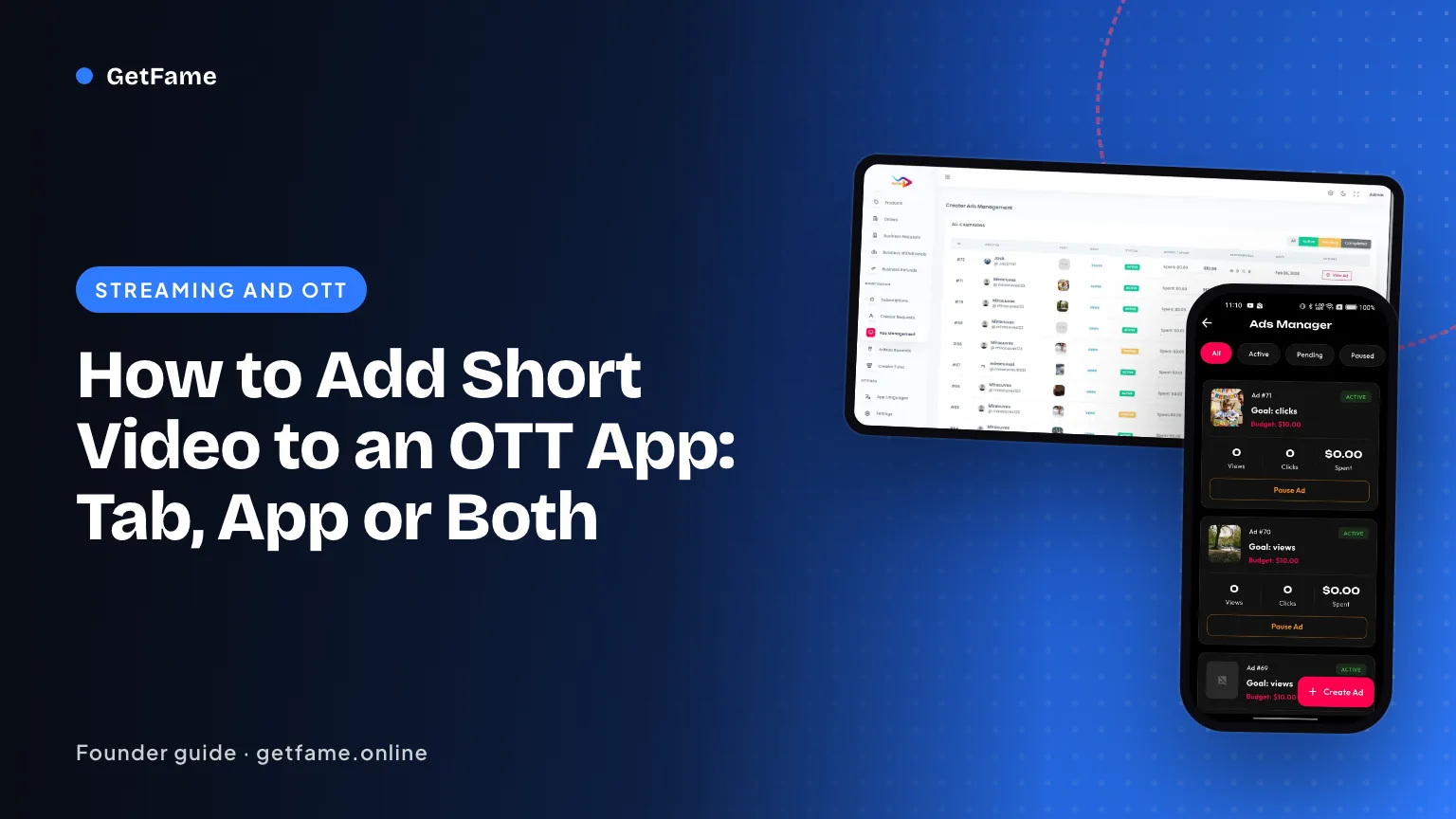
How to Add Short Video to an OTT App: Tab, App or Both
Add short video to an OTT app as a tab or a separate app: shared sign-in, store rules, cross-promotion into the catalog and the numbers to watch in 90 days.
Short answer
To add short video to an OTT app, decide first whether clips live as a tab inside the streaming app or as a separate app that shares accounts. A tab is cheaper and converts more catalog viewers; a separate app gives the feed its own store page, release cycle and audience. Either way, link every clip back to a title.
Key takeaways
- A tab inside the streaming app reaches viewers fastest; a separate app gives the feed freedom to change weekly without touching the player.
- Shared accounts are the real prize, because they let a clip viewer become a catalog viewer without a second sign-up.
- Every clip should carry a route back to a title, a trailer or a watchlist action, or the feed becomes a separate business.
- Apple and Google both expect user report tools, account deletion and, where social sign-in is the main path, an alternative login.
- Judge the feed by catalog starts per thousand clip viewers, not by clip views alone.
On this page 10 sections
- Why streaming owners add a clip feed beside the catalog
- Add short video to an OTT app as a tab or as its own app
- Shared accounts: one person, one identity, two apps
- Cross-promotion: how a clip sells a title
- Store rules that shape the design
- Staffing, moderation and the rights question
- Measuring whether the feed helps the catalog
- A 90-day plan from kickoff to a feed with a track record
- Early warning signs in the first quarter
- What the platform handles and what stays with you
If you run a streaming service, the case to add short video to an OTT app is simple: your viewers already open your app, and most of them leave after a show ends. A vertical clip feed gives them a reason to stay, and a reason to come back on days when they have no episode to finish. The hard parts are not technical. They are decisions about where the feed lives, who owns the account, and how a thirty-second clip ends up selling a ninety-minute film.
This guide walks through those decisions in the order a product team meets them. It assumes you already have an audience and a catalog, which is the starting point a white-label short video platform for media brands is built around. Nothing here is legal advice, and store rules change, so confirm the current text before each submission.
Why streaming owners add a clip feed beside the catalog
A streaming catalog is a library. People arrive with an intent, usually a title they have heard of, and the session ends when the intent is met. A clip feed works the other way: there is no intent at the start, only a swipe, and the session ends when attention runs out. The two habits complement each other, because the feed is where a person meets a title they would never have searched for.
The strongest argument is acquisition cost. A new short video app has to buy or earn every viewer. A media brand that adds the feed to an existing app starts with an audience that already trusts it, and with a library of material that is cut to size by someone else's budget. When ShareChat and MX Media announced in February 2022 that the short video app MX TakaTak would combine with Moj, coverage noted that MX TakaTak had been launched in July 2020 by the company behind a video player, which is exactly this pattern: a media owner with viewers opens a second front door (see the MediaNama report on the deal).
The weaker arguments are the ones to avoid. "Everyone has short video now" is not a plan. A feed that is only a copy of what competitors run, with no link to your titles, becomes a second product that competes with the first for the same evening.
Three jobs the feed can do
- Discovery. Clips from a series introduce it to people who have not started it.
- Retention. Fans react, duet and join challenges between episodes, so the service stays on their phone between releases.
- Revenue. Sponsors pay for challenges, and members buy gifts or coins. This is secondary at first. Do not size the project on it.
Pick one primary job. A feed built for discovery optimizes for taps from clip to title. A feed built for retention optimizes for daily return. You can hold both, but the first release should rank them.
Add short video to an OTT app as a tab or as its own app
There are three shapes. The first is a tab in the existing streaming app. The second is a separate app with its own store listing. The third is both: a lightweight entry inside the player app that opens the feed, with the full experience in the separate app. The right one depends on how fast your player app can change, and how different the feed audience is from the catalog audience.
| Question | Tab inside the player app | Separate short video app | Both |
|---|---|---|---|
| Reach on day one | Every active player user sees it | Needs store discovery and promotion | Player users see the entry point |
| Release speed | Tied to the player release train | Weekly releases possible | Feed ships on its own train |
| App size and stability | Adds camera, editor and upload code to the player | Player stays untouched | Player stays light |
| Audience fit | Same audience as the catalog | Can reach a younger or wider audience | Both |
| Store risk | One review covers everything, including the player | Feed review is isolated from the player | Two reviews |
| Sign-in work | None, one user base | Shared sign-in needs scoping | Shared sign-in needs scoping |
| Cost to try | Lower, if the player codebase can host it | Higher store and marketing effort | Highest |
When the tab is the right answer
Choose the tab when your player app is modern, your team ships it every few weeks, and your audience is mainly adults who already use it. The feed becomes a destination inside a place people already visit. The cost is coupling: a bug in the upload path ships with the player, and a store rejection of the feed can block a player update.
When the separate app is the right answer
Choose the separate app when the player is a television-first product with a slow release cycle, when the feed targets a different age group, or when you want the freedom to change the feed every week. A separate app also keeps camera, microphone and upload permissions out of the player, which some viewers notice. The cost is acquisition: you must tell people it exists, and each install is a decision.
When to do both
Many media groups end up here. The player app carries a feed entry that opens clips and deep links into the separate app, and the separate app carries the full toolset for recording, editing and challenges. Start with one shape and add the second only when data shows the first is limiting reach or release speed.
Shared accounts: one person, one identity, two apps
A viewer who has to register twice will do it once. If the clip feed asks for a new account, a large share of catalog subscribers will stop at the sign-in screen. The goal is that a person who is signed in to the player can open the feed signed in, and the reverse.
This sounds like a login button, but the work sits in a few decisions:
- Who owns the user record. Usually the streaming service. The feed reads a profile, a handle and a display name from it, and writes its own data (followers, gifts, uploads) in a separate store.
- How the session passes. A token exchange between the two back ends, or a single identity service that both trust.
- What the feed may see. Subscription status, region and age band are useful. Viewing history is sensitive, so share it only if your privacy notice says so.
- What deletion means. If a person deletes the streaming account, the feed profile must go too, and the reverse. Both app stores expect an in-app path (see the store section below).
- Public handle versus billing name. A creator handle is public; a subscriber's legal name is not. Keep them in separate fields.
On day one the sign-in choices are phone, email, Google and Apple, and each clip has a public link. A shared account with your sign-in, links that launch within your player, and clips linked to individual titles can all be delivered; we size them together after reviewing your current product. The MX TakaTak clone features page lists what the feed contains before that work begins.
Cross-promotion: how a clip sells a title
Cross-promotion is the reason the feed exists, so design it before you design the recorder. There are four routes, and they work at different strengths.
| Route | How it works | What to measure |
|---|---|---|
| Title tag on a clip | Each clip names the title it comes from, and a button opens the title page | Taps from clip to title page per thousand views |
| Trailer and watchlist actions | The clip offers a trailer or an add-to-watchlist action without leaving the feed | Watchlist adds per thousand clip views |
| Premiere challenge | A hashtag challenge opens a week before a release, with a promotional strip on the feed and in Explore | Participants, entries, and catalog starts among participants |
| Live room with talent | A host from the show answers questions during a live room timed to an episode | Peak viewers, gifts and catalog starts in the next 24 hours |
Start with the title tag
The title tag is the cheapest route and the easiest to measure. If it works, the other three are worth building. If it does not, no amount of challenge design will fix a feed that viewers treat as a separate place. Make the tag visible, not hidden in a caption, and make the landing page a title page rather than the home screen.
Time challenges to the release calendar
A challenge tied to a premiere has a natural beginning and end, which helps with creator attention and with sponsor pricing. The same idea can work for sport and music: a match day, a tour date, a festival. Plan the challenge brief with the programming team, not only with marketing, because the clips that perform are the ones that show a moment from the title. The pricing side of those campaigns is covered in our guide to branded hashtag challenge pricing.
Do not send everyone to the same place
A clip from a thriller should open that thriller, not a generic landing page. Region matters as well: if a title is not licensed in a viewer's country, the tag should hide itself or offer an alternative. Region-wise availability is a setting in the control panel, so it can follow your catalog licensing.
Store rules that shape the design
Both stores review apps that host user videos more closely than apps that only stream licensed shows. As of October 2026, these are the points that most often change a plan. Read the current guideline text before submitting, since both stores revise their rules.
- User content. For apps carrying member videos, Apple expects a way to filter objectionable material, a way to report it with timely responses, a block option for abusive accounts and a visible way to contact you (guideline 1.2).
- Login. If a third-party or social login is the main way to sign in, Apple expects an equivalent option that limits data collection and allows a private email address (guideline 4.8). Streaming services with their own sign-in are generally outside this rule, but a new feed that leans on Google or Facebook is not.
- Account deletion. Apple requires in-app account deletion where an app lets people create accounts (guideline 5.1.1). Google Play asks for an in-app path plus a web page where deletion can be requested, and asks developers to disclose what they retain.
- Digital purchases. Apple expects coins, subscriptions and other digital unlocks inside the app to use its in-app purchase system (guideline 3.1.1). Plan your wallet around that.
- Minimum functionality. Apple rejects apps that are only a marketing wrapper or a link collection (guideline 4.2). A separate feed app must be useful on its own, not a billboard for the player.
The tab approach carries one extra risk: a store reviewer who finds a problem in the feed can hold the whole player release. If your player app is business-critical, that is a reason to ship the feed as its own app first. The primary texts are on the Apple App Review Guidelines and Google's page on account deletion requirements.
Staffing, moderation and the rights question
A streaming service usually has editors and a catalog team, but not a moderation desk. User videos change that. The report queue never closes, and a missed report is a public failure. Plan one moderator per shift when the feed opens to members, and an escalation path to someone with authority to remove a clip or suspend an account. The control panel gives reviewers a shared report queue for videos, comments, profiles and live sessions, with warnings, strikes and bans written to a log.
The second question is rights. A feed that mixes staff clips from your own shows with member clips of other people's material needs a policy on what members may post. Clips of your own titles are your choice; clips of licensed titles are limited by the licenses you hold; clips of third-party films are the poster's risk and your risk as host. We cover those permissions in the guide to clip permissions for film and television material. US law (section 512) shields hosts that register an agent, act on valid notices and enforce a repeat-infringer rule, as the Copyright Office summary explains. Other countries differ, so ask counsel where you launch.
Open posting in stages
- Staff and talent only, with every clip reviewed before it appears.
- Invited members and fan accounts, with review after posting.
- Open posting to all verified members, with rate limits on new accounts.
This keeps the early feed on brand and gives the moderation team a few weeks of volume to learn from before the doors open.
Measuring whether the feed helps the catalog
Clip views are the easy number and the least useful. A feed can have huge view counts and no effect on subscriptions. Choose measures that connect to the catalog.
| Measure | What it tells you | Trap |
|---|---|---|
| Title-page taps per thousand clip views | Whether clips make people curious | High taps from a few viral clips can hide weak average clips |
| Catalog starts within 7 days of a clip view | Whether curiosity becomes viewing | Needs a matched group to compare against |
| 30-day return among feed viewers | Whether the feed is a habit | Compare with catalog-only viewers, not with all users |
| Uploads per day by members | Whether the feed has a supply of content | Staff uploads inflate it, so split staff and member counts |
| Reports per thousand views | Moderation load and community health | A low number can mean people do not know where to report |
| Sponsor challenge participation | Whether the feed is sellable to brands | Paid creators inflate entries, so label them |
The comparison group matters most. Pick feed viewers and catalog-only viewers matched on region, plan and tenure, then compare catalog starts. If the feed group watches more of the catalog, the feed helps. If it watches the same, the feed is entertainment and should be priced as a separate business. The control panel's single dashboard tracks daily and monthly active members, watch time and earnings, which is the feed side of that comparison; the catalog side comes from your player analytics.
A 90-day plan from kickoff to a feed with a track record
- Week 1. Brand the apps, set the languages and regions, configure the sound library and moderation roles. The ready-made feed is live in about 6 working days.
- Weeks 2 to 3. Staff and talent post. Editors set featured hashtags and categories. Moderators rehearse the report queue.
- Weeks 3 to 8. Tailored work on shared sign-in and title tags, two to eight weeks, shaped by your current app's architecture. Submit to the stores in parallel.
- Weeks 6 to 10. First premiere challenge, sized for your audience rather than for a headline number. Open posting to invited members.
- Weeks 10 to 13. Read the numbers from the table above. Decide whether to deepen the catalog link, open to everyone, or narrow the scope.
The order matters. Moderation rehearsal comes before open posting, and measurement comes before the sponsor pitch. Selling challenges to brands before you can show participation is the most common way a promising feed loses credibility.
Early warning signs in the first quarter
Most feeds that disappoint show it within weeks, and the signals are visible if someone is looking. Assign one person to read these every Monday, and write down what they see even when it is dull.
The feed is full but nobody leaves it
Long sessions with no taps on title tags mean the feed has become its own destination. That can be a fine business, but it is not the one you set out to build. Check whether the tag is visible, whether it opens the right page, and whether the clips shown are actually taken from titles. A feed dominated by generic dance and comedy clips will behave like a generic feed.
Staff clips outnumber member clips for months
Early on this is intended. If staff uploads still make up nearly everything after the invited-member stage, the recorder may be too hard to find, the first-run prompt may be unclear, or members may not trust that their clips will be seen. Try a small challenge with an easy prompt before changing the product.
Reports climb faster than views
A rising report rate usually means one of three things: a single account is causing trouble, a challenge prompt invites risky behavior, or the report path has become easier to find and people are using it. Look at the log before reacting. Suspending one account is a smaller step than tightening posting for everyone.
Catalog starts do not move
If title-page taps are healthy but starts are flat, the problem sits after the tap. The title page may load slowly, the title may be unavailable in the viewer's region, or the viewer may be asked to sign in again. Test the path yourself on a mid-range phone and a weak connection, from clip to playing episode, and count the screens.
Two teams, two roadmaps
When the player team and the feed team plan separately, shared sign-in and title links drift. Hold a short joint review each month, with product owners from both, and keep one list of shared dependencies. This costs an hour and avoids the quarter where each side waits for the other.
What the platform handles and what stays with you
Our short video product ships the vertical feed with a For You ranking, an explore tab by category, hashtag and creator, in-app recording with trim, merge, filters, duet and stitch, a sound library, profiles with analytics, a wallet, branded challenges, sponsored slots, a campaign builder, live rooms and the browser control panel. What arrives is a pair of Flutter phone apps, a web app and API written in Laravel, and every line of source, running in a cloud account that you control. The servers and the data are yours, and the names, colors and logos become yours too.
The work that stays with you is the work that belongs to a media owner: your catalog licenses, your moderation policy, your staffing, your sponsor relationships and your legal review in each market. We set up the connection points with your streaming product, such as shared sign-in and title links, and agree the precise scope for your build when work starts. What the launch costs beyond the published price is laid out on the MX TakaTak clone development cost page. Terms after handover: a 60-day technical support window, then a distinct 6-month bug-fix period, plus 12 months of updates.
If the plan above fits your service, start from the MX TakaTak clone page, open the live demo to swipe through the feed and try a challenge banner, read pricing for the listed one-time figure, and write through contact to tell us how your player is built and where you want the feed to live. For the wider launch sequence, read our short video app launch plan, and for how streaming revenue models differ, see SVOD, AVOD, TVOD and FAST compared.
Questions and answers
Should short video be a tab or a separate app?
Start with the tab if your player app has a large active base and a team that ships monthly, because the feed meets viewers where they already are. Choose a separate app when the feed needs weekly releases, a younger or different audience, or its own store listing, or when the player app is too heavy to change quickly.
Can one account work in both the streaming app and the short video app?
Yes. A shared sign-in lets a person use one identity in both. It needs agreement on who owns the user record, how the two apps pass a session, and what happens when one account is deleted. We scope this with you once we know how your current sign-in works.
How do clips send people back to the catalog?
Each clip can carry a title tag and a link that opens the title page, a trailer or a watchlist action inside your player. Challenges tied to a premiere put a promotional strip across the feed and the explore screen. Measure the taps from clip to title, because that number tells you whether the feed feeds the catalog.
Do the app stores allow a short video feed inside a streaming app?
Yes, as long as the app follows the usual rules for user content: filtering, reporting, blocking, a visible support contact and account deletion from inside the app. Apple's guidelines also expect purchases of digital goods such as coins to use its in-app purchase system. Read the current guidelines before each submission, because they change.
How long does it take to add short video to an OTT app?
From kickoff, the ready-made feed goes live after roughly 6 working days. Connections to your existing app, such as shared sign-in or clips tied to specific titles, are tailored work that run two to eight weeks. Our control ends at submission, so leave slack for store review rounds.
Who makes the clips: staff, talent or members?
Most services start with staff and talent clips so the feed is full on day one, then open posting to members once moderation is staffed. Members bring volume, but every member clip needs rights review and a report path. A staged opening keeps the queue manageable.
What should I measure first?
Track clip viewers who open a title page, catalog starts within seven days of a clip view, 30-day return for feed viewers, and uploads per day. Compare feed viewers against a matched group of catalog viewers who never opened the feed. Without that comparison you cannot tell whether the feed helps or only entertains.
Sources
- Apple App Review Guidelines (4.2, 4.8, 5.1.1, 1.2, 3.1.1)
- Google Play: Understanding account deletion requirements
- ShareChat and MX Media merger coverage, MediaNama (February 2022)
- Copyright Office: hosting safe harbor summary
Checked in October 2026. Rules, fees and programme terms change; confirm on the source before you rely on them.