Ready-made, one-time
$3,999
Clapper Clone
Live in 6 working days from kickoff
- Full source code
- White-label under your brand
- 60 days of technical support
- 1 year of free updates
- App publishing support
Community video and live app
Short video with a live community at its center
Build a video network where conversation matters as much as the clip. Members post short videos, host live sessions, trade gifts and join fan clubs, while you moderate and monetize from a web admin panel. Source code, Android, iOS and web apps are all included.
The facts a buyer checks first, in one place. Everything on this page is the product as it ships.
| Product type | Community-first short video app where live rooms lead and clips support |
|---|---|
| Surfaces | Android app, iOS app, web app with optional PWA, and admin panel |
| Platform price | $3,999 one-time, hosted in your own cloud account |
| Launch time | 6 working days for the ready-made build |
| Live tools | One-to-many rooms with chat, reactions, gifts, coins and stickers |
| Source code | Full source code, complete white-labeling, no revenue share |
| Stack | Flutter apps, PHP and Laravel web and API, MySQL or MariaDB |
| Streaming | Agora, Wowza, WebRTC and FFmpeg behind Cloudflare or Akamai |
| Payment gateways | Connected to your own merchant accounts through the API layer |
| Support and updates | 60 days technical support, 1 year free updates, app publishing support |
A Clapper clone is a ready-made short video platform where live sessions and community features carry as much weight as the video feed. Members publish clips, go live, chat, send gifts and subscribe to creators they like. It is the kind of product a founder buys when retention and conversation matter more than raw upload volume.
It runs on the same production codebase as our short video app: Flutter apps for Android and iOS, a Laravel web app and API, and a web admin panel. You receive the full source, rebrand every surface, and deploy it on AWS, GCP or DigitalOcean under your own account.
Every module can be switched on, off or extended. A community for hobbyists, a talk-show network, a regional-language hub or a coaching platform would each lean on different features. Requirements such as age-gating are set up for your build, with scope confirmed with us after a scoping call.
Clapper is known as a short video and live app built around community and conversation. People post clips, answer each other with video replies, join live sessions and follow creators, and the pitch to users has been closer to talking with people than to being entertained by a feed. It has been associated with an adult audience and with a looser, more personal tone than the most polished video apps.
A Clapper clone is a ready-made short video and live platform with that emphasis, which you launch as your own network. It carries none of the original service, its members or its policies. The product supplies posting, replies, live rooms, gifts, fan clubs and moderation tools. What it cannot supply is the culture: the rules, the tone and the enforcement that decide who feels welcome belong to you.
Each role works in its own side of the same product. The screens come from the working demo.
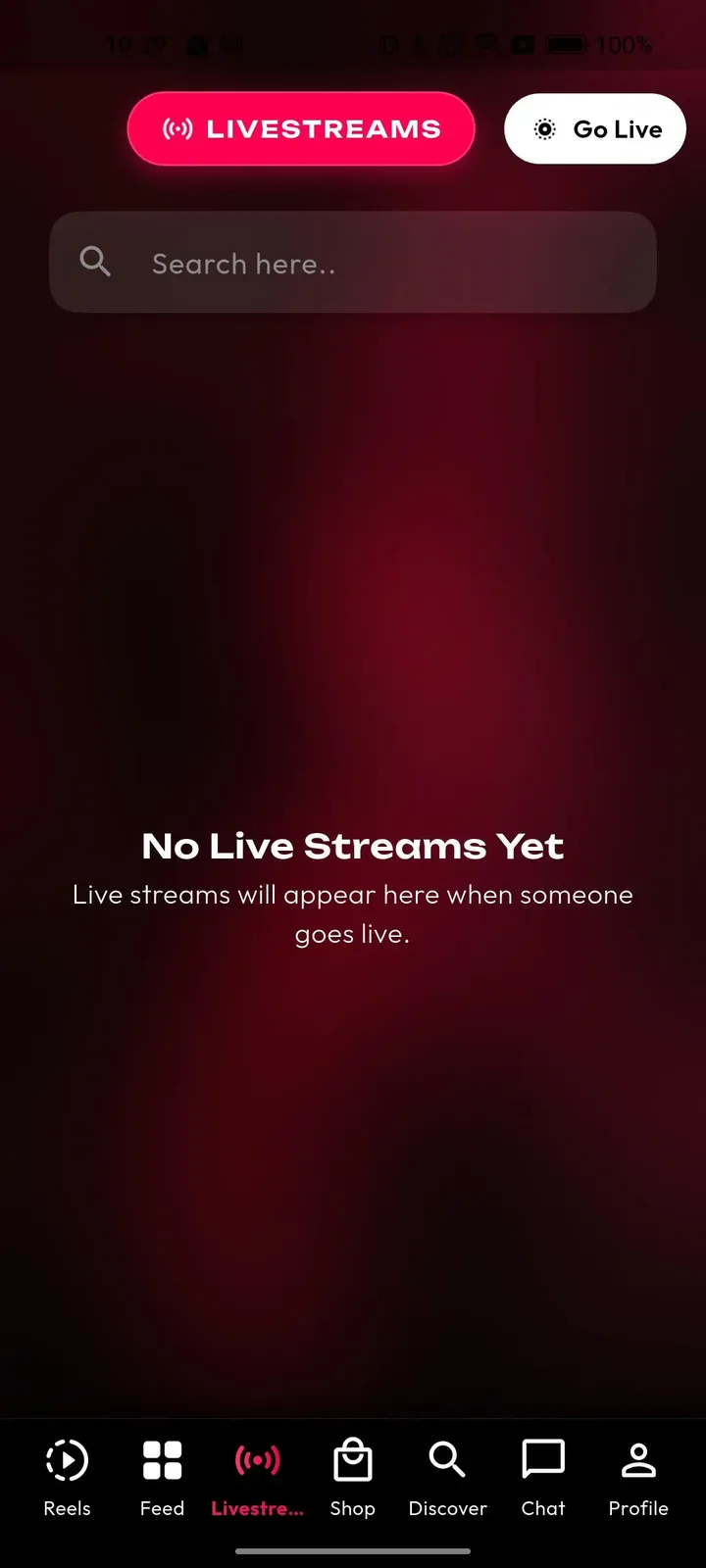
A host builds a following by showing up. They go live on a schedule, answer chat in real time, post short clips between sessions and let regulars support them through gifts and fan clubs. The app gives them the room, the audience tools and the earnings view.
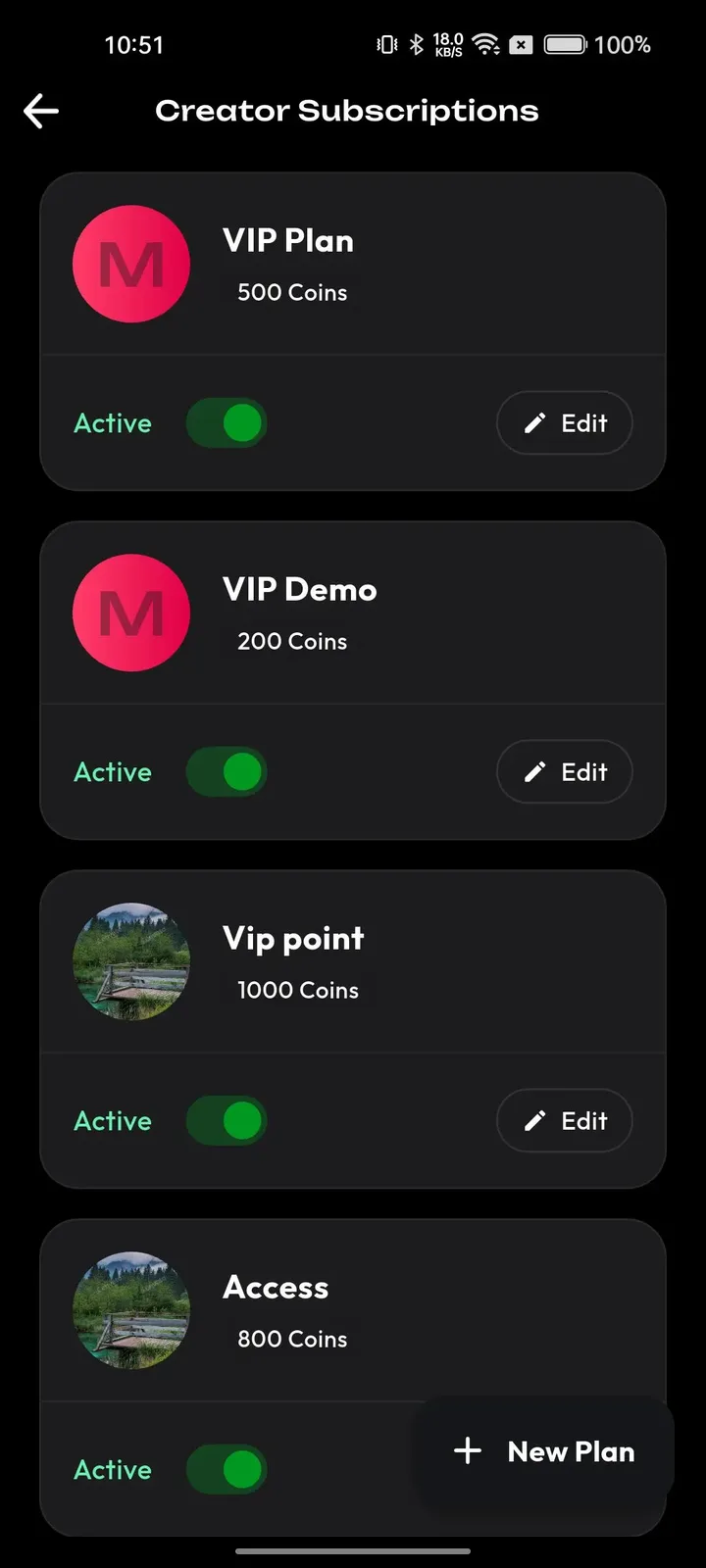
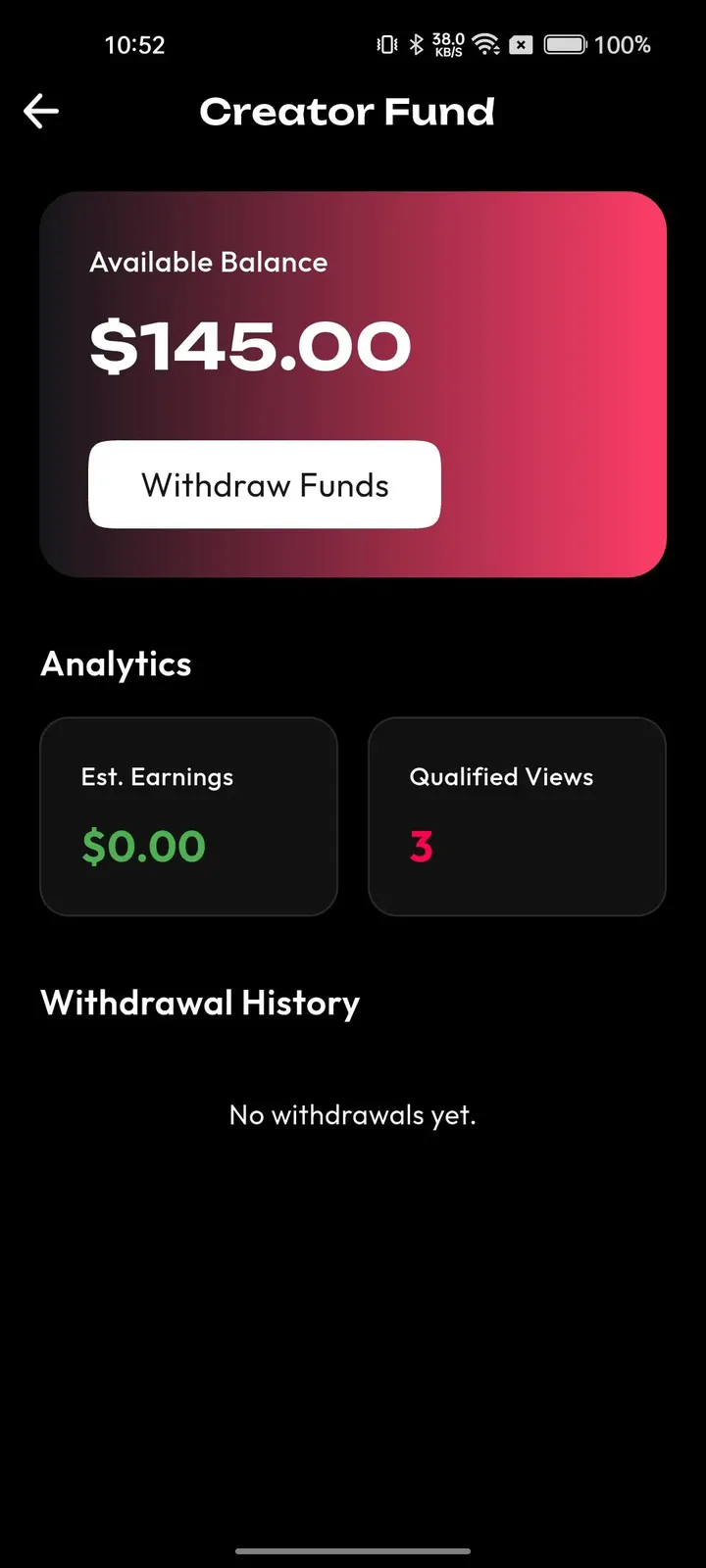
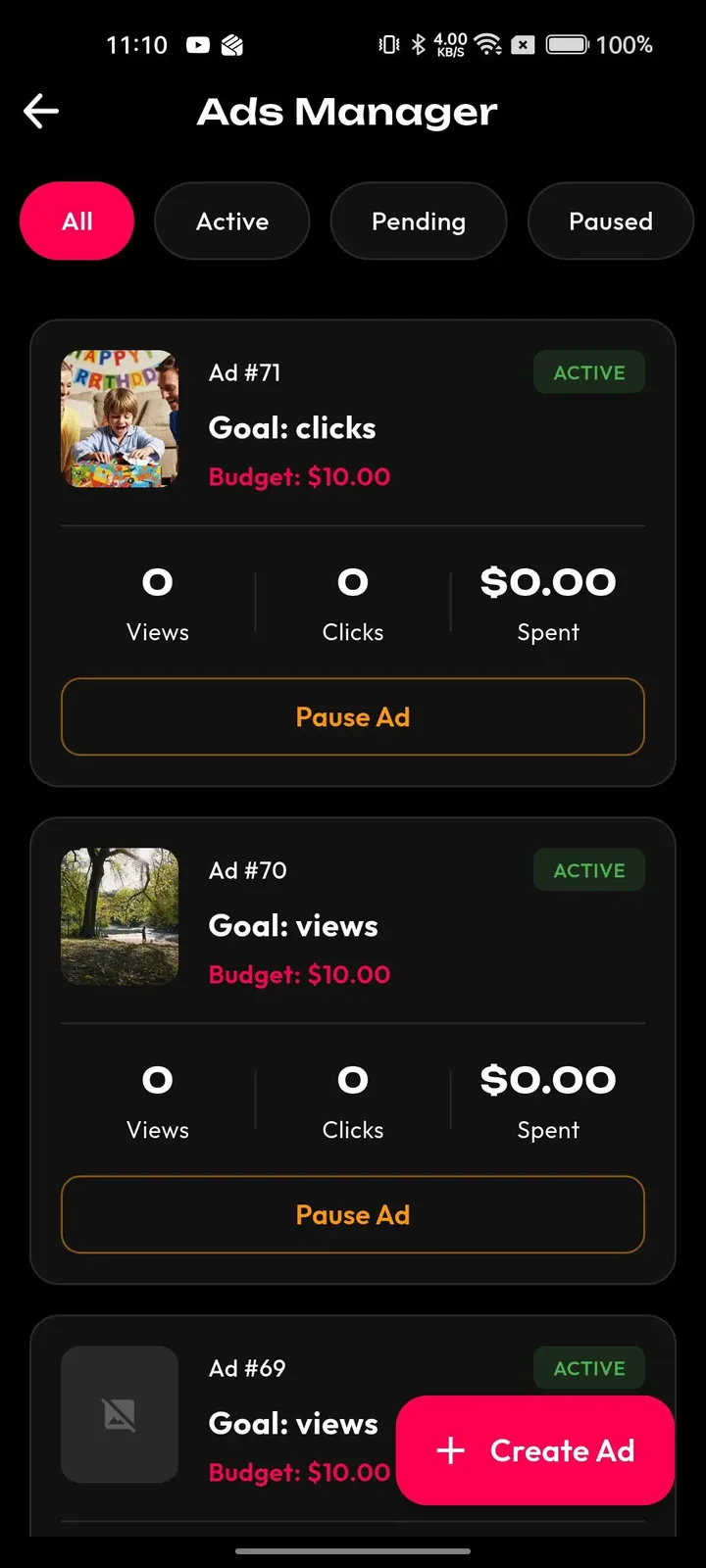
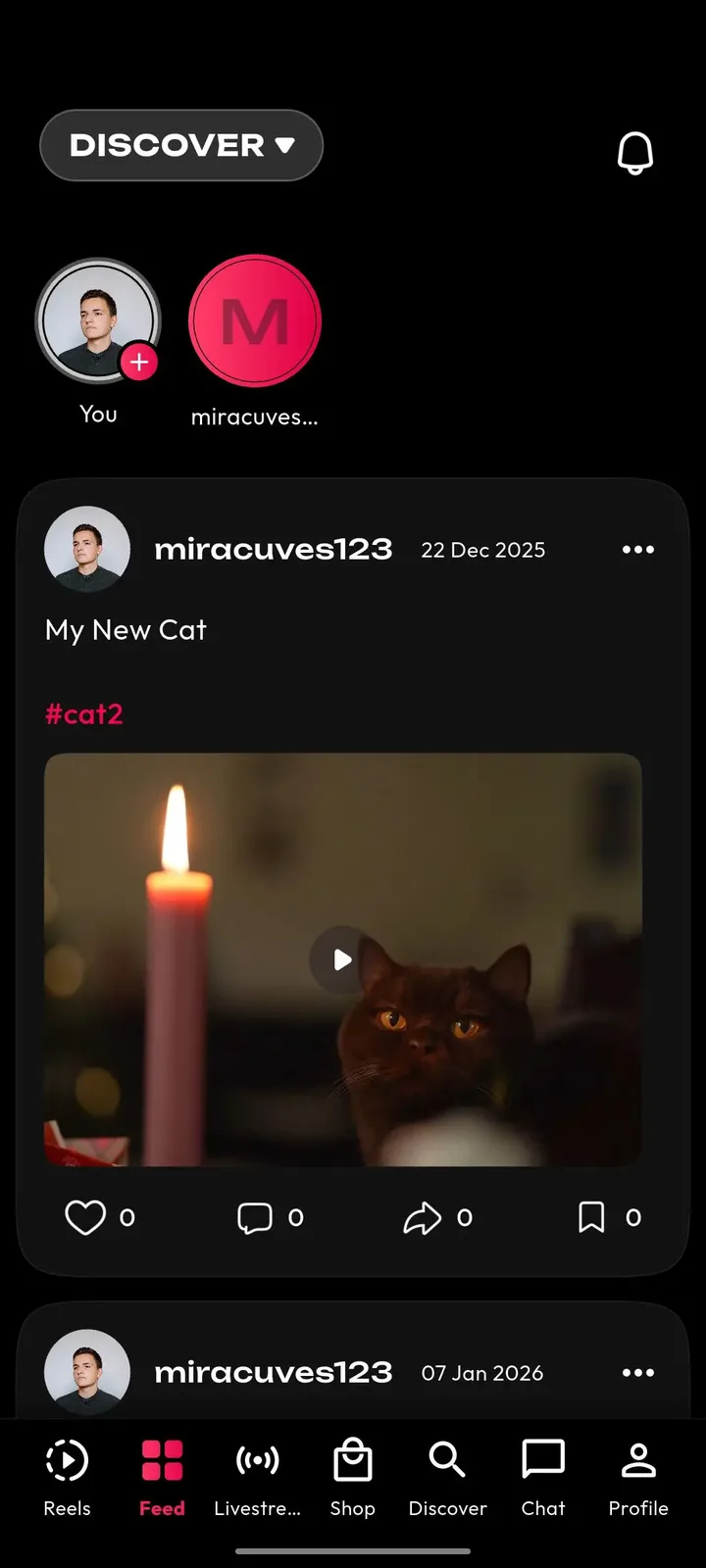
Members come for conversation and stay for the people. They can watch live, jump into chat, follow hosts, answer clips with replies and keep a feed that reflects what they care about. Preferences set at signup shape it from the first scroll.
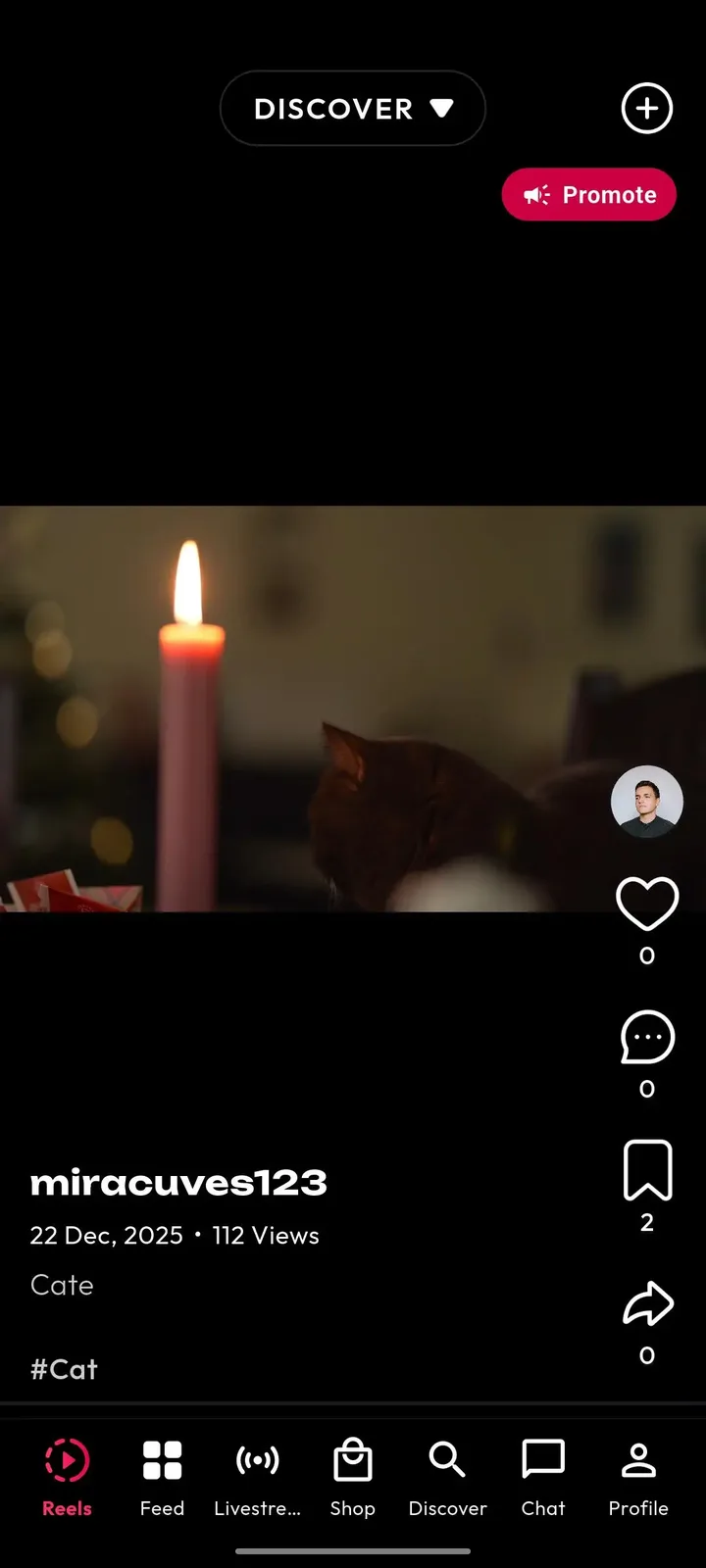
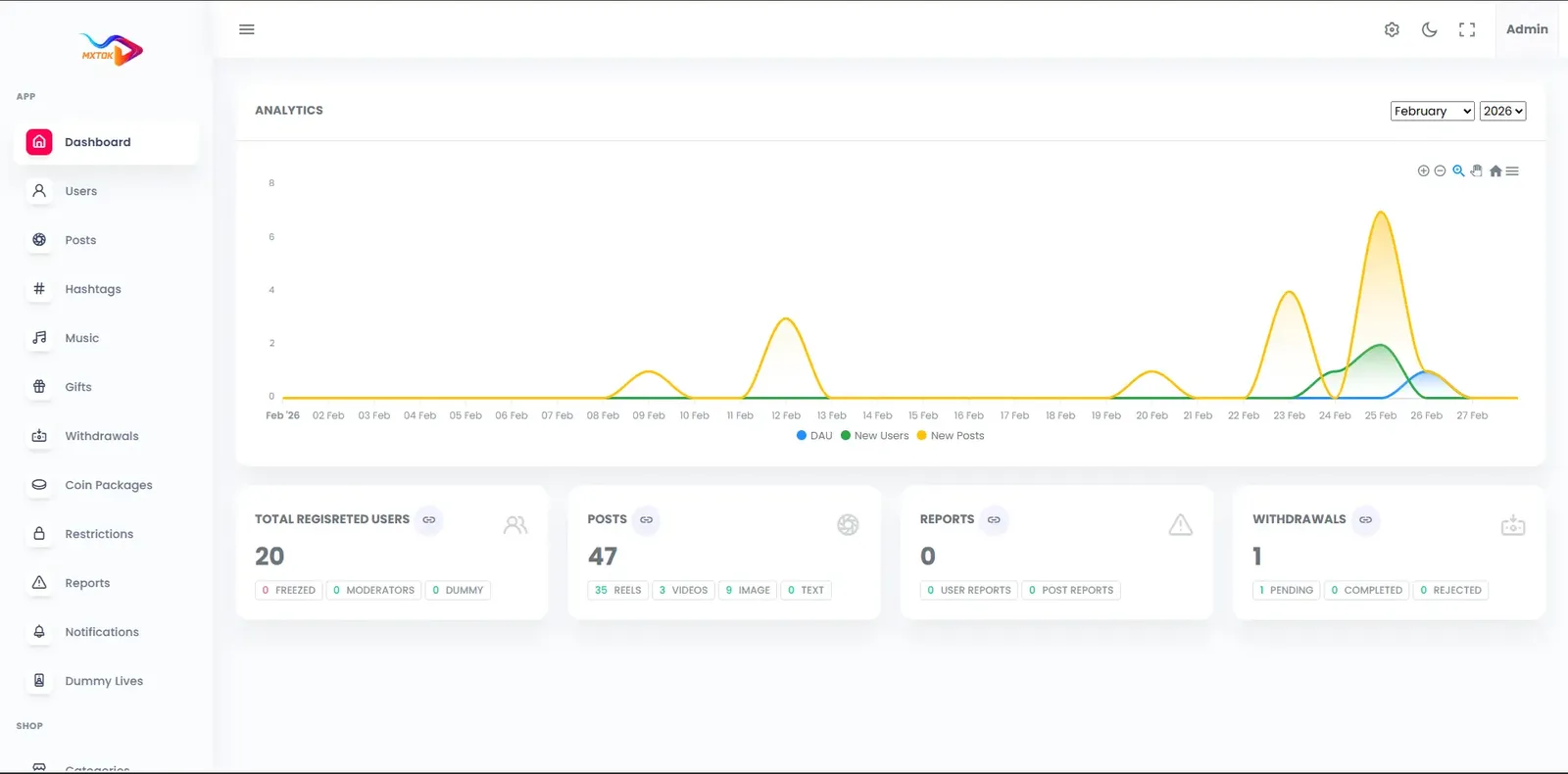
Operators run a community, so moderation and trust tools come first. The panel gives reviewers a queue, enforcement steps and logs, while finance, analytics and campaigns sit behind their own permissions.
18 screens from the working demo, grouped by where they live. Your platform ships rebranded with your name, logo and colors.
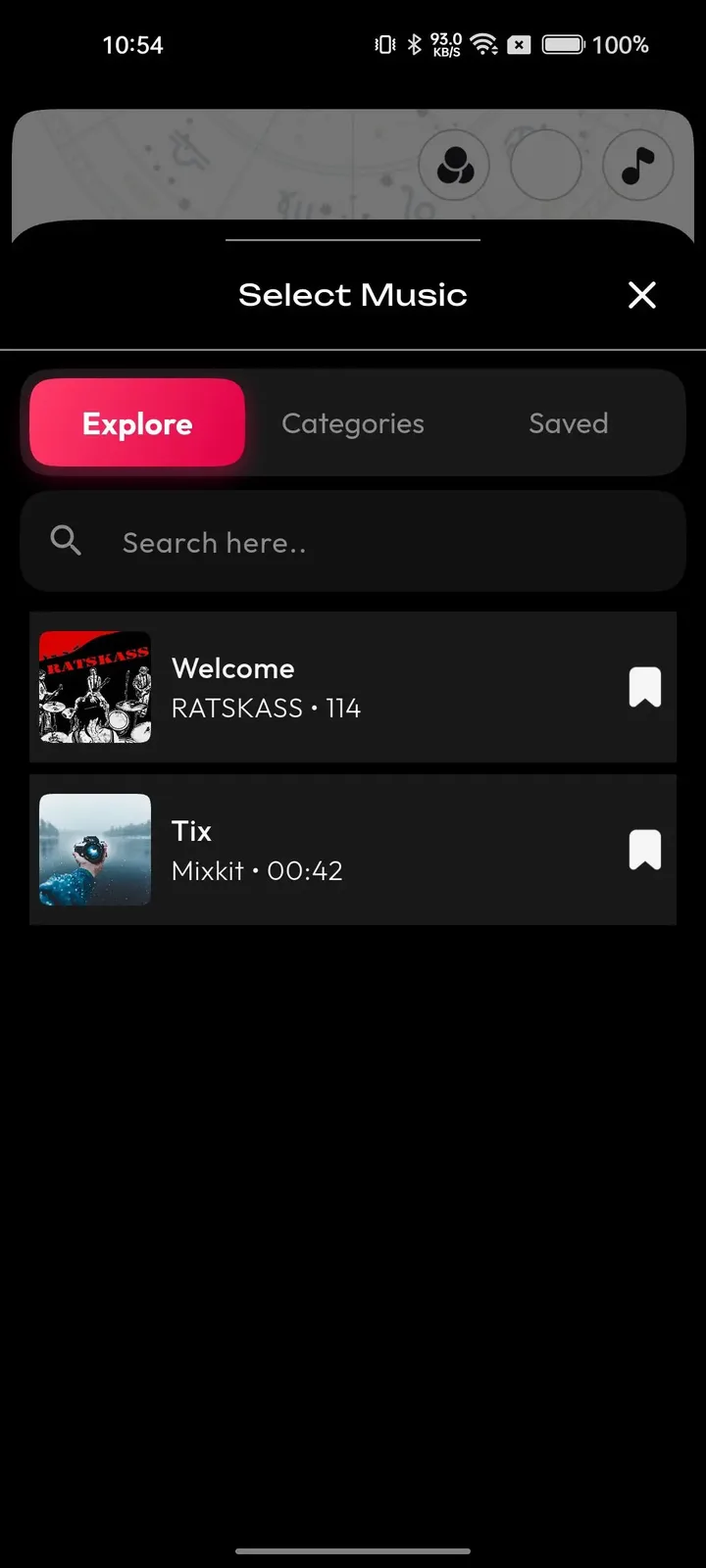
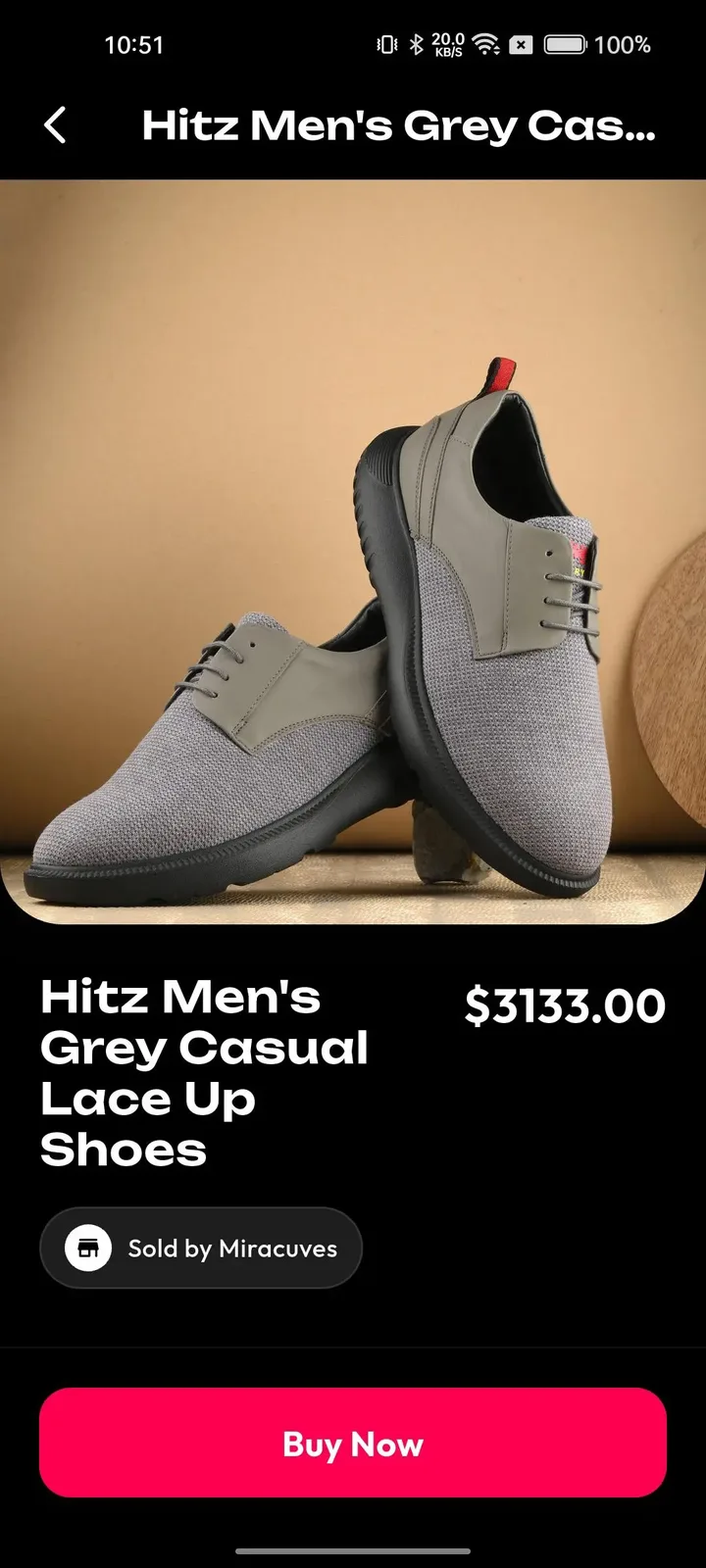
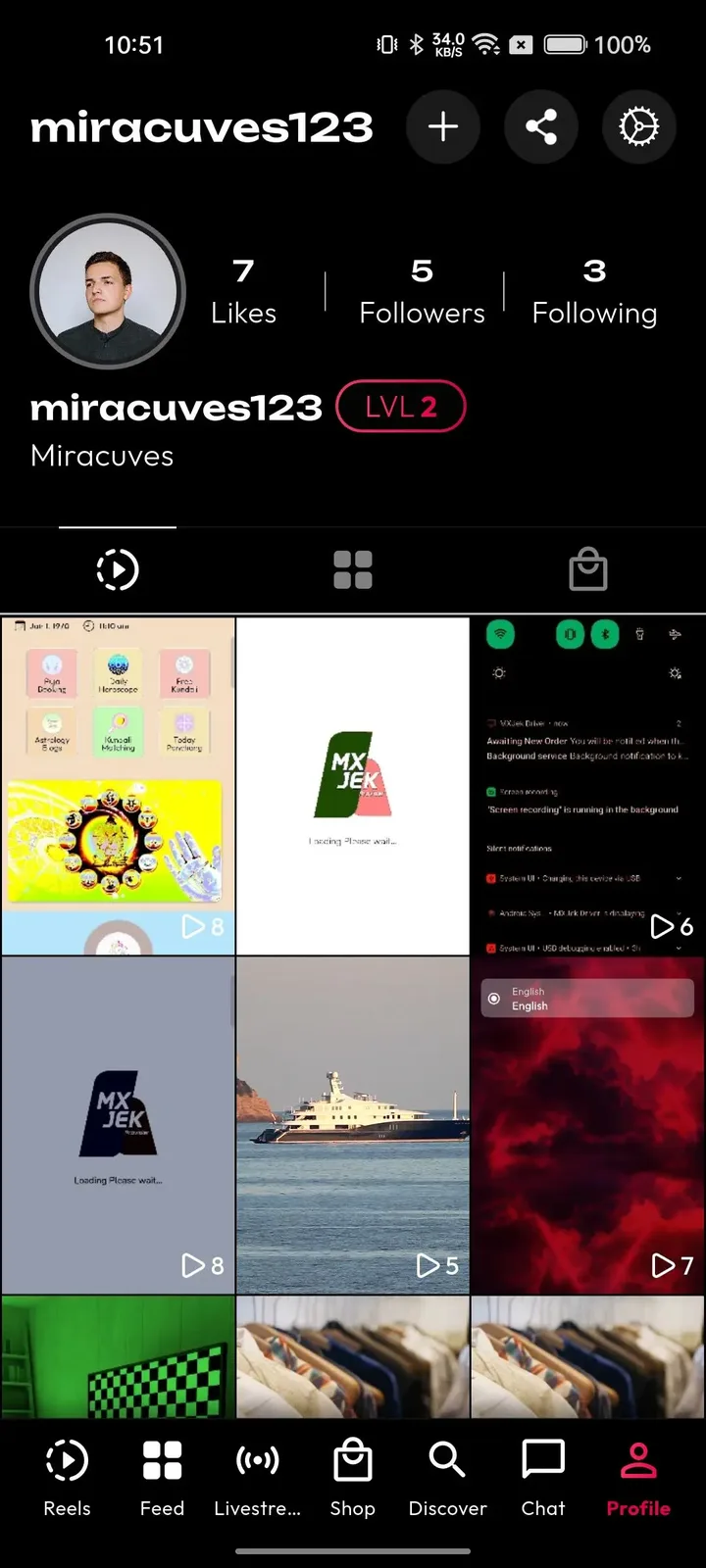
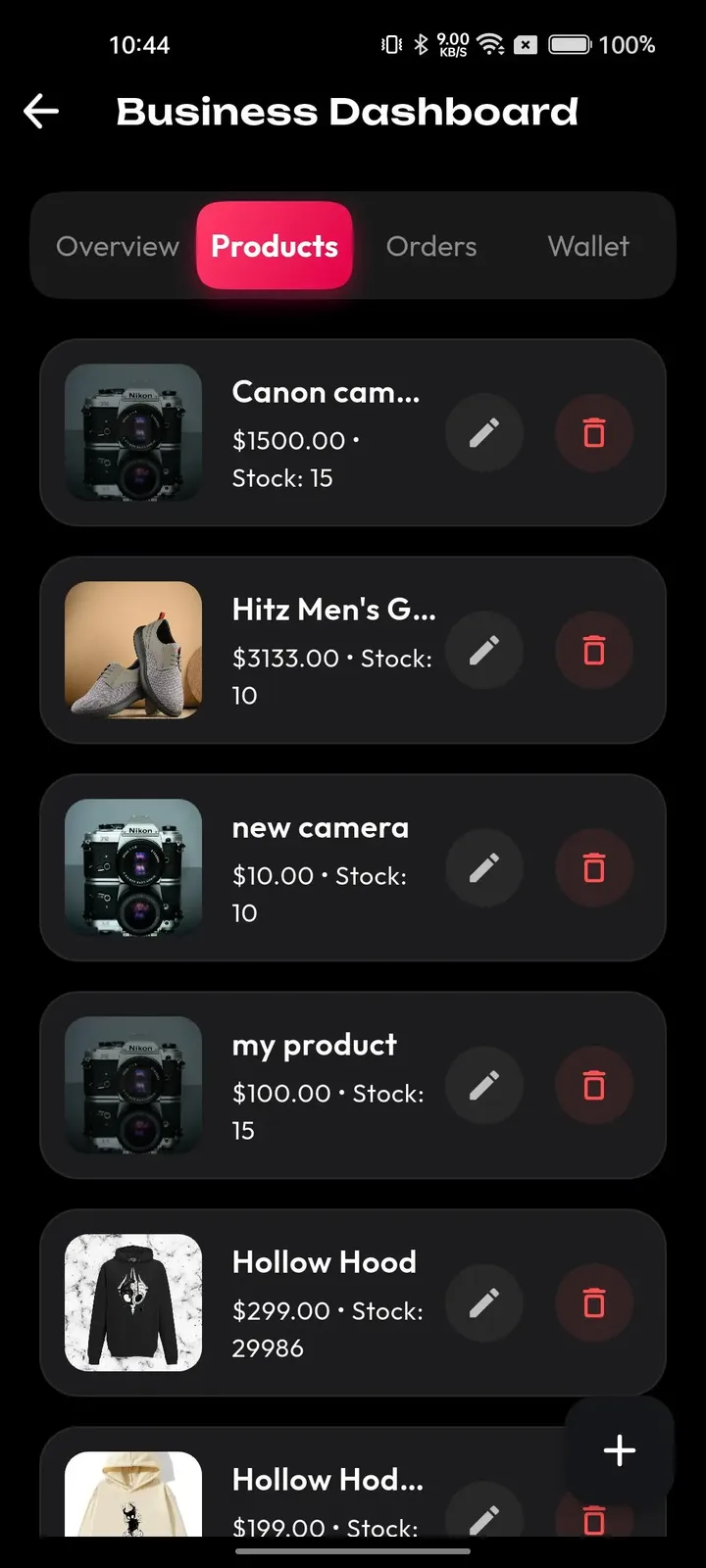
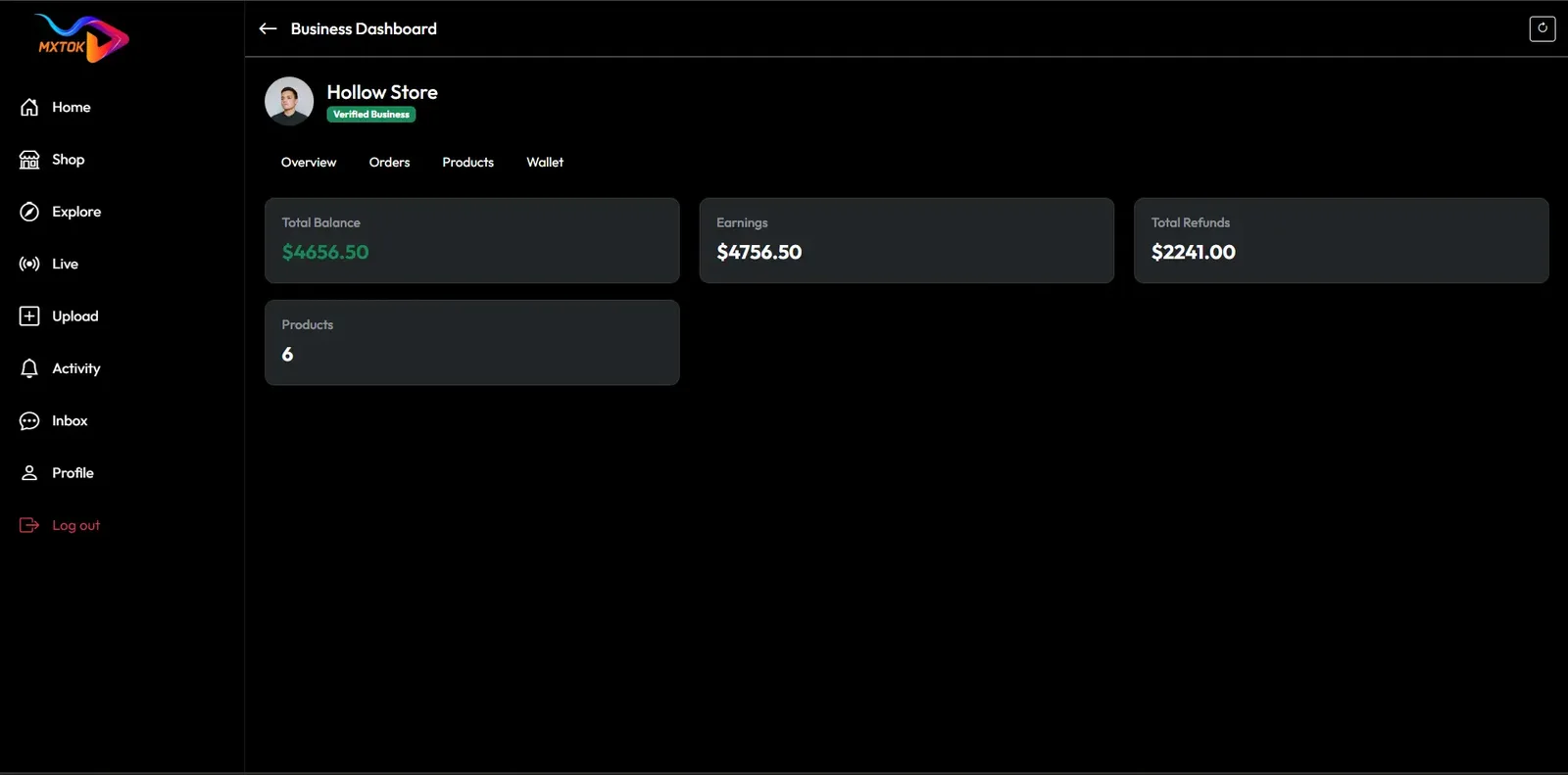
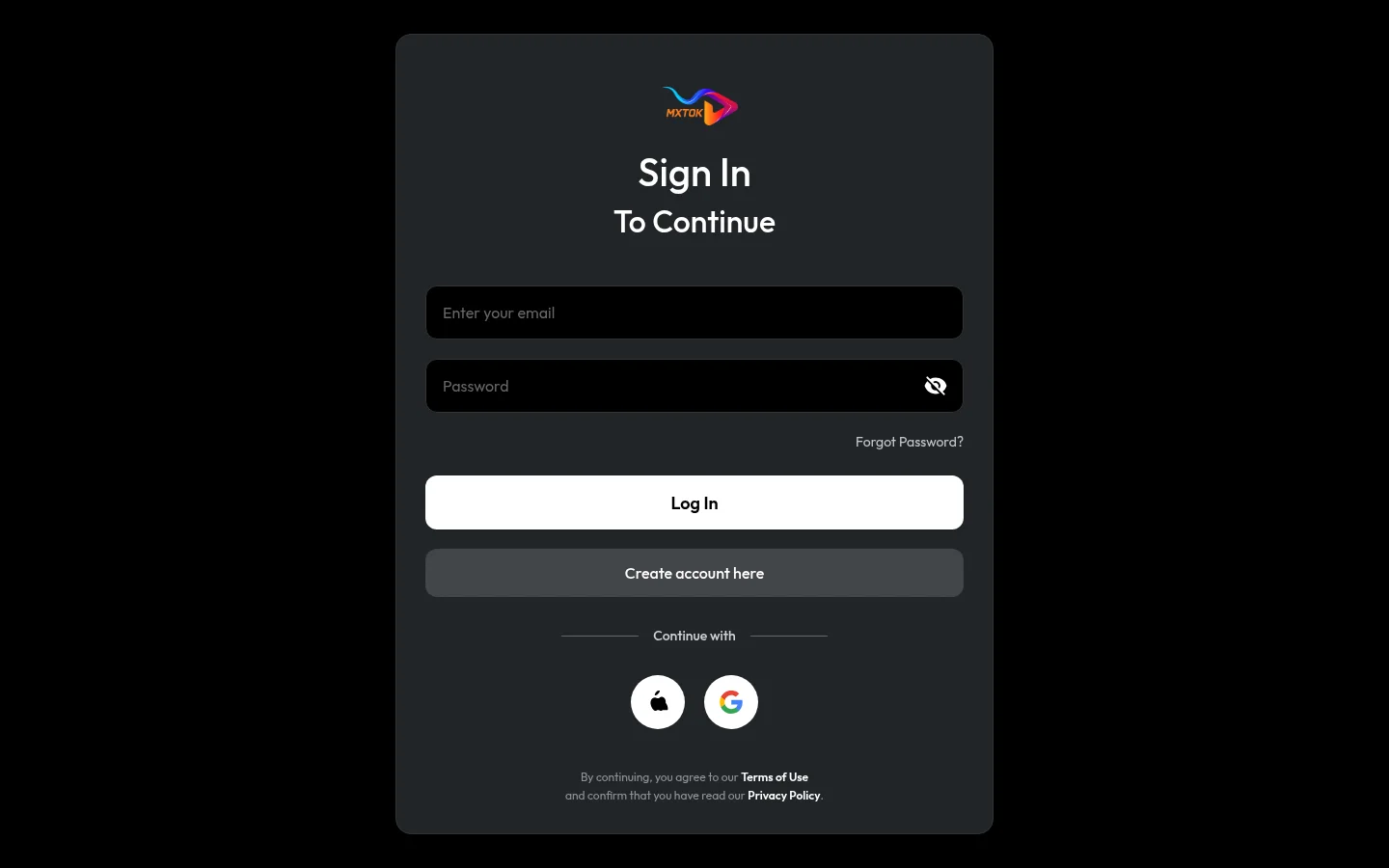
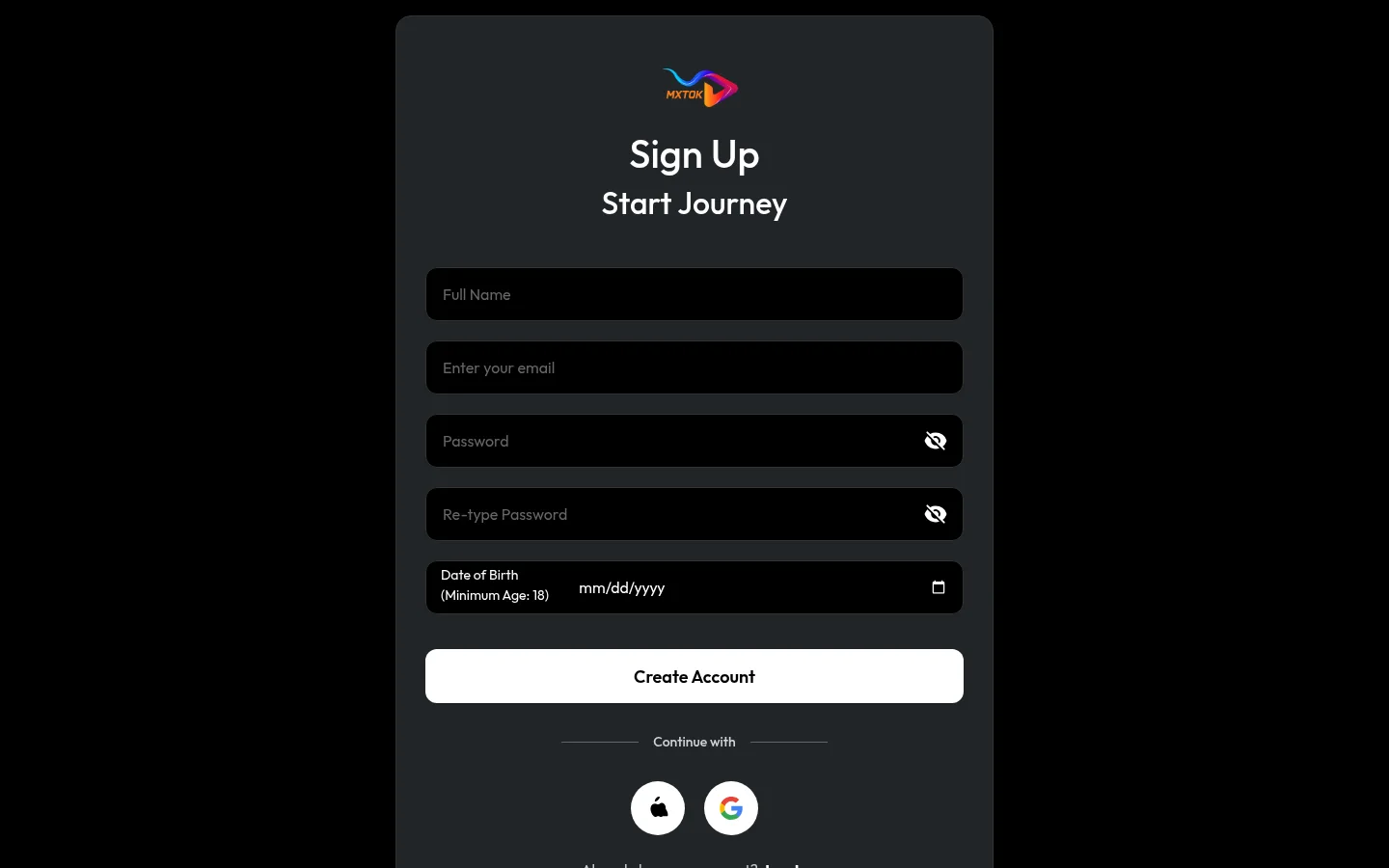
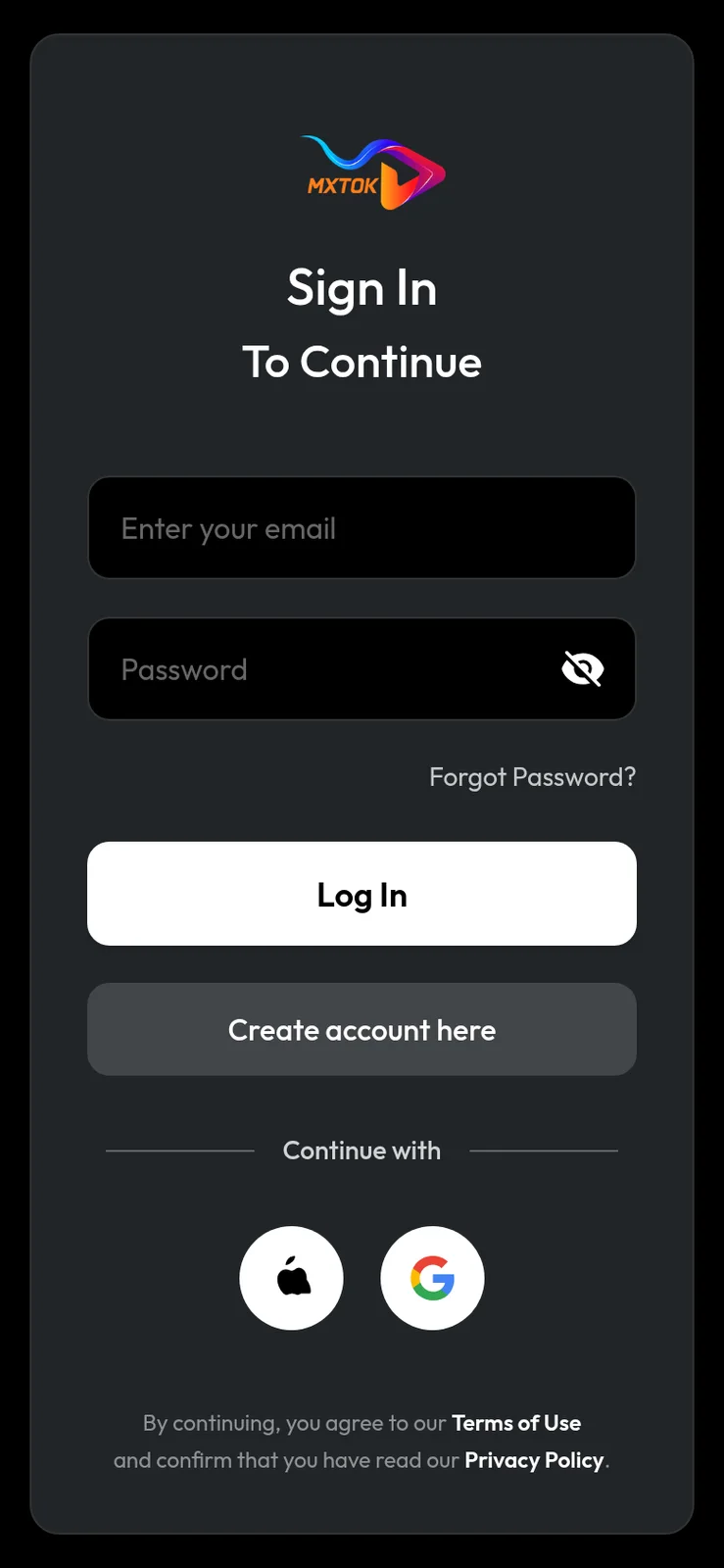
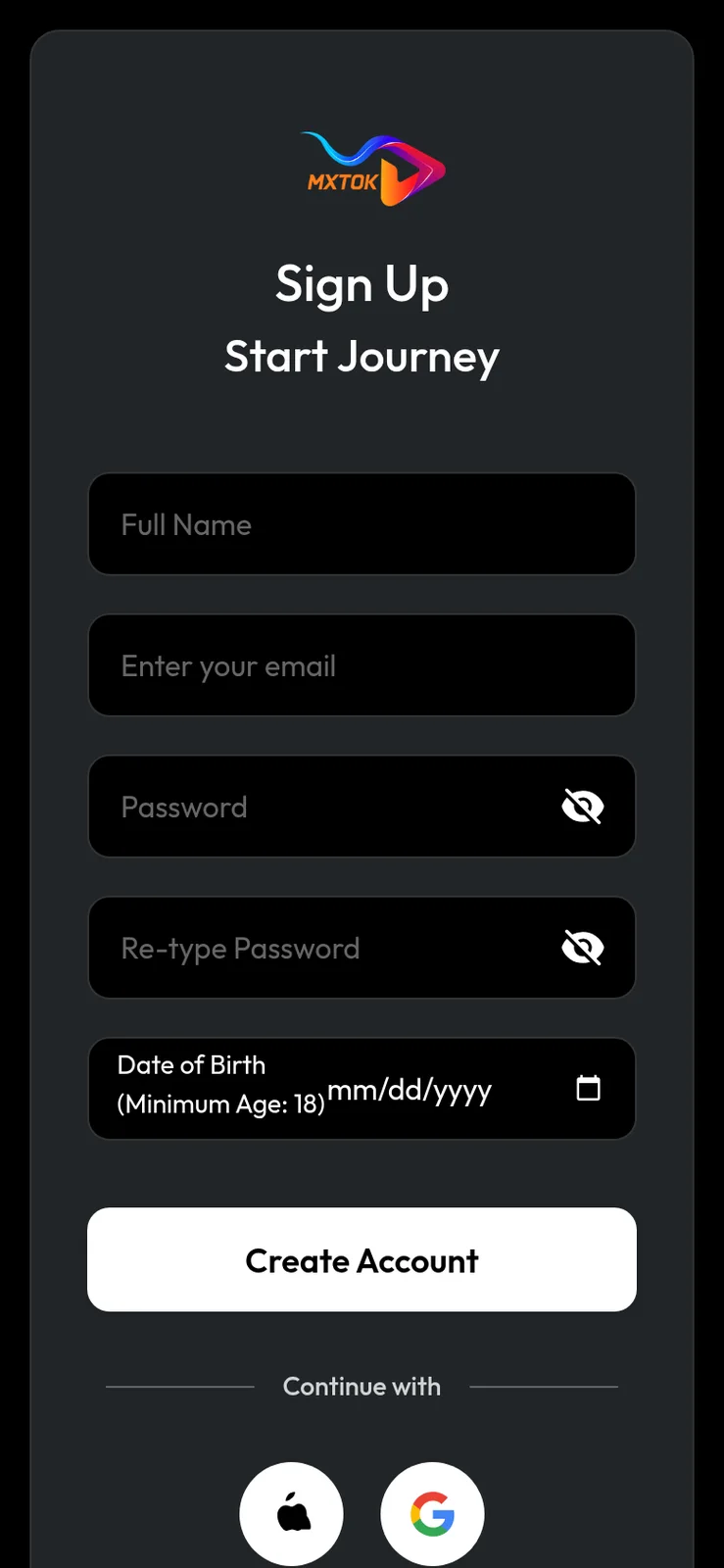
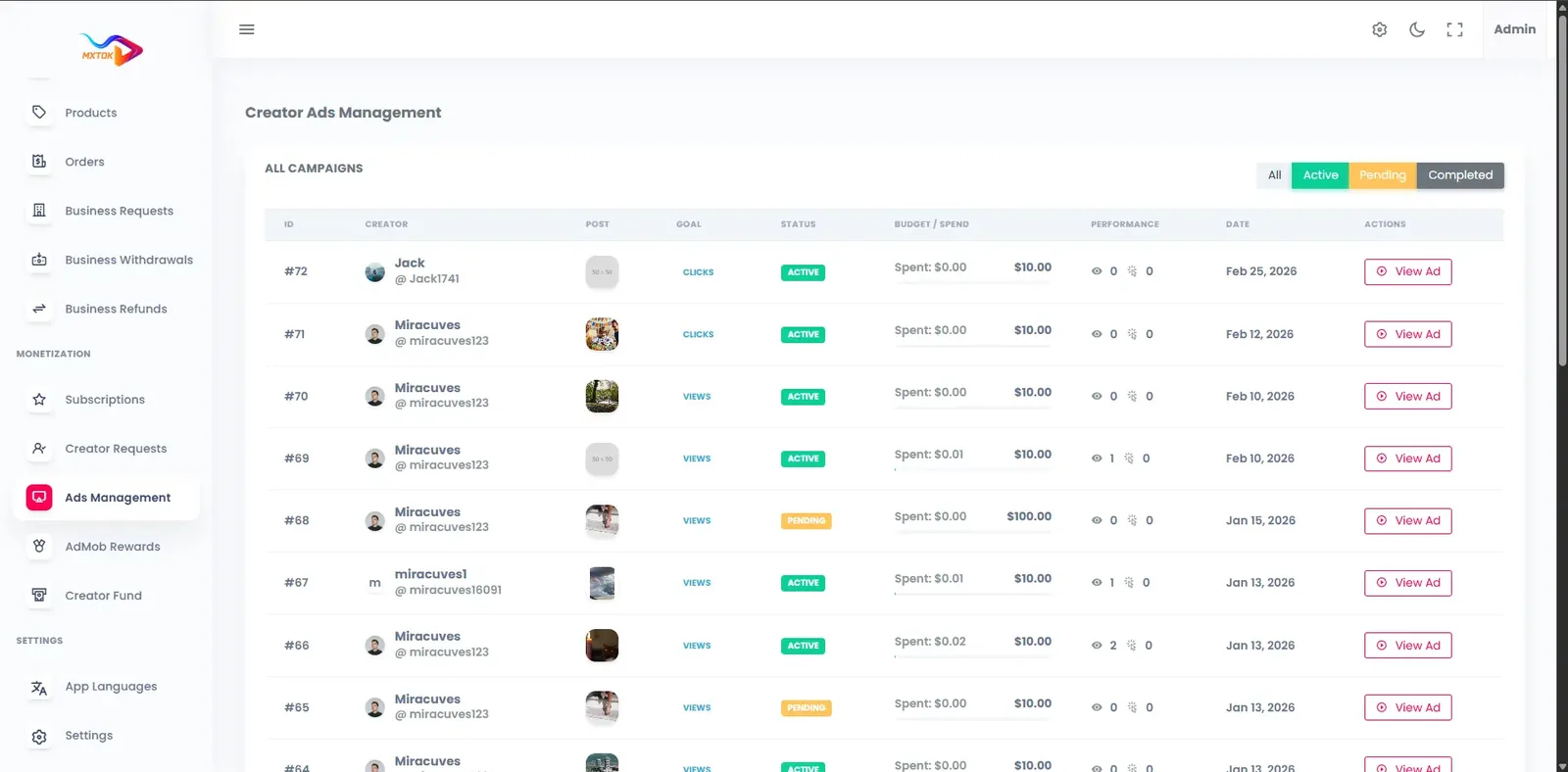
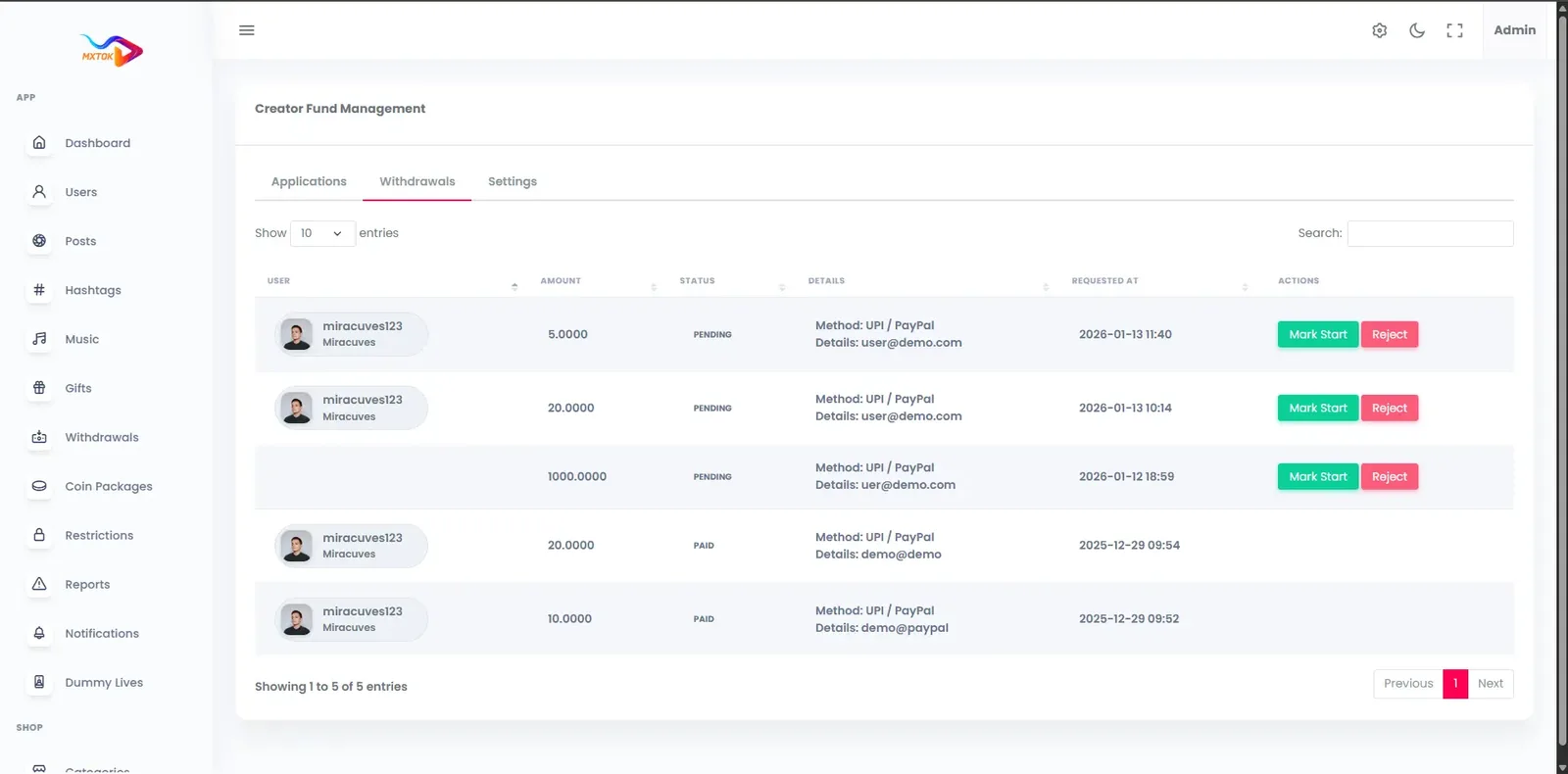
A Clapper-style community app runs on the same short video and live platform as our TikTok product, so the demo below is that shared build, carrying our demo branding. Open the web app or admin panel in a browser, install the Android build, sign in with the public demo accounts and look at the live room, the feed and the moderation tools.
miracuves@yopmail.comUser_321miracuves@yopmail.comUser_321adminAdmin_$32145 features across 4 roles. The first six of each role are here and the full list is one click away. Nothing is held back for a sales call.
A host broadcasts to a room of viewers who can watch from the app or the web.
Viewers talk to the host and each other during the show, so the room feels like a conversation.
Quick reactions let a crowd respond without typing, which keeps busy rooms readable.
Gifts, coins and stickers can be sent during a session, with value passed to the host wallet.
Followers receive push alerts the moment a host starts, which helps fill a room quickly.
A comment can be answered with a short clip, carrying a thread from chat into the feed.
6 more Live and conversation features are in the full list.
A profile page carries bio, links, stats and a grid of clips, so newcomers can learn who a host is.
Hosts offer recurring membership to their strongest supporters, priced in coins.
Exclusive content and sessions can be gated for subscribers, giving hosts a steady base of income.
Gifts, subscriptions and withdrawals are tracked in one place, with requests passed to the operator.
Views, watch time, retention and revenue by period show what keeps a community engaged.
Front and rear cameras, multiple takes and speed control support quick clips between shows.
6 more Hosts and creators features are in the full list.
The For You feed mixes trending clips, new creators and videos matched to what the member watches.
The explore tab groups clips by category, hashtag and creator for members who want to look around.
Community challenges give members a theme to respond to, with contest uploads and featured banners.
New members choose language and interests, and may add age and region, to shape recommendations.
Phone, email, Google or Apple sign-in lowers the barrier for joining a room.
Multi-language labels with light and dark themes make the app comfortable across regions.
3 more Members features are in the full list.
Reports on clips, comments, profiles and live sessions arrive in one review queue.
Reviewers remove material that breaks policy and keep the community tidy.
Warnings, content removal, account restrictions, strikes and bans are available with logged reasons.
Manage users, hosts, roles, access and status from a single screen.
Optional KYC and verification workflows mark trusted hosts, brands or sellers.
Gift, coin and wallet activity and withdrawal approvals are visible to finance staff.
6 more Operators features are in the full list.
The path through the product, in the order it happens for the people using it.
Members sign up by phone, email or Google and Apple login, then pick language, interests and optional age and region.
The feed mixes recommended videos with creators who are live now, announced by push alerts.
Members chat, react, reply with video and send gifts, while hosts moderate their rooms.
Gifts, coins and subscriptions credit the creator wallet, and fans join the host's fan club.
Admins work the reports queue, approve withdrawals and read engagement and revenue reports.
Every earning route built into the product you receive: how it works, who pays and where the operator earns.
| Revenue model | How it works | Who pays | How you earn |
|---|---|---|---|
| Live gifting | Members buy coins and send gifts and stickers while a show runs. A commission is retained before the host wallet is credited. | Member | Commission on every gift sent in a room |
| Coin purchases | Coin bundles are the entry point to every paid action, and each purchase is a transaction you can price and promote. | Member | Margin on coin sales, net of gateway and store fees |
| Fan clubs and subscriptions | Regular viewers join a host fan club for recurring access, priced in coins. | Member | Share of each renewal |
| Paid sessions and replays | Hosts charge for a show or sell the recording afterwards as a premium replay. | Member | Your cut of ticket sales and replay purchases |
| Sponsorships | Brands sponsor a host, a show or a community challenge, using structured sponsorship slots. | Brand | Sponsorship fee per deal |
| Advertising | Creator ad campaigns, in-app placements and rewarded mobile ads are set up from the admin panel. | Advertiser | Ad fees once the audience justifies inventory |
| Live commerce | Hosts present products in a stream and offer timed deals to the room. | Buyer | Commission on products sold through the platform |
The flow of money, the gateways you can connect and how payouts are handled.
Money in a live-first app flows in small, frequent transactions. A member buys coins, spends them as gifts while a host talks, and each gift credits the host wallet after your commission. Hosts then request a withdrawal that an admin approves. The same wallet carries subscriptions and fan club payments. Purchases run through secure APIs, balances update in real time and payouts are logged. No gateway is fixed, so you connect your own.
| Gateway | What it covers |
|---|---|
| Other | |
| Gateway of your choice | Linked through the API layer with your merchant account, letting you select a processor that suits your market. |
| Apple and Google store billing | Both stores take a share of in-app purchase revenue, so factor it into coin bundle pricing. |
You operate the platform, so legal compliance in each market you serve is yours. This is the tooling that ships in the product. It is not legal advice.
Live conversation moves faster than any review queue. Viewers can report live sessions, and reviewers can act on those reports with warnings, restrictions, strikes or bans. For a busy platform, schedule moderator coverage during peak show times and give hosts clear rules about what is allowed in their rooms, because you cannot depend on after-the-fact review.
The model is known for an adult audience, and onboarding ships with optional age and region selection. Stricter age-gating and parental controls are available, and we tailor them to your market. If you intend to restrict the platform to adults, define the exact check you need and the operator remains responsible for legal compliance in each market.
Reports on clips, comments, profiles and live sessions feed one queue, and every decision is logged, with warnings, strikes and bans applied from the same screen. Review these logs often, because repeat offenders and coordinated abuse show up in the pattern of reports before they show up in complaints.
The platform is built to be GDPR-ready, with consent at signup, account deletion, data export and retention settings. Live communities often reveal personal details, so keep your privacy notice specific and make deletion easy. Following the law in each country you serve remains the operator duty.
Role-based permissions separate content review, payments and analytics. Sessions use JWT and OAuth2 and admins can enable two-factor sign-in. Give live moderators only the review panel, and keep payout approval with a smaller finance group.
Rate limits protect login, uploads, comments, reports and engagement actions, and CDN-level protection helps absorb hostile traffic. Live chat is a natural target for spam, so combine these controls with block tools, reports and a habit of reviewing new accounts.
Onboarding offers optional age and region selection. Strict age-gating for an adult-only audience is available, and we tailor it to your market with scope confirmed with us. You are responsible for legal compliance in your market.
The layers of the product as delivered. You receive the full source code for every one of them.
| Layer | Built with | Hosting note |
|---|---|---|
| Mobile apps | Flutter (Android and iOS) | Flutter builds cover Android and iOS from one codebase and are prepared for store submission. |
| Web app | PHP and Laravel, with optional PWA | PHP and Laravel run the web app, optional PWA and the API behind the mobile apps and admin panel. |
| Backend and API | Laravel | |
| Database | MySQL or MariaDB | MySQL or MariaDB hold profiles, clips, chat metadata, wallets and transactions. |
| Live and media | Agora, Wowza, WebRTC and FFmpeg | Agora, Wowza and WebRTC carry one-to-many sessions with low latency, so chat and gifts feel immediate.FFmpeg transcodes uploads and recordings into several resolutions, with thumbnails and secure bucket storage.Cloudflare or Akamai serve video from the nearest edge location, with DDoS protection and token-based stream URLs. |
| Cloud hosting | AWS, GCP or DigitalOcean | AWS, GCP or DigitalOcean host the stack, with auto-scaling for peak show times and backup and recovery plans. |
| CDN and protection | Cloudflare or Akamai | |
Live video costs more to run than stored video, because every minute of a show is delivered to every viewer. The ready-made build runs in your own cloud account, so you see these costs directly and can scale them as audiences grow.
Communities that value open conversation still need rules. Illegal material must be removed whatever your stance, app stores expect working reporting and blocking, and regimes such as the EU Digital Services Act set notice-and-action duties for hosted content. This table links each policy decision you must make to the tool that enforces it.
| Policy decision | Tool in the product | What you still decide |
|---|---|---|
| What is not allowed at all | Report queue with removal, warnings, strikes and bans | The written rules, the escalation steps and who may ban. |
| What happens in a live room | Live session reports and reviewer actions | Host rules, moderator coverage in peak hours and response time. |
| Who may join | Optional age and region selection, verification workflows | Whether you need stricter adult-only checks, which we set up for you. |
| How members protect themselves | Blocking, privacy options on clips, direct message reports | Default privacy settings and how you explain them at signup. |
| Who can act as staff | Role-based access separating review, payments and analytics | Which staff see which panels and how access is reviewed. |
| How decisions are checked | Logged moderation actions and records | An appeals route and how long you keep records. |
| How illegal content notices are handled | Removal controls and logs for the response trail | A contact route for notices and your response targets by country. |
The same few errors show up when a new community video app fails to take hold. Most are about operations and expectations, not about code, which is why they are worth reading before you spend on promotion.
Many community apps present themselves as free of a hidden algorithm and show posts from people you follow in time order. That is a valid design, and it suits groups that already know each other. The product here ships a recommendation feed, but its weighting can favor recency heavily, and the explore areas let members browse by category, hashtag and creator.
A strict following-only chronological feed is a different design that we tailor with scope confirmed with us. Decide which you need by asking what the community is for. If members come to hear from people they chose, chronology feels fair. If you need strangers to find new hosts, a tuned recommendation feed does that, and a young network may need it to survive.
One fixed price for the ready-made platform, published here so you can plan before you talk to us.
Ready-made, one-time
$3,999
Live in 6 working days from kickoff
The engineers who deploy your platform stay with it once it is live.
Need more? We tailor the platform to your plan, typically in 2-8 weeks, and confirm the scope with you before work starts. App store review times are set by Apple and Google.
Everything here is available around the ready-made Clapper clone. We confirm the scope with you before any price is agreed.
Several hosts share one live room, which suits talk shows, interviews, debates and panel discussions.
Confirm with usFull-screen gift animations, gift streaks, top-supporter badges and live leaderboards to reward the most engaged members.
Confirm with usCaptions from speech with multi-language subtitles, so a show can reach viewers who speak other languages.
Confirm with usStricter age checks and parental controls beyond the optional age selection in onboarding, defined to your market.
Confirm with usReferral codes and links that reward members who bring friends or new hosts into the community.
Confirm with usTrending sections by country, city or region, along with controls to push or limit content by geography.
Confirm with usSeveral community apps on one shared core, each with its own branding, domain and store listing.
Confirm with usA community app lives or dies on a few mechanics: replying, going live, belonging and being protected. This matrix starts with those, then covers the supporting modules. Each row is labeled so you can tell what you receive on day one from what we set up around your plan.
Record, trim, edit, save drafts and publish with privacy options on each clip.
Answer a comment or post with a video and tag people in posts and replies.
Plus a follow graph that keeps discussion going between live sessions.
Members can message each other, with reports routed to the same queue.
One host streams to many viewers with low-latency delivery.
Chat lets the audience talk with the host and each other while reactions appear live.
Viewers spend coins on gifts and stickers for the host while a session runs.
Recurring support and creator-led community tiers for regular supporters.
Hosts can charge for access or sell recordings; you set the visibility.
Followers are alerted when a host they follow starts a session, plus campaign nudges.
Behavior-based ranking whose weighting for recency and engagement is adjustable.
Reports on clips, comments, profiles and live sessions; warnings, strikes and bans.
Members can block others; staff roles separate review, payments and analytics.
Optional verification workflows for hosts, brands or sellers.
Localized menus and labels, with light and dark themes.
Several hosts on screen for interviews, debates and panels; we set it up for you.
Speech captions and multi-language subtitles for shows with mixed audiences; we set them up for you.
Gift animations, streaks and top-supporter rankings in live rooms; we set them up for you.
Optional age selection ships; we set up stricter checks for your market, with scope confirmed with us.
Voice rooms with speaker and listener roles, which we build for you.
Topic groups with their own rules and moderators, which we build with scope confirmed with us.
The standard app is open; we build closed access around an invitation flow we define with you.
Four pages go deeper on the questions buyers ask most about the Clapper Clone. This page stays the overview.
In a community app the clip is the invitation and the live room is the event.
See the full breakdownA live community app costs more to run than a clip-only one, because every minute of a show is delivered to every viewer.
See exact pricingA live community earns from belonging more than from reach.
See the playbookA community app puts strangers in a room, so safety and live reliability matter more than in most products.
Compare optionsFrom kickoff to a live Clapper clone under your brand: what we do each day, and what we need from you.
1Day 1
2Day 2
3Day 3
4Day 4
5Day 5
6Day 6
The software for a community video app is only part of the cost. Live rooms add recurring spending on streaming and bandwidth, and moderation adds people. A from-scratch build must deliver real-time video, chat, a wallet and an admin console before it can host a single show. A ready-made platform converts that build work into a one-time purchase, and the spending that follows is mostly operational: hosting, streaming usage, moderators and growth. Estimate each of those against your expected show schedule rather than your install target.
| Factor | Build from scratch | Rent a SaaS | Own it with GetFame |
|---|---|---|---|
| Time to first show | Many months to build real-time video | Quick, with a vendor-defined room format | 6 working days for the ready-made build |
| Live streaming layer | Real-time infrastructure built separately | Bundled, with vendor limits | Included, using Agora, Wowza and WebRTC |
| Gifts and wallet | Payment and ledger logic to design and test | Vendor payout rules | Coin and gift wallet with admin-approved withdrawals |
| Moderation | Queue, roles and logging to build | Vendor policy and tools | Report queue, enforcement and logs included |
| Factor | Build from scratch | Rent a SaaS | Own it with GetFame |
|---|---|---|---|
| Control of community | Complete, after the build | Limited, on vendor terms | Complete, with source code and data |
| Co-hosted shows | Extra engineering | Depends on vendor plan | Available, set up for you |
| Lock-in | None | High, audience tied to the vendor | None; you host and can change providers |
Running costs. Running costs sit outside the platform price: cloud hosting, live streaming usage that grows with viewers and show hours, CDN bandwidth, payment gateway fees, store developer accounts, moderator hours and any paid AI moderation. Live-first apps feel these costs sooner than clip apps, so set a monthly ceiling before your first big show.
Community apps hide their cost in the live and safety layers rather than in the feed. This table compares each module for a ground-up build with what you begin with, using effort words only, so you can plan where your own team time should go once the platform is running.
Build it yourselfA real-time media layer with chat, reactions and gifting, tested for many viewers and weak phones.
Ready-madeOne-to-many live with chat, reactions and gifts built on Agora, Wowza and WebRTC.
Build it yourselfThreading a video answer to a comment or post and showing it in context across the app.
Ready-madeVideo replies and mentions work in posts and comments from the start.
Build it yourselfUpload, transcoding, thumbnails and delivery that behave across networks and devices.
Ready-madeFFmpeg processing and CDN delivery are configured during deployment.
Build it yourselfRanking logic and tuning, or a chronological feed with its own design choices.
Ready-madeA recommendation feed with adjustable weighting; strict chronology is available as tailored work.
Build it yourselfRecurring billing, tiers, access rules and cancellation handling.
Ready-madeFan clubs and subscriptions are included, priced in the app.
Build it yourselfA ledger, gift catalog, settlement and withdrawals where bugs cost real money.
Ready-madeCoins, gifts, a creator wallet and a withdrawal queue are connected.
Build it yourselfReport intake, queue, enforcement steps and records, assembled or bought separately.
Ready-madeA reports queue with warnings, strikes and bans, and logged decisions.
Build it yourselfReporting during a stream, host controls and staff coverage planning.
Ready-madeViewers can report live sessions and reviewers act through the same queue.
Build it yourselfUsers, content, payments, campaigns and analytics, usually built after the public app.
Ready-madeA role-based admin panel covers those areas at launch.
Build it yourselfTwo apps, signing, listings and review rounds handled by your own team.
Ready-madeFlutter builds for Android and iOS, with publishing support.
Clapper is widely known as a short video and live app with a community feel and an adult-leaning audience. A white-label platform that matches this search differs in ownership, rules and revenue splits. The points below describe the model, not any company figures.
| Aspect | The Clapper model | This platform |
|---|---|---|
| Core experience | Short clips and live conversation under one app | Both, with live rooms treated as the center of the product |
| Audience positioning | Marketed to an adult audience | You define the audience, and stricter age-gating is available as tailored work |
| Host earnings | Under the platform terms | Under terms you write, including commission and withdrawal rules |
| Community rules | Set by the owning company | Set by you, with your own moderation team |
| Branding | Runs as its own brand | Ships under your name, logo and domain |
| Data | Held by the company | Held in your own database |
| Extensibility | Closed | Source code you can modify and extend yourself |
| Niche focus | A general community | Can be narrowed to a topic, region or language |
The founders and teams this product fits most directly, one line each. The launch ideas that follow turn these audiences into a first-week plan.
A video and live hub for one hobby, trade or lifestyle, where members come for the conversation.
Hosts run recurring live sessions, with clips cut from each show feeding the main feed.
Experts hold live Q&A, post short lessons and offer a fan club for paying followers.
A single-language community with local creators, local moderation and region-specific trending.
Fans of a league, tour or festival share clips and gather in live rooms around key dates.
Conversation is the product here, so the best ideas start with a group that already talks to each other and needs a place to do it on camera. Each idea below names the first thing to configure so the launch has a purpose.
Congregations, study circles and volunteer groups share short reflections, host live talks and support their leaders. Revenue is voluntary gifts and recurring support. Configure a clear community policy, verified leader status and a small team of trusted moderators before opening the doors to the wider public.
Woodworkers, gardeners, gamers or model builders post quick clips and answer questions on video. Income comes from fan clubs and sponsorships by suppliers. Configure categories, video replies and live demo sessions first, since answering a question with a clip is the habit that keeps people returning.
Hosts run scheduled live conversations with callers and guests, then clip the highlights. Viewers pay through gifts and paid replays. Configure the multi-host live module early if guests join on screen, and decide how long replays stay available and who can watch them.
Residents and small publishers share short reports and live Q and A with officials. Sponsors are local businesses. Configure region-specific trending, a verification route for real reporters and strict report handling, because accuracy and trust matter more than reach in a local setting.
Coaches, lawyers or teachers hold paid live sessions and post short answers to common questions. Members subscribe to follow a specialist. Configure paid sessions, fan clubs and verification, and write a plain disclaimer about advice so members know what a clip does and does not replace.
A single-language network for people far from home, with live sessions, regional humor and local brands as sponsors. Configure language, region-based recommendations and captions, then add translation if different dialects share the same room.
People looking for a Clapper alternative are usually choosing between a large general network, a platform for subscriptions or an open-source route they host themselves. The descriptions below are neutral summaries of what each is, not endorsements or comparisons of how they handle any particular issue.
Short video and live community app
Members who want conversation, replies and live rooms around short clips.
Policy, features and audience are set by its owner, not by you.
General short video network
Creators who want the widest audience and a polished entertainment feed.
Discovery and rules are centrally controlled, with little room for a distinct culture.
Video sharing platform
Creators who publish longer videos and live streams to a subscriber base.
It is built for video hosting, so short-form community features are secondary.
Creator community platform
Creators who want paid memberships and a community around their own page.
Each community is organized around one creator, not a shared short video feed.
Open-source federated video software
Technical teams who want to self-host video and join a wider network of servers.
You build the missing community, live-gifting and payout features yourself.
A white-label community app you own fits operators who want a specific culture and full control of the rules: a hobby, a faith group, a region, a show network. You do not inherit members, so you must recruit hosts and give people a reason to return. In exchange you set policy, keep data, choose revenue splits and extend the code yourself.
Longer answers to the questions buyers of this model ask before they commit.
Live shows need regular rhythm, and a community grows around that rhythm. Start by choosing the format your hosts will repeat: a nightly talk, a weekly interview, a coaching hour or a fan Q&A. When members know when a room opens, they plan their evening around it, and hosts have a reason to prepare.
Recruit a small group of hosts and give each a slot. Announce schedules through push notifications and the featured area, and use short clips between shows to keep followers warm. A room with ten engaged regulars feels better than one with a hundred silent viewers, so invest in conversation rather than raw numbers.
Add monetization once the rooms are busy. Gifts come first, because members can use them at once. Fan clubs follow when hosts have regulars who want closer access. Paid sessions and sponsorships come last, when you can show brands and ticket buyers a steady audience.
If your platform is meant for adults, write the rule down before you build around it. State the minimum age, the evidence you will require and what happens if an account looks underage. Signup offers optional age and region selection, and anything stricter, including verification of age, is available as tailored work with scope confirmed with us.
Apply the rule everywhere, not just at signup. Hosts should know it, moderators should check for it in live rooms, and reports about underage users should have the highest priority in the queue. Keep a log of how each case was handled.
Remember that the operator is responsible for legal compliance in each market, and rules differ by country. Ask a lawyer where you plan to operate, and keep your terms of service, privacy notice and community guidelines consistent with the age policy you choose.
The fastest income in a live app comes from gifts, but the most stable comes from recurring support. Fan clubs let your most committed viewers pay a regular amount for closer access, such as members-only rooms, early replays or a named place in the chat.
Hosts need a clear offer. Encourage them to describe what members receive, how often and how it ends if the member leaves. A small number of well-defined perks outperforms a long list that the host cannot keep up with.
As operator, watch retention rather than sign-ups. If members renew, the perks are working. If they leave after one month, review how often the host appears and whether the live room gives them any reason to return. Share these insights with hosts so they can adjust their schedules.
Live content is only as safe as the people watching it. Plan moderator coverage around your busiest show times, with a clear escalation path from moderator to administrator. Give each moderator the review panel and nothing more, so wallet and payout controls stay with finance.
Publish a show calendar and keep it current. The calendar helps members plan, helps moderators plan their shifts and gives you data about which slots draw the biggest rooms. Move weak slots to stronger times before you add more hosts.
Track what each show costs. Streaming minutes and bandwidth grow with the audience, and a popular show can cost more than a quiet one. Compare that cost with gift revenue per show so you know which formats pay their way and which need a sponsor.
The ready-made white-label package is $3,999 one time, hosted on your own cloud account. A standard launch takes 6 working days. Modules such as stricter age-gating or co-hosted rooms are available, with scope confirmed with us, and tailored work typically runs 2 to 8 weeks depending on scope.
Yes. Creators run one-to-many live sessions with chat, reactions, and gifts, coins or stickers, built on Agora, Wowza, WebRTC and FFmpeg. Live viewers can be alerted by push notification. Multi-host rooms are available too, and we set them up for your build.
Onboarding includes optional age and region selection, and the admin panel supports verification workflows. Hard age-gating and country-specific access policies are available, and we set them up with scope confirmed with us. Your legal obligations depend on your market and remain your responsibility.
Through gifts and coins during live sessions, fan clubs and subscriptions, sponsorships, ads, and optional paid sessions or premium replays. Earnings gather in a creator wallet, and withdrawals are approved from the admin payout queue. Gifts, coins, subscriptions and withdrawals all show in a single earnings dashboard.
Members can report videos, comments, profiles and live sessions. Admins review them in a moderation queue and apply warnings, removals, strikes or bans. Moderation actions and sensitive admin changes are logged, and roles let you separate content review from payments access.
Yes. You receive full source for the Flutter apps, the Laravel web app and API, and the admin panel. There is no revenue share and no per-seat fee, and your team can modify modules, add integrations or change cloud provider at any time.
Yes. Name, logo, splash screens, colors, fonts, icons and banners are replaced with yours, along with language and region settings. The product is delivered completely white-labeled, so your members never see our name inside it. You receive the full source and deploy it on AWS, GCP or DigitalOcean under your own account.
No. We are an independent software company and Clapper is a separate brand. The name is used as a search term for the product category. Your app launches under your own name and design with no reference to another company.
Co-hosted rooms are available, and we set them up for your build. The standard live room is one host to many viewers. If your format depends on interviews, debates or panels, tell us at kickoff so multi-host is in your scope from the start.
We do not publish a fixed figure. Capacity depends on your streaming plan, servers and CDN settings, and the platform scales horizontally on AWS, GCP or DigitalOcean. For very large audiences, plan a separate infrastructure review before a major event.
Yes. Hosts can offer premium replays and paid sessions as part of the monetization toolkit. Whether replays are public, subscriber-only or paid is a setting you and your hosts choose, and storage for recordings counts toward your hosting costs.
Yes. Direct messaging is part of the member toolkit, alongside comments, mentions and video replies. Reports can be filed against content and profiles, and reviewers handle them through the same queue as the rest of the platform.
The platform is an open community with public profiles and privacy options on individual clips. A closed, invite-only network or private rooms are available as tailored work. Tell us how access should be granted and revoked, and we will confirm the scope with you.
The build does not tie you to one processor. The API layer connects to payment, SMS, email and analytics services using your own accounts, so you pick a processor that suits your business and market. Coin purchases in mobile apps may also fall under Apple and Google billing rules.
A multi-language interface and closed captioning are part of the product. Automatic captions from speech and multi-language subtitles are available too, which helps when hosts speak in one language to viewers who read another.
Expect cloud hosting, CDN bandwidth, live streaming usage, payment gateway fees, SMS and email services and store developer accounts. Live usage tends to grow with show hours and viewers, so set a monthly budget and review it often.
It is a ready-made short video and live platform tuned for community and conversation, which you launch under your own name. Members post clips, answer with video replies, join live rooms, send gifts and subscribe to fan clubs. It contains nothing from the original Clapper service, its members or its policies.
A community video app earns when members pay for attention and belonging: gifts in live rooms, subscriptions to fan clubs, paid sessions and sponsorships. This product supports those, plus advertising and coin purchases. You set the commission and payout rules, and you should switch on the streams your audience will actually use first.
The term is commonly used for answering someone with a video. In this product the equivalent is video replies and mentions, which let a member answer a comment or post with a clip. It is included in the platform, along with comments, likes, shares, saves and a follow graph.
The platform uses a recommendation feed whose weighting you can adjust, including toward recency. A strict following-only chronological feed is available as tailored work with scope confirmed with us. Tell us how members should discover new people, and we can propose a design.
Live rooms with one host are included. Several hosts on screen together are available too. Audio-only rooms with speakers and listeners are available as tailored work. Plan the format of your main show before choosing modules.
Write the rules in plain language, then configure the tools that enforce them: the report queue, warnings, strikes, bans and staff roles. The software enforces what you decide; it does not decide for you. Publish the policy where members see it at signup, and apply it evenly.
Store policy cares less about your tone than about how you handle user generated content. Apple and Google generally expect reporting, blocking, filtering of objectionable content and a way to contact you. Build and test these flows, keep your policy consistent, and allow for review rounds that no vendor can control.
Yes, and that is usually the best way to launch. Configure categories, onboarding choices, language and verified hosts around the group. Political or sensitive niches deserve extra care with moderation and privacy, so define escalation and response times before you recruit your first hosts.
Web-first options include general video platforms, creator membership sites and self-hosted open-source video software. They differ in audience, rules and tools. Choose by asking whether you want an existing crowd or your own culture and data; a white-label platform suits the second goal.
Beyond the platform price of $3,999, expect cloud hosting, storage for replays, CDN bandwidth, live streaming usage and payment fees. Live usage grows with show hours and viewers. Set a monthly budget, review it after big events and promote only as fast as you can afford to deliver.
→Start here
Share the platform and your market. You get a walkthrough of the live demo, the exact scope of what ships, and a fixed price in writing. First response in under 2 hours, Monday to Saturday, 10:00 to 19:00 IST.
This page uses the name Clapper to describe a type of platform. The product sold here is separate software, built independently, and Clapper has no part in it.
"Clapper clone" is industry shorthand that founders use when searching for software with a comparable business model. It names a category of product, not a copy of Clapper.
The platform is an original product designed and written by Miracuves. It contains no code, design, graphics or content originating from the Clapper website or applications, and it ships under your own brand.
Clapper and its logos are trademarks of their respective owner and are named here for reference only. GetFame is not affiliated with, sponsored by or endorsed by Clapper. Rights holders can write to legal@miracuves.com.
Operator responsibility. The operator of a launched platform is responsible for legal compliance in the markets it serves. Nothing on this page is legal advice.Read the full disclaimer
First response under 2 hours, Mon-Sat 10:00-19:00 IST
India+91 98300 09649 United States+1 516 202 3950