
YouTube Clone Business Model: Ads, Memberships and Commission
A video platform earns by turning attention into several kinds of payment, and the mix matters more than any single line. This page explains how video sites make money, describes the revenue tools the platform includes, shows how the emphasis changes with size, and warns about the planning mistakes that new operators make.
- 7
- revenue tools
- 4
- video privacy levels
- 0%
- revenue share to us
On this page11 sections
- Attention, access and commerce: how video sites earn
- The revenue tools built into the platform
- The YouTube Clone, on screen
- How the YouTube model works
- How the model changes as the platform grows
- Ways operators run a video platform
- Mistakes that sink new video platforms
- Which lever to switch on first
- Try the live YouTube Clone demo
- YouTube Clone business model FAQs
- Explore the YouTube Clone
Attention, access and commerce: how video sites earn
Video platforms make money in three broad ways. Advertising sells attention, so it needs a large audience and advertisers who trust the service. Direct payments sell access, such as memberships, single videos and live donations, and they work with a small audience that cares a great deal. Commerce sells products alongside the videos. These are not exclusive: most video platforms run more than one at once, but the weight of each changes as the audience grows, so decide which one pays for the first months.
The mix you choose follows from who you are. A niche or educational platform seldom has the scale for advertising, but it can sell a members-only series to a few hundred committed viewers. A broad entertainment service needs reach first and tends to lean on ads, with memberships added to reward its most loyal fans. A tutoring site might never run an ad but earn steadily from membership, while a comedy site might do the opposite. Ask which kind of viewer you are building for before choosing the first lever.
Commission ties these together. When you set the share that goes to creators and to the platform, you are really setting how much you want creators to stay and publish. A generous early share is a recruiting tool, and a more modest one later pays for moderation, storage and growth. Because the rule sits in settings, you can try an arrangement for a quarter and change it based on whether creators publish more, rather than debating it in advance.
The revenue tools built into the platform
Seven tools ship in the platform, and the admin panel controls how each is used. You do not need to switch them all on at once, and the sensible order depends on your audience, which the next sections discuss.
Advertising
In-stream ads appear around videos, with placement and settings managed from the admin panel. Advertising pays for attention, so it grows with views, and it is the line most dependent on scale and on advertiser relationships that you will need to build yourself. Because ads pay on views, a small platform often earns little from them early on, so most operators treat advertising as a later line rather than the one that funds launch.
Channel memberships
Viewers pay a recurring fee for members-only videos and perks. This is often the first line to work for a small platform, since a loyal audience of modest size can support a creator when each member pays a little regularly. Creators decide what sits behind the paywall, such as early access, extra episodes or behind-the-scenes clips, and you decide the share, so the arrangement works for both sides.
Pay-per-view
Individual videos can be sold on a one-time basis, which suits courses, premieres, recorded events or any single piece of content people will pay for once. It needs no subscription and lets creators price premium work separately. A course creator might sell a series to a student for a one-time fee, while a filmmaker could rent a premiere to viewers for a single event, and each sale is tracked in the creator's earnings.
Super chats and donations
During live streams viewers send money that appears in the chat, making support visible and encouraging others to join in. These payments cluster around live events, so scheduling streams is how you concentrate this income. Highlighted messages stand out in the chat, which gives viewers a reason to pay at the moment they want to be noticed, and a creator can thank supporters on air.
Sponsorships
Creators earn from sponsors, subject to approval by an administrator. Approval protects the platform from deals that clash with your guidelines, and it gives you a view of the commercial relationships on your service. A typical case is a creator who is paid by a brand to feature a product; the approval step lets you decline sponsors that conflict with your rules before they appear on your site.
Merchandise shelves
Channels can promote products next to their videos, so a creator with a following can sell goods without sending viewers away. For you it is a way to keep commerce on the platform instead of leaking elsewhere. Because the shelf sits beside the video, a viewer who has just enjoyed a clip can buy straight away, which suits creators who already make or resell something physical.
Platform commission
You define separate percentages for creators and for advertisers, and those rules apply across the earnings above. Changing them is a settings change in the admin panel, which means you can adapt the economics as the platform grows. A generous creator share in the first year and a lower one later is a common pattern, and since it is settings, not code, you can announce the change and apply it on a date.
The YouTube Clone, on screen
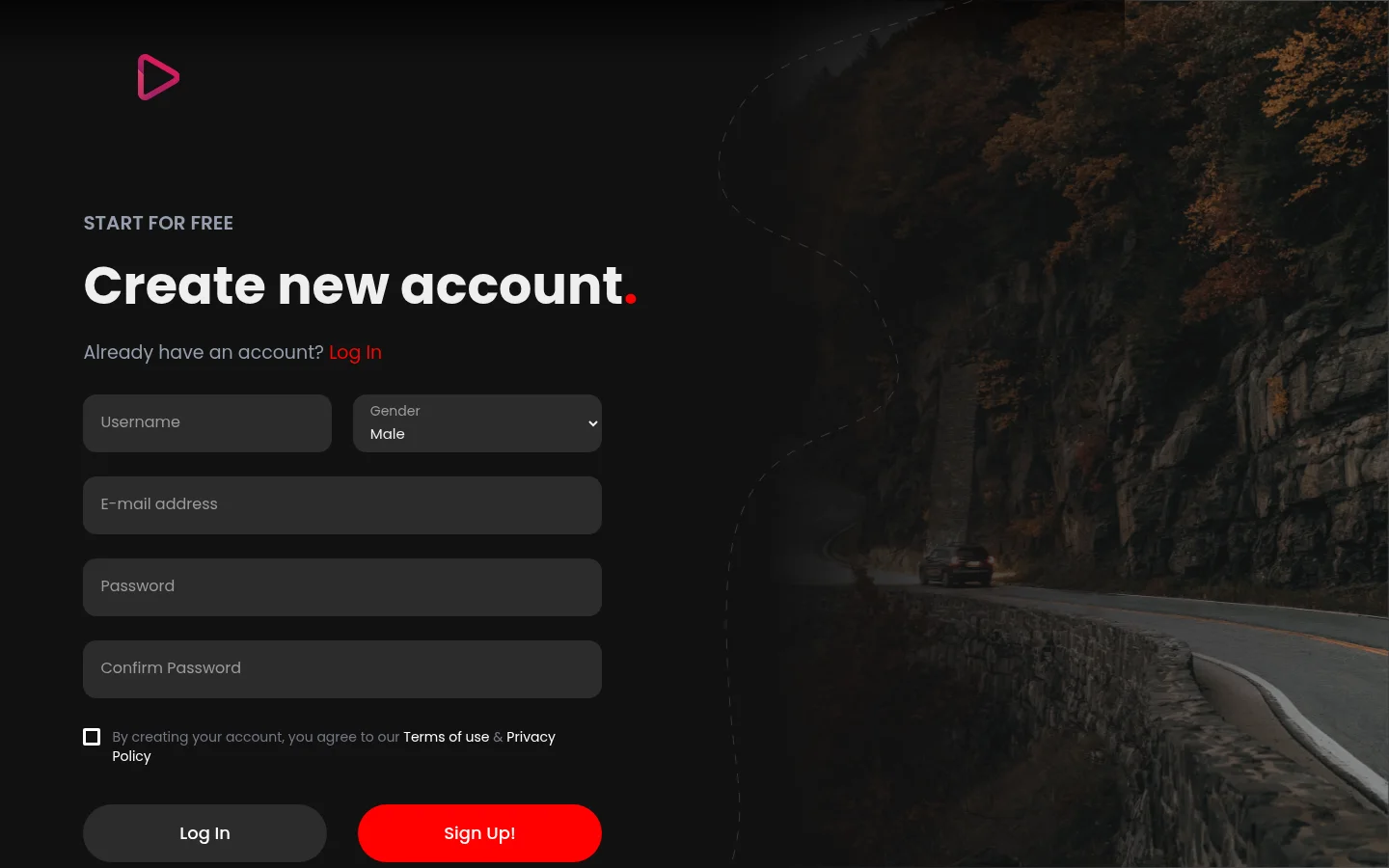
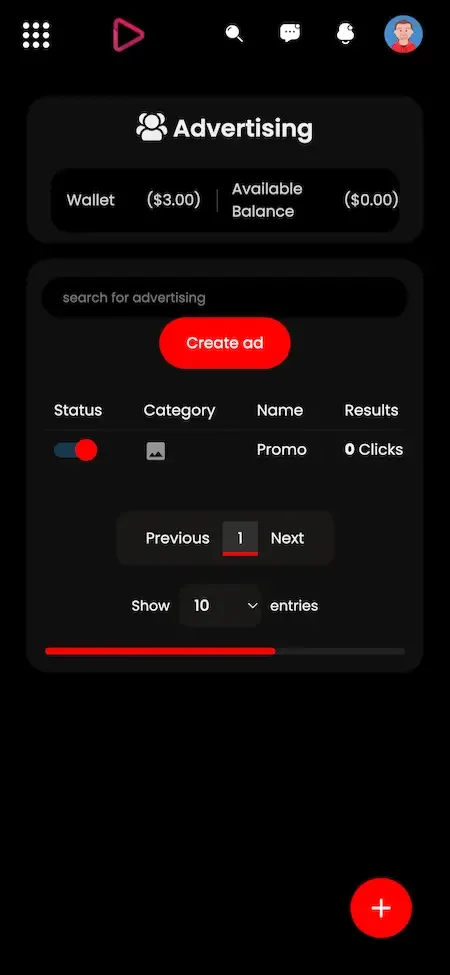
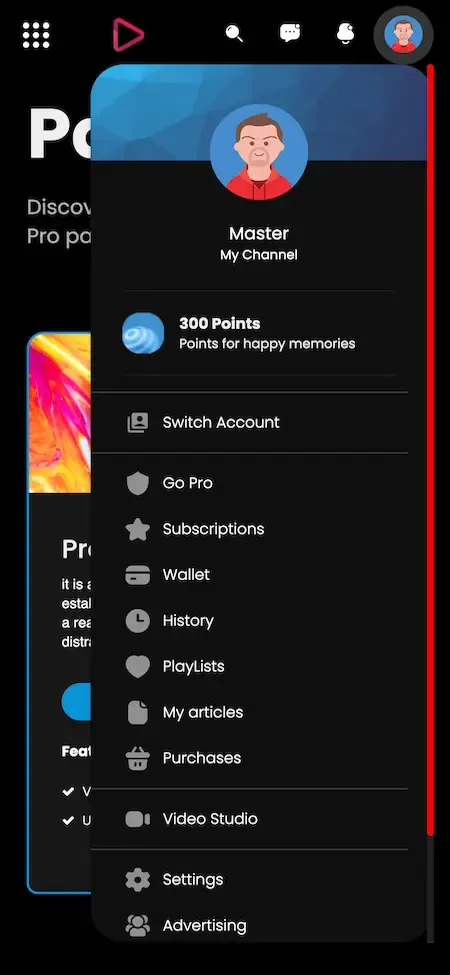
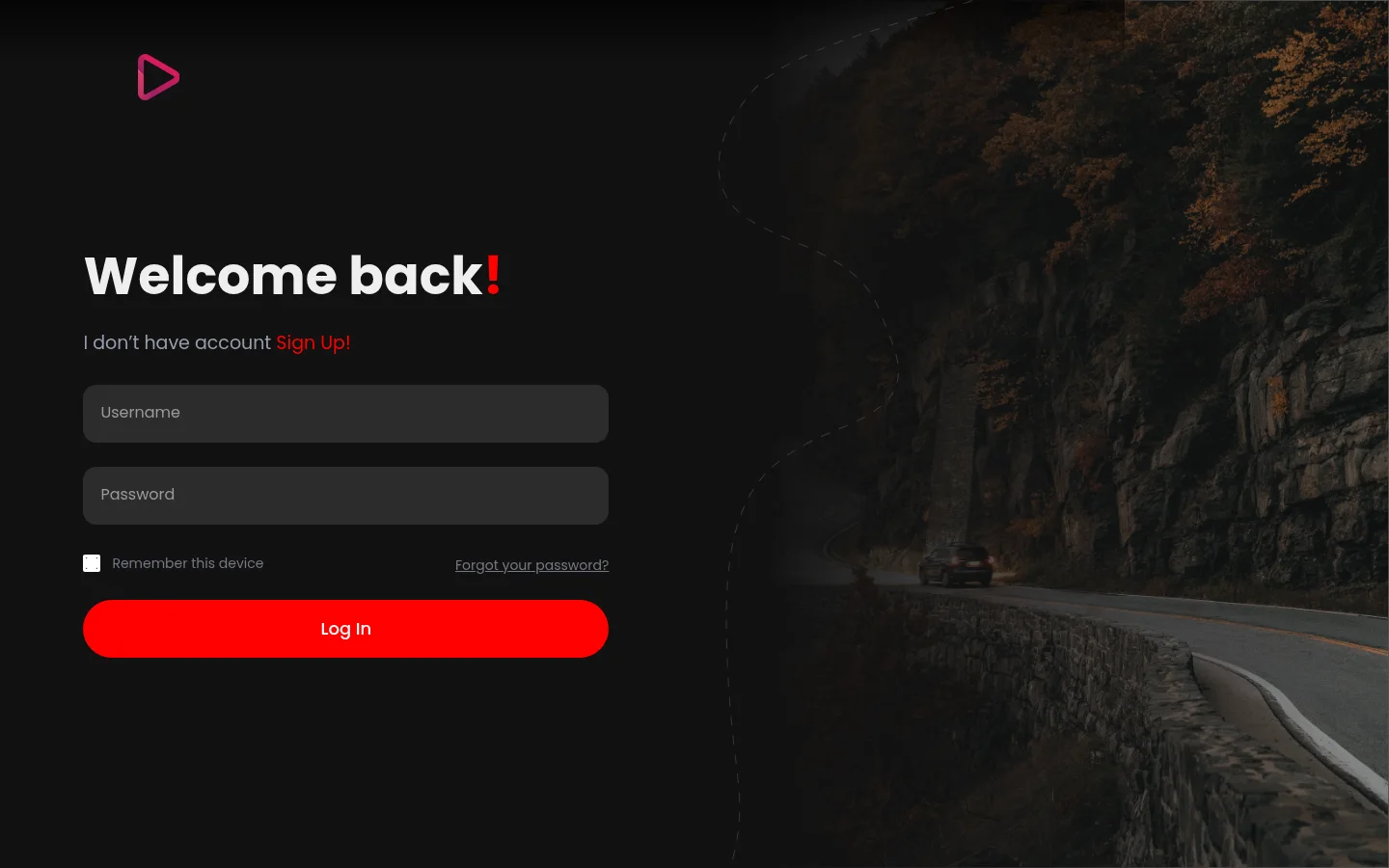
Real screens from the working product. Your platform ships rebranded with your name, logo and colors.
Web app 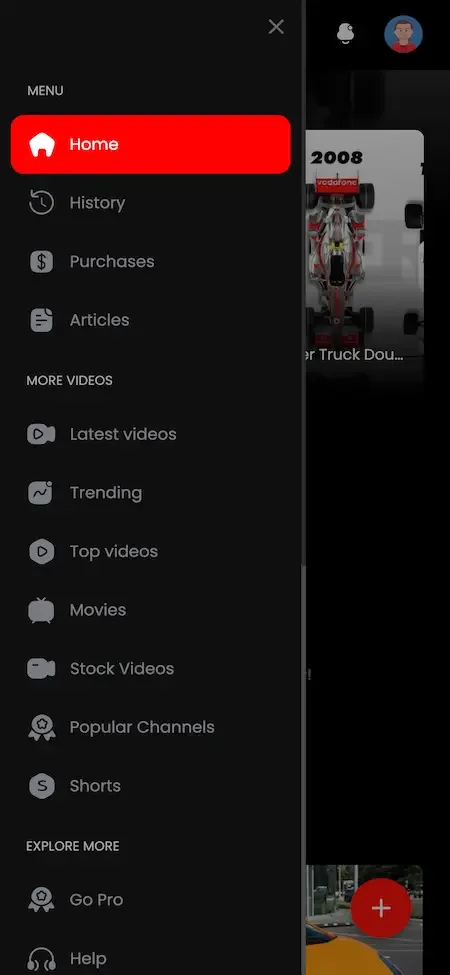
User app 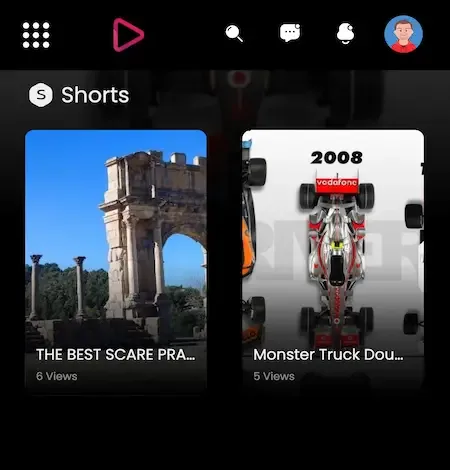
User app 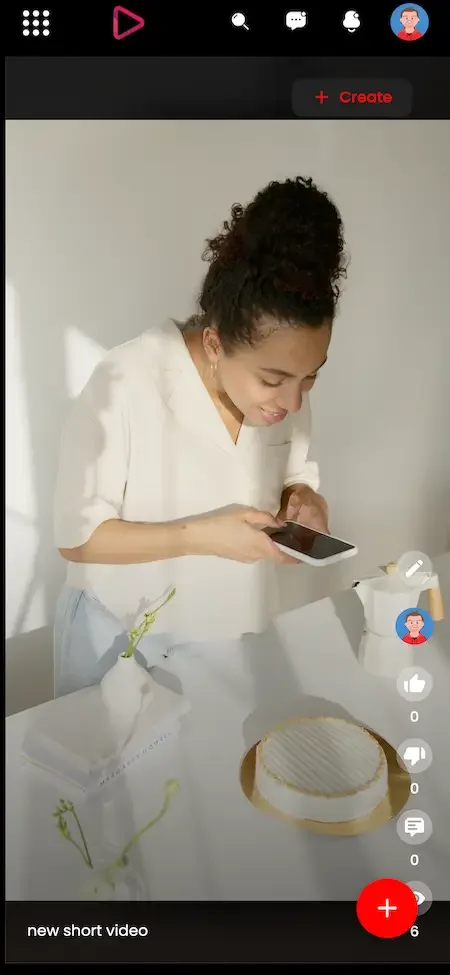
Creator studio 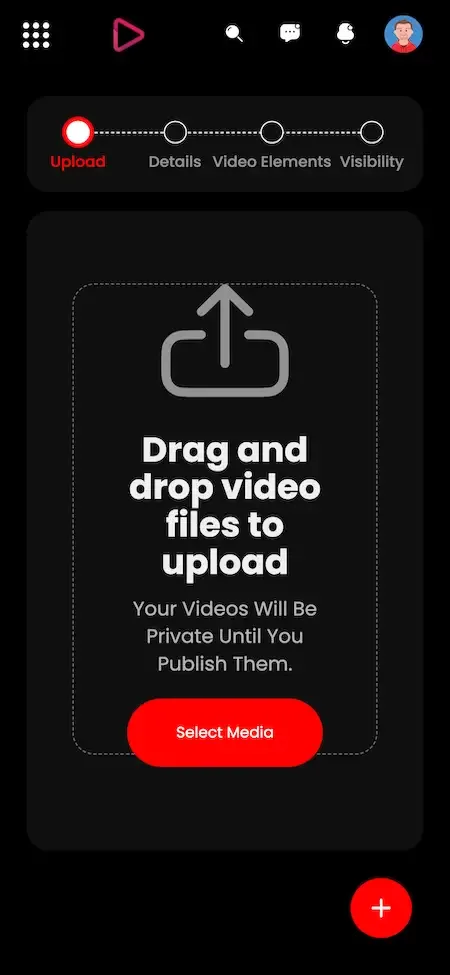
Creator studio
How the YouTube model works
YouTube is widely known as a free-to-watch video service where anyone can open a channel and upload. It earns largely from advertising shown to viewers, and creators who meet the service's conditions can share in that revenue, with channel memberships, live payments and other features adding further options. The result is a model in which most viewers pay nothing directly, while creators and the platform share the revenue from attention that advertisers buy.
A clone follows the same economic shape under your own brand and rules. You choose who may upload, what is allowed, how revenue is shared and which markets you serve. We make no claims about how YouTube runs its own business, only about the mechanics common to video-sharing platforms. Operating that way yourself means you also carry the duties, including approval rules, copyright handling and creator support, which the platform helps with but which your own team must perform.
How the model changes as the platform grows
The right revenue emphasis depends on the size of your audience and catalog. At first you need creators and content, and later you need dependable income. The table suggests a lever for each stage and the reason behind it.
| Stage | Lever to use | Why |
|---|---|---|
| Launch | Memberships and pay-per-view | A small loyal audience can pay directly before ads make sense |
| Early growth | Super chats and live events | Live streams concentrate attention and give creators quick earnings |
| Growing catalog | Commission tuning and sponsorships | A fair share keeps creators, and approved sponsors add income |
| Real audience | Advertising with managed placements | Ads pay by attention and become worthwhile once views are steady |
| Mature | Merchandise and extra features | Commerce and extras diversify income beyond ads and memberships |
Ways operators run a video platform
The same software supports quite different businesses. Which model you choose determines who your first creators are, what you promise them, and which tools in the admin panel you will use most in the early months.
Niche community video site
You build around one subject, language or region, and run clear rules suited to that audience. Membership and pay-per-view carry the income, and the smaller catalog is easier to moderate and to promote to a specific group. A gardening channel network, a regional language service or a gaming community, for instance, can stay manageable with a small team because everyone shares the same interest and expectations.
Education and course library
You host lessons and talks in channels and playlists, with members-only access for paying students. Pre-publication approval keeps quality high, and the privacy settings let you separate free previews from paid material. Pay-per-view suits individual courses, and analytics show which lessons students actually finish watching. A teacher can publish a free first lesson to attract students and keep the remaining lessons behind membership, then use analytics to see which module they abandon and improve it.
Creator network with shared revenue
You recruit creators and share advertising and membership revenue under agreed commissions. The platform gives each creator a branded channel and analytics, and your role is to bring creators in and to help them find audiences. Clear commission terms and quick payouts are the main promise to make, since creators compare you with every other place they could publish and will move if the arrangement is vague.
Corporate or private video hub
A company hosts training, product and marketing videos for staff or customers behind privacy controls. Money is usually not the aim, and approval, user management and analytics matter more than ads or donations. The same code can also serve a membership club or a school with a closed audience.
Mistakes that sink new video platforms
Most failures in this category come from business and operations decisions, not from software. These are the errors we see operators make most often, and each can be avoided with planning before launch rather than expensive repairs afterwards.
Launching with an empty catalog
A visitor who lands on a bare video grid leaves immediately. Fill categories with good content before inviting viewers, and make sure the first videos are strong, since they set the impression of the whole service.
Counting on ads too early
Advertising needs steady views and advertisers who know you, and a young platform has neither. Build direct payments first, and add ads when your numbers and relationships can support them. Advertisers also want assurance about what appears beside their message, which needs moderation records you will not have in the first weeks, so start with direct payments.
Ignoring storage costs
Video is heavy, and a generous upload policy can produce a hosting bill that exceeds your income. Forecast storage and bandwidth from the start and consider limits on length or quality while you are small. Even a modest catalog of long videos adds up, and every viewer watching adds bandwidth, so keep an eye on the ratio between what you store and what is watched.
Weak copyright process
A public site will receive takedown notices. Without a named person, a response routine and records, claims pile up and creators lose trust. Treat it as an operating process, not a legal footnote. Name a responsible person, set a deadline for replies and keep a record of each claim and what was done, so you can show your process if a claim is challenged.
No plan for creators
Creators go where they can earn and be found. If you cannot explain your commission, your tools and how new channels get visibility, the good ones will keep publishing elsewhere. A page explaining your commission, a welcome message for new channels and a featured section for fresh uploads cost little and make a difference.
Open uploads with no moderation
Accepting everything invites spam, abuse and harmful content, which scares off viewers and advertisers. Start with approval for new accounts, then relax the rule for trusted creators as they build a record. Write down what happens after a first and a repeat violation, so creators know the rules and moderators apply them evenly.
Which lever to switch on first
Start with memberships and pay-per-view. They work with a modest audience, they pay creators directly and they give you early evidence of what viewers will pay for. Set a generous commission for creators while you are small, since recruiting good channels is worth more than margin on a handful of sales. A members-only series from one creator, introduced to their existing audience, is a small test that costs nothing but time and tells you whether viewers will pay on your platform.
Add super chats once you can schedule regular live events, then bring in ads and sponsorships when views are steady. Treat merchandise and extra features as later steps. Introducing one lever at a time lets you see what each does, and keeps creators from facing too many new rules at once. Announce each change to creators in advance and explain what it means for their earnings, so rule changes feel like progress, not a surprise.
Try the live YouTube Clone demo
The demo is a running copy of the platform with demo branding. The viewer web app and an Android build use a shared sample account, so you can watch, search, subscribe and open the creator tools yourself. The admin panel is linked from the same demo site, and you can ask us for administrator access if you want to test approvals and commissions.
-
Viewer and creator web app
Open the Viewer and creator web app demo- Login
user@demo.com- Password
User_321
Worth trying
- Browse categories and the trending view
- Search for a video and apply the filters
- Subscribe to a channel and open its playlists
- Open the upload screen and look at privacy options
-
Admin panel
Open the Admin panel demoWorth trying
- Look at video approval and user management
- Open commission and monetization settings
- Read the analytics and storage figures
-
Android app
Open the Android app demo- Login
user@demo.com- Password
User_321
Worth trying
- Install the app and sign in
- Play a video and change the quality
- Check notifications and the downloads screen
YouTube Clone business model FAQs
Which revenue tool should I use first?
Memberships and pay-per-view are usually the best start, since they work with a small audience and pay creators directly. Advertising needs scale, so it normally comes later, once views are steady and you can approach advertisers with real numbers.
Can I change commission rates later?
Yes. Percentages for creators and advertisers are settings in the admin panel, and you can change them as your economics evolve. Tell creators before a change takes effect, since a surprise cut is a quick way to lose them.
Do I need advertisers from day one?
No. The platform manages ad settings and placements, but it does not require ads to function. Many operators run on memberships and purchases first, and approve sponsorships on an individual basis until they are ready for wider advertising.
How do creators withdraw earnings?
Earnings appear in the creator's analytics and revenue view, and payouts follow the arrangements you set with your payment gateways. Money movement happens through your own accounts, so agree your payout schedule and rules with creators before launch.
Can I run a free platform with no payments?
Yes. You can switch off or ignore the monetization tools and run a free video library, for example for education or internal training. The privacy settings and approval queue still apply, and you can add payments later if you wish.
Does the platform recommend videos to increase income?
It suggests videos based on watch history, likes and engagement, which increases how much each viewer watches and so supports every revenue line. It is not a payment feature itself, but better discovery generally means more views, members and purchases.
What stops creators from gaming the system?
Approval queues, user management and the ability to ban accounts give you control over who earns and what is published. You still need staff who watch for patterns, because tools alone cannot judge intent. Set approval to apply to new accounts, review reports quickly and record why a channel was banned, so a creator who disputes the decision gets a clear answer.
Explore the YouTube Clone
The overview and its companion pages answer the main questions in turn. Pick the one you need next.
-
YouTube Clone
The overview: live demo, screens, price and everything in the box.
Back to the overview -
Features
A video platform is several products at once: a library, a social network, a live stage and a small advertising business.
See the full breakdown -
Development cost
A video platform has two cost stories: the price of the software and the cost of serving video.
See exact pricing -
Development company
A video platform is bandwidth-hungry, moderation-heavy and full of payment flows, so the team you choose matters more than the demo you see.
Compare options
→Start here
Tell us what you want to launch.
Share the platform and your market. You get a walkthrough of the live demo, the exact scope of what ships, and a fixed price in writing. First response in under 2 hours, Monday to Saturday, 10:00 to 19:00 IST.
Trademark and independence notice
This page uses the name YouTube to describe a type of platform. The product sold here is separate software, built independently, and YouTube has no part in it.
Why this name
"YouTube clone" is industry shorthand that founders use when searching for software with a comparable business model. It names a category of product, not a copy of YouTube.
Who built this
The platform is an original product designed and written by Miracuves. It contains no code, design, graphics or content originating from the YouTube website or applications, and it ships under your own brand.
Trademarks
YouTube and its logos are trademarks of their respective owner and are named here for reference only. GetFame is not affiliated with, sponsored by or endorsed by YouTube. Rights holders can write to legal@miracuves.com.
Operator responsibility. The operator of a launched platform is responsible for legal compliance in the markets it serves. Nothing on this page is legal advice.Read the full disclaimer