Patreon Clone Features for Memberships, Tiers and Payouts

A membership platform succeeds when supporters understand what each plan gives them and creators can see what they will be paid. This page follows one supporter from sign-up to cancellation, explains the features that turn a profile page into a recurring business, compares the product with the service it is named after, and lists what we set up around the platform.

3
web panels included
2
Flutter apps for stores
6 days
to go live
On this page10 sections
  1. All 50 Patreon Clone features, by role
  2. A supporter journey from first visit to cancellation
  3. The Patreon Clone, on screen
  4. The Patreon clone features that drive recurring income
  5. Patreon, this clone and a custom build compared
  6. What the Patreon clone is built with
  7. What stays with you and what we set up around the platform
  8. Try the live Patreon Clone demo
  9. Patreon Clone feature FAQs
  10. Explore the Patreon Clone

All 50 Patreon Clone features, by role

The complete list, grouped by the person who uses each feature. Nothing is hidden behind a plan tier: this is what ships in the platform.

Subscribers

14 features
Email-verified sign-up
New members register with basic details and confirm an email address before the account becomes active.
Personal preferences
Members keep a profile picture, bio and subscription preferences in one account page they can edit at any time.
Category browsing
Creators and content are grouped by category so a visitor can explore a topic without knowing a name.
Tag and keyword search
Search reaches posts and profiles through tags and free keywords, which suits communities with many small creators.
Public creator pages
Each creator has a profile a visitor can read before paying, showing plans and what each plan opens.
Plan comparison
Supporters read the tiers side by side and pick the one that matches how much they want to spend.
Instant unlock
Access to locked posts begins the moment payment is confirmed, with no manual approval step for the creator.
Single-post purchase
A supporter who does not want a plan can buy one pay-per-view post and keep it.
Tip sending
Money can be sent to a creator at any time as thanks, independent of any plan.
Custom content orders
Supporters ask a creator for something made to their brief and pay the extra fee the creator sets.
Live stream attendance
Subscribers join creator live streams and events and take part through interaction tools.
Notification settings
Members decide which alerts they receive about posts, messages and subscription activity.
Support access
A member who has a billing or account question can reach customer support from within their account.
Cancellation at cycle end
Ending a plan stops the next charge while access to paid posts continues until the period already paid for expires.

Creators

13 features
Payment method linking
A creator attaches the account that receives earnings while setting up the profile, before anything is published.
Photo publishing
Image posts go up from the creator panel with a price or plan level attached.
Video publishing
Videos are uploaded to the same panel and locked behind whichever plan the creator chooses.
Live streaming
Creators go live for supporters, which turns a static feed into scheduled moments people return for.
Per-plan content locking
Each post is assigned to the plan that unlocks it, so higher tiers open more than lower ones.
Subscription pricing
The creator, not the operator, sets the monthly price of each plan on the profile.
Discount offers
Reduced prices can be offered to attract first-time supporters or reward long-standing ones.
Tier ladders
More than one plan can run at once, giving casual and committed fans separate price points.
Pay-per-view posts
Individual posts carry their own price, sold separately from any subscription.
Paid private messages
A direct conversation with a creator can carry a fee, turning attention into income.
Request fulfillment
Creators receive custom content requests, deliver them and are paid the additional fee set for the work.
Gateway withdrawals
Earnings leave the platform by bank transfer, digital wallet or another configured gateway.
Supporter conversation
Likes, comments and messages let a creator answer the people who pay for their work.
Admins

14 features
Account verification
Admins confirm that a subscriber or creator is who they claim to be before granting full access.
Account suspension
A member who breaks the rules can be suspended without being deleted, keeping the record intact.
Account deletion
Accounts can be removed entirely when terms are breached or a user asks to leave.
Submission approval
New content can be reviewed and approved before it reaches subscribers.
Activity monitoring
Admins watch what users do across the platform and compare it with the policies they wrote.
Subscription earnings view
Revenue from recurring plans is reported in one place so the operator can see what the marketplace takes in.
Transaction fee tracking
The fees collected on each payment are recorded, giving the operator a clear view of its own income.
Payout management
Admins oversee what creators are owed and release it through the configured payout routes.
Financial reports
Reports on money moving through the platform can be generated for bookkeeping or review.
Engagement analytics
Dashboards show user engagement and platform performance next to the financial figures.
Policy authoring
The panel stores your platform policies, content guidelines and community rules so members read the same text you enforce.
Security settings
Controls aimed at protecting user data and blocking unauthorized access live in the admin panel.
Feature configuration
Features and settings are adjusted from the panel to match the audience you serve.
Referral and affiliate program
Members who bring new users to the platform can be rewarded through a referral scheme the admin manages.

Mobile apps

9 features
Separate user and creator apps
Subscribers and creators install different apps, each tuned to the tasks of that role.
Flutter codebase
Both apps are written in Flutter, so one codebase serves two operating systems.
Phone and tablet layouts
Navigation and controls are designed for touch screens of both sizes.
Media viewing
Photos, videos and live streams open inside the app without sending the user to a browser.
Push alerts
The app announces new posts, messages and subscription events to keep supporters returning.
Mobile purchasing
Subscribing, buying a post and sending a tip all complete inside the app.
Offline library
Content a member has already downloaded stays available when there is no connection.
Store publishing support
We submit both apps to the stores through your developer accounts and work through approval.
Notification-driven return
Alerts bring a lapsed supporter back to a specific post or message rather than just the home screen.

A supporter journey from first visit to cancellation

A membership is a relationship that runs for months, so the feature set only makes sense when you follow it through time. This sequence shows what a supporter and a creator each experience, and where the operator's tools step in.

  1. A visitor lands on a creator page

    A public profile shows who the creator is, what they publish and which plans exist, without giving the work away. Visitors can browse categories or search by tag and keyword to find creators they did not already know. The page has one job, which is to make the first plan feel like an easy decision.

  2. Registration with email proof

    The visitor signs up with basic details and confirms an email address before they can pay. That small step keeps throwaway accounts out of your marketplace and gives you a reliable way to reach supporters about billing and new posts. They can add a picture, a short bio and notification preferences afterward.

  3. A plan is chosen and paid for

    On the creator page the supporter compares plans, sees any discount the creator offers and pays by card or digital wallet through a gateway you connect. Access to the content behind that plan opens immediately, so the supporter feels the benefit within seconds of paying.

  4. Content arrives on a schedule

    The creator publishes photos, videos or live streams and chooses which plans can open each one. Supporters get push notifications in the app, so a new post becomes a reason to return. A post can also be sold separately, which suits material that does not belong in any plan.

  5. Supporters interact with the creator

    Members like and comment on posts and message the creator directly. A message can carry a fee, and a supporter can ask for custom content and pay for it on top of the subscription. These small interactions are what turn a payer into a regular.

  6. Extra money flows beside the plan

    A supporter who is pleased can leave a tip without upgrading. Another might buy one pay-per-view item the plan does not cover. The creator's earnings screen shows these separately from subscription income, and your admin panel records the fees and transactions behind them. That separation lets a creator see which part of their income is steady and which is a bonus, and it lets you check that your fee was applied to each transaction type correctly.

  7. The supporter stays in control

    From account settings a member can see active subscriptions and cancel. Access continues until the billing cycle ends, which is fair to the supporter and avoids disputes. Clear exits are good for trust, and they tell you honestly how well a creator is retaining members.

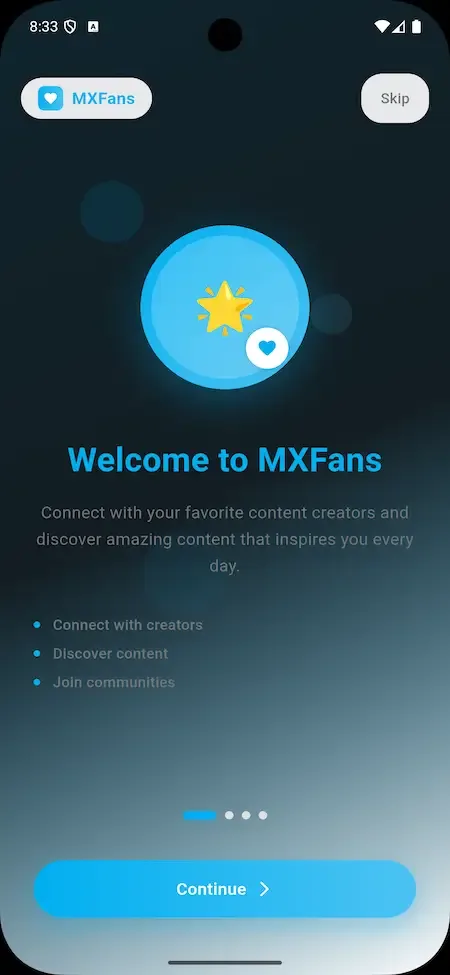
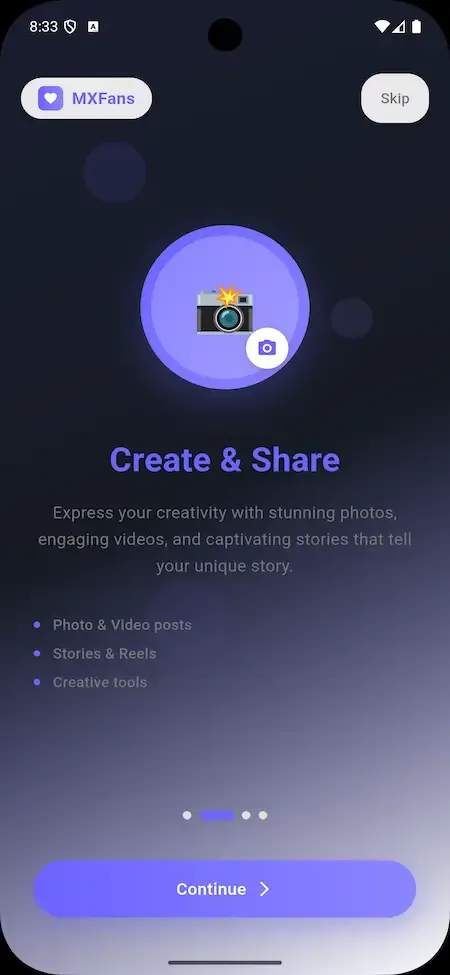
The Patreon Clone, on screen

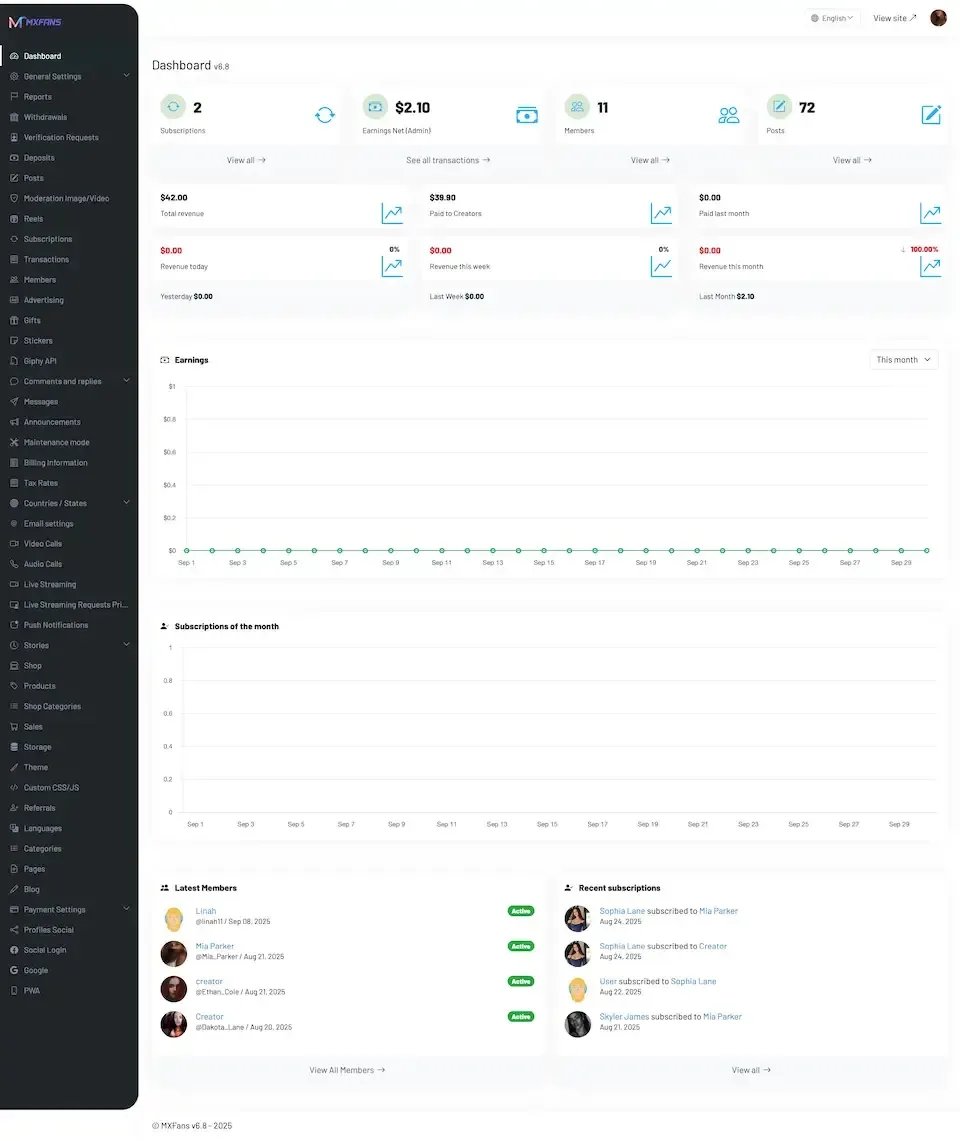
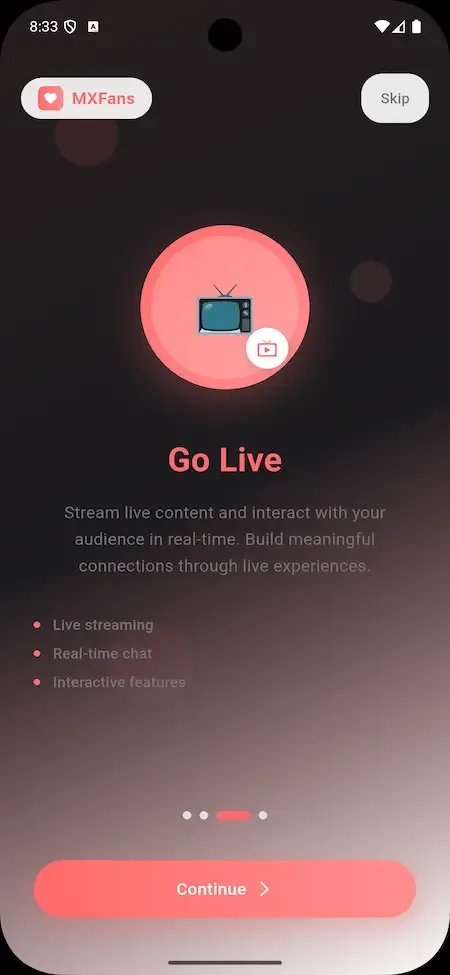
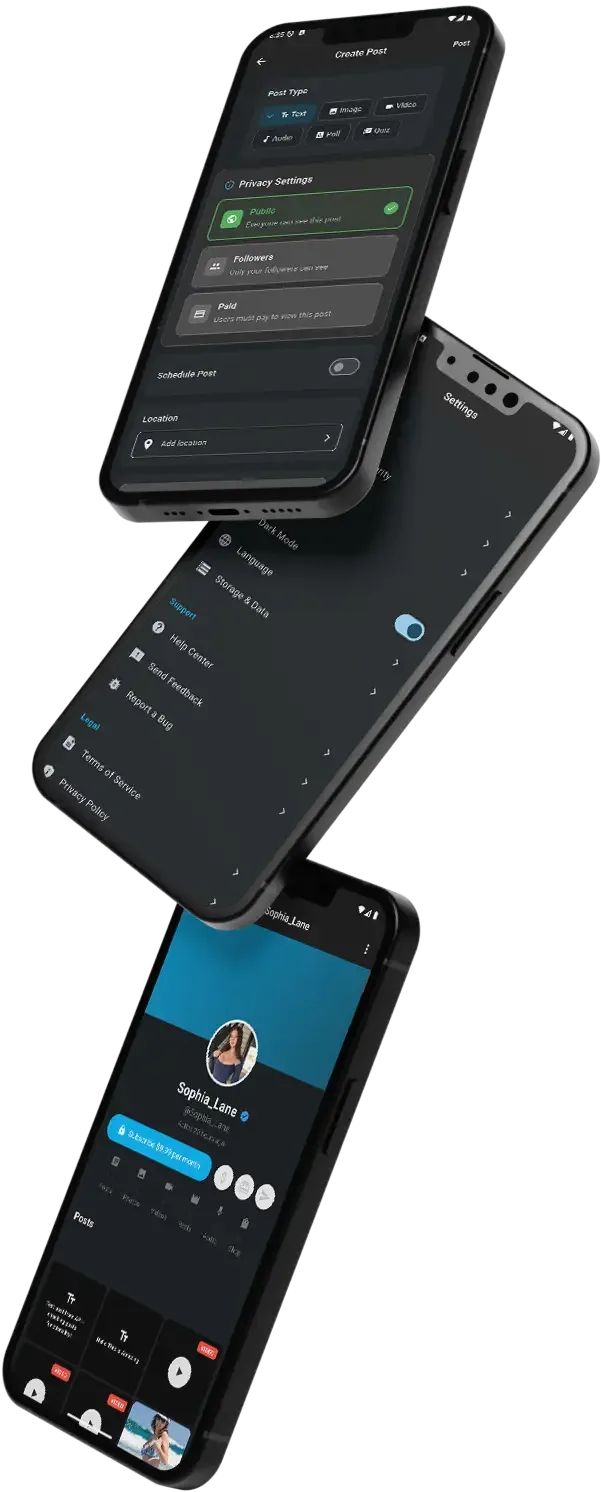
Real screens from the working product. Your platform ships rebranded with your name, logo and colors.

  • Light admin dashboard with a dark side menu, statistic tiles, earnings charts and latest members
    Admin panel
  • Phone onboarding slide with a television icon on a red gradient headed go live
    Fan app
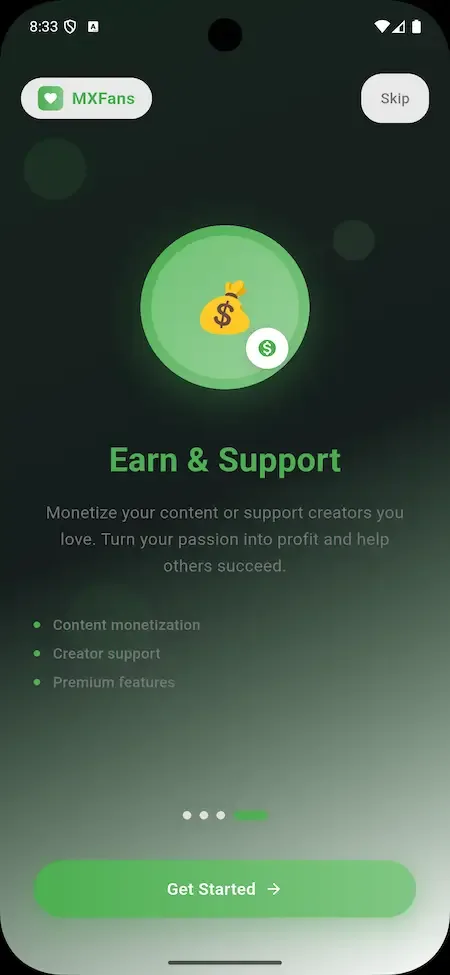
  • Phone onboarding slide with a money bag icon on a green gradient headed earn and support
    Fan app
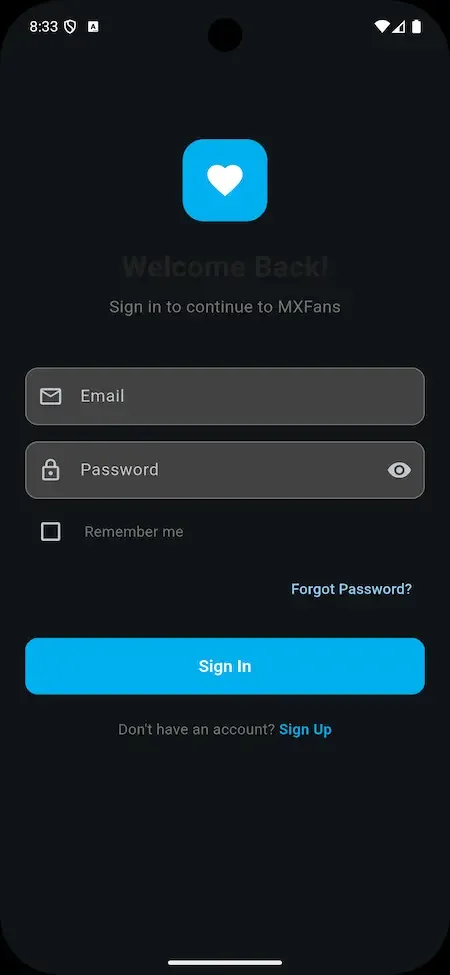
  • Phone sign-in form with email and password fields, a remember me box and a blue button
    Fan app
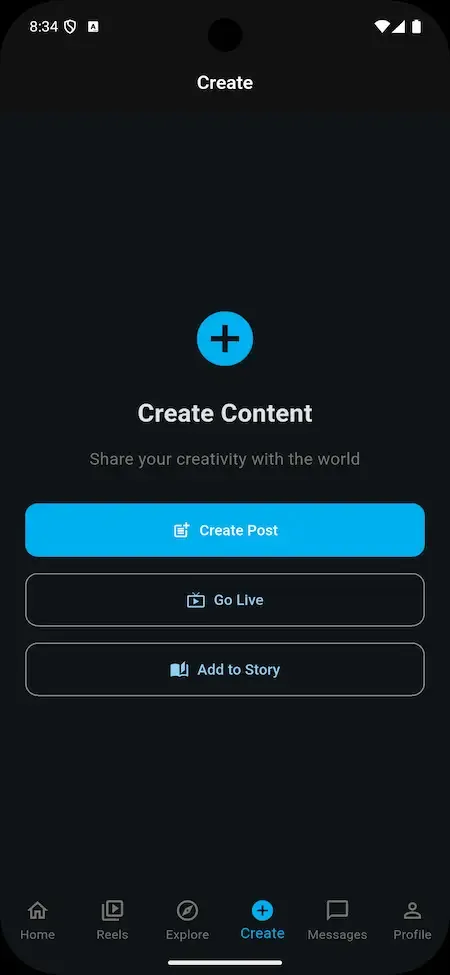
  • Phone create content menu with blue buttons for create post, go live and add to story
    Creator studio

The Patreon clone features that drive recurring income

Plenty of sites can host a page of posts. These are the capabilities that make the product a membership business, and the commercial reason each one deserves attention when you evaluate the build.

  • Plans that gate content

    Creators decide what each plan unlocks, so access is a deliberate product rather than an all-or-nothing wall. That lets them reward higher plans clearly and gives supporters a reason to move up. For the operator it means a creator can build a pricing ladder without any help from your team.

  • Multiple tiers per creator

    A creator can offer several plans to match different budgets, so a casual fan and a devoted one can both join. More tiers usually mean more members, because the price of entry is lower, while the top plans capture people who want to pay more. A sensible ladder might pair a low entry plan with a middle one that adds behind-the-scenes posts and a top one that includes personal contact.

  • Discounts set by creators

    Creators can offer discounts on their own plans without involving you. This lets them run a launch offer or reward early supporters, and it keeps promotional decisions with the person who knows the audience best, rather than in a support queue. A creator launching a new series can discount the first period to draw people in, and nobody on your team has to configure anything.

  • Pay-per-view and tips

    Single posts can be sold apart from any plan, and supporters can send tips with no plan at all. Both capture spending that a monthly fee would miss, and both add to creator income, which strengthens your pitch when you recruit new talent. A visitor who will not commit to a monthly plan may still pay for one post they want, and that visitor often becomes a member later.

  • Custom content requests

    Supporters can ask a creator to make something to their brief and pay an extra fee. It adds a personal product that scales with the creator's time, and it gives your most engaged members a way to spend more without touching the plan structure. A musician might accept a request for a dedicated track or arrangement, and the fee is recorded like any other transaction.

  • Offline viewing in the apps

    Previously downloaded content can be opened without a connection in the mobile apps. For creators who publish video, lessons or long reads, this removes a common reason to stop using the product, and it helps supporters who commute or travel. A member on a long journey can keep working through a course they paid for, which keeps the membership feeling worthwhile.

  • Referral and affiliate program

    A built-in program rewards members who bring new users to the platform. It gives your community a reason to recruit for you, so growth does not depend on advertising alone, and you control how the rewards are shaped. A generous reward may attract fast growth but cut into margin, so the shape of the program is a commercial decision worth modeling before launch.

  • Admin controls over accounts and money

    Your team can verify, suspend or delete accounts, approve submissions, see fees and manage payouts. Because the operator owns the rules, you can protect the marketplace and tune the commercial terms without waiting for any outside company. When a creator breaks your guidelines, an admin can suspend the account the same day, and when you want to change your fee you change it yourself.

Patreon, this clone and a custom build compared

The service is widely known for monthly support from fans, and you cannot buy its software. The table shows how the same idea looks when you run it yourself, and what recreating it from nothing would mean for a small team.

Patreon, this clone and a custom build compared
AspectPatreonPatreon CloneBuilding from scratch
Who sets the rules The service decides terms for everyone on itYou write terms, fees and guidelines yourselfYou decide everything, after building the tools
Brand shown to fans A shared service identity used by every creatorYour name, logo, icons and color schemeWhatever your designers produce from scratch, at your own cost
Mobile apps One shared app that every creator must use togetherYour own supporter and creator apps for both storesApps your team designs, builds and maintains
Plan structure Defined by the service for all creatorsCreators set tiers, prices and discounts within your rulesSpecified, built and tested by your team
Fee model Published terms set by the service for all creatorsFees you choose and track in the admin panelDesigned, implemented and tested by your own team
Audience data Held by the service provider, not by the creatorHeld on servers and databases that you control directlyHeld on whatever infrastructure you choose to deploy
Source code Not available to anyone outside the service providerComplete and unencrypted code, delivered to you with documentationYours once it has been written, usually after a long build
Time to launch Not applicable to an outside buyer, who cannot launch itSix working days to a branded platformMany months before the first member pays

What the Patreon clone is built with

A membership platform has a web side, an admin side and mobile apps, and each uses its own technology. These are the named components from the product description, listed as they are with nothing added to make them sound grander.

What the Patreon clone is built with
Web panelsPHP with the Laravel framework and NodeJS serve the supporter site and the creator panel.
Admin panelThe same PHP, Laravel and NodeJS stack runs the operator console for accounts, content and payouts.
DatabaseMySQL holds accounts, plans, subscriptions, transactions and content records.
Android appsFlutter, built as a full-component app with the latest dependencies, one for supporters and one for creators.
iOS appsThe same Flutter code base produces the iOS supporter and creator apps for the App Store.
Push messagesFirebase is listed among the third-party APIs and supports notifications to the mobile apps.
Text messagingTwilio is listed among the third-party APIs for text-based communication with users.
Maps and translationGoogle Maps and a translation service are among the outside interfaces, each connected with keys you hold.

What stays with you and what we set up around the platform

The ready-made build covers the membership core. Several things sit outside it, and it is better to read them now than to discover them while you are trying to launch.

  • Payment gateway accounts

    Subscriptions, purchases and tips run through gateways you connect. Merchant accounts are opened in your name and approved by the providers, and that approval and its fees are not part of the package.

  • Merchandise and auctions

    A store for physical goods, an auction feature and fan challenges are optional enhancements that we set up if you want them, with scope confirmed with us.

  • Augmented reality extras

    Augmented reality enhancements and fully customizable page templates are available, and we set them up with you. The platform ships with the standard interfaces, rebranded with your logo, icons and colors.

  • Niche-specific flows

    If your community needs a re-themed experience or flows built around one subject, such as lessons or music, that is tailored development we scope with you, usually two to eight weeks, scoped before it begins.

  • Content rights and policy

    Admins can approve content and write policies, but deciding what is allowed, handling copyright claims and drafting terms is your responsibility. We provide tooling, not legal advice.

  • Store acceptance

    We publish the supporter and creator apps on your developer accounts. Google and Apple decide whether to accept them, and developer fees are paid by you directly.

Try the live Patreon Clone demo

The demo is a live deployment of the membership product with demo branding, so you can see the supporter side, the creator side and the operator side before deciding anything. Use the app logins to behave like a supporter and a creator, then open the admin address to see where your own team would work. Sample accounts are public.

  • Supporter app

    Open the Supporter app demo
    Login
    user@demo.com
    Password
    User_321

    Worth trying

    • Browse a creator page and compare what each plan unlocks
    • Open a locked post and see how the paywall presents
    • Look at where an active subscription can be managed
  • Creator app

    Open the Creator app demo
    Login
    creator@demo.com
    Password
    Create_321

    Worth trying

    • Check how a post is published and attached to a plan
    • Find where plans, discounts and prices are configured
    • Open the earnings and withdrawal screens
  • Subscriber and creator web panels

    Open the Subscriber and creator web panels demo

    Worth trying

    • Sign in with either demo account and compare web to app
    • Follow a subscription from plan choice to checkout
    • Check what a creator sees in the browser panel
  • Admin panel

    Open the Admin panel demo

    Worth trying

    • Look for account verification, suspension and content approval
    • Open revenue, fee and payout management screens
    • Find the policy and platform configuration settings

Patreon Clone feature FAQs

Can supporters browse before registering?

Creator pages are public, so visitors can see a profile and its plans before they sign up. Registration with a confirmed email address is needed to subscribe or buy. What a visitor can see before paying is partly in the creator's hands, because locked posts stay locked.

How do supporters find new creators?

Supporters can browse by category and search by tag and keyword. These discovery tools matter more as the number of creators grows, because a supporter who cannot find someone leaves. Encourage creators to choose categories and tags carefully, since that is how most visitors will reach them.

Can a creator change plans after launching them?

Creators set prices, discounts and what each plan unlocks, and they can offer more than one plan. Changing plans that people already pay for affects those supporters, so treat edits carefully and tell members first. Your platform policies can set rules about how often changes are allowed.

Do supporters get notified of new posts?

Yes. The mobile apps send push notifications for new posts, messages and subscription activity, supported by Firebase. Supporters can adjust notification settings. Text messaging through Twilio is also listed among the integrations, and you decide which channels you actually switch on.

Are creator payouts automatic?

Earnings are processed through the gateways you connect and creators withdraw by bank transfer, digital wallet or other configured methods. Your admin panel includes payout management and revenue tracking, so you control how payouts are reviewed and how fees are recorded.

Can the platform support live streaming?

Creators can publish live streams from the web panel, and supporters can watch live streams in the apps as well as videos and photos. Live access can be tied to plans like any other content. Streaming providers bill by usage, so check expected costs.

→Start here

Tell us what you want to launch.

Share the platform and your market. You get a walkthrough of the live demo, the exact scope of what ships, and a fixed price in writing. First response in under 2 hours, Monday to Saturday, 10:00 to 19:00 IST.

We reply to every inquiry. No newsletters, no shared data. See our privacy policy.

Trademark and independence notice

This page uses the name Patreon to describe a type of platform. The product sold here is separate software, built independently, and Patreon has no part in it.

Why this name

"Patreon clone" is industry shorthand that founders use when searching for software with a comparable business model. It names a category of product, not a copy of Patreon.

Who built this

The platform is an original product designed and written by Miracuves. It contains no code, design, graphics or content originating from the Patreon website or applications, and it ships under your own brand.

Trademarks

Patreon and its logos are trademarks of their respective owner and are named here for reference only. GetFame is not affiliated with, sponsored by or endorsed by Patreon. Rights holders can write to legal@miracuves.com.

Operator responsibility. The operator of a launched platform is responsible for legal compliance in the markets it serves. Nothing on this page is legal advice.Read the full disclaimer