Clapper Clone Development Cost: Software Price and Live Community Costs
A live community app costs more to run than a clip-only one, because every minute of a show is delivered to every viewer. This page separates the one-time software price from the operating costs of live rooms, explains what is included, what raises a quote and how to budget for the bills that grow with your audience.
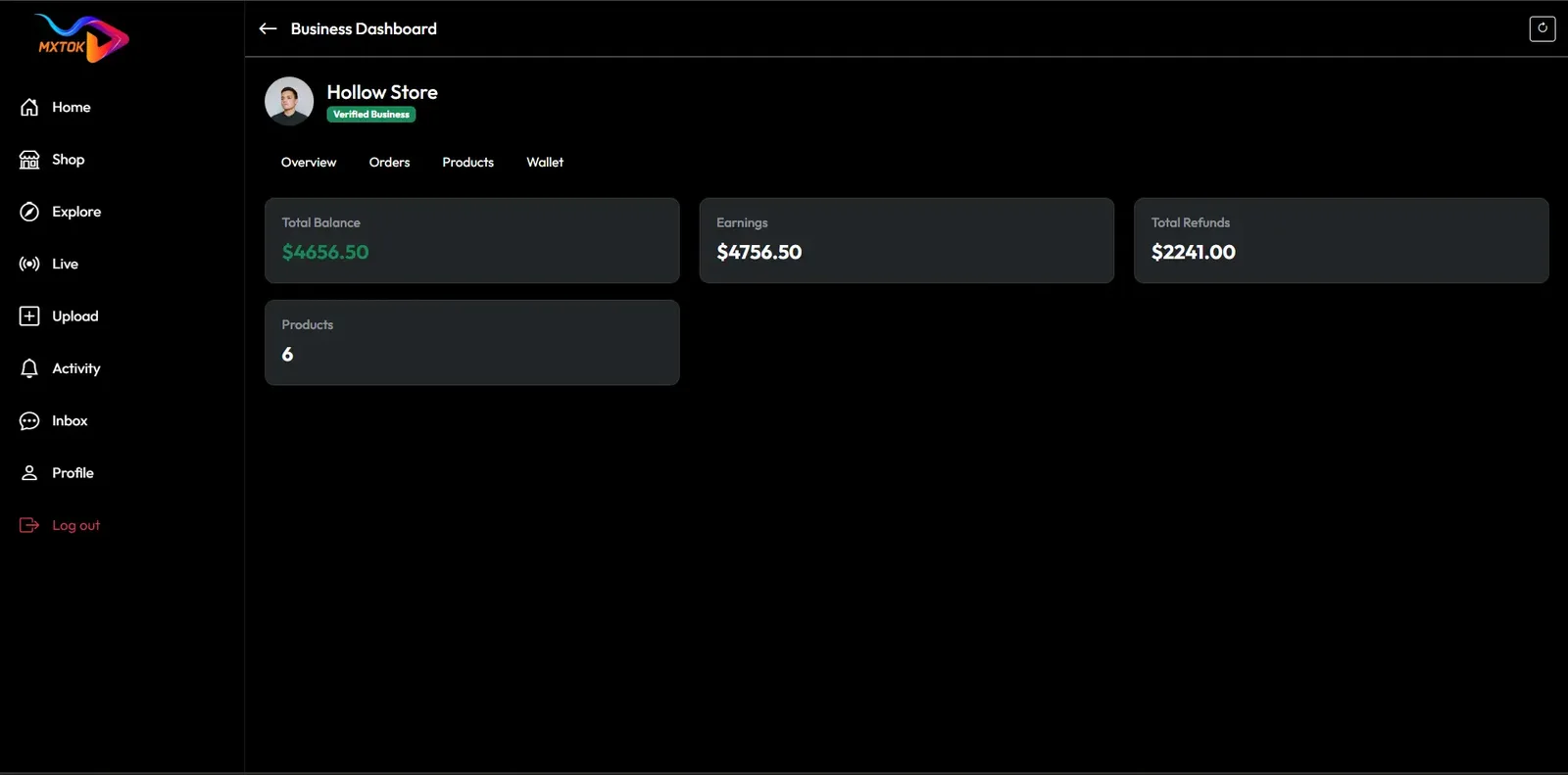
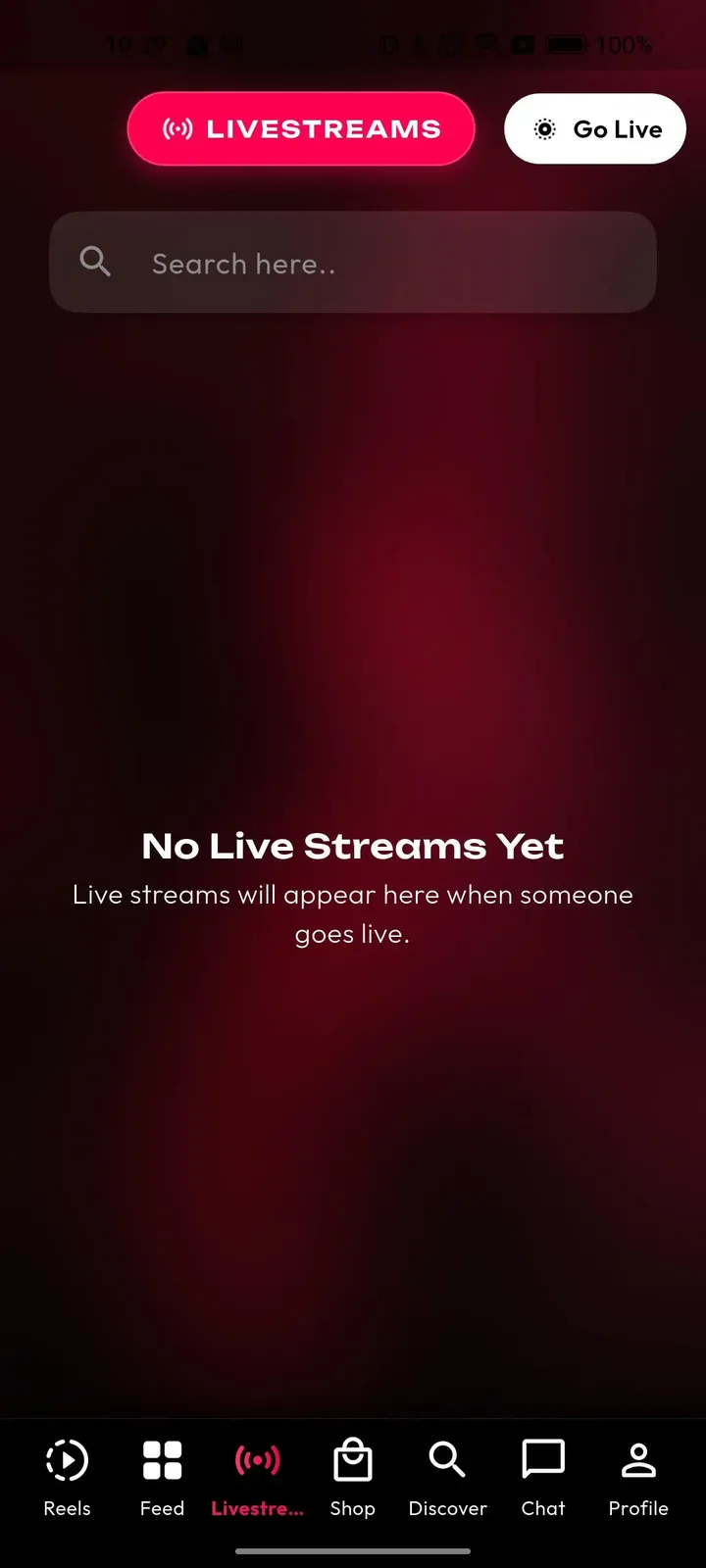
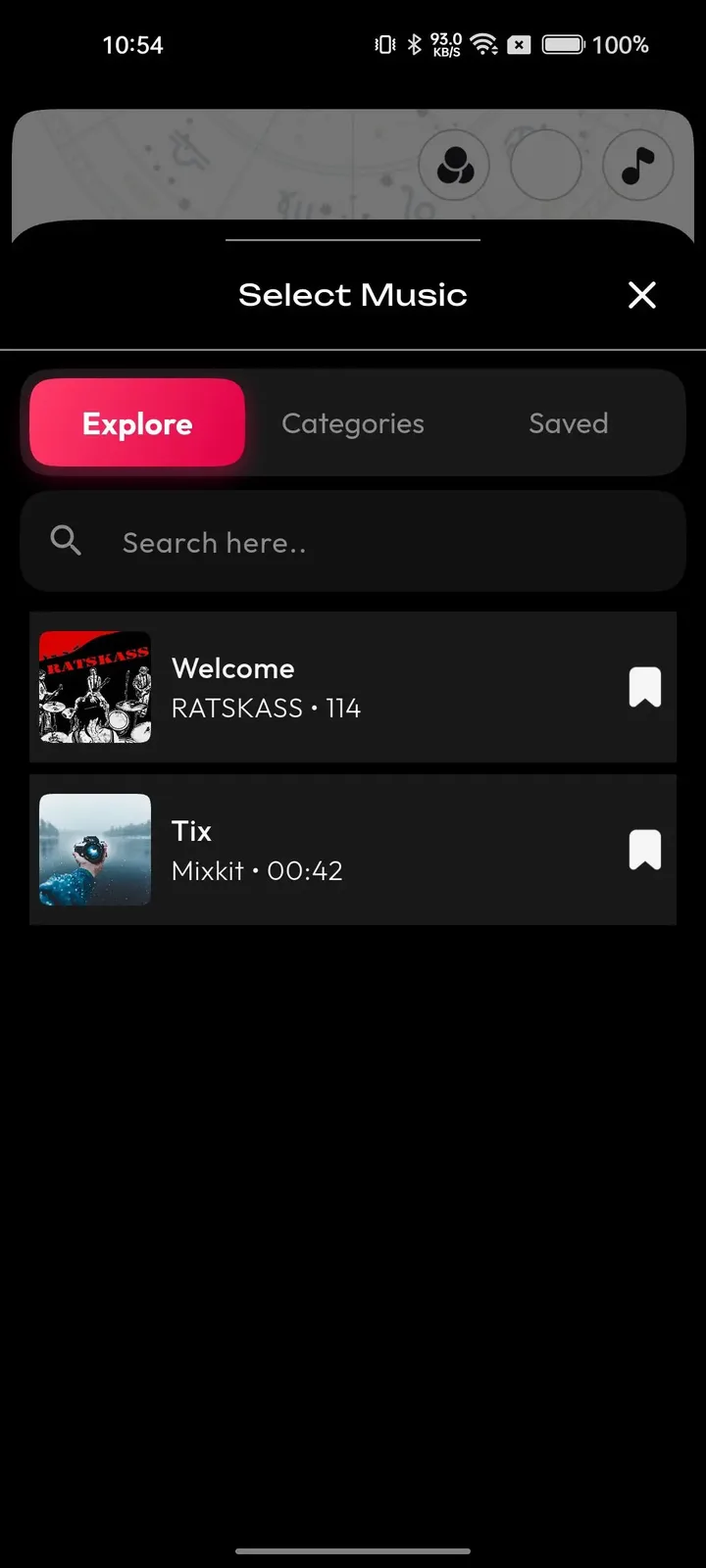
- $3,999
- one-time platform price
- 6 days
- ready-made launch
- 1 year
- of free updates
On this page11 sections
- A single price for the software, a separate budget for live delivery
- Ready-made, custom build or rented SaaS for a live community app
- What the platform price already covers
- What makes a custom community build cost more
- The six-day Clapper Clone launch, day by day
- The Clapper Clone, on screen
- Running costs that sit outside the software price
- Why the platform price stays fixed
- Try the live Clapper Clone demo
- Clapper Clone cost FAQs
- Explore the Clapper Clone
A single price for the software, a separate budget for live delivery
The platform costs $3,999, paid once. It buys the complete product: mobile apps, web app, API, admin panel and full source code, plus rebranding, cloud setup on your account, publishing support and a support window after handover. No monthly license applies, and no part of your income is shared with us, so the figure does not grow as your community does. In other words, paying once ends your relationship with the software bill, and anything beyond the standard modules is written up and priced before work starts, so the total never changes without your agreement.
Running a live community is a different matter. Live video is delivered to each viewer in real time, so the cost follows show hours and audience size rather than sign-ups. Moderation also needs people, because conversation moves faster than review. Both are bills you pay to your own providers or staff, and both deserve a line in your plan before launch. A simple plan helps: estimate how many hours of live shows you expect each week, multiply by your provider rate for minutes and viewers, and set that beside the coin income you hope to collect. If the two lines do not meet, change the show schedule before launch, not after.
Ready-made, custom build or rented SaaS for a live community app
There are three practical ways to get a community video and live app. They differ in what you pay first, what you own afterward and how the bill behaves once rooms get busy. This comparison stays qualitative so you can weigh it against your own plans.
| Aspect | Ready-made with GetFame | Custom build | Renting a SaaS |
|---|---|---|---|
| Upfront cost | $3,999 one-time | A large sum spent before the first room opens | Low or none, because you only rent access |
| Recurring cost | Cloud and live usage bills only, with no license fee | Cloud bills plus the team that maintains the code | A subscription or usage fee for as long as you stay |
| Time to launch | 6 working days for the ready-made build | Many months of design and engineering | Quick, but limited to what the vendor offers |
| Live room technology | One-to-many rooms with chat and gifts included | Real-time infrastructure built as a separate project | Whatever the vendor decided to include |
| Source code | Full source code is yours | Yours once it has been written | Not provided, and not portable |
| Control of host terms | You set commission, withdrawals and house rules | Total control once the wallet is built | Terms are set by the vendor and may change |
| Cost of leaving later | Low, because you can move your own cloud account | Low, since you own everything | High, as members and data stay with the vendor |
| Risk of cost overrun | Small for the base, confirmed up front for extras | High, because scope tends to grow | Usage fees can climb as rooms get busier |
What the platform price already covers
Everything below arrives for the one-time price. Use it as a checklist against any other quote for a community video and live app, line for line.
- Branded Android app prepared for store submission
- Branded iOS app with the same features
- Web app for watching rooms and clips in a browser
- Admin panel on the web with permission layers per team role
- One-to-many live rooms with chat, reactions and coin gifting
- Follower alerts that announce a live show as it starts
- Fan clubs, paid sessions and premium replays
- Video replies, mentions, comments and direct messages
- Host wallet with a withdrawal approval queue
- Report queue with warnings, strikes and bans, all logged
- Optional verification workflow for trusted hosts
- Full rebranding, white-labeling and cloud setup on your account
- Documentation, walkthrough and credentials handover
- 60 days of technical support after handover, and free updates for 1 year
What makes a custom community build cost more
The standard package is fixed. A quote grows only when you ask for tailored extras, and for a live community the same handful of requests appear again and again. Each is listed here with the reason it costs more.
Multi-host rooms
Interviews, debates and panel shows put several hosts into one room. That adds layout, permissions and stability testing beyond the single-host design, so we set it up with scope confirmed with us. If shared shows are your signature format, scope it from the start.
Age checks and parental controls
The base onboarding has optional age and region selection. A strict adult-only check, or controls for younger users, changes flows across the apps and may involve identity services. The price depends on the rule your legal advisers define, so settle that rule before asking for a quote.
Private or invite-only access
A closed network, or private rooms that only invited members can enter, needs new access logic on the server and in the apps. The cost follows how invitations are issued and revoked, and how much of the public experience you want to hide. A paid circle that only members can enter is the most common version, and it must also decide what happens to chat history and replays when someone leaves or is removed.
Animated gifts and leaderboards
Full-screen gift animations, streaks and top-supporter rankings make giving more visible and competitive. They require design and animation assets as well as logic, so the price follows the number of gifts and the polish you want. Ask for a short list of the gifts you want first, because a handful of well-made animations delivers most of the effect without a large asset order.
Subtitles and translation
Automatic captions from speech, with translated subtitles, help a show reach viewers who read other languages. It depends on speech services and we set it up with scope confirmed with us, with the number of languages as the main driver. Accuracy varies by language and accent, so test with real speakers before you promise viewers anything, and decide whether captions appear live or only on replays.
Extra integrations and regions
Connecting a customer system, a local payment provider or an analytics tool beyond the base stack is confirmed with us per integration. Geo-based trending by country or city is also available, priced by how many regions you want to treat separately. Share your list at the first call, along with any documentation the other provider offers, because a poorly documented interface is the most common reason such work takes longer than expected.
The six-day Clapper Clone launch, day by day
Launch takes six working days from kickoff. This is who does what on each day, so the schedule has no surprises on either side.
| Day | What we do | What you do |
|---|---|---|
| Day 1Community brief | We collect your brand assets and confirm modules, languages and regions, with live rooms and fan clubs set as priorities. | Send brand files and describe the community and moderation rules you plan. |
| Day 2Cloud and live setup | We build the server, database, storage and CDN in your cloud account and deploy the live streaming layer, web app and admin panel. | Open the cloud account and hand us access. |
| Day 3Branding and configuration | Apps and web app are re-skinned, language and region settings are applied and categories are created. | Approve the build and the category and challenge names. |
| Day 4Services connected | Payment, SMS, email, push and analytics services are connected through the API layer using your credentials. | Provide merchant and provider credentials. |
| Day 5Store packages | Android and iOS builds are prepared with your icon and splash screen, with store submission supported. | Open developer accounts and prepare listing text and screenshots. |
| Day 6Handover and rehearsal | Source code, documentation, a walkthrough and credentials are delivered, and the 60-day support window opens. | Run a test live session with a few hosts, including a gift and a withdrawal request. |
The Clapper Clone, on screen
Real screens from the working product. Your platform ships rebranded with your name, logo and colors.
Web app 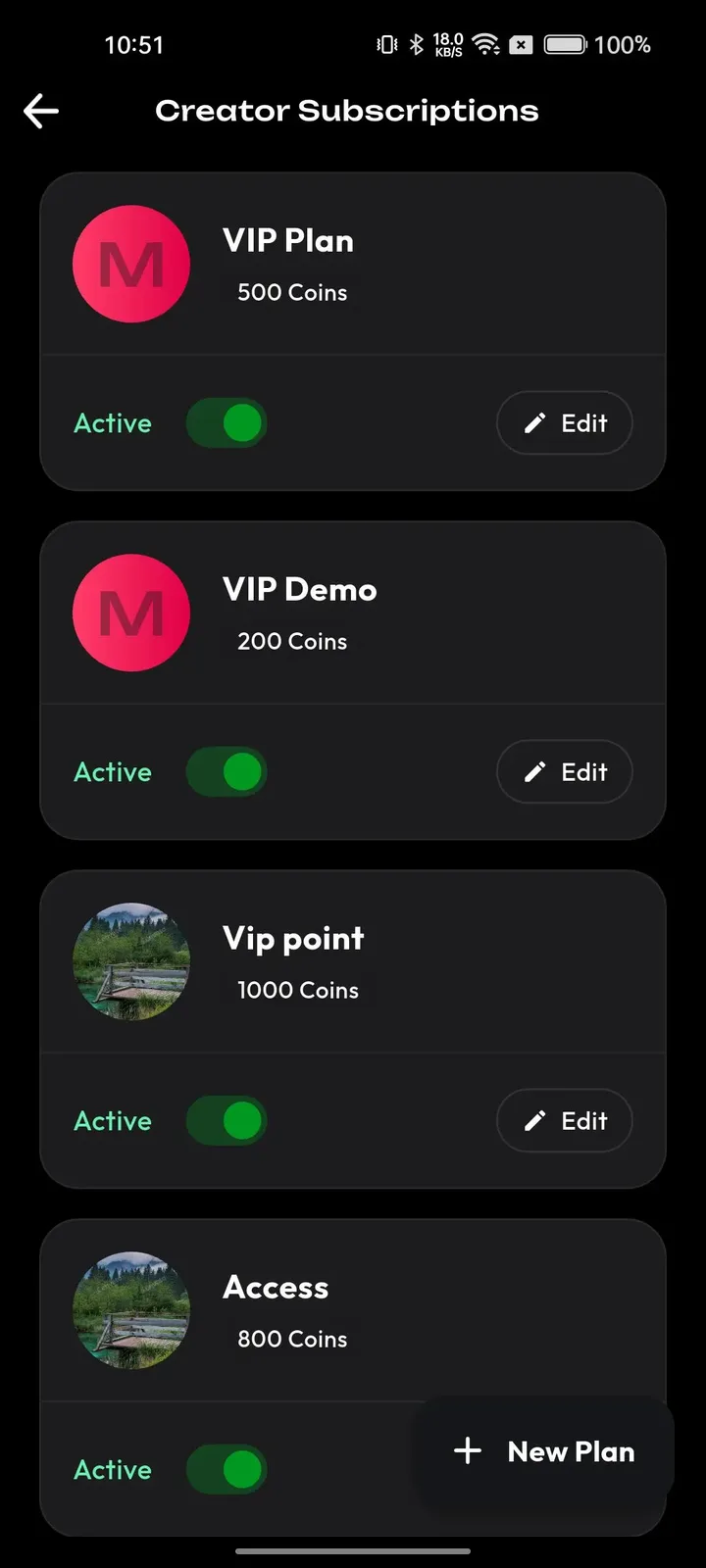
Creator studio 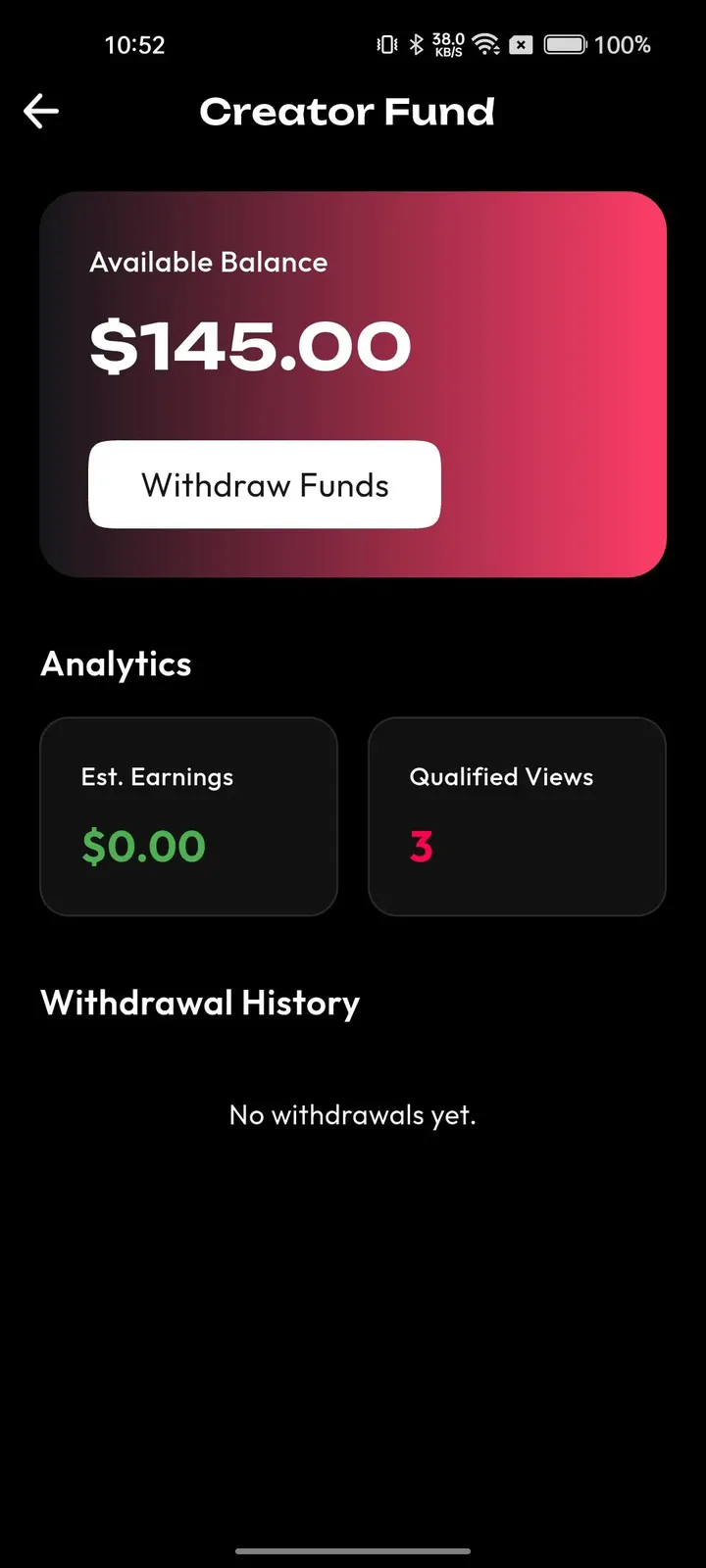
Creator studio 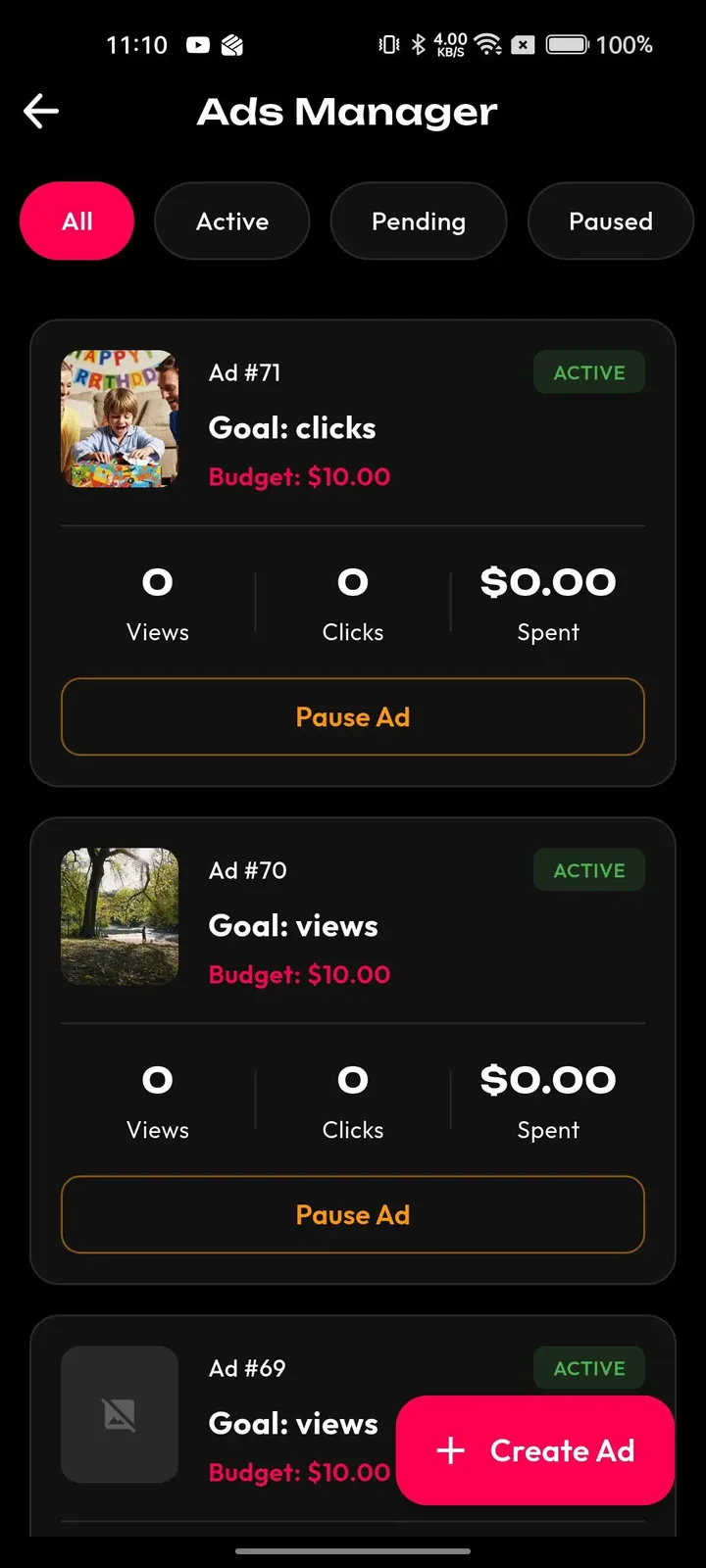
Creator studio 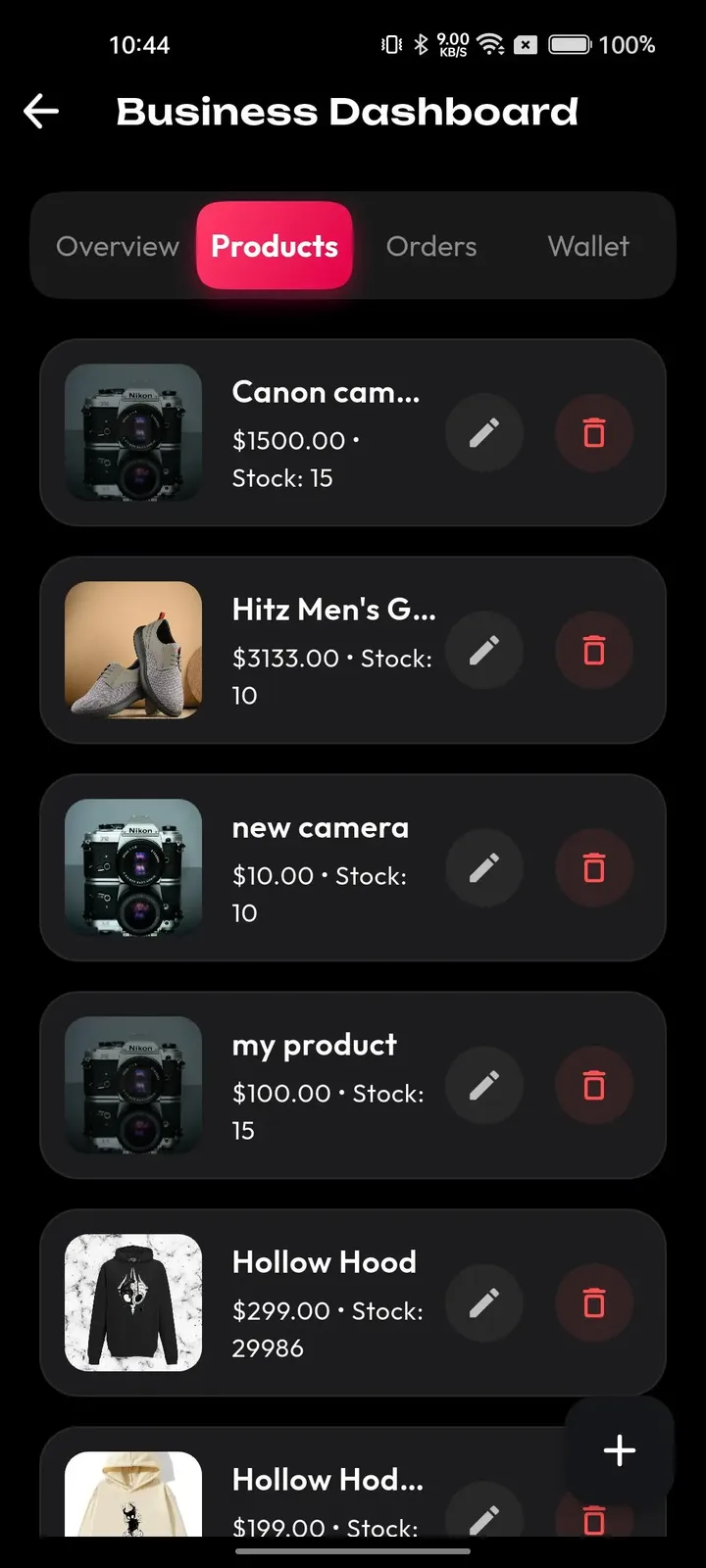
Creator studio
Why the platform price stays fixed
The live rooms, the wallet, the member tools and the admin panel already exist and are in use, so a quote does not contain a hidden guess at engineering hours. Everyone who buys the standard package pays the same $3,999, and nothing on the feature list is held back for a later upgrade fee. What we tailor is branding, configuration and delivery.
That commits us to a simple boundary. For the standard package, the number stays $3,999. If you ask for something tailored, such as co-hosted rooms or stricter age checks, we write the scope down and confirm it with you, normally over 2 to 8 weeks, so a base price never quietly becomes a bigger project.
Try the live Clapper Clone demo
A Clapper-style community app runs on the same short video and live platform as our TikTok product, so the demo below is that shared build, carrying our demo branding. Open the web app or admin panel in a browser, install the Android build, sign in with the public demo accounts and look at the live room, the feed and the moderation tools.
-
Web app
Open the Web app demo- Login
miracuves@yopmail.com- Password
User_321
Worth trying
- Open a creator profile and read its clip grid
- Browse the explore tab by category and hashtag
- Open a single video page and its comments
- Check the install prompt for the web app
-
Android app
Open the Android app demo- Login
miracuves@yopmail.com- Password
User_321
Worth trying
- Join a live room and watch the chat move
- Open the gift tray and the coin wallet
- Reply to a comment with a video
- Look at the notification settings and the profile
-
Admin panel
Open the Admin panel demo- Login
admin- Password
Admin_$321
Worth trying
- Open the dashboard and read the activity totals
- Look at the user list and account status controls
- Review reported videos and the enforcement options
- Find the payout and revenue screens
Clapper Clone cost FAQs
Does the price include live streaming or is that extra?
The live rooms are part of the standard package, with chat, reactions and gifting. What is separate is the usage charged by streaming and cloud providers, which follows show hours and audience size. Co-hosted rooms are available too, and we set them up for your build.
Why do live apps cost more to run than clip apps?
A stored clip is encoded once and then served from a cache, while a live show must be delivered to every viewer in real time for as long as it runs. Costs therefore follow minutes and crowd size, which is why you should budget by show hours instead of by member count.
What recurring fees will I pay each month?
You pay your own providers for cloud hosting, storage, delivery bandwidth and live usage, plus messaging services, payment gateway fees and moderation staff. There is no monthly license to us. The total depends on how often hosts go live and how many people watch.
Do you take a percentage of gift income?
No. There is no revenue share to us. You keep the commission you set on gifts and subscriptions, less the fees that payment providers and the app stores deduct. Include those deductions when you set coin prices.
Is support included after the app goes live?
Technical support is included for 60 days after handover, and product updates released in the first year are free. Our first response is within 2 hours, Monday to Saturday, 10:00 to 19:00 IST. Ask us about arrangements for the period afterward.
Can I add modules later instead of buying them now?
Yes. You can leave modules switched off at launch and ask us for extras such as multi-host rooms, animated gifts or subtitles when the community is ready. Scope is confirmed with us for each, so the base purchase stays simple.
Explore the Clapper Clone
The overview and its companion pages answer the main questions in turn. Pick the one you need next.
-
Clapper Clone
The overview: live demo, screens, price and everything in the box.
Back to the overview -
Features
In a community app the clip is the invitation and the live room is the event.
See the full breakdown -
Business model
A live community earns from belonging more than from reach.
See the playbook -
Development company
A community app puts strangers in a room, so safety and live reliability matter more than in most products.
Compare options
→Start here
Tell us what you want to launch.
Share the platform and your market. You get a walkthrough of the live demo, the exact scope of what ships, and a fixed price in writing. First response in under 2 hours, Monday to Saturday, 10:00 to 19:00 IST.
Trademark and independence notice
This page uses the name Clapper to describe a type of platform. The product sold here is separate software, built independently, and Clapper has no part in it.
Why this name
"Clapper clone" is industry shorthand that founders use when searching for software with a comparable business model. It names a category of product, not a copy of Clapper.
Who built this
The platform is an original product designed and written by Miracuves. It contains no code, design, graphics or content originating from the Clapper website or applications, and it ships under your own brand.
Trademarks
Clapper and its logos are trademarks of their respective owner and are named here for reference only. GetFame is not affiliated with, sponsored by or endorsed by Clapper. Rights holders can write to legal@miracuves.com.
Operator responsibility. The operator of a launched platform is responsible for legal compliance in the markets it serves. Nothing on this page is legal advice.Read the full disclaimer