Facebook Clone Business Model: Creators, Commerce and Ads
A social network earns when attention becomes payment, and there are more ways to make that happen than advertising alone. This page explains how the model works, lists the revenue tools the platform includes, shows how emphasis changes as the network grows and warns about the planning mistakes that new operators make.
- 7
- revenue levers
- 7
- payment gateways
- 0%
- revenue share to us
On this page11 sections
- Why a network earns from people, not just from ads
- The revenue tools built into the platform
- The Facebook Clone, on screen
- How the Facebook model works
- How the right lever changes as the network grows
- Ways operators run a social network
- Mistakes that sink new social networks
- Which lever to switch on first
- Try the live Facebook Clone demo
- Facebook Clone business model FAQs
- Explore the Facebook Clone
Why a network earns from people, not just from ads
The best-known way a social network earns is advertising, which sells the attention of a very large audience. That route needs scale, advertisers and years of patience. A network of any size can instead sell what its members and communities value directly: access to a creator, a place in a group or a product from a page. In practice this means a network with a modest audience can still earn if the people in it are willing to pay one another, and you charge a fee on each payment.
This is why the platform puts so many payment tools in the hands of members. When a creator can charge for a post, a subscription or a live tip, the creator becomes a reason for others to join, and the operator earns through fees on every payment. Income follows the creators you attract, not only the audience you gather. A creator with only a small loyal following still brings revenue, and every one of those subscribers is also a reason for a friend to sign up, so the benefit spreads beyond the payment itself.
Commerce adds a second layer. A marketplace, jobs, offers and courses give members reasons to visit daily even when they have no one new to follow. A network where people trade, hire and learn holds attention far better than one that only shows updates, and that retention supports every other line of revenue. It also means moderation and trust matter commercially, since members will not pay or trade on a network that feels unsafe.
The revenue tools built into the platform
Seven tools ship in the platform, and the admin panel controls how each one is used. You do not need to switch them all on at once, and the sensible order depends on your audience, as the following sections explain.
Paid posts
Creators charge to unlock a post, with a blurred preview shown to those who have not paid. The administrator sets the maximum price. It suits one-off content such as a photo set, a guide or a recording, and the operator takes a fee on each unlock. Because the price is set per post, a creator can test different amounts on different content, and you can see which kind of post unlocks most often before changing the cap.
Subscriptions
Members subscribe to profiles, pages and groups on plans priced by minutes, hours or longer, with free trials and recurring billing through Stripe or PayPal. It builds predictable income for creators and gives you a steady fee base. A trial period lets a visitor try a creator before committing, and a plan priced by hours suits short courses while a longer plan fits ongoing coaching or a members area.
Paid chat and calls
Direct messages and audio or video calls can carry a price. This turns the attention of advisers, coaches and public figures into a product, and it gives members a reason to pay that has nothing to do with the feed. Charging per message can also protect a busy public figure from spam, so the price acts as both income and a filter, and you take a fee on each payment.
Live tips and donations
Viewers send quick tips during live broadcasts and donate from wallet balance. Support appears in the moment and encourages others to join in, which is why live moments are often a creator's best earning window. The administrator can switch donations on or off, and tips land in the same wallet as every other payment, so reporting stays in one place.
Marketplace and products
Pages, groups and events can list products, digital goods included, and members can trade with one another. Fees and VAT are applied by the operator, so each sale feeds the network and not an outside shop. A page selling digital downloads and a member selling a used bike both pay a fee, so the marketplace earns from both casual and professional sellers, and local groups drive the trading.
Advertising
Targeted ads and promoted posts are managed from the admin panel, with banner placements configured there. Advertising scales with audience, so it becomes useful once the network is large enough to interest sponsors. Set aside placements for sponsors only after members already visit daily, and keep an approval step so a campaign that clashes with your values never reaches the feed.
Affiliates and points
An affiliate program rewards members for bringing in new users, and a points system rewards authors for comments and reactions. Both are growth tools that spend a little revenue to buy engagement, and the administrator can turn each on or off. A member who brings in a friend earns a reward, and an author who gets reactions earns points, which together push the loop of posting, reacting and returning that your revenue lines depend on.
The Facebook Clone, on screen
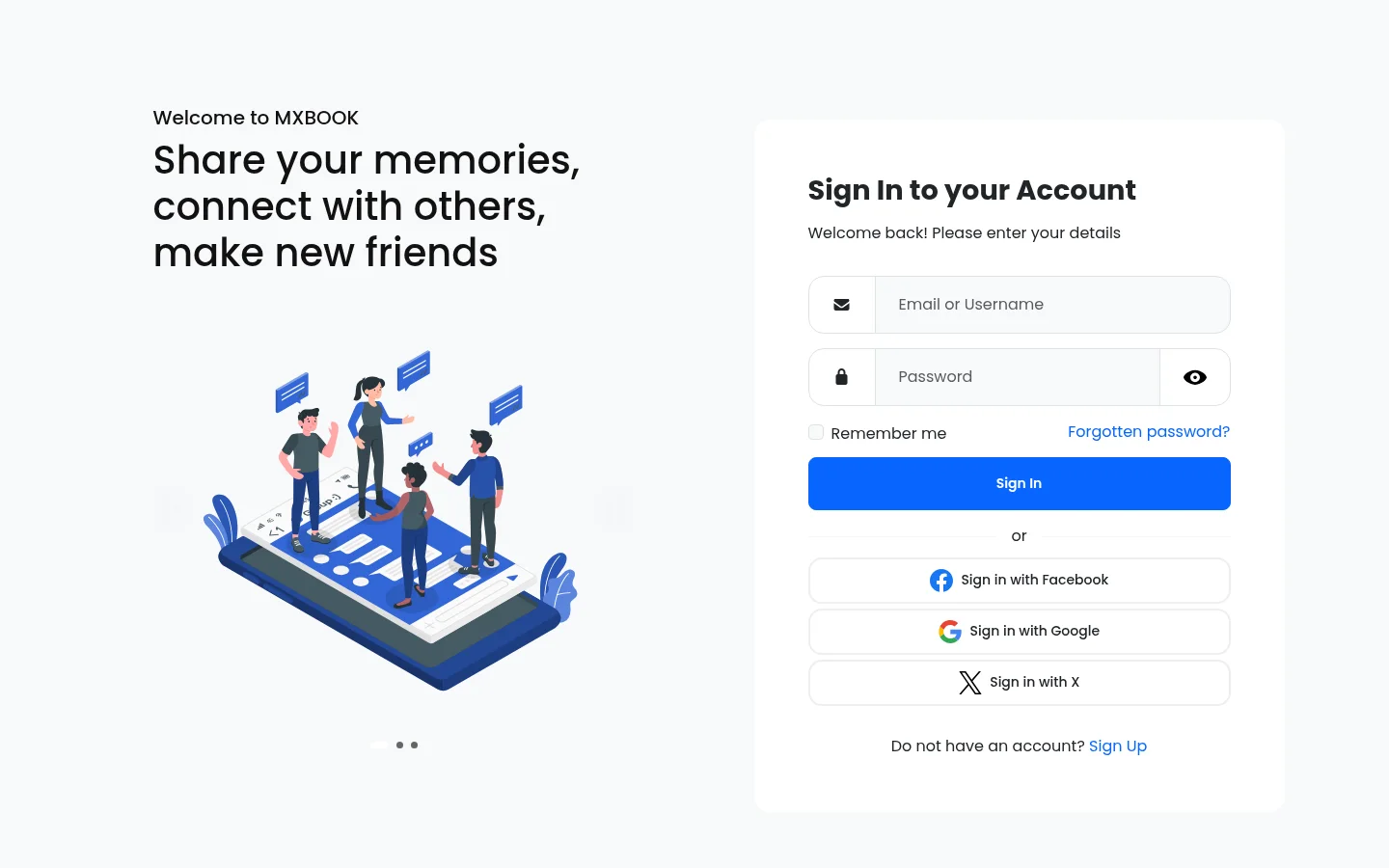
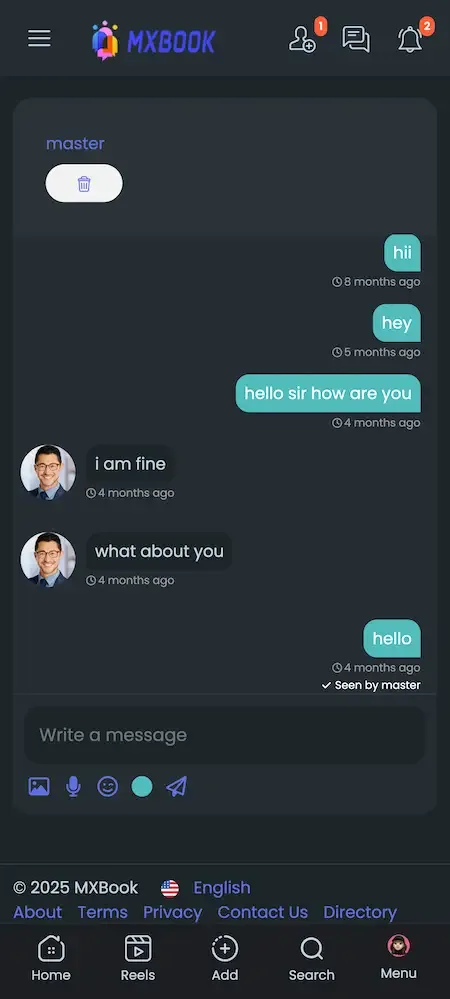
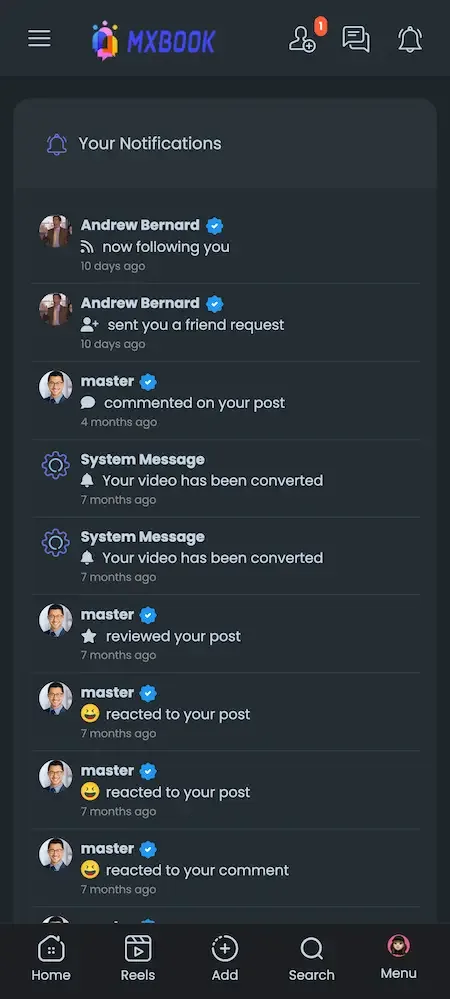
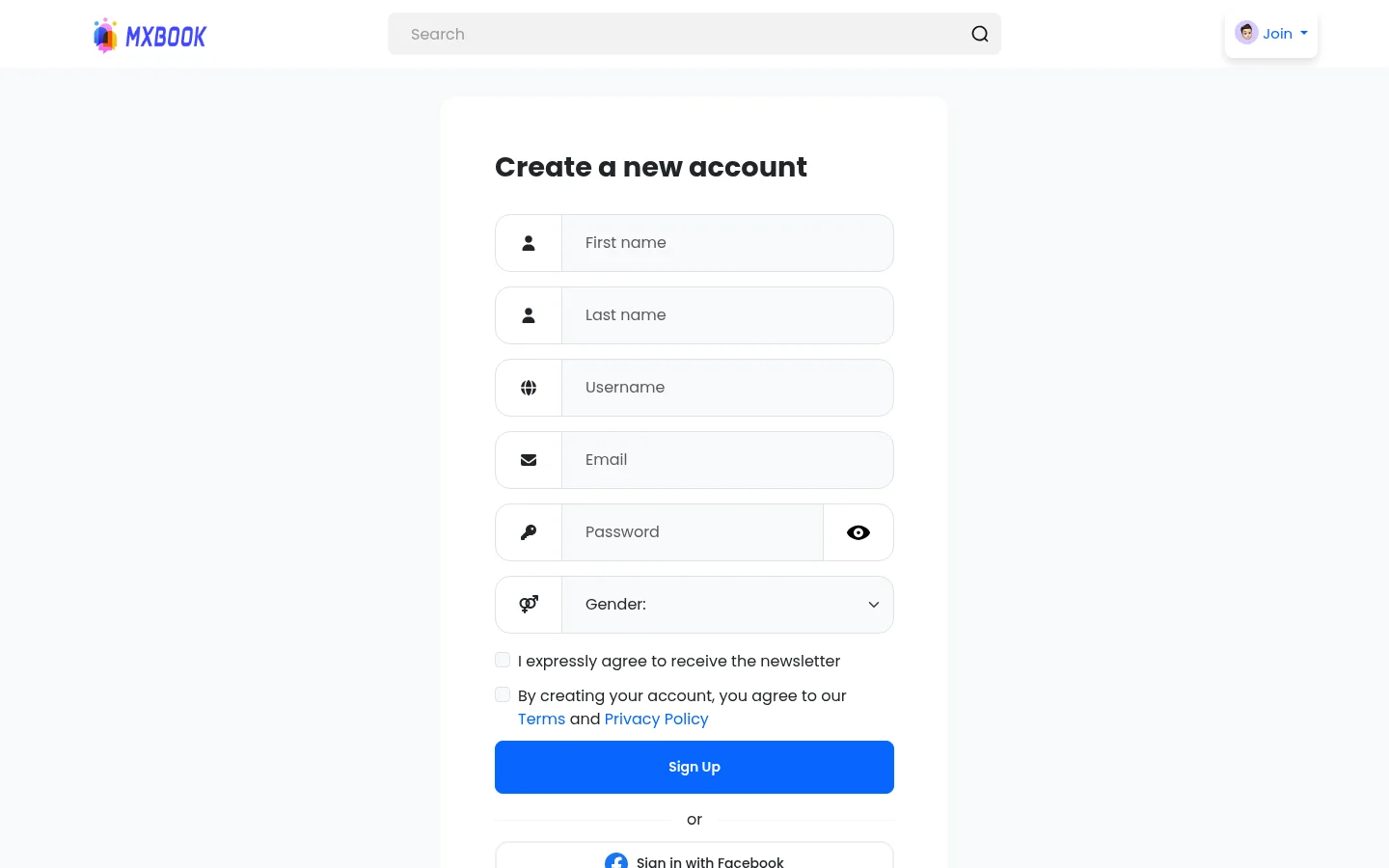
Real screens from the working product. Your platform ships rebranded with your name, logo and colors.
Web app 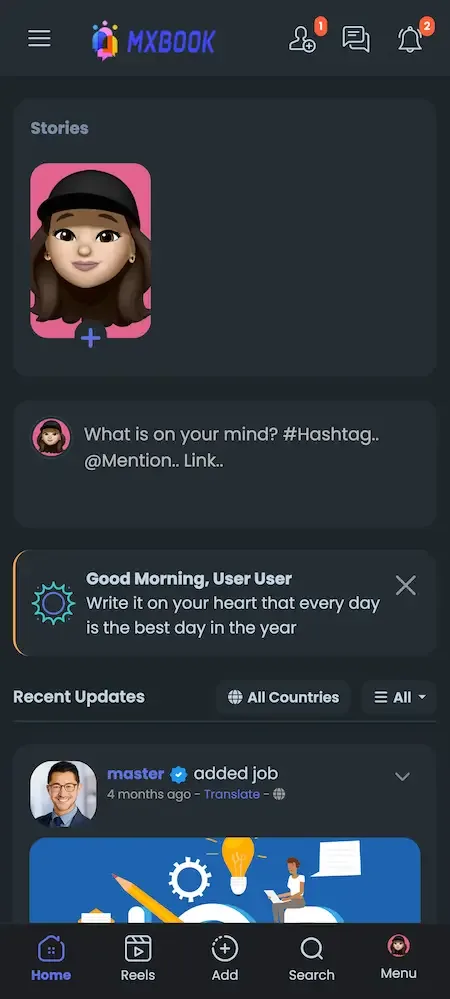
User app 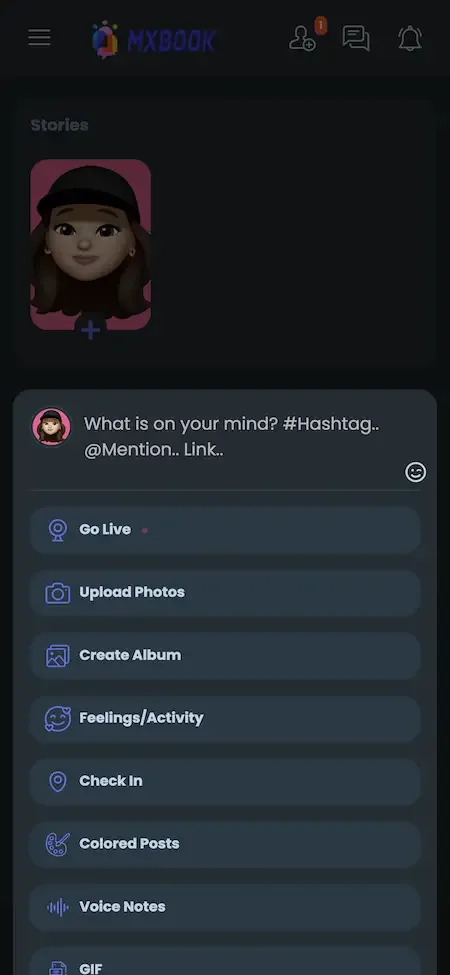
User app 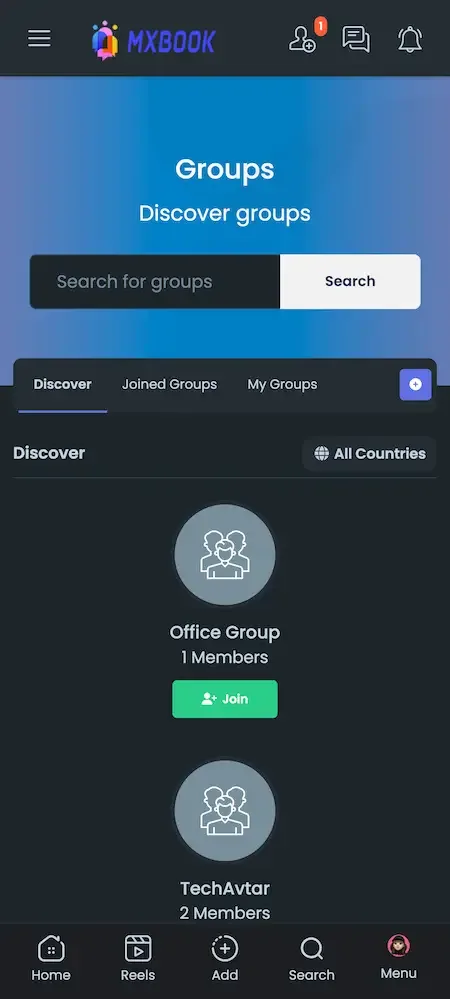
User app 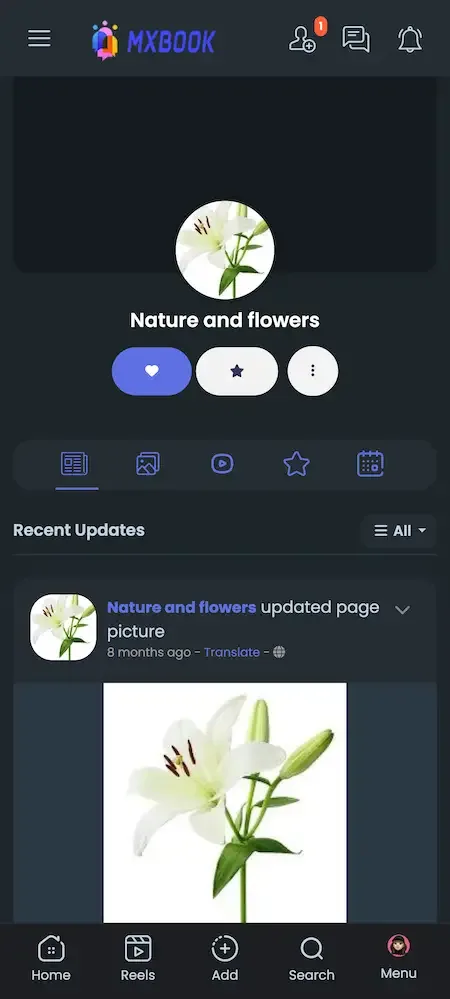
User app
How the Facebook model works
Facebook is widely known as a profile-based social network built around friends and family, with groups, pages, events and a marketplace, and a news feed that mixes updates from all of them. Its income is generally understood to come mainly from advertising shown to its very large audience. The pattern is that most members pay nothing directly, while the platform earns from advertisers who want access to the audience those members form.
A clone follows the same structural idea under your own brand and on your own terms. You decide who may publish, how creators are paid, what the platform charges and which markets you serve. We make no claims about how Facebook runs its own business, only about the mechanics common to social networks. Doing so also makes you the party responsible for rules, privacy settings and payouts, which the ready-made platform supports but does not perform on your behalf.
How the right lever changes as the network grows
What you emphasize should follow how big and how active your network is. Early on the task is to gather people who care, and later it is to turn their attention into reliable income. The table suggests a lever for each stage and why.
| Stage | Lever to use | Why |
|---|---|---|
| Launch | Subscriptions and paid posts for a few creators | A small audience can pay directly for access to people it values |
| Early growth | Live tips and events | Live moments and gatherings bring members together and encourage spending |
| Active network | Marketplace, jobs and offers | Daily reasons to visit keep members returning and create sales fees |
| Large audience | Advertising with managed placements | Ads pay by attention and become worthwhile once reach is steady |
| Mature | Affiliates, points and extra modules | Growth tools and new modules diversify income beyond the first levers |
Ways operators run a social network
The same software supports quite different businesses. Which one you choose determines who your first members are, what you promise creators and which parts of the platform you will use most in the early months.
Niche interest network
You build around one hobby, profession or region, with groups and pages doing the organizing. A focused audience is easier to reach and moderate, and subscriptions, events and a small marketplace carry the income. A running club, a trade association or a regional diaspora network can use groups for different topics and events for meetups, and keep the whole network manageable with a small team.
Creator membership home
You recruit creators and give them a branded place to sell paid posts, subscriptions, live access and paid chat. The operator earns fees on every payment, and the work is to attract creators who already have a following. Clear fee terms, quick payouts and analytics are the main promise, since creators compare you with every other place they could publish and will move if the arrangement is vague.
Local community platform
You combine events, groups, jobs and a marketplace so neighbors can meet, trade and hire one another. Income comes from listing and transaction fees, and location features help members find what is close to them. A town or neighborhood network can start with events and a marketplace, adding jobs as local businesses join, and fees on listings and sales follow naturally.
Brand or fan network
A brand, team or institution gives its audience a home with pages, events, offers and a store. Money may be secondary to loyalty, and the approval and analytics tools matter more than ads or tips. A university, a club or a company, for instance, might use the network as an official channel and never charge for anything, treating loyalty and reach as the return.
Mistakes that sink new social networks
Most failures in this category come from business and community decisions, not software. These are the errors operators make most often, and each can be avoided with planning before launch instead of repairs afterwards.
Launching to an empty feed
A member who opens a network and finds nobody to follow will not return. Seed the platform with real people, pages and groups before opening it, and use onboarding to connect each newcomer with a handful of them.
Starting with ads
Advertising needs reach and advertisers that a new network does not have. Build direct payments between members and creators first, and bring in ads once the audience is large enough to be worth selling. Advertisers also ask about audience quality and brand safety, which you can only answer with data from months of operation, so wait for numbers before approaching sponsors.
Setting prices without creators
Maximum prices, fees and plans set without asking the people who will use them often miss. Talk to a few creators first, and adjust through the admin settings as you learn what they and their audiences accept.
Switching on every module
A network with a marketplace, jobs, courses, movies and funding all live on day one feels cluttered and thinly populated. Begin with the core and add modules only when members ask for them. Each switched-on module needs content and moderation, so a smaller set that feels busy beats a long menu of empty pages.
Underestimating the moderation load
Content arrives constantly, and a single serious incident can drive away members and payment partners. Plan reviewers, a reports routine and approval rules before launch, not after the first complaint. Write down what a reviewer does with a first, second and repeated violation, so decisions are consistent no matter who is on shift.
Ignoring tax and payout rules
Wallets, subscriptions and VAT create duties that differ by country. Take advice before collecting money, and agree a payout schedule with creators so nobody is surprised by timing or deductions. Ask your adviser about reporting duties and withholding before you open payouts, and publish your creator terms before the first payment.
Which lever to switch on first
Start with subscriptions and paid posts for a small group of creators you have recruited yourself. They pay directly, they work with a modest audience and they show quickly whether members will pay for access. Keep maximum prices modest at first, make the fee transparent and give creators clear analytics so they trust the arrangement. Recruit those first creators personally, and ask for feedback after the first payouts, because their experience will tell you whether the fee and the caps feel fair.
Add live tips and events once you can schedule regular broadcasts, then open the marketplace and jobs when members visit often. Bring in advertising later, when your audience can interest sponsors. Introducing one lever at a time lets you see what each does, and avoids overwhelming creators with new rules. Announce each change to creators in advance and explain what it means for their earnings, so new levers feel like progress and not a surprise.
Try the live Facebook Clone demo
The demo is a running copy of the platform with demo branding. The web panel, the admin panel and an Android app are all linked below, and the sample member account works in the app. Sign in as a member to build a feed and open the monetization screens, then look at the admin side to see how approvals, fees and ads are controlled.
-
Member web panel
Open the Member web panel demo- Login
user@demo.com- Password
User_321
Worth trying
- Open the news feed and a group page
- Create an event and look at the RSVP list
- Open the wallet and the subscription options
- Browse the marketplace and the jobs module
-
Admin panel
Open the Admin panel demoWorth trying
- Look at user approval and the content queue
- Open the fees, VAT and maximum price settings
- Read the earnings dashboard and ad tools
-
Android app
Open the Android app demo- Login
user@demo.com- Password
User_321
Worth trying
- Install the app and sign in
- Scroll the feed and open the reels area
- Send a message and check chat privacy
Facebook Clone business model FAQs
Which revenue tool should I use first?
Subscriptions and paid posts are usually the best start, since they work with a small audience and pay creators directly. Advertising needs scale, so it normally comes later, once your reach is steady and you have numbers to show sponsors.
Can I change fees and maximum prices later?
Yes. Fees, VAT rules and maximum prices are settings in the admin panel, and you can change them as your economics evolve. Tell creators before a change takes effect, since a surprise deduction is a quick way to lose them.
Do I need creators from the start?
Not strictly, but they help. A network of friends and groups can run without paid features, and you can switch the monetization tools off. Creators are the quickest way to attract new members and to start earning fees.
How are creators paid out?
Earnings accumulate in the wallet, and payouts follow the arrangements you set with your gateways. PayPal supports recurring payments and payouts, and other gateways have their own rules. Agree your payout schedule and thresholds with creators before launch.
Can I run the network without any payments?
Yes. You can leave the monetization modules off and run a free network, for example for a community or a brand. Approval, privacy and moderation tools work the same way, and you can add payments later if you decide to.
Is the affiliate system worth using?
It can be a cheap growth tool, since you reward members only when they bring in new users. It works with bank transfers and with Pro packages, and the administrator can switch it off if it does not suit your model.
How do I stop abuse of paid features?
Approval queues, user management and verification requirements give you control over who can publish and monetize. You can also require verification before creators earn. Tools help, but staff still need to watch for patterns of fraud or abuse.
Explore the Facebook Clone
The overview and its companion pages answer the main questions in turn. Pick the one you need next.
-
Facebook Clone
The overview: live demo, screens, price and everything in the box.
Back to the overview -
Features
A social network is a web of people, communities and content, and each of those can also be a source of income if the platform is built for it.
See the full breakdown -
Development cost
A social network has two cost stories: the price of the software and the cost of running a busy community.
See exact pricing -
Development company
A social network is dozens of modules, a payment system and a moderation burden bound together, so the team you choose matters more than the demo you see.
Compare options
→Start here
Tell us what you want to launch.
Share the platform and your market. You get a walkthrough of the live demo, the exact scope of what ships, and a fixed price in writing. First response in under 2 hours, Monday to Saturday, 10:00 to 19:00 IST.
Trademark and independence notice
This page uses the name Facebook to describe a type of platform. The product sold here is separate software, built independently, and Facebook has no part in it.
Why this name
"Facebook clone" is industry shorthand that founders use when searching for software with a comparable business model. It names a category of product, not a copy of Facebook.
Who built this
The platform is an original product designed and written by Miracuves. It contains no code, design, graphics or content originating from the Facebook website or applications, and it ships under your own brand.
Trademarks
Facebook and its logos are trademarks of their respective owner and are named here for reference only. GetFame is not affiliated with, sponsored by or endorsed by Facebook. Rights holders can write to legal@miracuves.com.
Operator responsibility. The operator of a launched platform is responsible for legal compliance in the markets it serves. Nothing on this page is legal advice.Read the full disclaimer